A:Answer Hi there,
Thanks for your question, we see you're wondering if certain games and apps can be used on the Quest 3S and we'll be happy to answer this for you!
Can you play:
Roblox- Yes, Roblox is available on the Meta Quest Store.
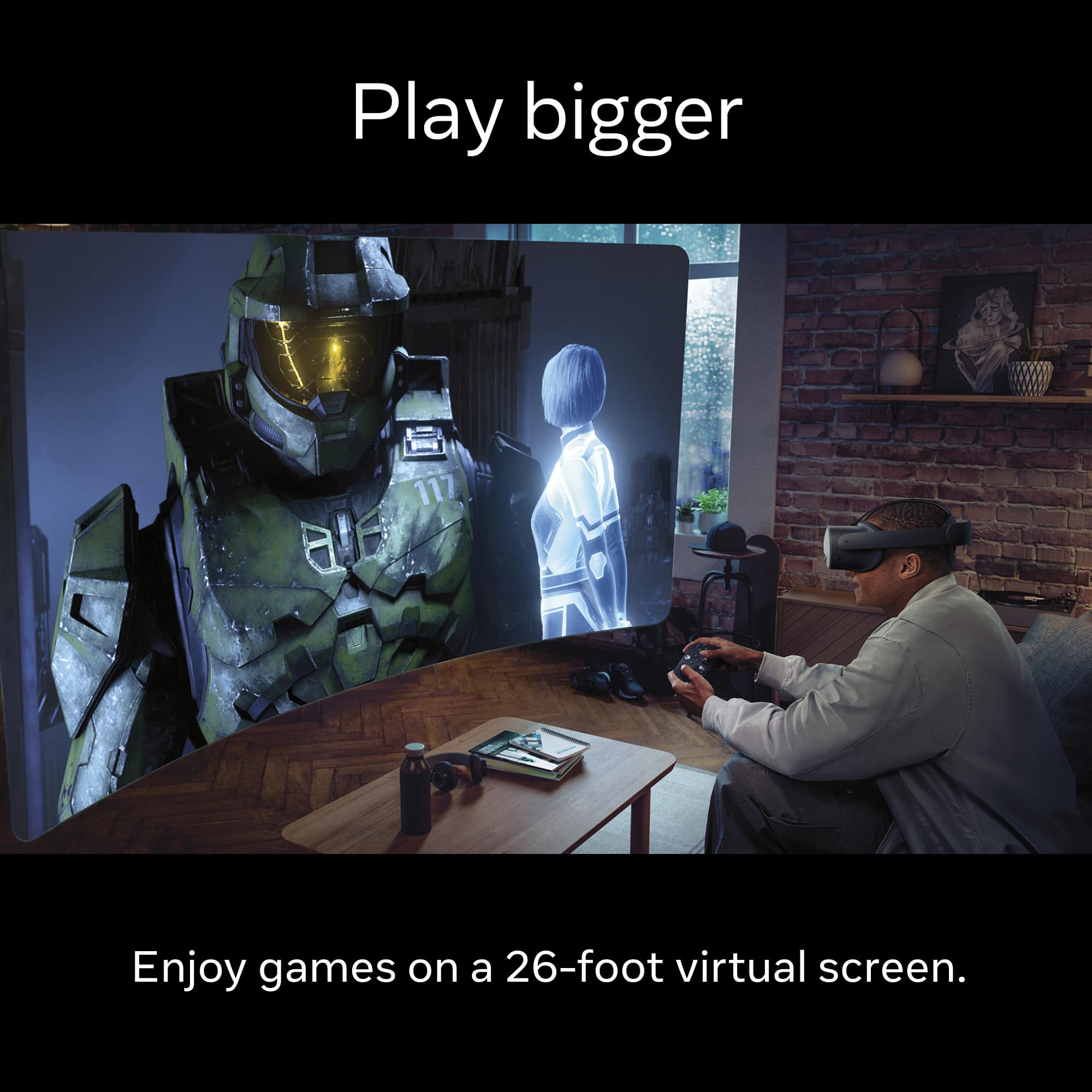
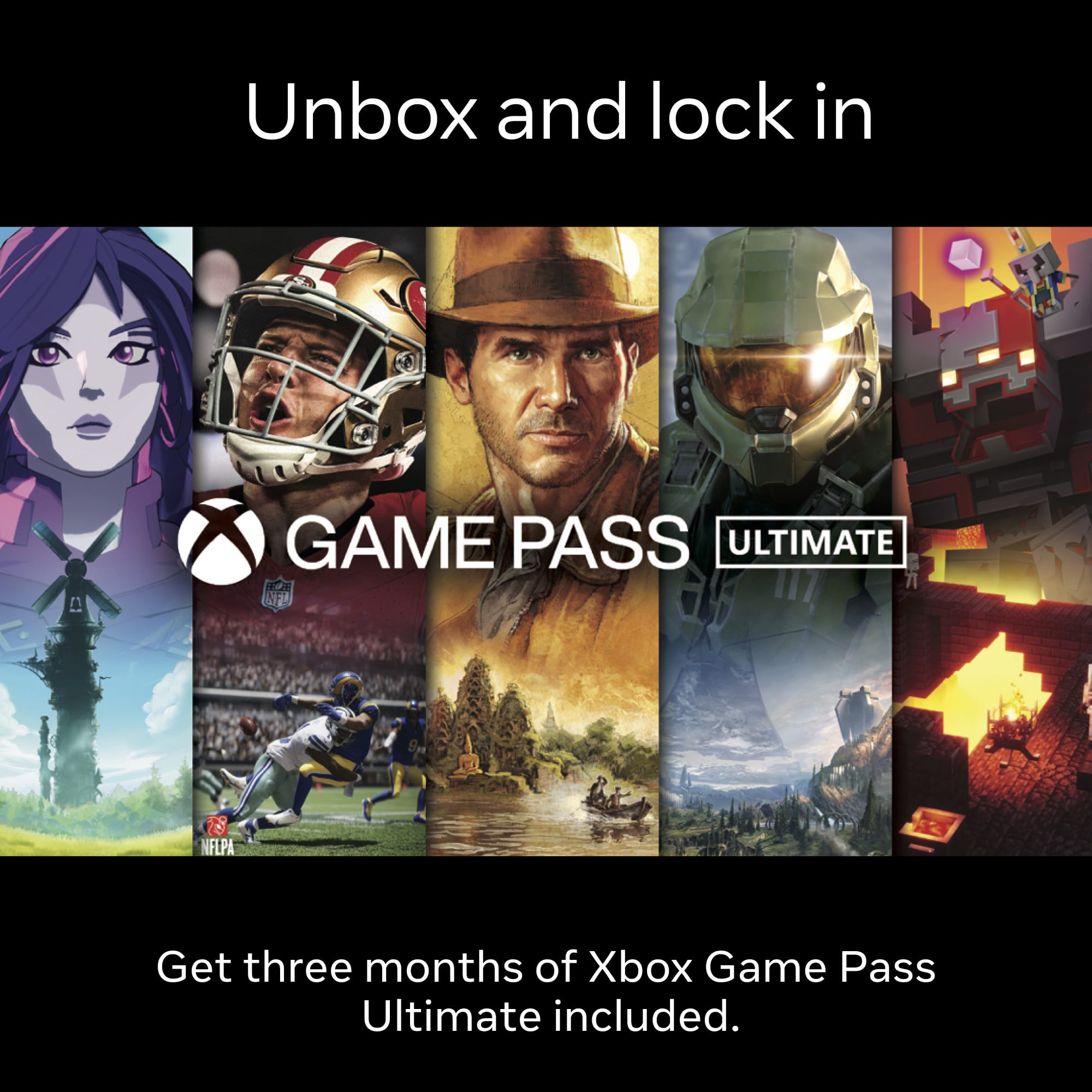
Fortnite- Fortnite isn't available to download directly from the Meta Quest Store, however it can be played on the Xbox Cloud Gaming app on the Quest Store and you'll need a Microsoft account to access this.
Minecraft- Minecraft is not officially available for the Quest 3S.
Can I use media:
Netflix- Yes, Netflix is available on Meta Quest, but not through a dedicated app. You can access Netflix on your Meta Quest headset by using the built-in Meta Quest Browser and navigating to the Netflix website.
Hulu- This can also be accessed through Meta Quest but like Netflix, there's no dedicated app and will need to be accessed through the browser.
Google- While the Meta Quest would use its own browser, you can still access google services like Gmail and Google maps.
We hope this answers your question fully but if you have any follow ups you'd like to throw our way, then you're welcome to reach out to us at Meta Store Support.
Thanks again!