A:AnswerYes, I think so. It may be a little large for toting around campus. It is great for studying, producing work. It comes with free trials of Dropbox and Office 365. Personlly, I don't like the layout of the screen, but it is what it is. All in all, a best buy.
A:AnswerYou can install it on all your devices. However, for each installation after the first, you don't use the product key, instead, you log into Office.com with the Microsoft account you redeemed Office 365 Home to, on the new device. Then click install Office.
A:AnswerNo, it is not returnable. I purchased it and then realized I already had a subscription I could have used on my new iPad but saw on the emailed receipt and in the app that it wasn’t returnable l.
A:AnswerI don't recommend the MS office free (unlicensed), when you open it, nothing is available. MS moves you to another program to make it work, some editing tools missing (or hiding like another commenter mentioned.) Also had a hard time finding docs I had saved. Many went into their MS Cloud, some didn't went to my Library. Need to watch the URL. Never asked me where to save. Leading (Line spacing hard to use, doesn't give you a page View.
Did you buy the Google Docs for word? Did it work well?
I too only need Word. What's wrong with MS why don't they break it up and sell it independently? To hard to fix problems, more support personnel?
Might try Google Docs since all my docs are on Google Cloud.
A:AnswerYes. When you pay early to the same Microsoft 365 plan that you already have, the additional time is added to your existing subscription. For example, if you have two months left on your current subscription to Microsoft 365 Family and you pay for a one year subscription (12 months), your subscription will run for 14 more months.
Best,
Tom
Microsoft Office Team
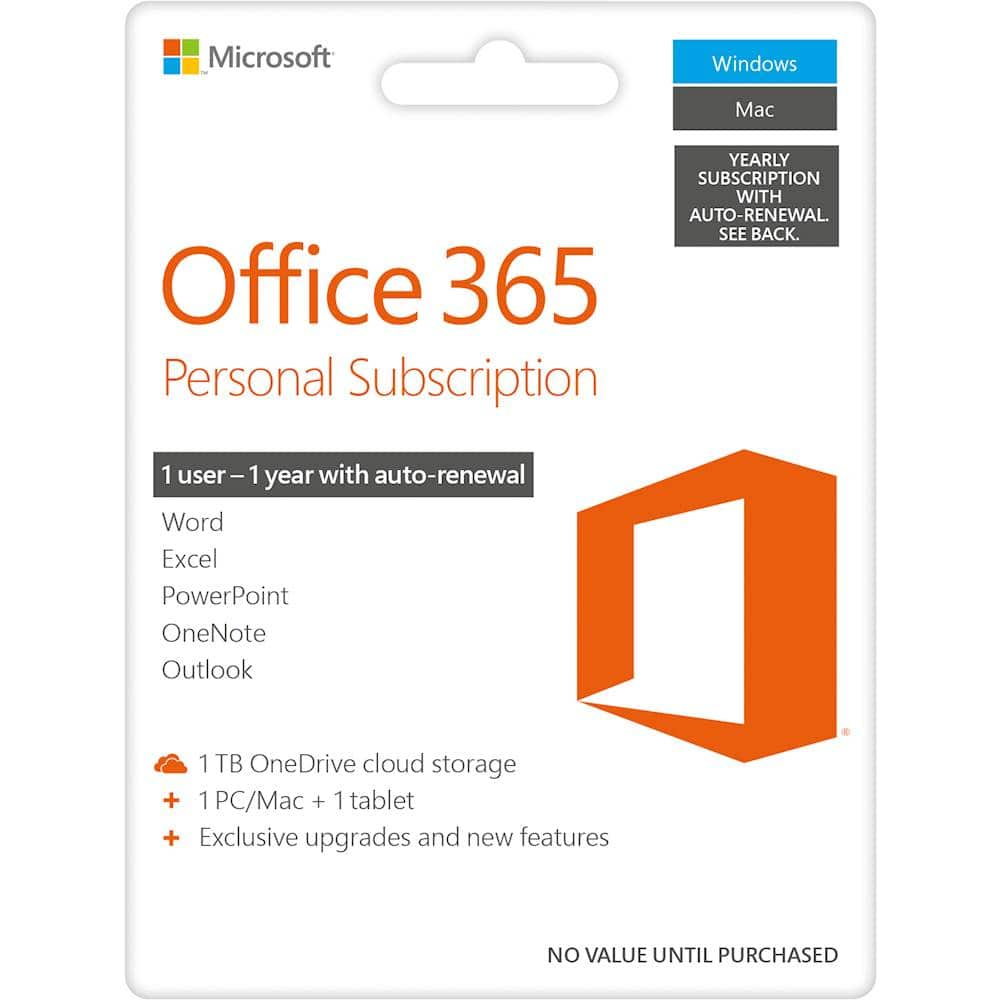
A:AnswerIt means that it will only be tied to one Microsoft Account. That one account will have 1TB of OneDrive cloud storage as well as the rest of the Office 365 perks like being able to be installed on multiple devices.
A:AnswerThe subscription should transfer as along as it is still active and have not expired. You may have to contact tech support to help you register the new laptop. Activation codes and serial numbers may be required.
A:AnswerOffice 365 Personal is meant for use by one person on up to five devices. So you can use your subscription on three computers, a tablet, and a phone if you so desire.
A:AnswerI recently purchased an HP laptop and also bought Office 365 which provides you with word, excel, etc. if you buy the Office 365 and have a problem downloading it, DO NOT call the number that comes up on your screen. They tried to scan me!
A:AnswerMake sure you have your correct product. There is a difference between HOME and PERSONAL. If you used Home and changed it into personal you might want to delete the old version first. Also make sure you still provide the correct email address. Any changes will make it hard to install any Microsoft updates or products. Do not call a third party (INDIA) help center, they insist to control your computer and if not agreed on their virus scanner offer, they will put a Trojan virus on your PC.
Email or contact the USA Microsoft departments during the opening times. You can always go to Best Buy and let (for a small fee) the Geek Squad install it for you. Better prevent than cure.
Not knowing any specifics, I am sorry I cant do more than only advice you and direct you into the right direction.
Best Buy Costumer
A:AnswerIN speaking with the bestbuy associate it’s my understanding that Microsoft is responsible for setting the price of the office 365 but that an increase in price has not been noted and will not unless the program under goes some additional changes
A:AnswerIt's cheaper to buy their annual at Best Buy then renewing it through Microsoft it saves you about $10-$15 so it's better just to go through Best Buy