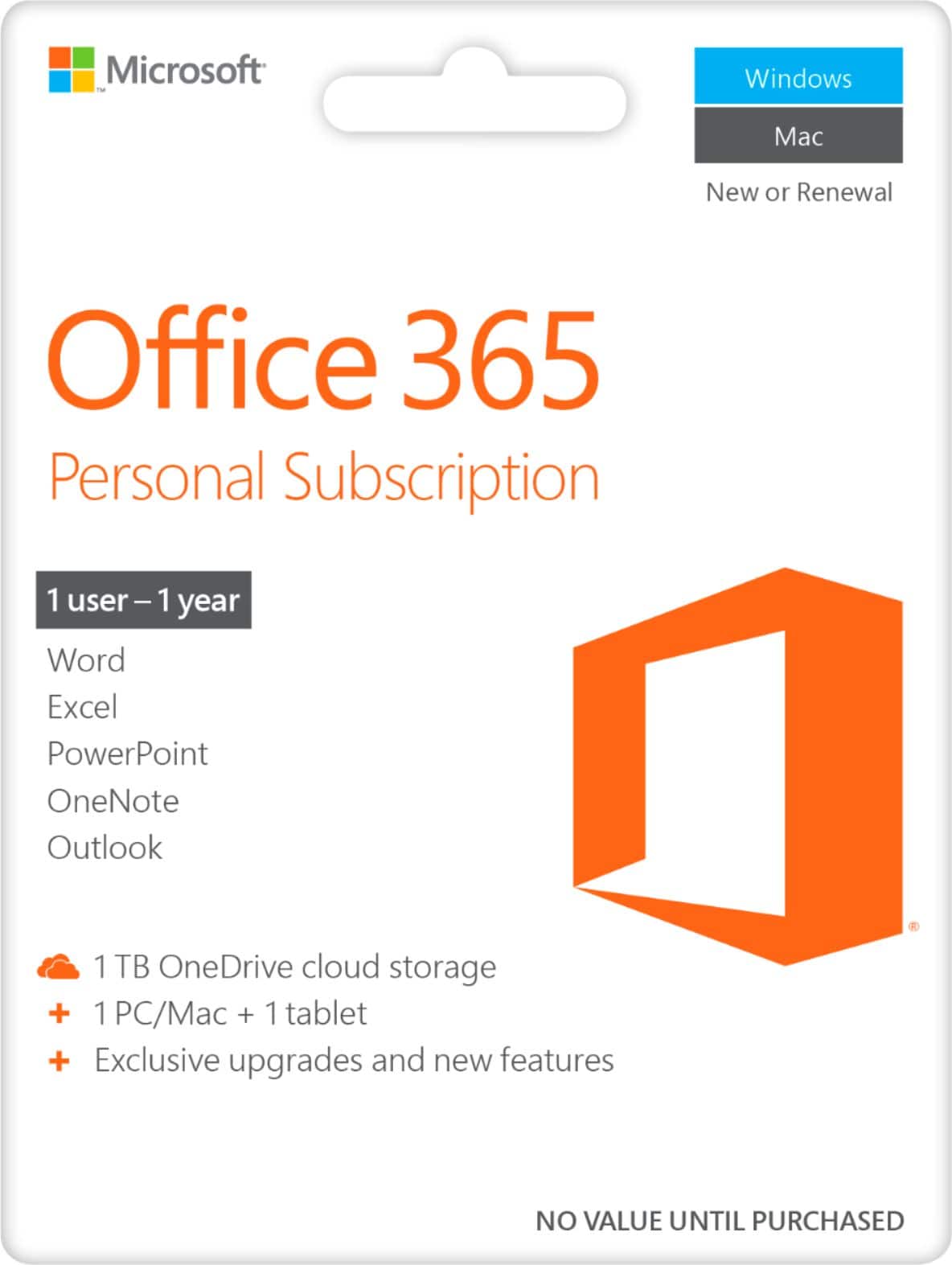
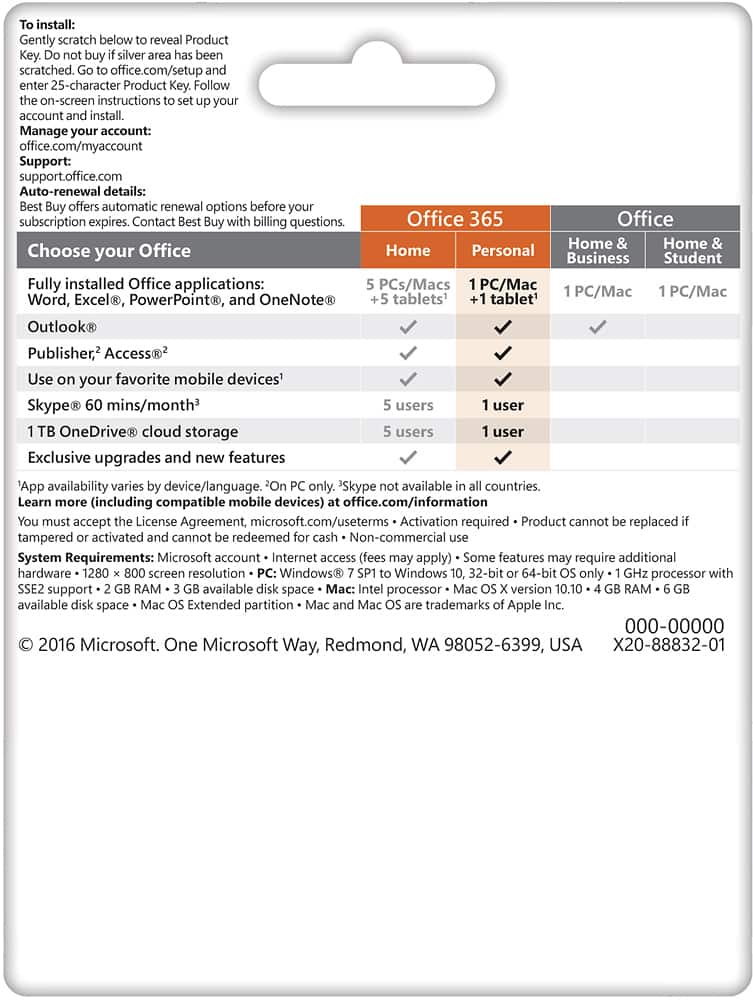
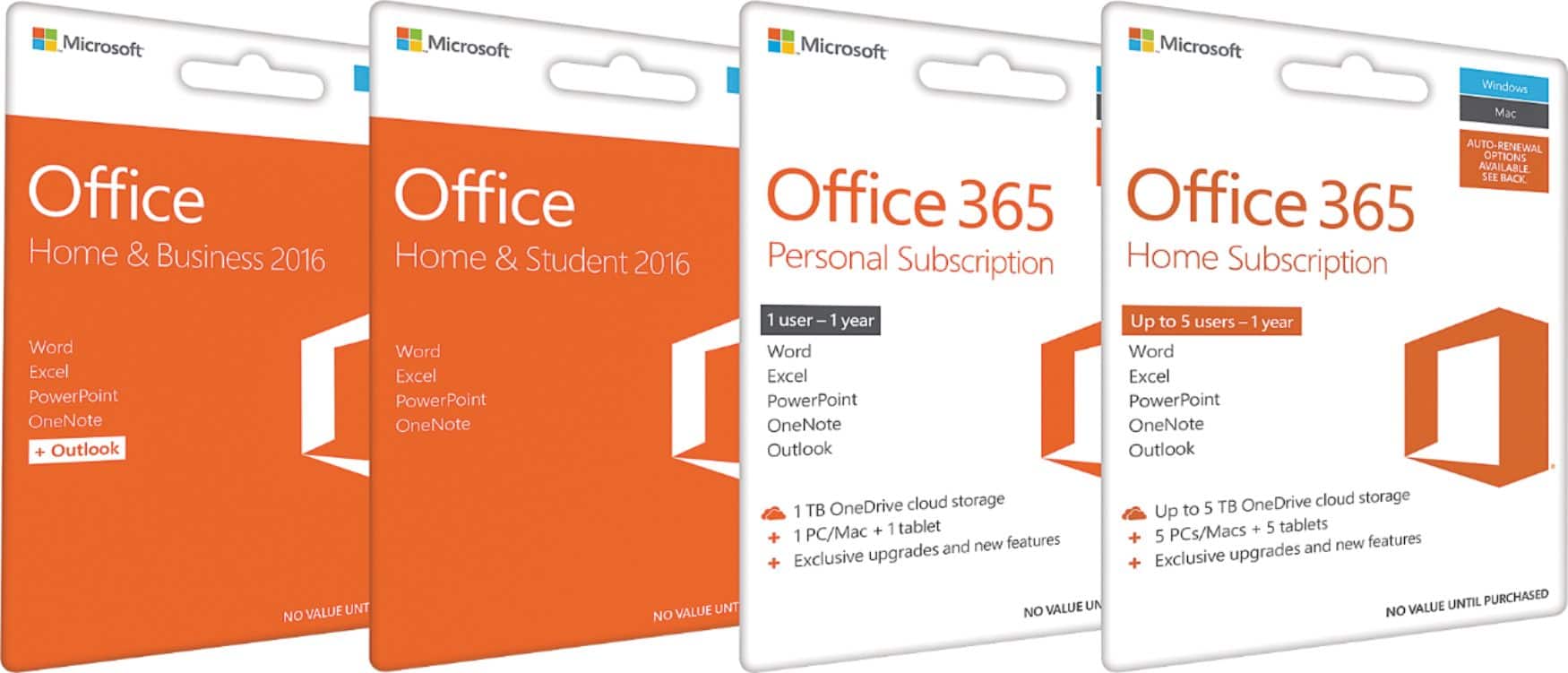
A:Answer I currently use a MacBook Pro - recently replaced my original one w/the same thing, in fact. Great computer. I, too, use MS Publisher a great deal, mostly for my work. It's part of Office 365 BUT apparently you must specifically ask to have that part of the package activated when you purchase the subscription & get it set up. (A note here: I'm actually now in the process of abandoning Office 365 & returning to my original software set-up, e.g., running MS Office Professional on my Mac by installing & using software called Parallels, which is available by installation or subscription. Office 365 is OK, but it doesn't allow you to use Microsoft's easy file system, & the one for Apple is extremely unwieldy for my particular liking, especially for work. I need to move files around quite a bit, as tasks are completed & clients progress from one phase to another, so Office 365 unfortunately does not work well for me. For someone w/a less "micro-managing" style of file organization & use, it should work OK.)