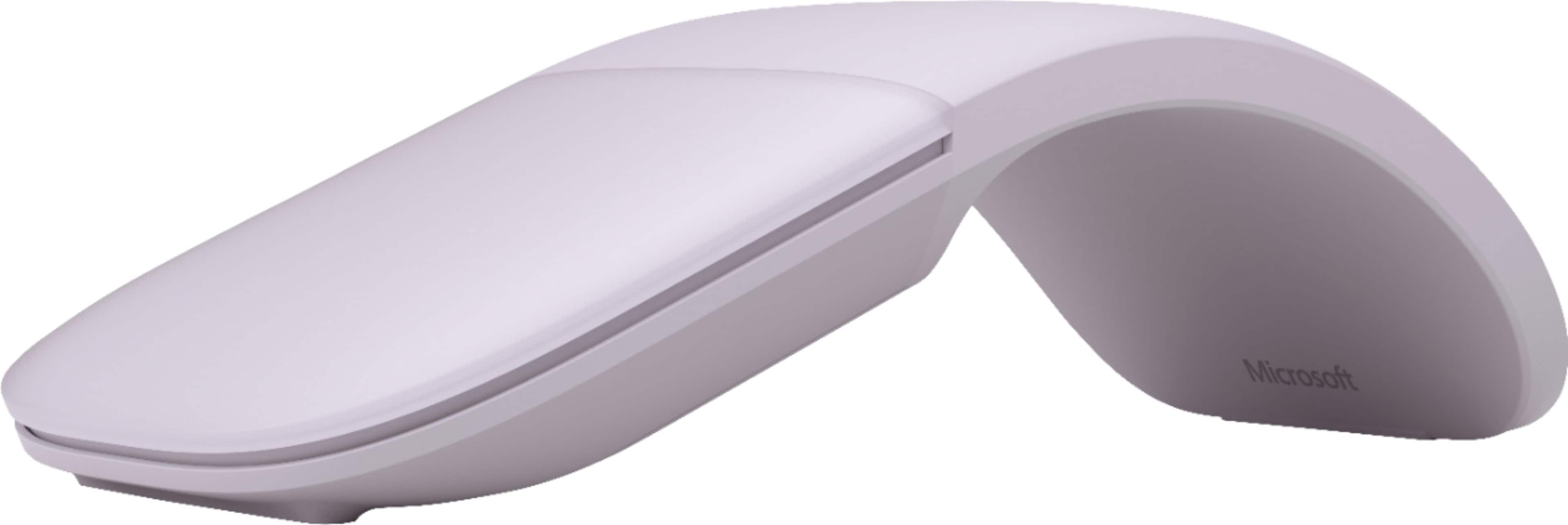
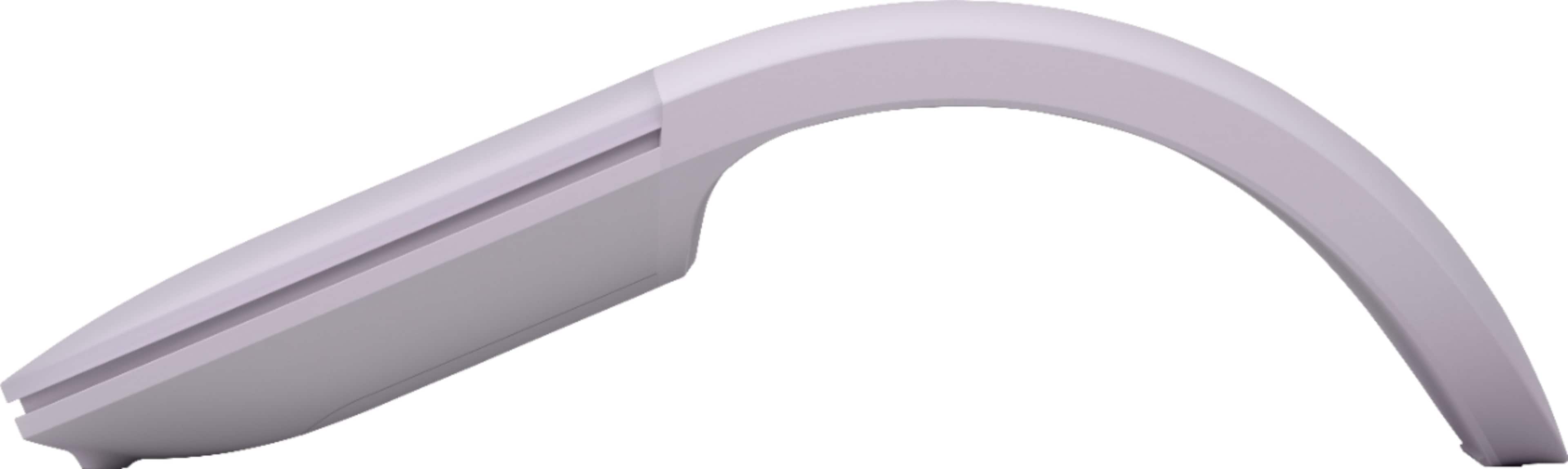
A:AnswerI have an ASUS chromebook with bluetooth and I'm trying to pair my microsoft surface mobile mouse with it. In the bluetooth setting I see 'serching for devices" but the mouse does not show up there. I have no issues using this mouse with my windows 10 laptop, so I think the mouse is not compatible
A:AnswerIf you mean does it have a laser pointer feature, no. It's an optical mouse, which means it has a low-power laser source instead of the older track wheel type.
A:AnswerIt uses Microsoft’s BlueTrack tracking technology, utilizing optical and laser sensors. So yes, it works on all surfaces that I’ve tried, including a fuzzy blanket and my leg.
A:AnswerIts pairs with any device that supports Bluetooth 4.0. I’ve used it for my MacBook, HP computer, iPhone 16, Galaxy Z Flip 5. Look up the model of your iPad to see if it supports Bluetooth 4.0. I believe it’s anything after the 3rd generation for iPad, after the 5th generation for iPad mini, after the 3rd generation for iPad Air, and after the 2nd generation for iPad Pro, inclusive.