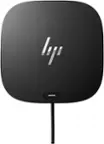
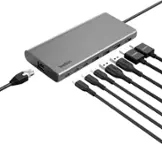
A:AnswerThanks for your question! For Surface Pro 4, you'll want the original Surface Dock. For more information, go here: https://www.bestbuy.com/site/microsoft-surface-dock-black/4561910.p?skuId=4561910
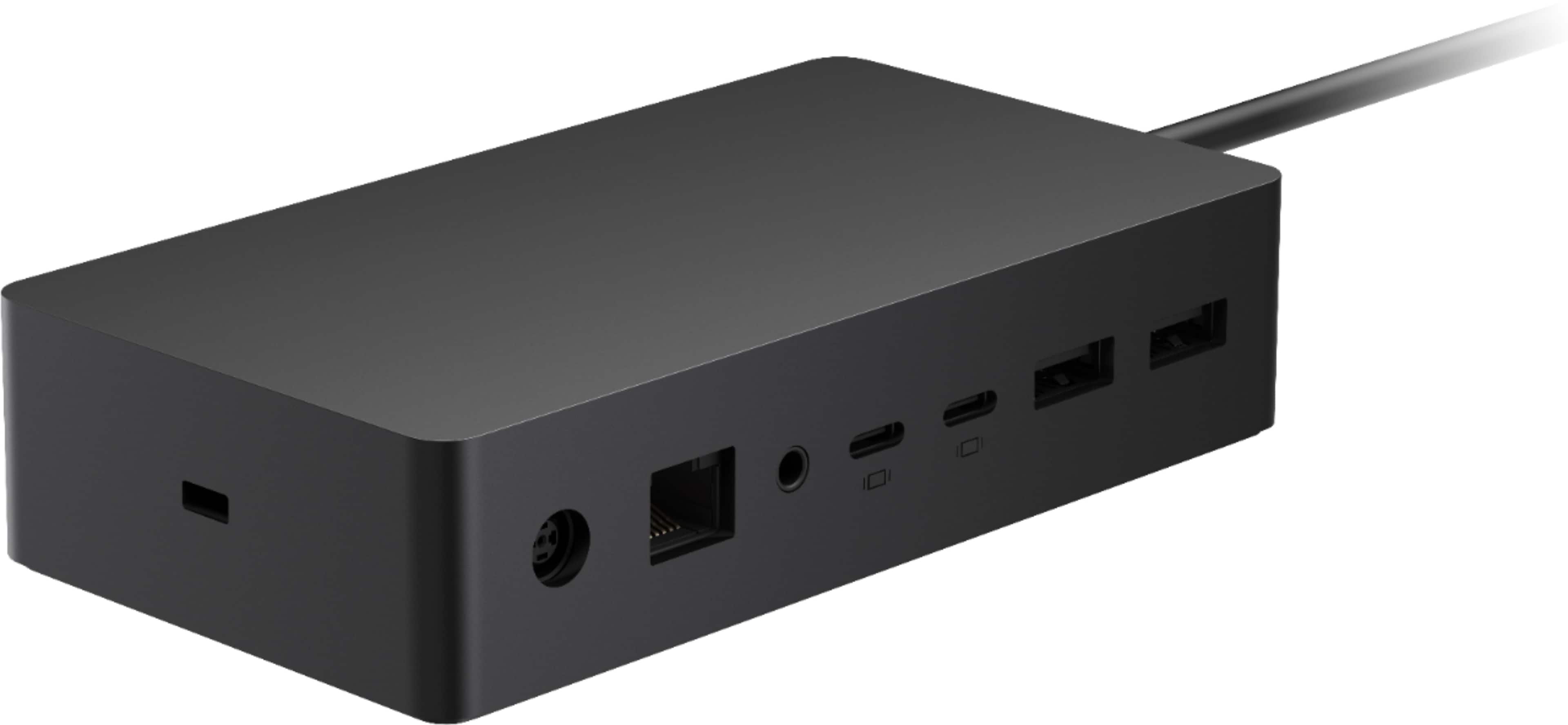
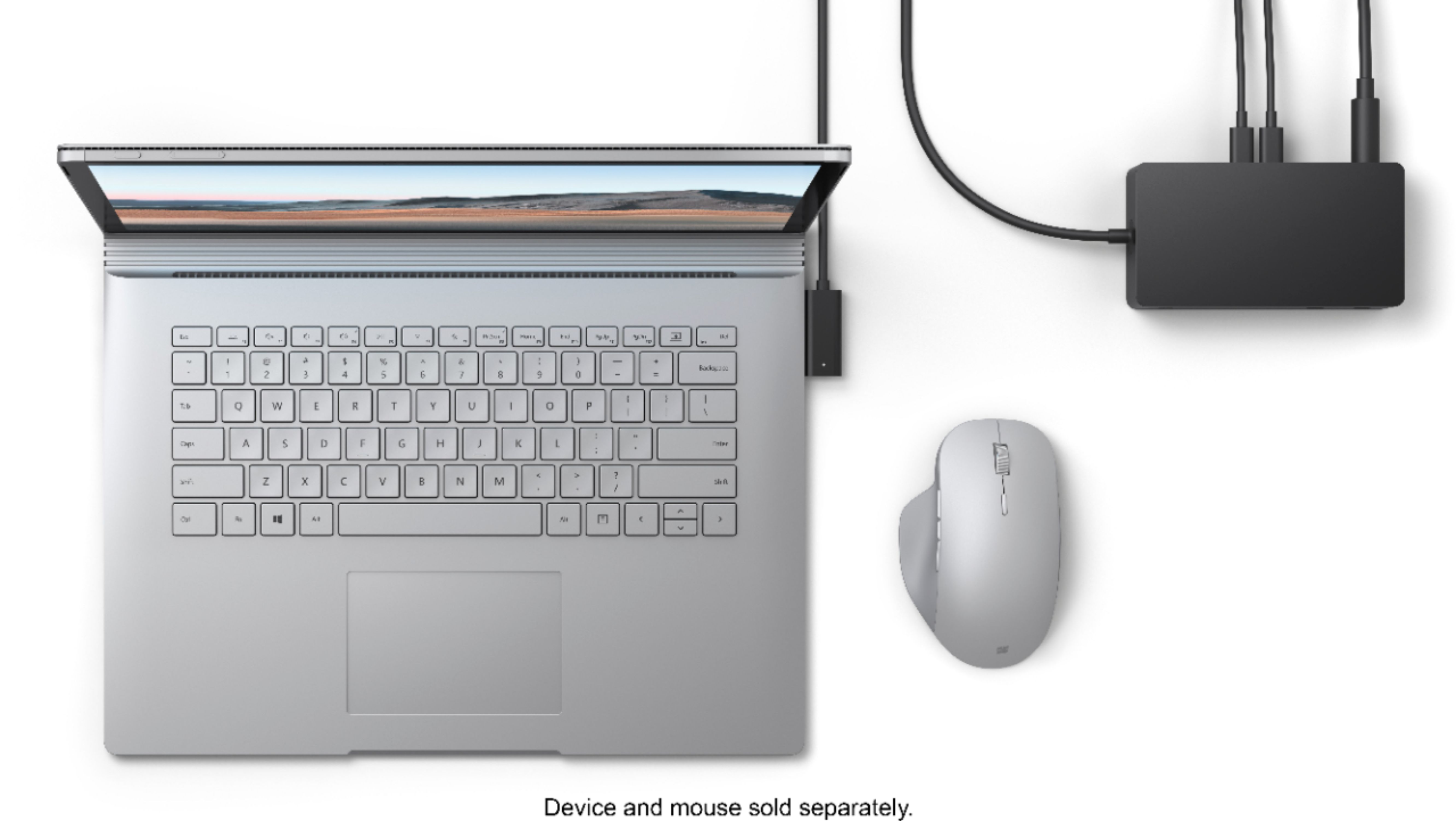
A:AnswerSurface Dock 2 is compatible with these Surface devices: Surface Book 3 13.5” and 15” , Surface Pro 7, Surface Pro X, Surface Laptop 3 13.5” and 15”, Surface Go 2, Surface Pro 6, Surface Pro (5th Gen), Surface Laptop 2, Surface Laptop (1st Gen), Surface Go, Surface Book 2.

A:AnswerYou can get USB-C to HDMI, USB-C to Displayport cables that work great.
NO, No Surface product has TB3, nor will they anytime in the NEAR future.
A:AnswerYes. In addition to working very well with my 15" Surface Book 2 and Dell UltraSharp 32 4K USB-C Monitor - U3219QIt, it charges my iPad 11" Pro via USB-C port (using the iPad cord) and connects just fine to iCloud and iTunes for backup.
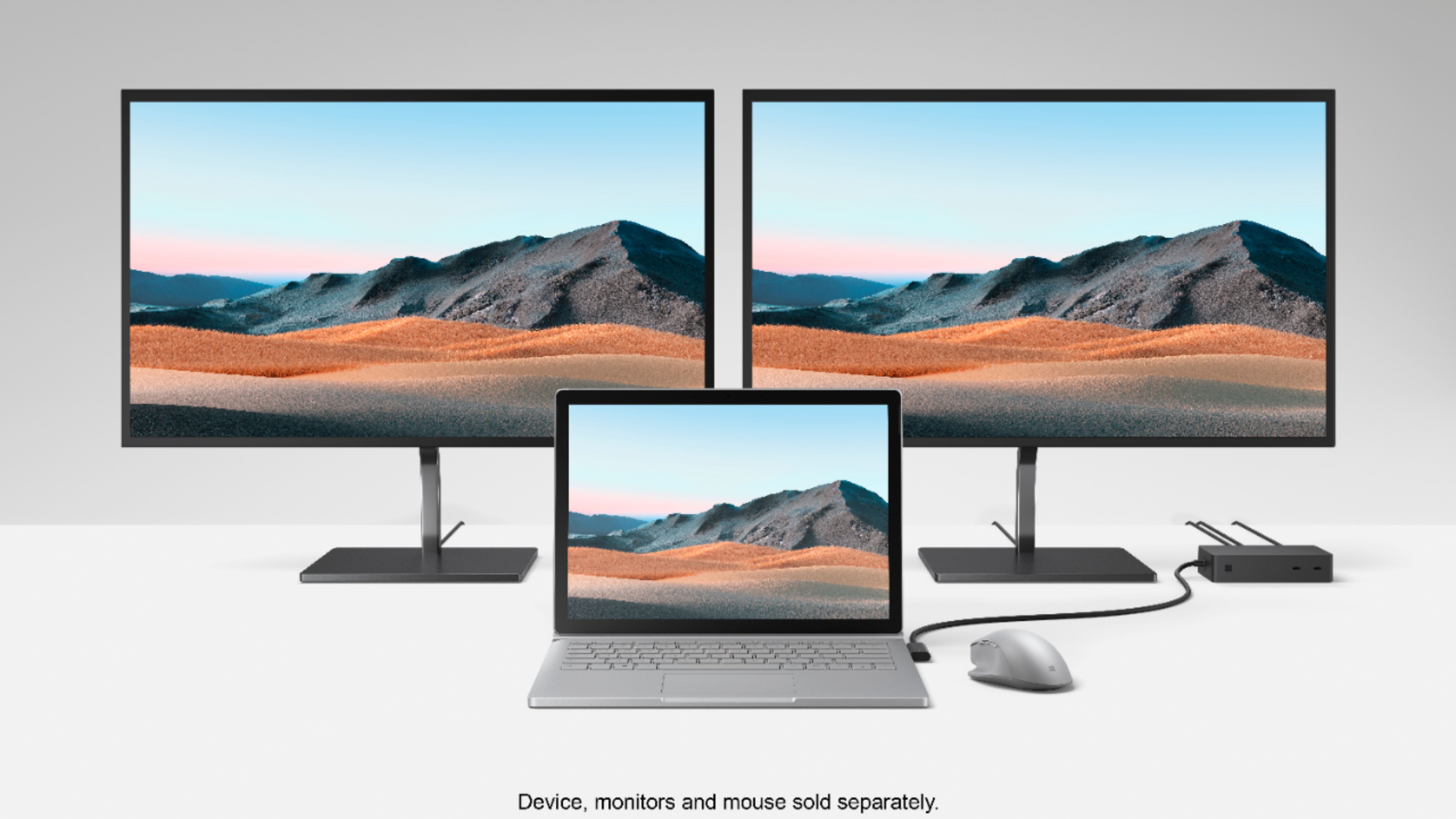
A:AnswerGreat question. Yes, it’s possible to add a third display by using the rear USB-C port. Please note that to get the third display the internal screen on the host Surface device will shut off.
A:AnswerYou could do the single monitor that way, but this is for people who want multiple monitors, as well as the ethernet, USB ports, etc... A docking station like this lets the portable computer basically emulate a desktop with all the ports that aren't available natively on the Surface Pro itself. But you are right, if you only want a single monitor to extend to, you can get by with the one cable.