A:AnswerSketchable is great, and is free to try, and affordable pricing on unlocking its more advanced brushes and layers features. you can set it up to use one brush with touch and another with the pen so you can do some pretty nifty things. Personally I think its one of the better drawing apps available and it runs amazing on the device. One Note is also surprisingly a good sketchbook on its own but there's no layers in it so its only really good for rough idea sketching.
A:AnswerThe built in cameras are amazing for the devices price point. 5 Megapixel front facing and 8 Megapixel rear facing cameras, incredibly clear, was really surprised.
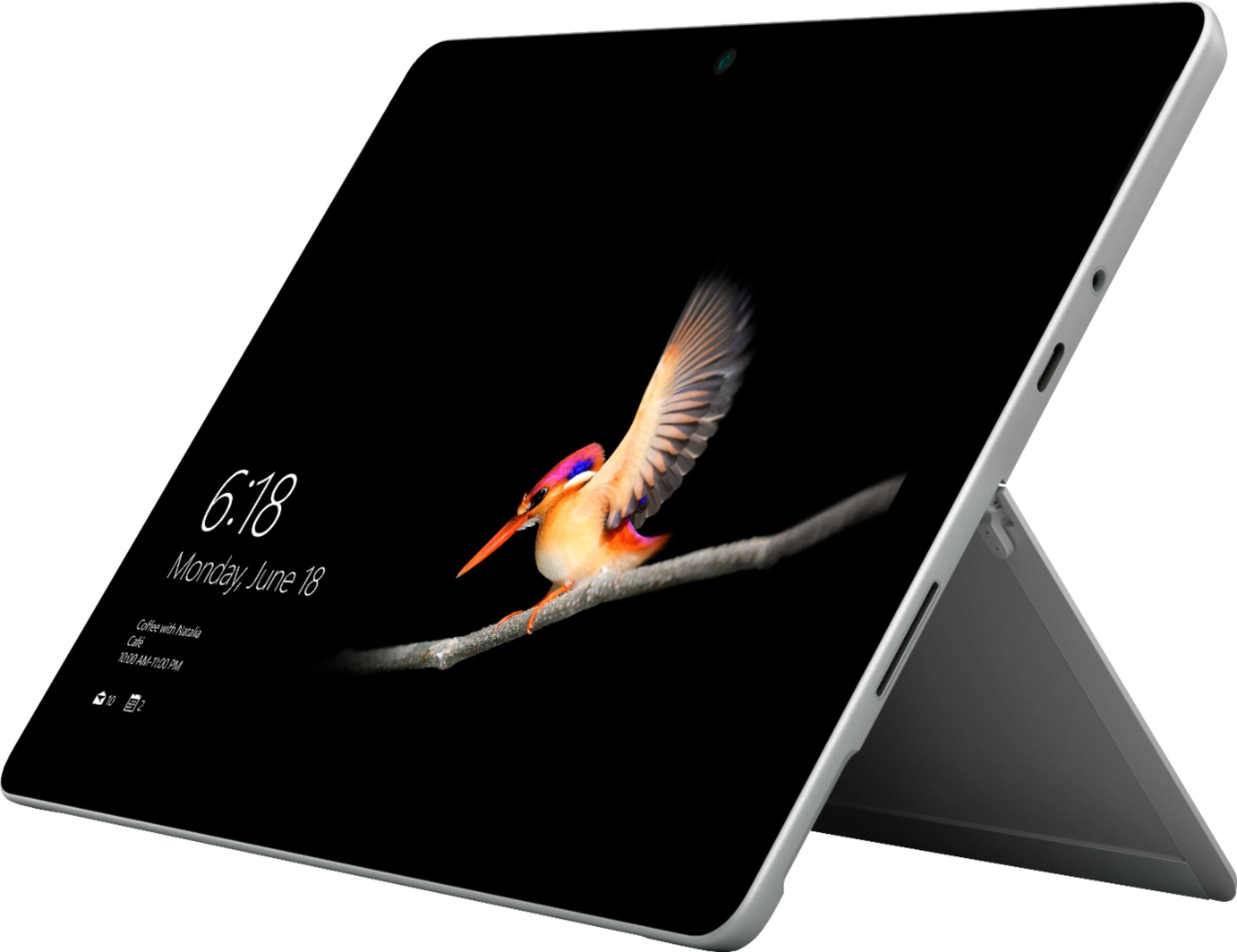
A:AnswerSurface Go has a 3.5 mm headphone jack as well as a USB-C port which could both be used to connect a microphone. We recommend checking the system requirements for Dragon dictation here: https://www.nuance.com/dragon/business-solutions/dragon-professional-individual.html with Surface Go here: https://www.microsoft.com/en-us/surface/devices/surface-go/tech-specs.
A:AnswerThe Surface go is compatible with the surface dock. And also works fine with USB type C adapters and 'hubs' for HDMI Full size USB and ethernet connections. Sot here are plenty of options for when using it at the desk.
A:AnswerWindows comes with a paint app, but I suggest getting AutoDesk Sketchbook (totally free) or Sketchable (limited free, $20 full featured) from the Windows app store.