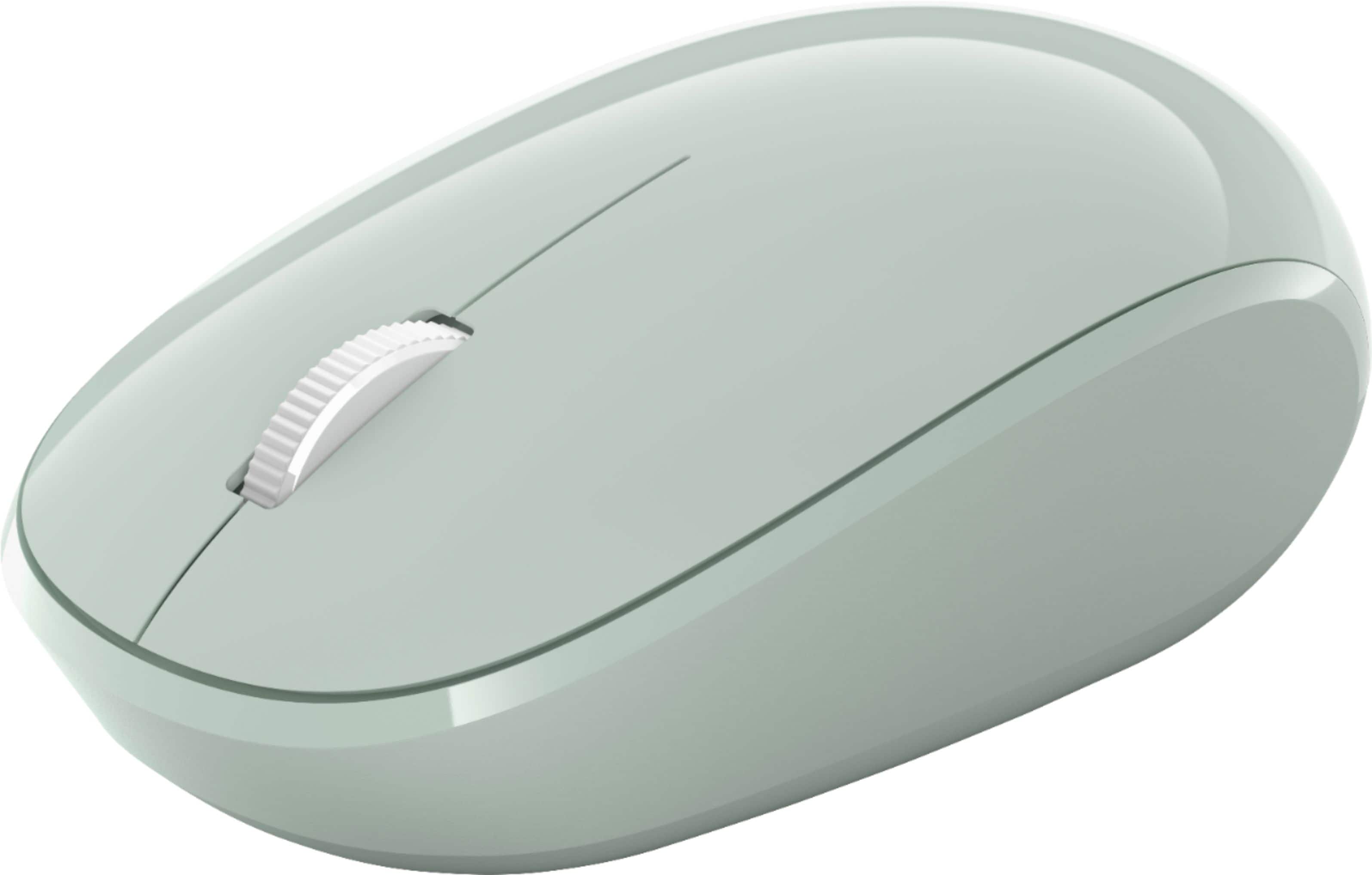
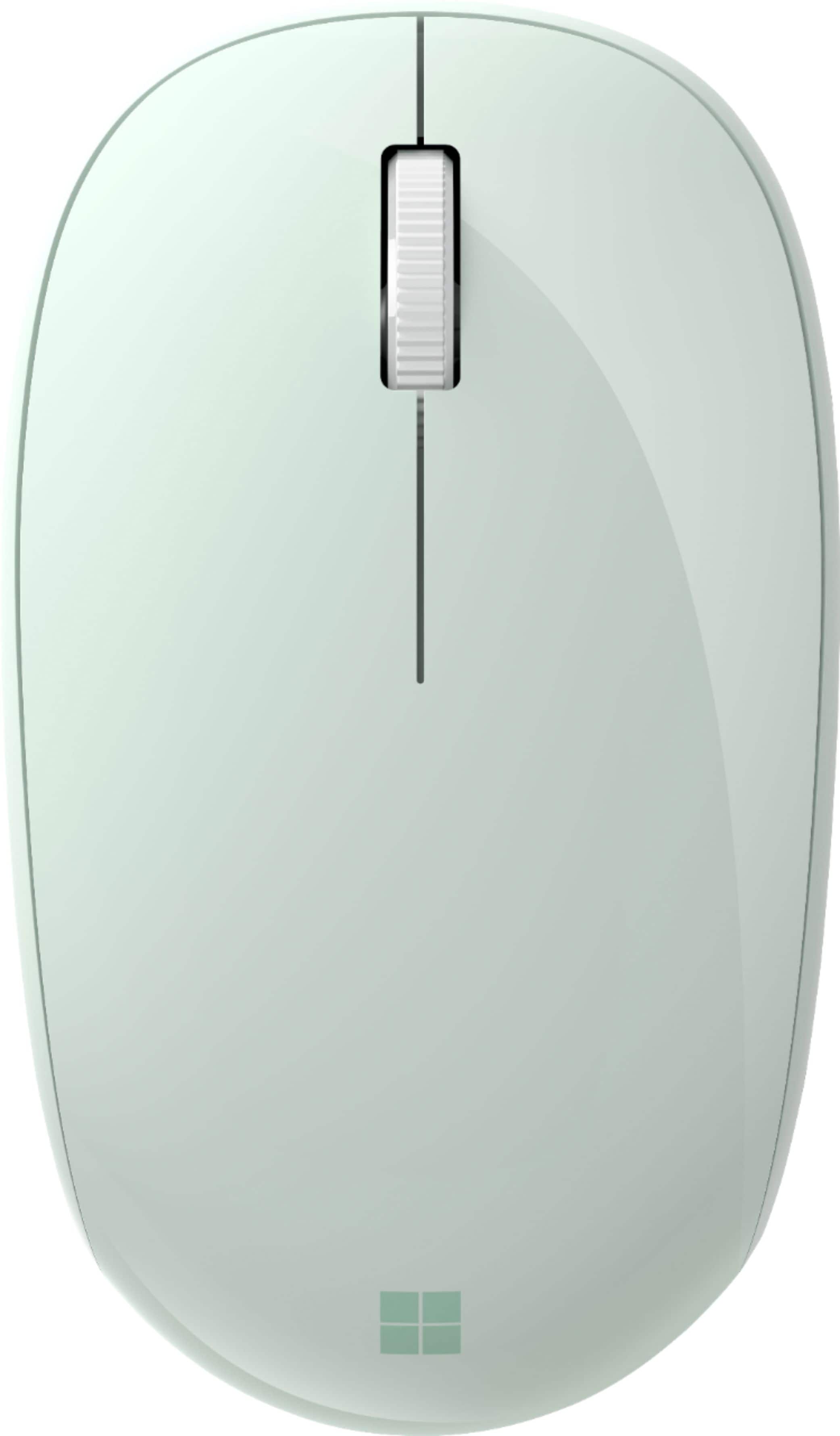
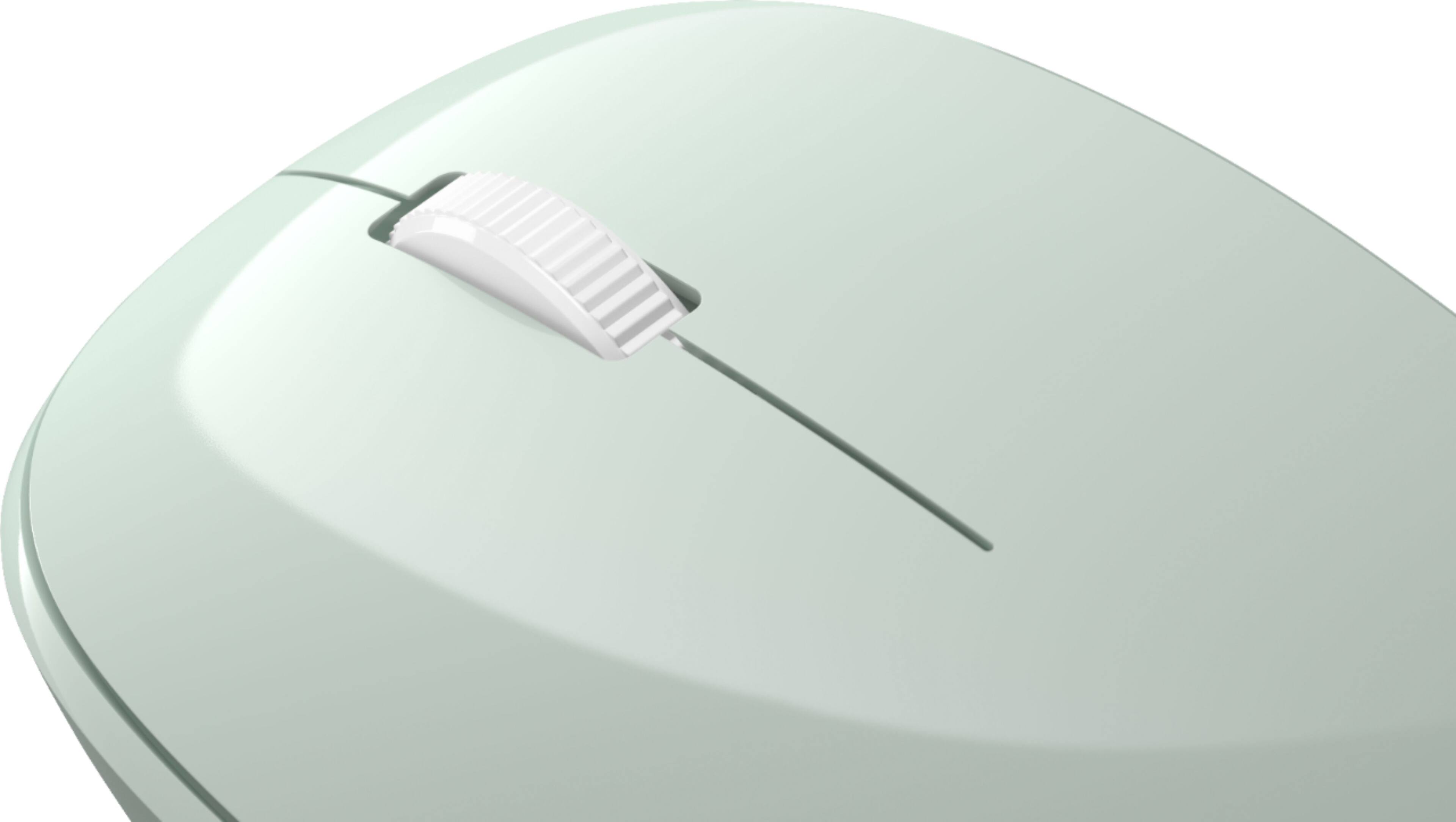
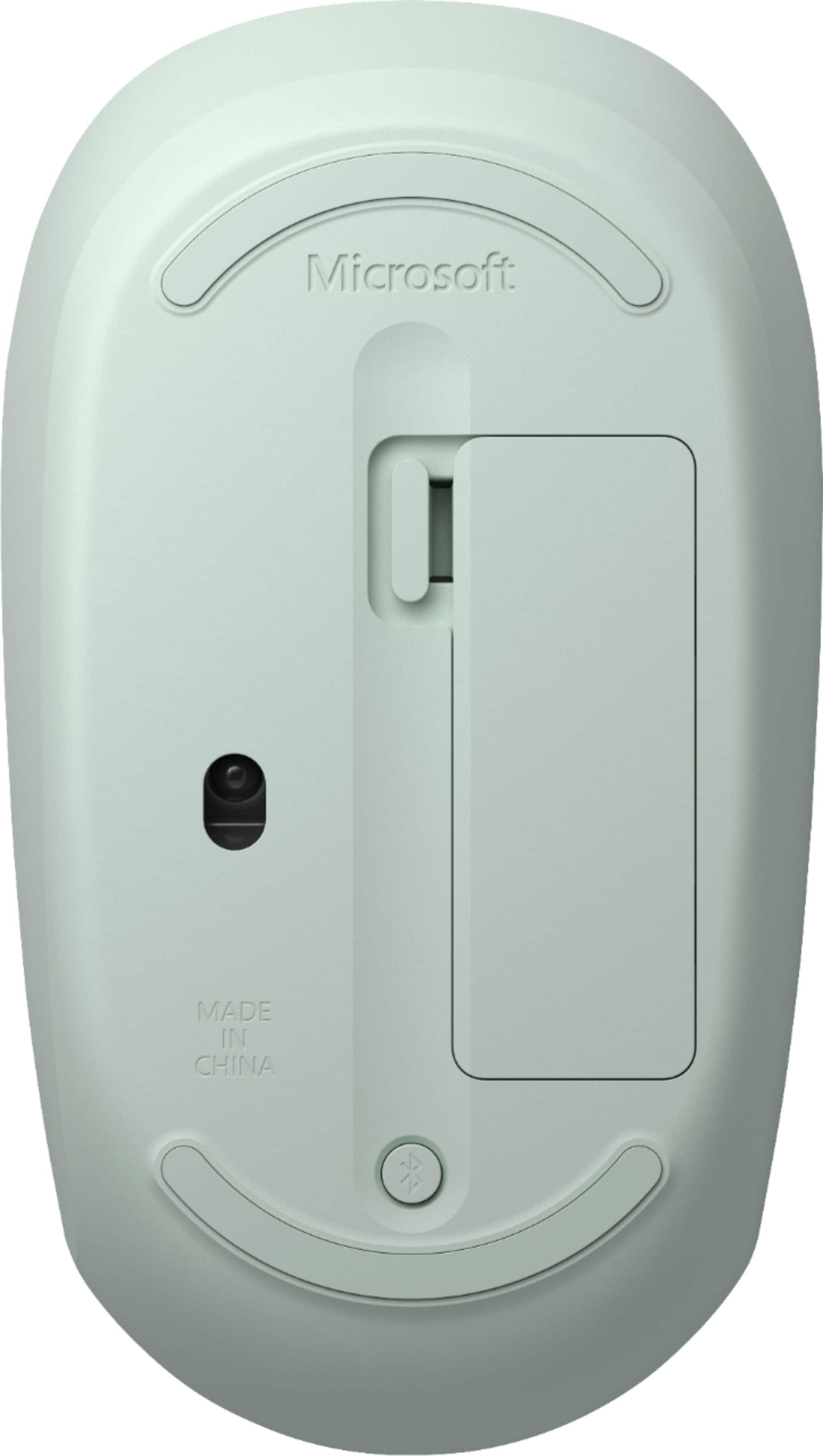
A:AnswerYes as long as you go to general, accessibility, touch (fine and motor), turn on assistive touch and connect you mouse via Bluetooth to your iPhone, your good to go. If you add a wireless keyboard it works even better.
A:AnswerMy Mouse also had a moment where it just flickered. I shut it off and on then put it in pairing mode (long press) and re paired it to my device. It has been working fine ever since. I make sure to shut it off every time i am not using it for long periods of time, as to not waste the battery. Hope this works for you.