A:AnswerIf your phone is a mini pc type phone that has a mini usb to mini usb then maybe but otherwise you will Need to connect your phone to a computer and use your phone as the device/screen to play off while the application runs on the pc so you can use the controller
A:AnswerYes, this will work with your iPad.
You can connect it via bluetooth by holding down the pair button on the top left of your controller, and go to the bluetooth settings on your iPad and select “Xbox Wireless controller”
A:AnswerOpton One
To connect the controller wirelessly
1. Turn on your Xbox One.
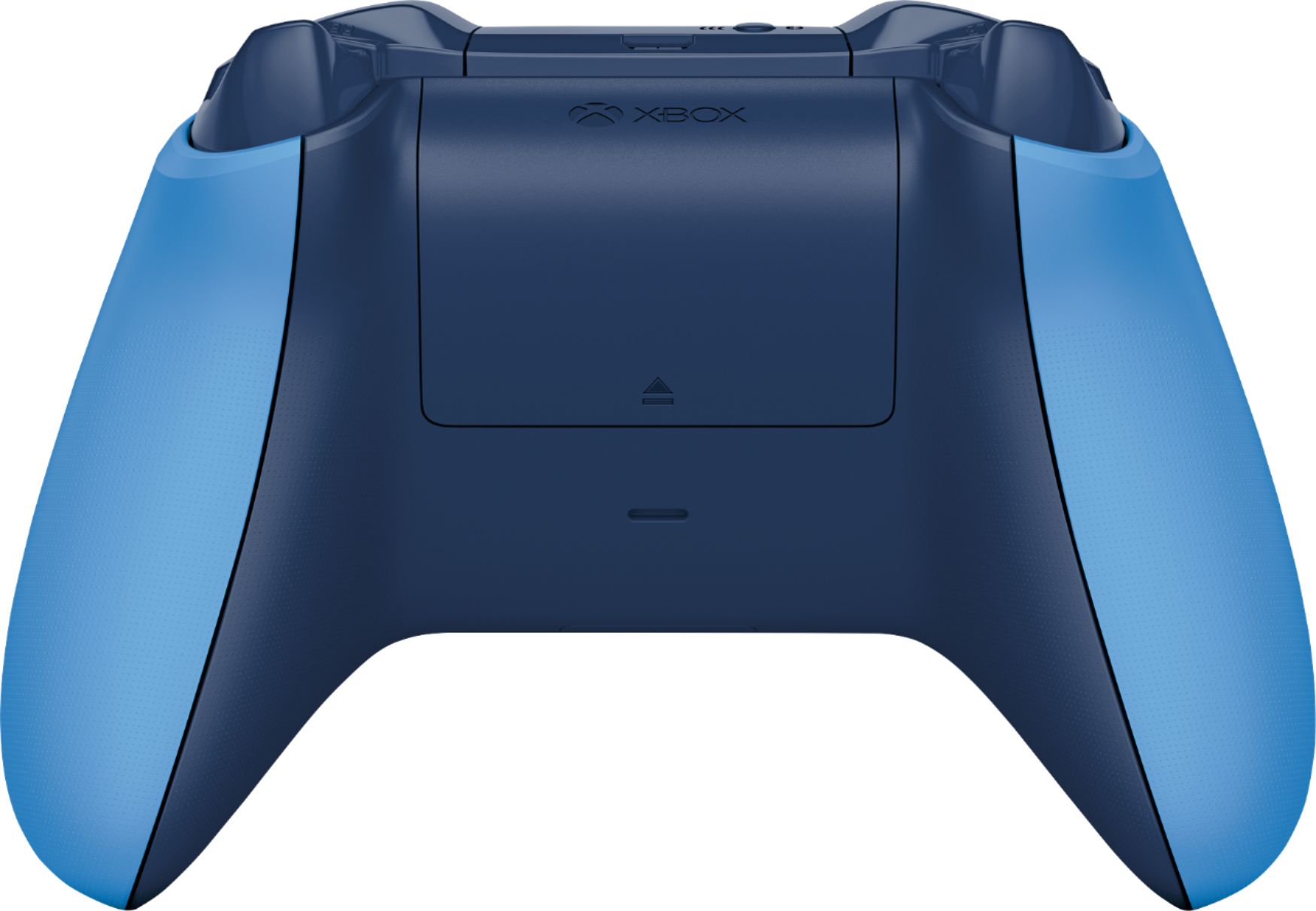
2. Insert either AA batteries or rechargeable batteries from the Xbox One Play & Charge Kit into the controller.
3. Turn on your controller by pressing and holding the Xbox button, The Xbox button will flash. When the button stays lit, the controller is connected.
4. Press and release the bind button on the Xbox. On Xbox One X and Xbox One S, the bind button is on the front right, below the power button.
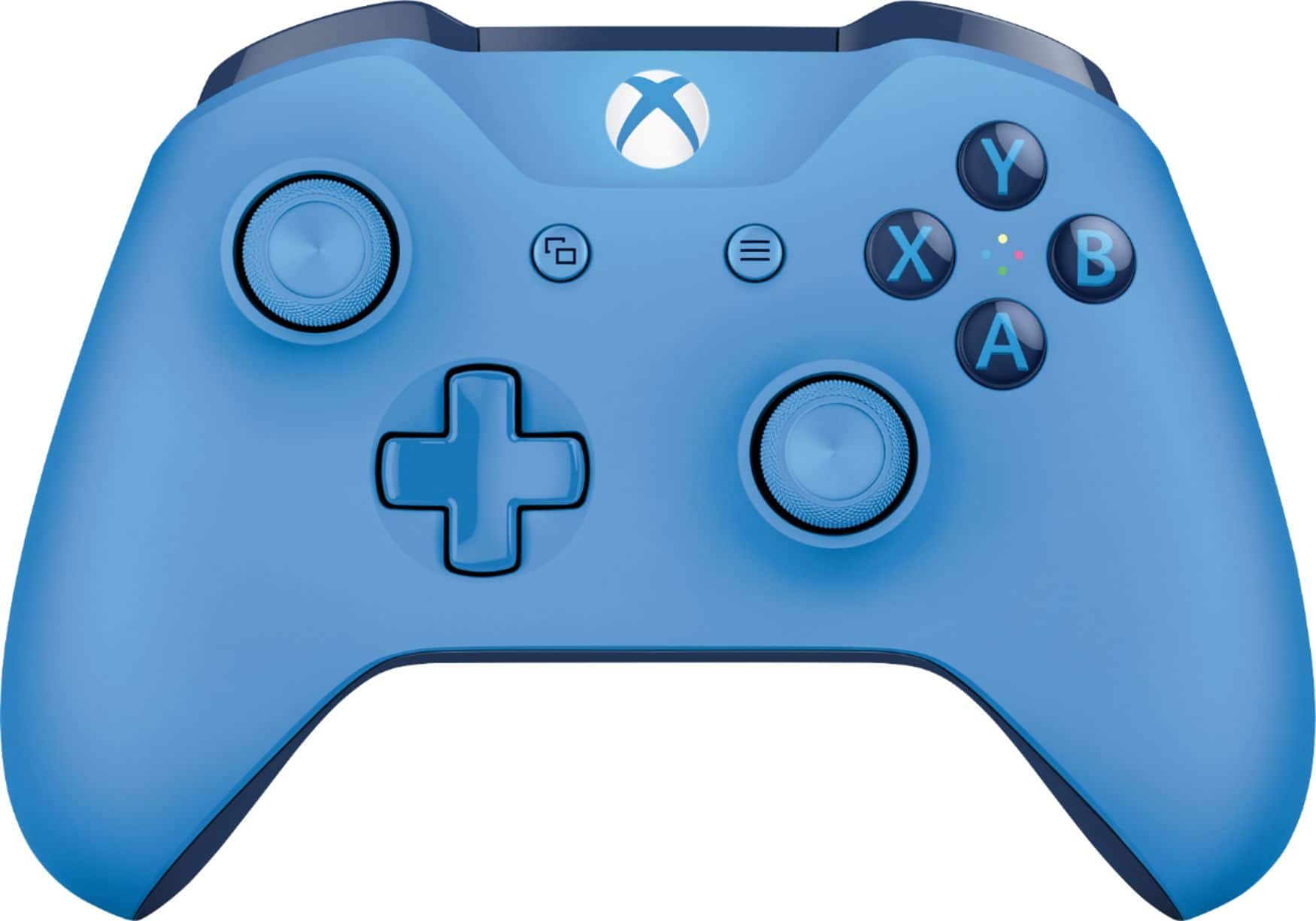
5. Within 20 seconds, press and hold the controller’s bind button (a circular button on top of the controller as you hold it in your hands) until the controller's Xbox button flashes a few times. That means it's searching for a console. The Xbox button stays lit once it's connected.
Option Two
Using a Micro USB Cord
1. Connect your controller using a micro-USB cable (included with all standard Xbox One wireless controllers and the Xbox One Play & Charge Kit).
2. If you’re using an Xbox Elite Wireless Controller Series 2 or Xbox Adaptive Controller, connect your controller using a USB-C cable (included with both controllers).
3. Depending on the type of controller you have, plug the micro-USB or USB-C cable into the power port on the back of the controller then plug the other end of the cable into your Xbox One.
** Note If you’re having problems connecting your controller to your console, see Xbox One Wireless Controller Solution on the xbox.com website.
*** All information above was obtained from Microsoft Xbox Website.
A:AnswerAs long as your headphones have an in-line microphone that works, it should work fine. If it doesn't then there is something wrong with either the controller or your headphones.