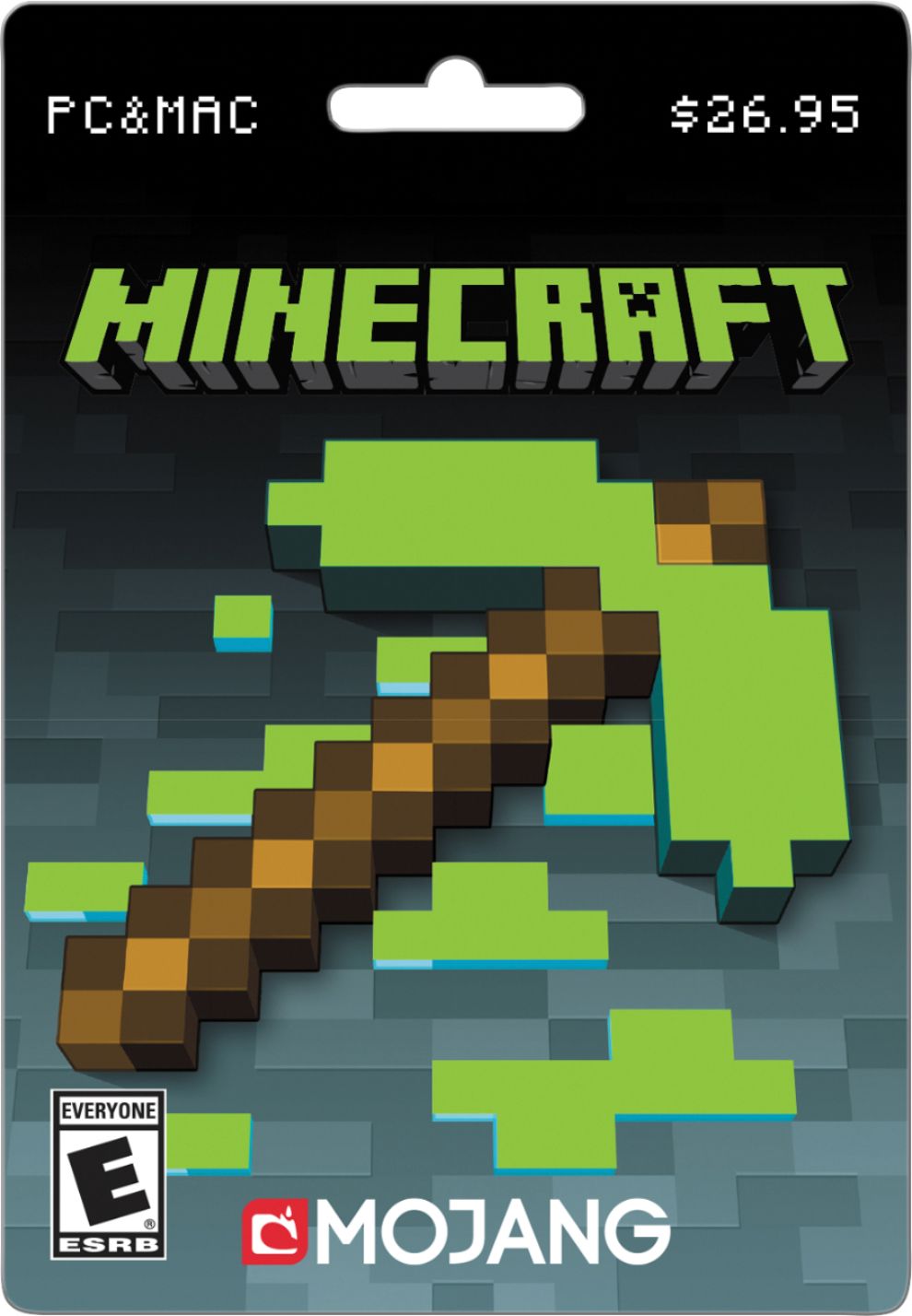
A:AnswerThis is not a digital download where you get a code thru your email. This is for a card that you have to pick up at the store and scratch off to get the code. Hope this helps...good luck!
A:AnswerYes. Minecraft licensing is tied to an email account. Therefore not only can you transfer it to another computer, but you can have it installed on multiple computers and it authenticates your license when you log in.
You will have to have an active internet connection to login the very first time, after that you can continue to play minecraft "offline".
A:AnswerOnce you purchase the card, it is already activated for use on the computer. You'll need to redeem it on the computer after purchase, and there is no additional charge to activate it. Best advice is to make sure you have enough RAM on your computer to run the game properly.
A:AnswerI believe the website to redeem the code has an issue because I tried to buy it online with credit and it didn’t work same with gift card so you might have to just wait it out
A:AnswerThis is the new java version that gets updated. They use these giftcards because you can't use your bankcard or credit card to buy from the country Mojang is in. Getting realms is next to impossible so if you want a server you'll have to host one yourself and port forward your friends or buy a server. You'll have to look up the system requirements vs your macbook, and if you want to host your own server you'll need at least +2 Ram added onto the normal requirements. You don't need a server at all if you only plan on playing by yourself/within same household.