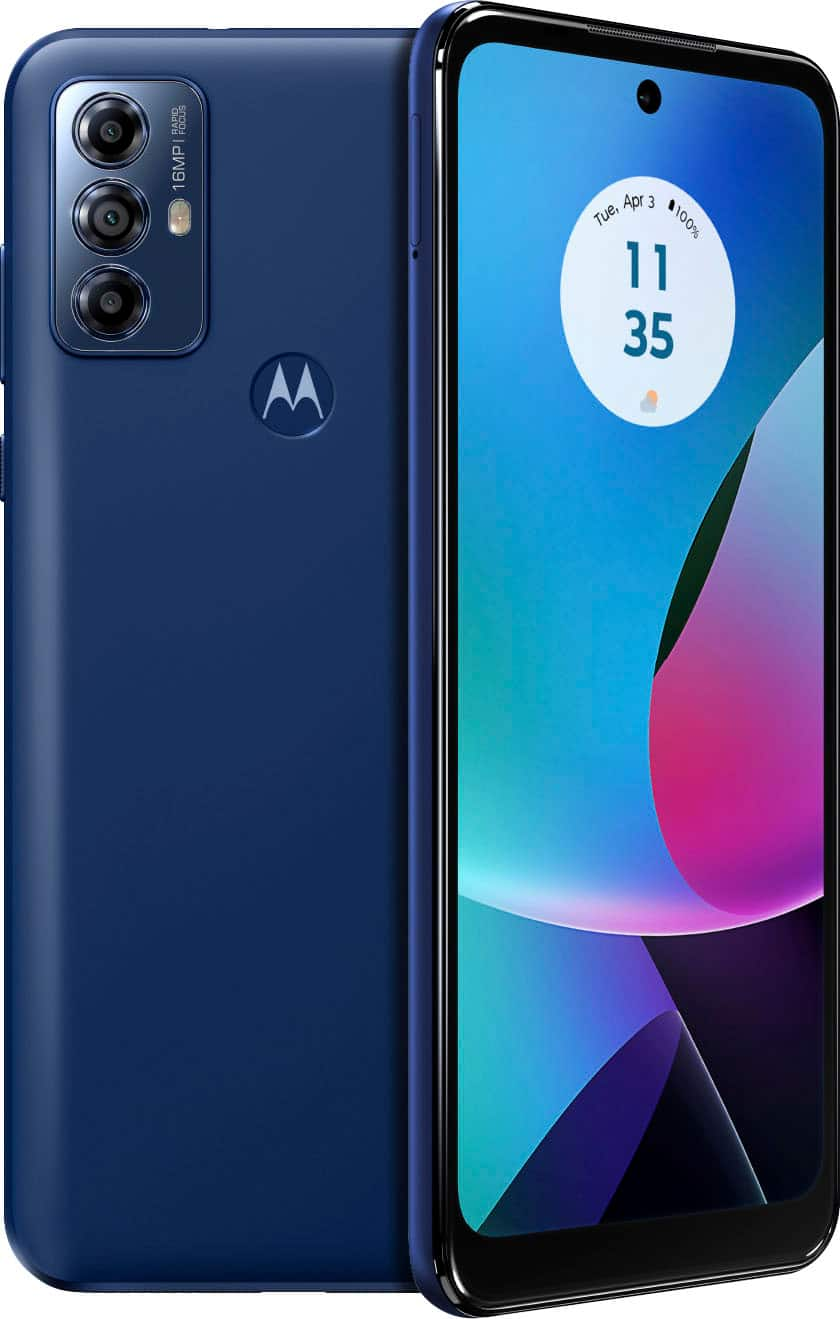
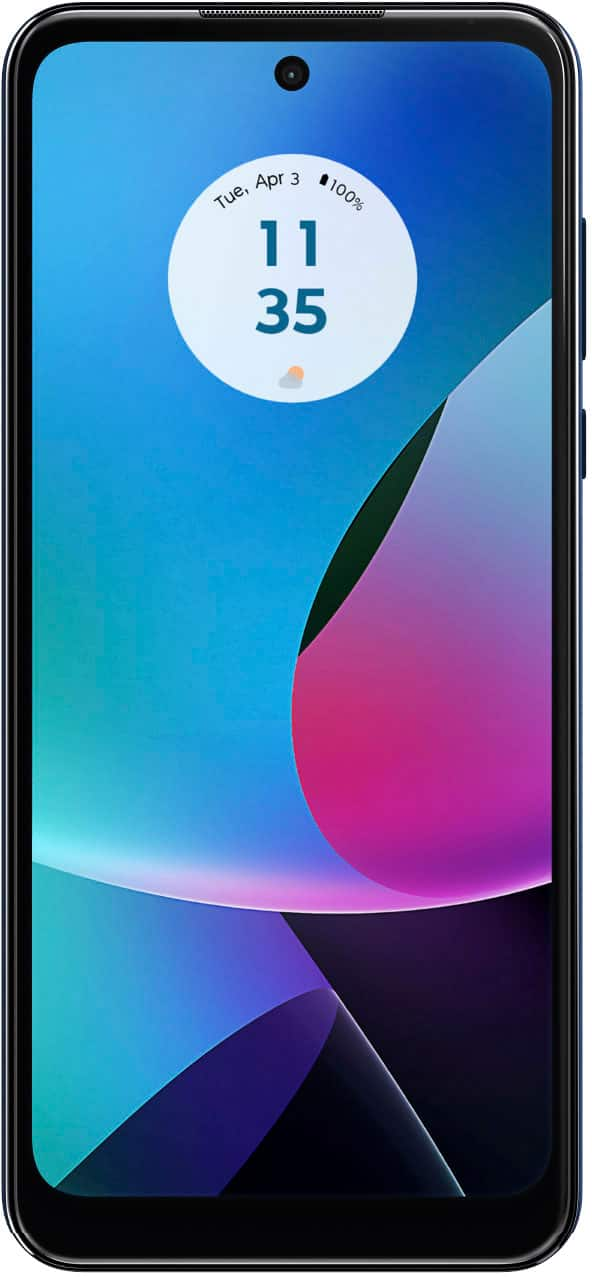
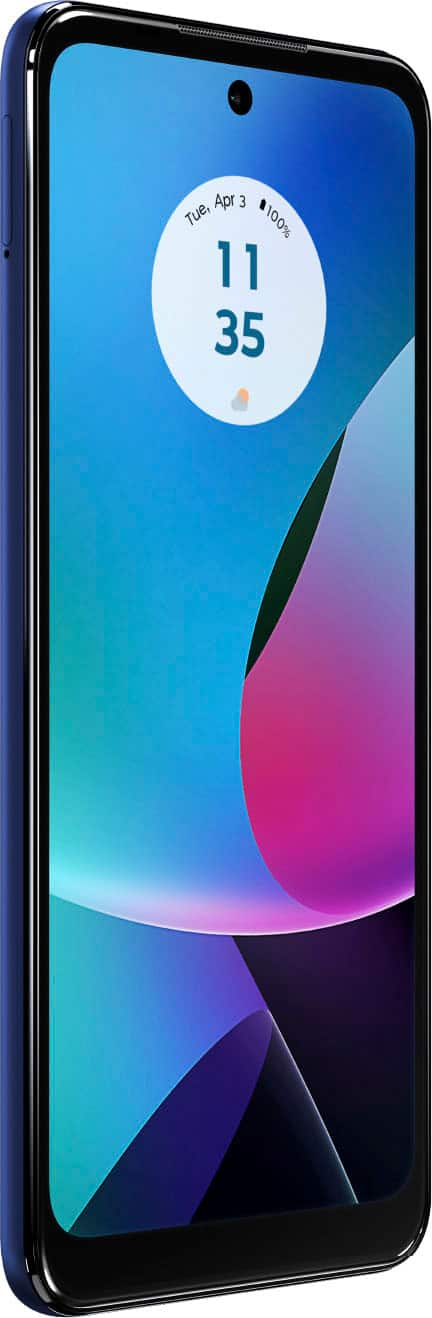
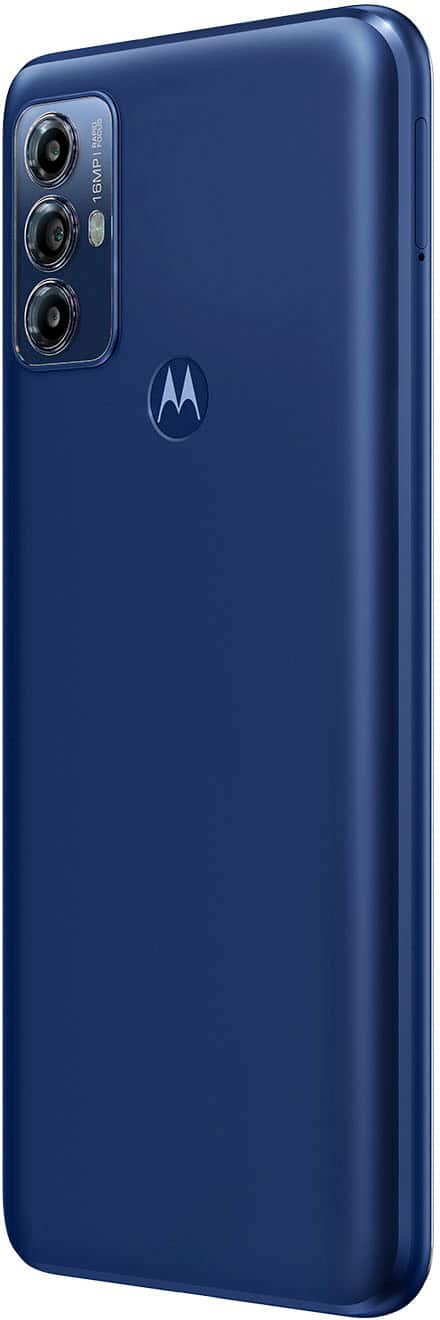
A:AnswerRemoving the back cover of your Motorola G6 Play phone requires careful handling to avoid damaging the device. Here's a step-by-step guide to help you:
Tools Needed
SIM card ejector tool or a small paperclip
Plastic pry tool or guitar pick
Steps to Remove the Back Cover
Power Off the Phone: Make sure your phone is turned off to prevent any accidental damage.
Remove SIM and MicroSD Card Tray:
Use the SIM card ejector tool or a small paperclip to eject the SIM card tray from the side of the phone.
Remove the SIM card and any microSD card.
Heat the Edges (Optional):
If the back cover is tightly sealed, you might need to heat the edges slightly to soften the adhesive. Use a hairdryer on a low setting to gently heat the edges for about 30 seconds.
Pry Open the Back Cover:
Insert a plastic pry tool or a guitar pick into the small gap between the back cover and the frame of the phone. Start at the bottom corner for easier access.
Gently work your way around the edges, carefully prying the back cover away from the phone. Be patient and gentle to avoid breaking the plastic clips.
Detach the Back Cover:
Once you've pried open all the edges, the back cover should come off easily. If you feel resistance, check to ensure all clips have been released.
Remove the Back Cover:
Lift the back cover away from the phone, being cautious of any adhesive or connectors.
Important Notes
Be Gentle: Avoid using metal tools, as they can damage the phone’s casing or internal components.
Check for Adhesive: If there is adhesive residue, you may need to carefully peel it away.
Warranty: Removing the back cover might void your warranty, so consider this if your phone is still under warranty.
Reassembly
To reassemble, simply align the back cover with the phone and press firmly around the edges to snap it back into place. Reinsert the SIM and microSD card tray, and power on your phone.
If you encounter any issues or feel uncomfortable performing this task, it's recommended to seek assistance from a professional technician or visit an authorized service center.
A:AnswerHi RedPocketMobile, Thank you for your interest in our product. This phone works with other major carriers in the US. You can check the link to see all of this phone's compatible carriers here: https://www.motorola.com/us/carrier-compatibility or check with Red Pocket Mobile to confirm and for further details. -Mitch
A:AnswerWe appreciate you posting your inquiry, DirkP. The phone should continue to work globally. However, depending on the service provider in a certain region, some functionalities may not work. Therefore, we strongly suggest first confirming with the carrier if they support the same bands as the phone. Should there be any further inquiries, please do not hesitate to email supportforums@motorola.com. We'll be glad to help. -Belle
A:AnswerHi Gabriela, It was a pleasure to receive your inquiry about our product. Yes, Our phones should work in Brazil where you may be traveling, though we cannot guarantee all features are supported. Please check with your mobile service provider to see if your SIM is expected to operate. Please note that we never recommend buying a phone in one region for ongoing use in another as Motorola phones are only under warranty in the country/region in which they are intended for sale. -Mitch
A:AnswerHi Memesprincess, We appreciate your interest in our product. We suggest contacting the seller to confirm and for further details. They are standing by to help. -Mitch