A:AnswerHello Ping,
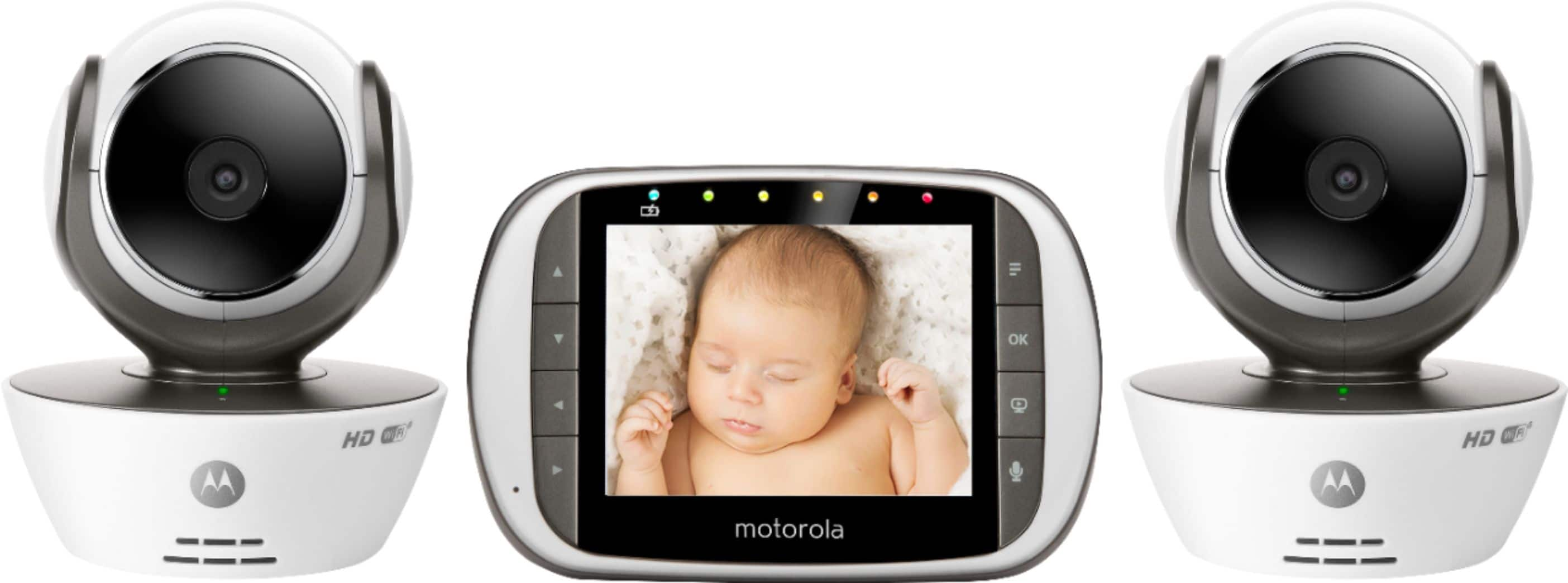
Yes, you may pair up to 4 cameras to your parent unit.
If you have further comments or questions, please feel free to reach us at [email protected] and we will get back to you as soon as possible.
Kind Regards, Isabelle & the Motorola Support Team.
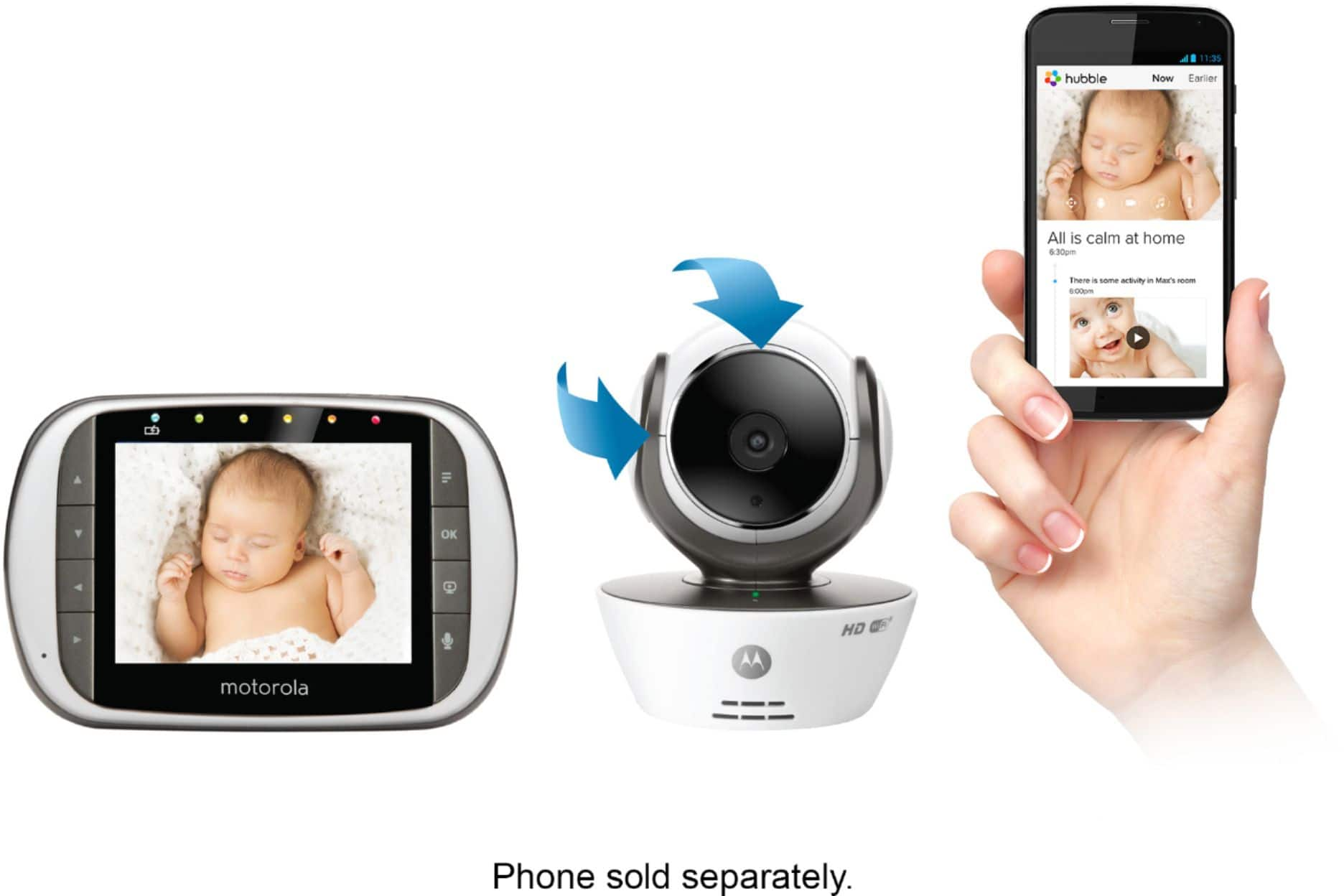
A:AnswerHello! No, the monitor doesn't need WiFi to work, only the camera. If you have further questions, please feel free to reach us either via live chat or email. Our Live Chat is open Monday to Friday from 8 am to 8 pm EST. Find us at https://motorolastore.support/en/. You can email us at [email protected]. We will reply to you as soon as possible. Kind Regards, Cassia & the Motorola Support Team.
A:AnswerHello, Clarity! You can use the remote scan feature with the parent unit. With this feature on, the monitor will go through each camera paired every few seconds. However, unfortunately this feature will not be available in the app, but you will receive notifications according to your settings. Please reach us at [email protected] should you have further questions and we will get back to you as soon as possible to help. Kind Regards, Cassia & the Motorola Support Team.
A:AnswerHello, Dave! No, the monitor works with the camera through a radio link and doesn't need internet to work. If you have further comments or questions, please feel free to reach us at [email protected] and we will get back to you as soon as possible. Kind Regards, Cassia & the Motorola Support Team.
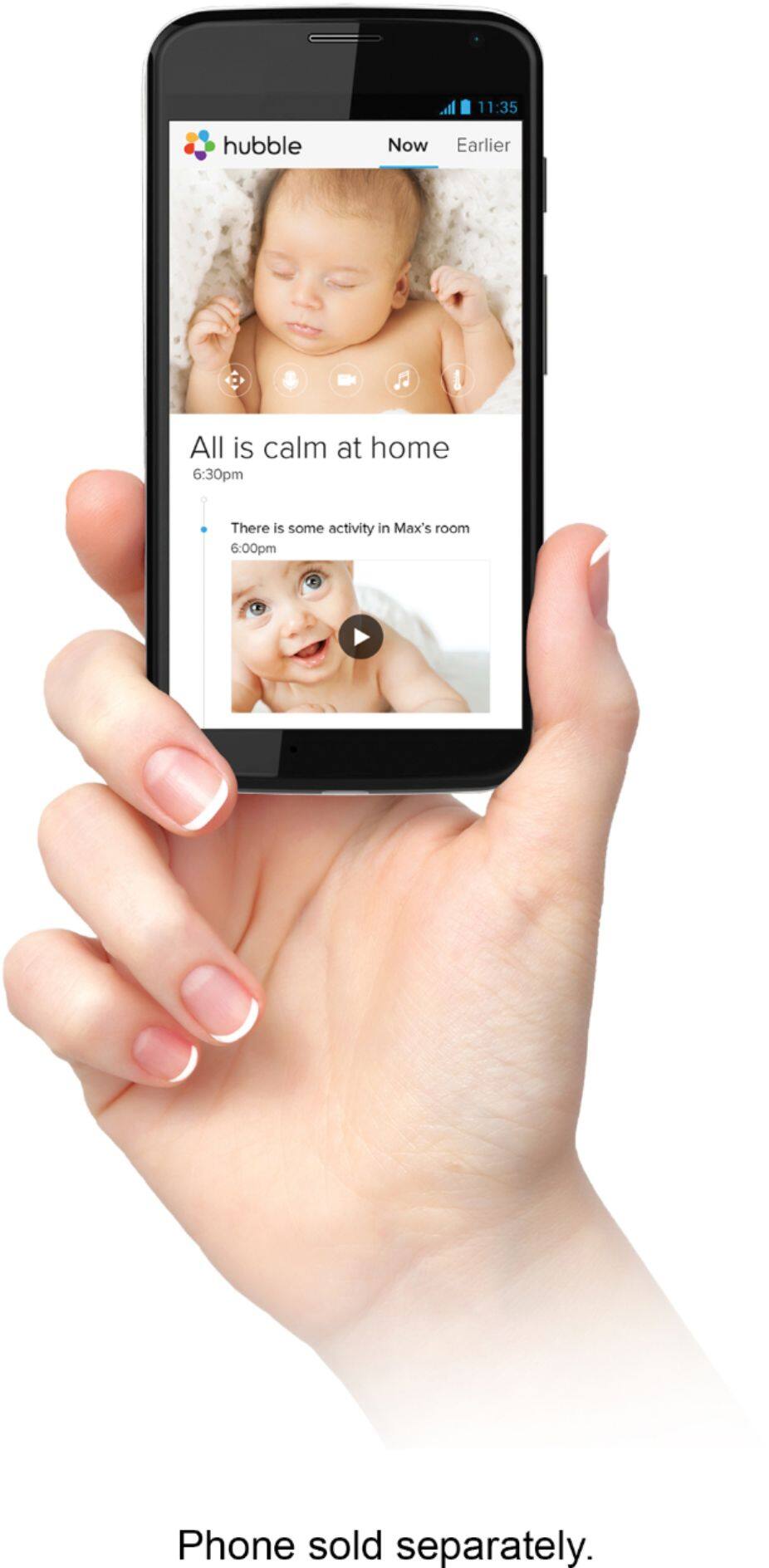
A:AnswerHello! Yes, you can have the cameras in different places and still view them from the app. If you have further questions, please feel free to reach us either via live chat or email and we'll be more than pleased to help. Our Live Chat is open Monday to Friday from 8 am to 8 pm EST. Find us at https://motorolastore.support/en/. You can email us at [email protected]. We will reply to you as soon as possible. Kind Regards, Cassia & the Motorola Support Team.