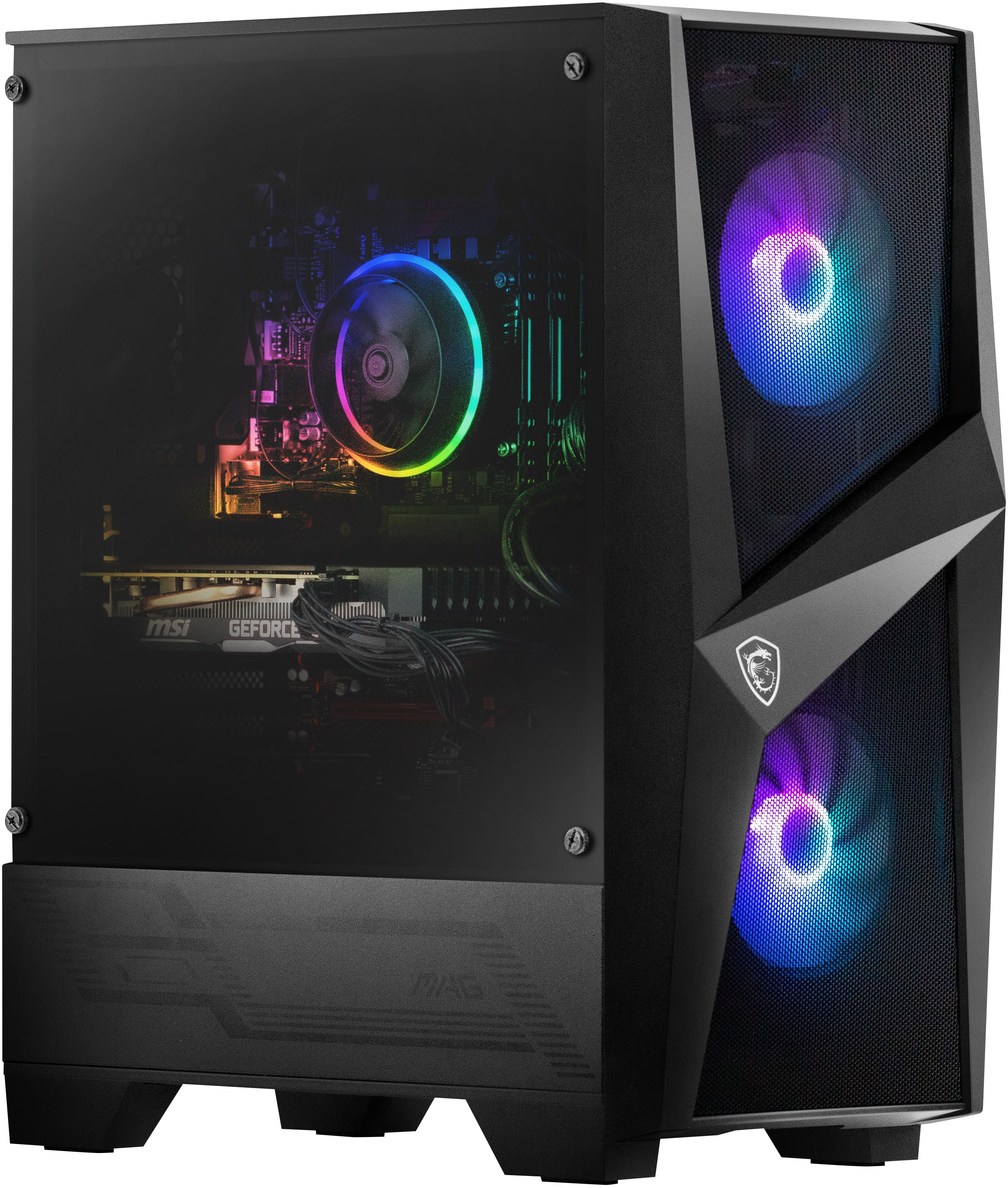
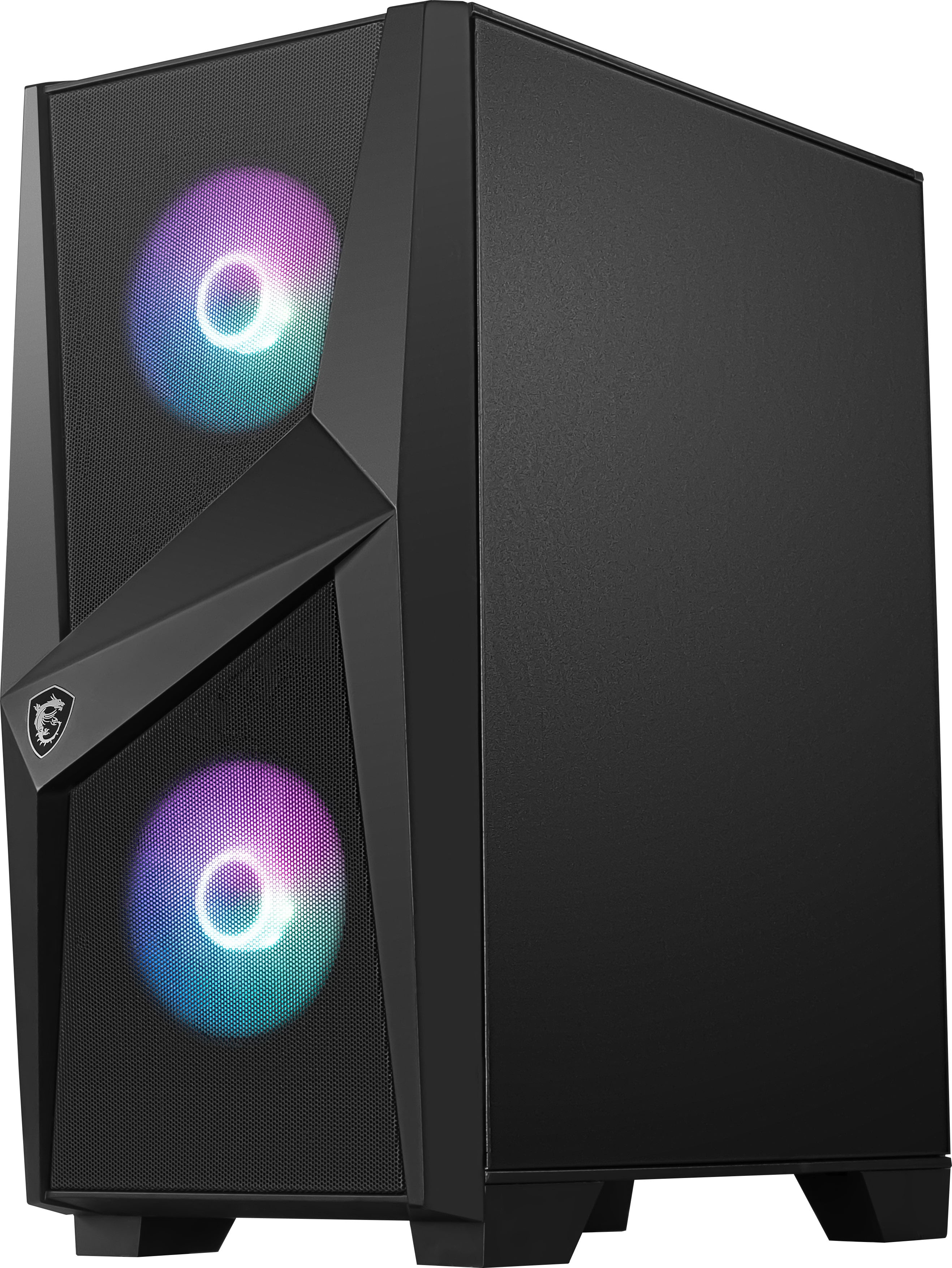
A:Answer500GB of storage after system installation you may have 290GB remain But you can always add another M.2 ssd If you need More storage Like I do add another M.2 4TB SSD storage
A:AnswerI went into Best buy location in Bradenton, FL. You can purchase this Prebuild, they just have to have it shipped to the store for pickup, or delivery to your house. I did store pickup because it was 2 weeks faster!
A:AnswerThere are different modes and different color schemes you can choose by pushing the led button, and you can turn them off entirely if you want but there is no way to turn the brightness down that I know of.
To turn them off you need to push and hold the led button until they turn off and keep holding until they flash once.
A:AnswerYes, there is a second M.2 slot. The first is being used by the 512gb SSD included with the tower and can be found just below the CPU cooling fan. The second, empty slot, can be found at the bottom right corner of the motherboard, just below the GPU.
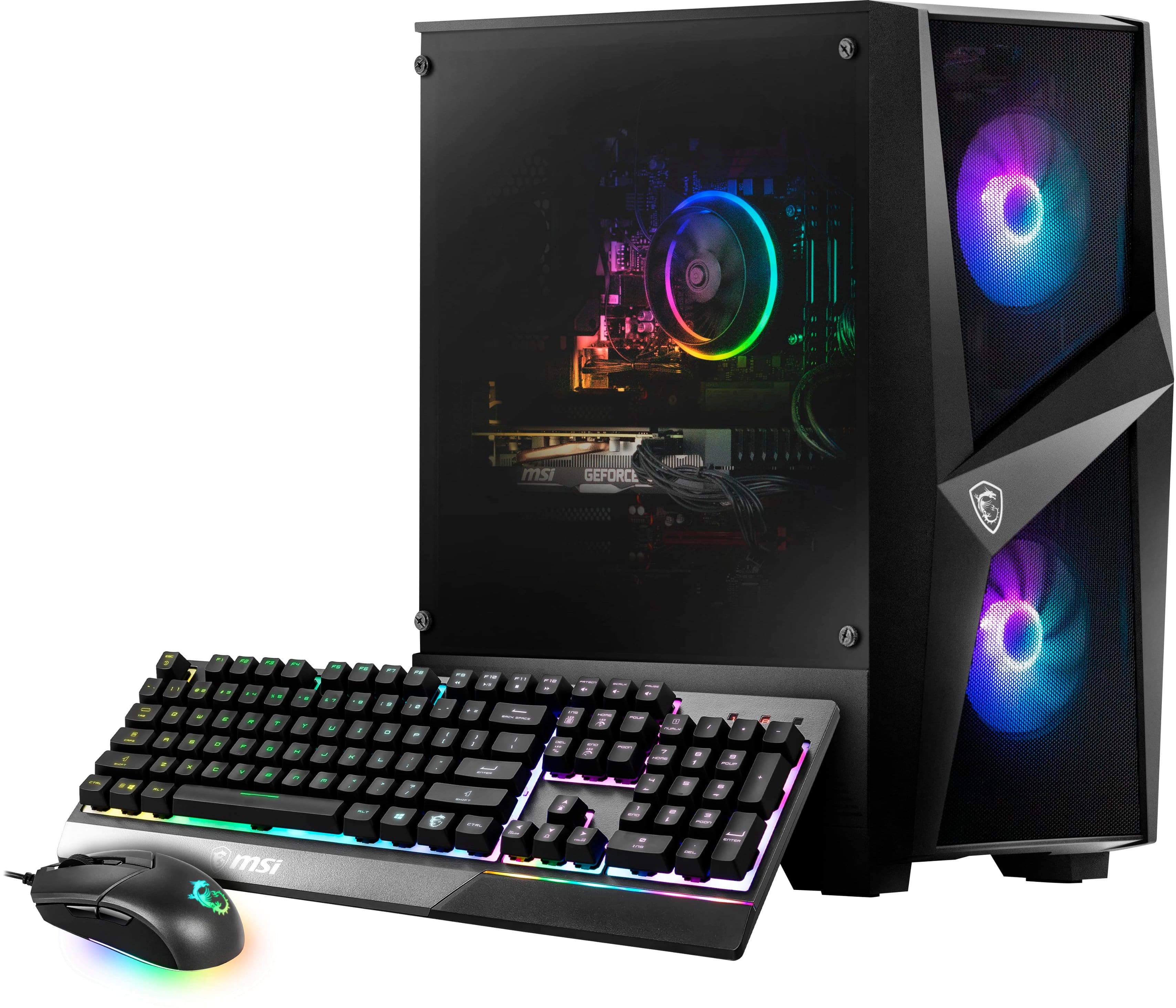
A:AnswerHope all is well! The memory is great just remember is a 250G hard drive. So, I add an additional hard drive internally with is a 4T and have all my files, pictures , documents and photos and work transfered to the additional hard drive and never had a problem with my system. Good Luck! Kendrick
A:AnswerBelow the graphics card is the m. 2 I saw mine was empty I believe lower right side near the tail of the gpu (head being where the connections are)
A:AnswerSo we just used it and haven't had any issues I also have another pc with windows 11 and game with max setting and no issues 11 is a p. I. T. A but iv had nothing of that sort go wrong