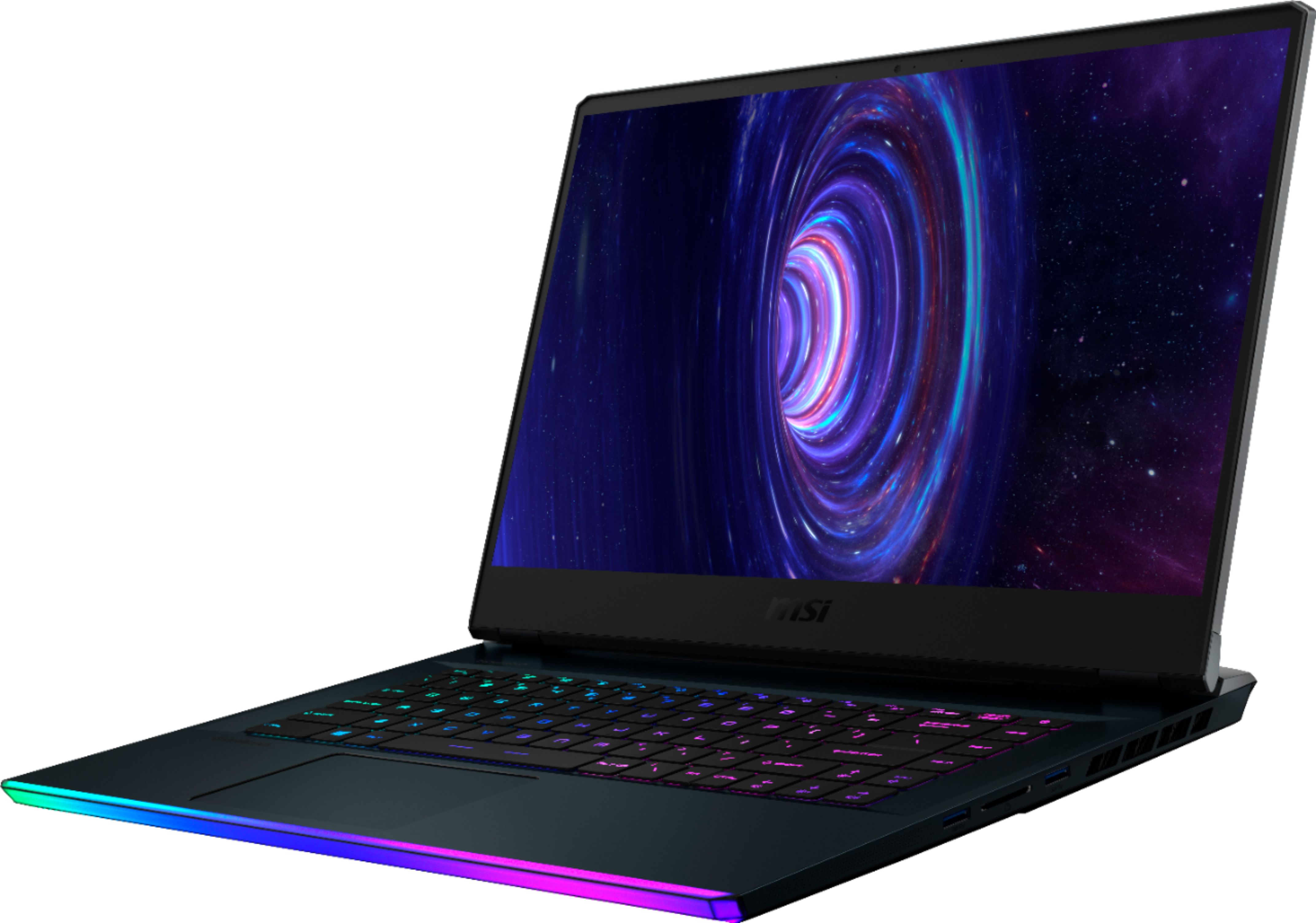
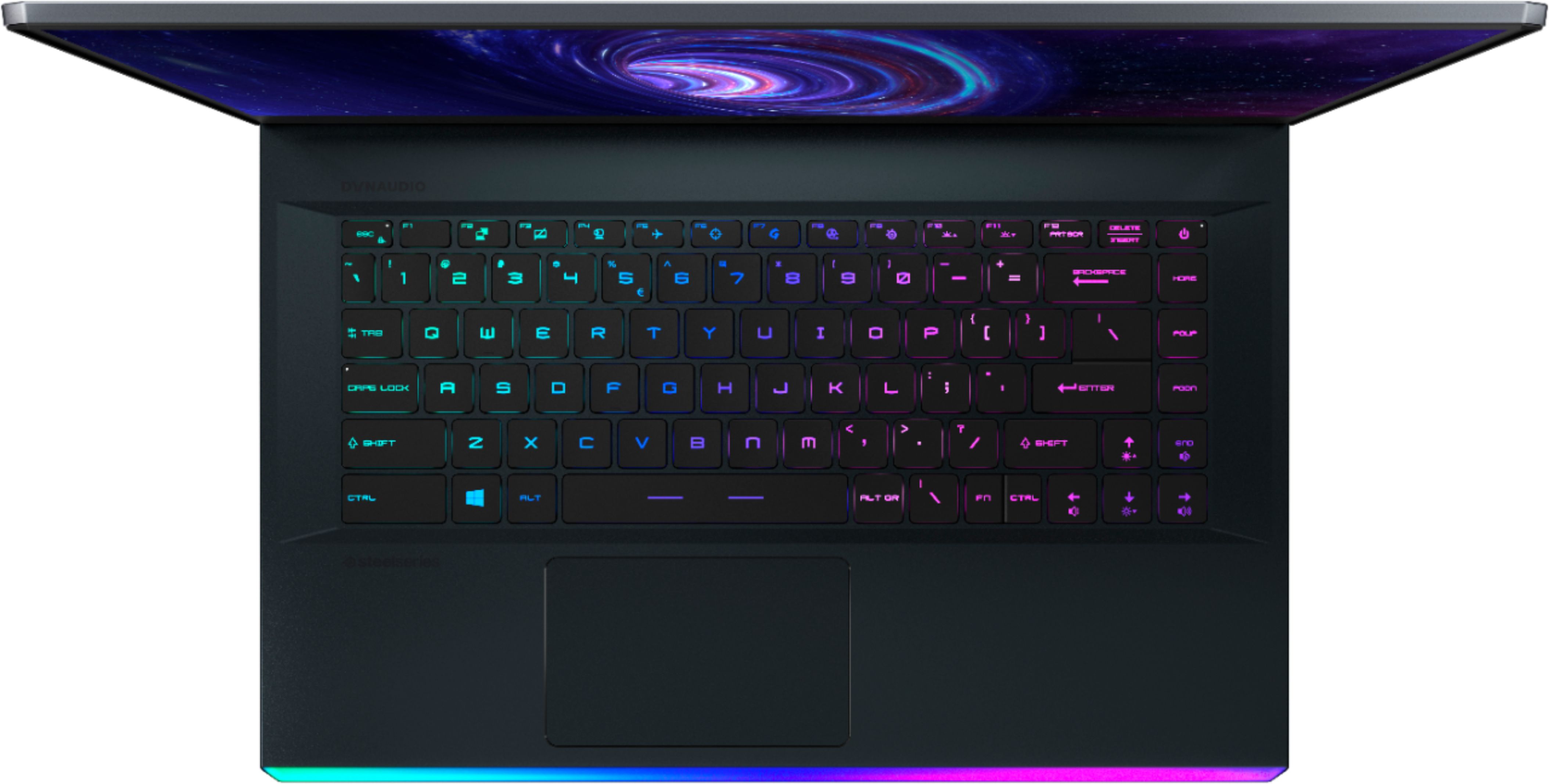
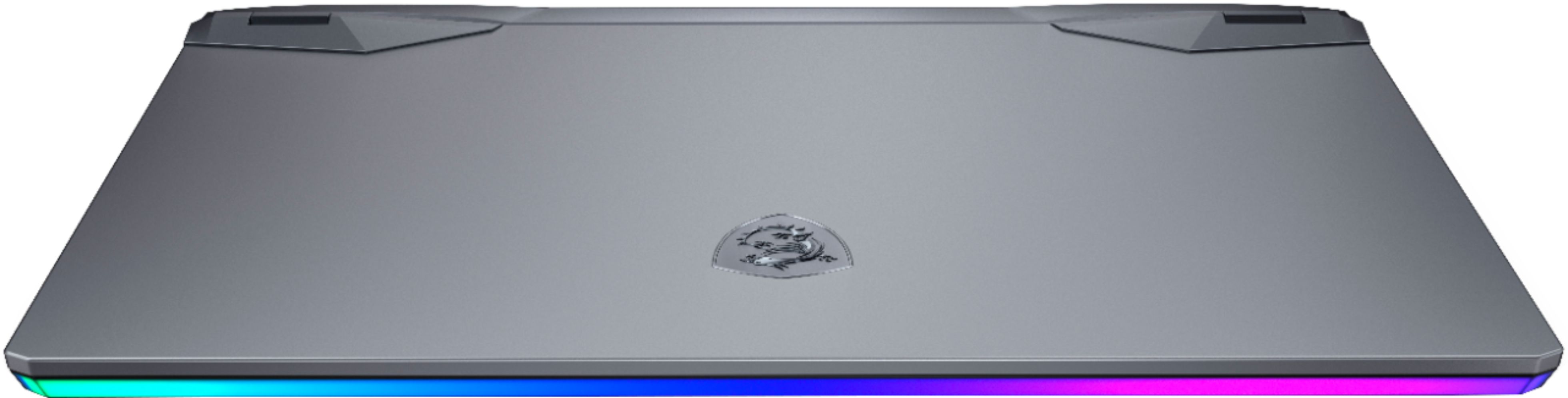
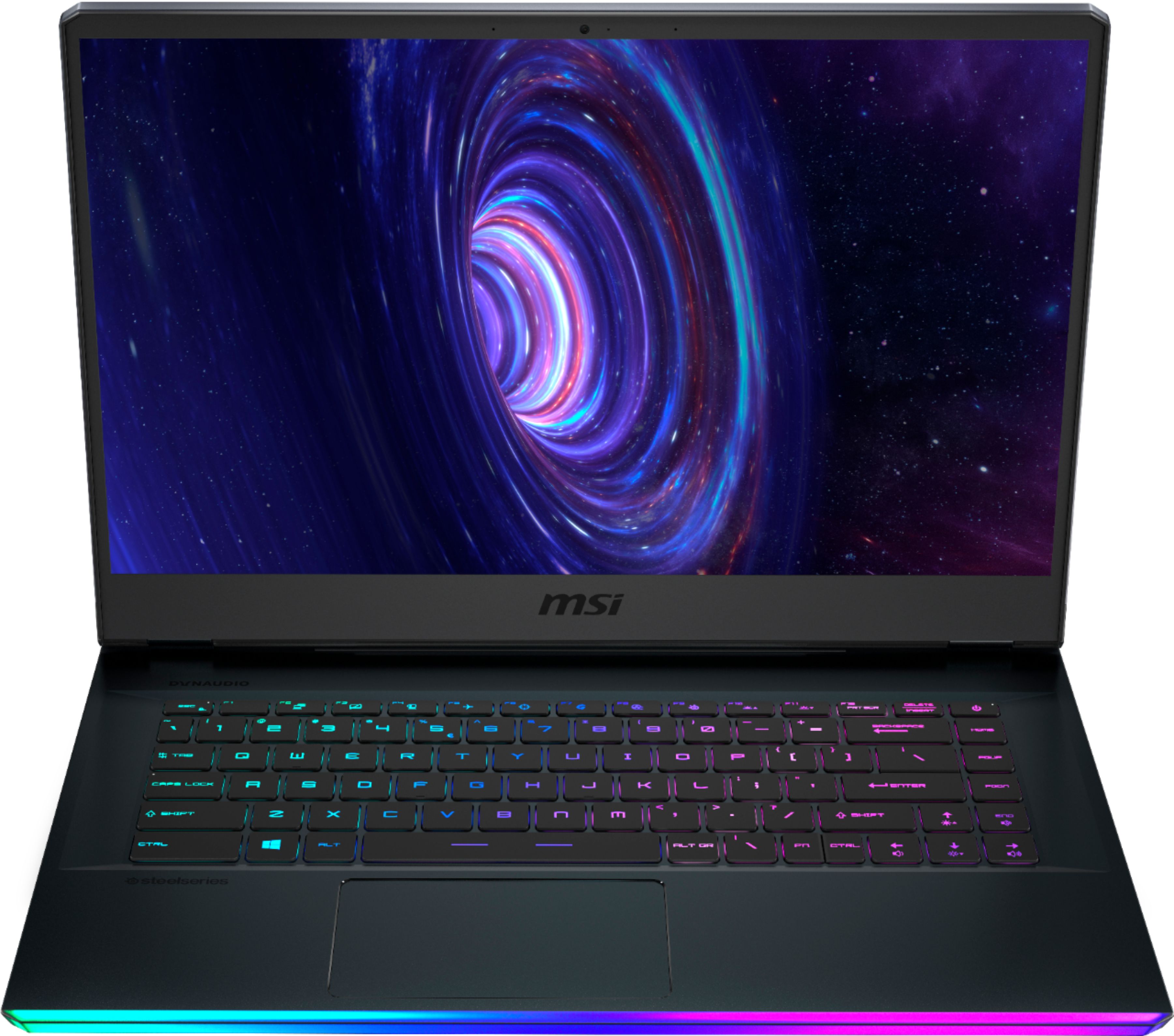
A:AnswerYou can turn it off completely as well as choose from several different lighting modes. I'm not sure about brightness adjustment, but there is brightness adjustment for keyboard illumination as well as turning it off completely, selecting different presets, or fully customizing it yourself via the corresponding steelseries software.
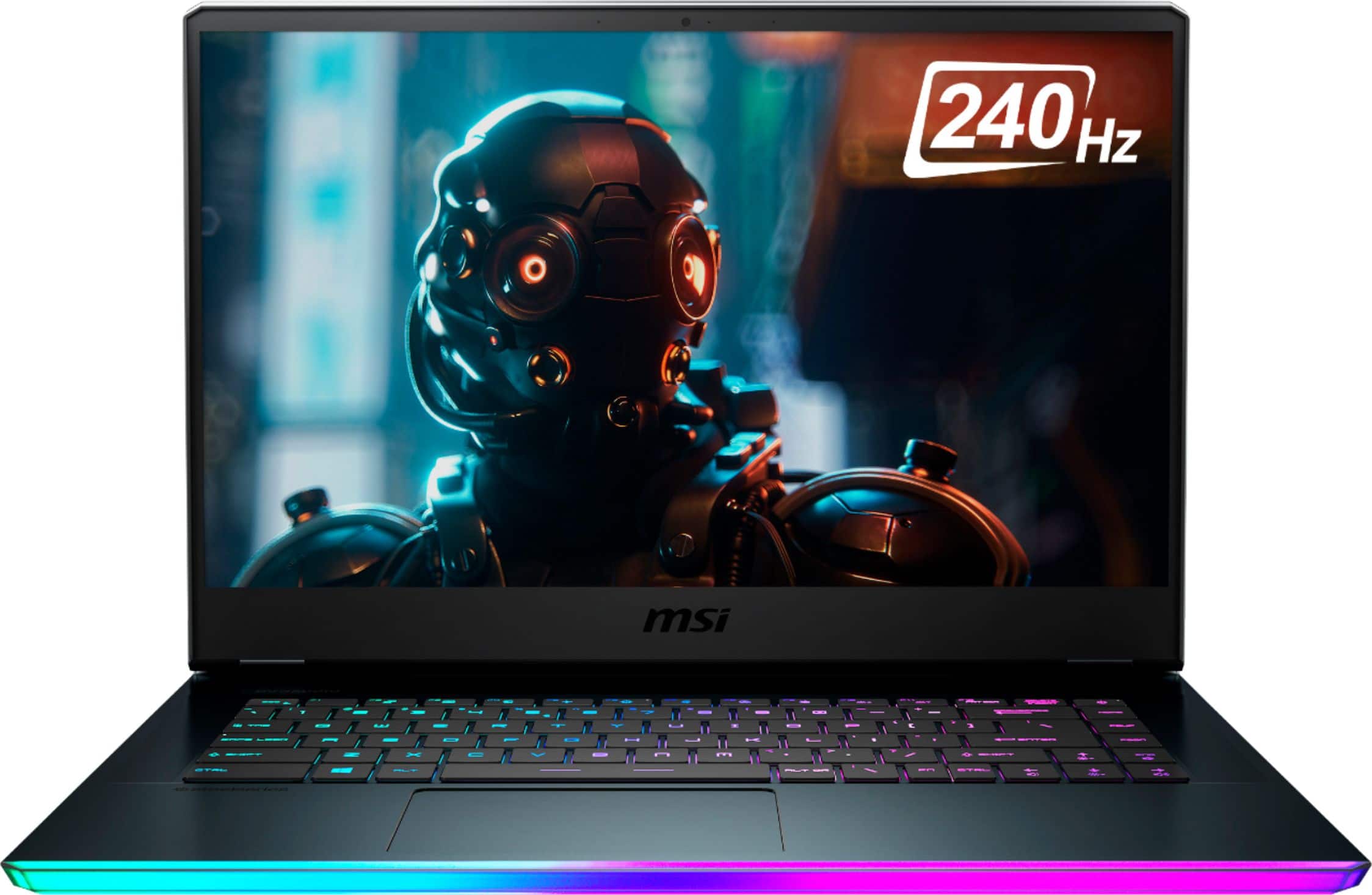
A:AnswerI've been using mine for work and art projects. Monday through Friday for 9 hours of multitasking a day and I have had no issues with heat. So far this laptop has stayed at a balanced operating temperature.
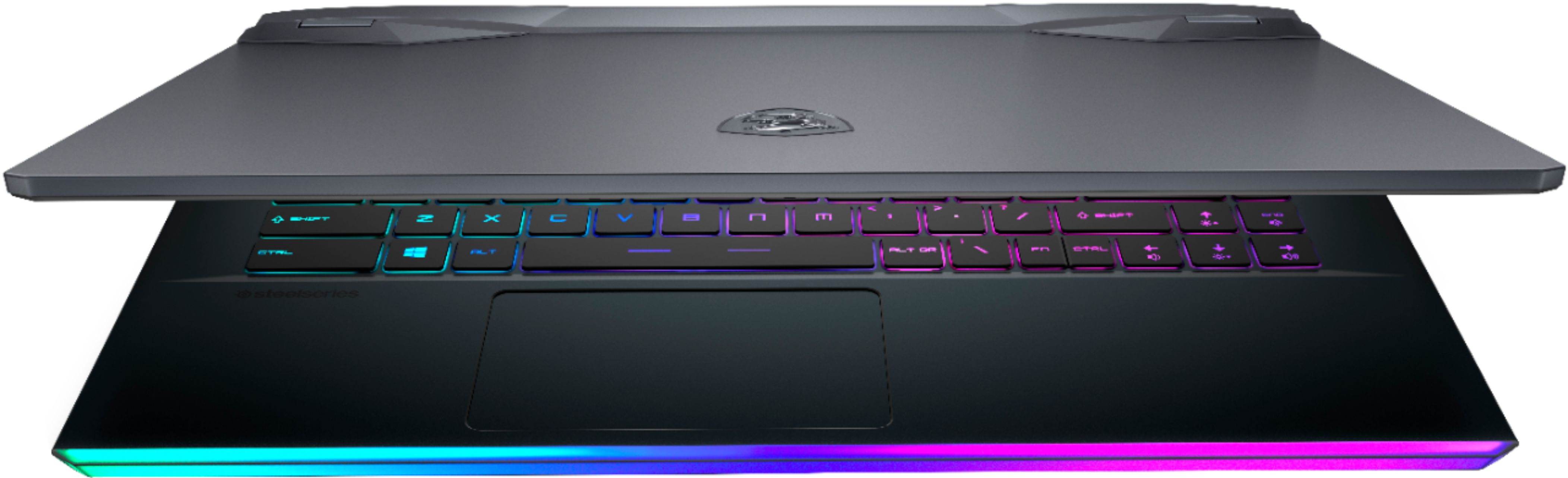
A:AnswerIn most laptops it is the meat of the laptop, as the thickness of the screen tends to be about 20% of the overall depth of the entire laptop in a closed postition. I would guestimate from the bottom of the keyboard (from the keyboard membrane) the to the rubber feet of the laptop to be about 65% of the overall depth of a closed laptop because you also have to consider the key travel depth.
Hope this helps, if you have a specific model in mind, please let me know.
A:AnswerThe graphics card that the computer has is a 2070 super max pi. Which in performance is almost equivalent to a 3070 of the most modern notebooks.
This notebook is amazing!
A:AnswerYou may additional replacement chargers for this laptop through the following link. https://us-store.msi.com/Laptops/NB-Accessories/Power-Adapters?product_id=842