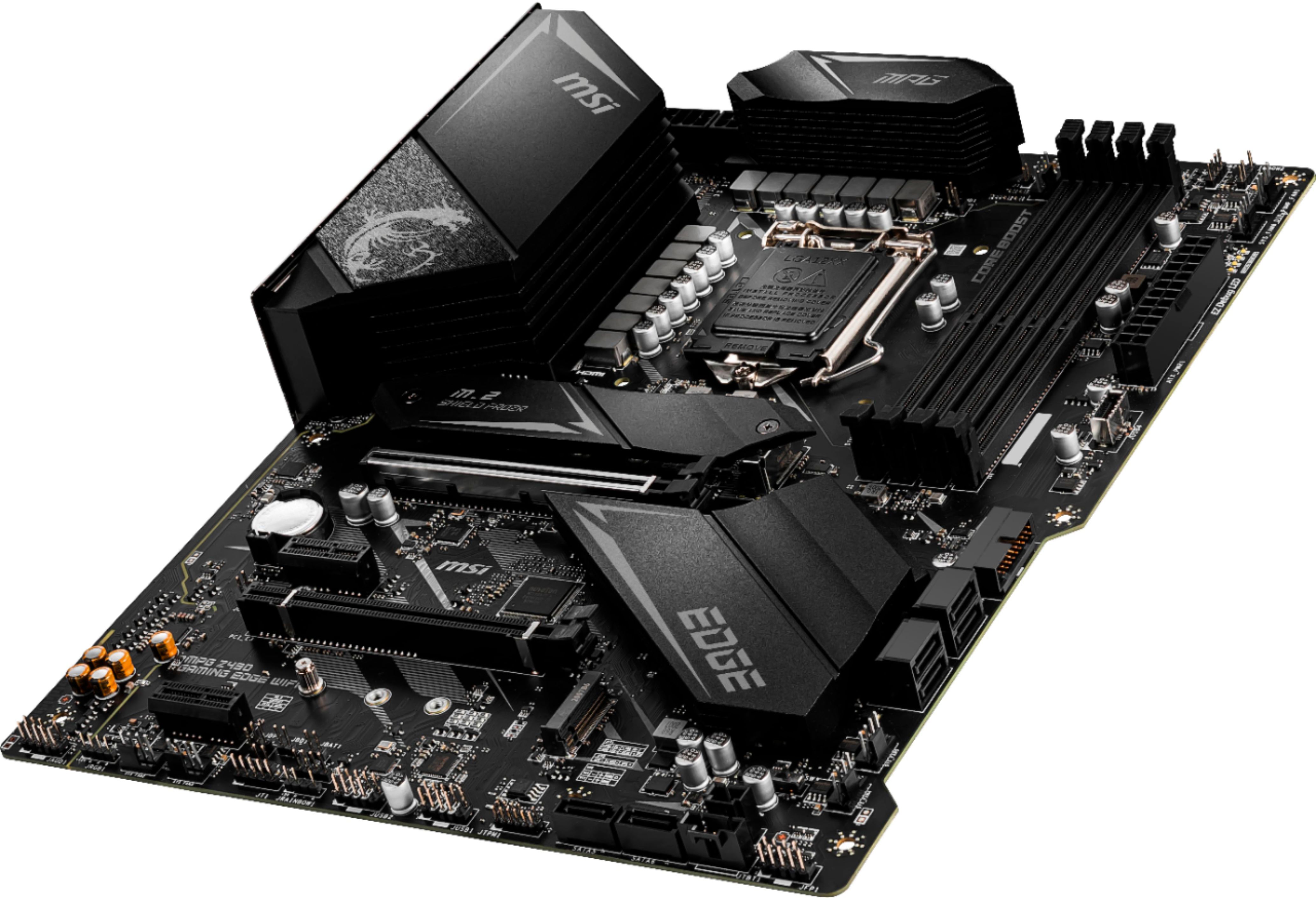
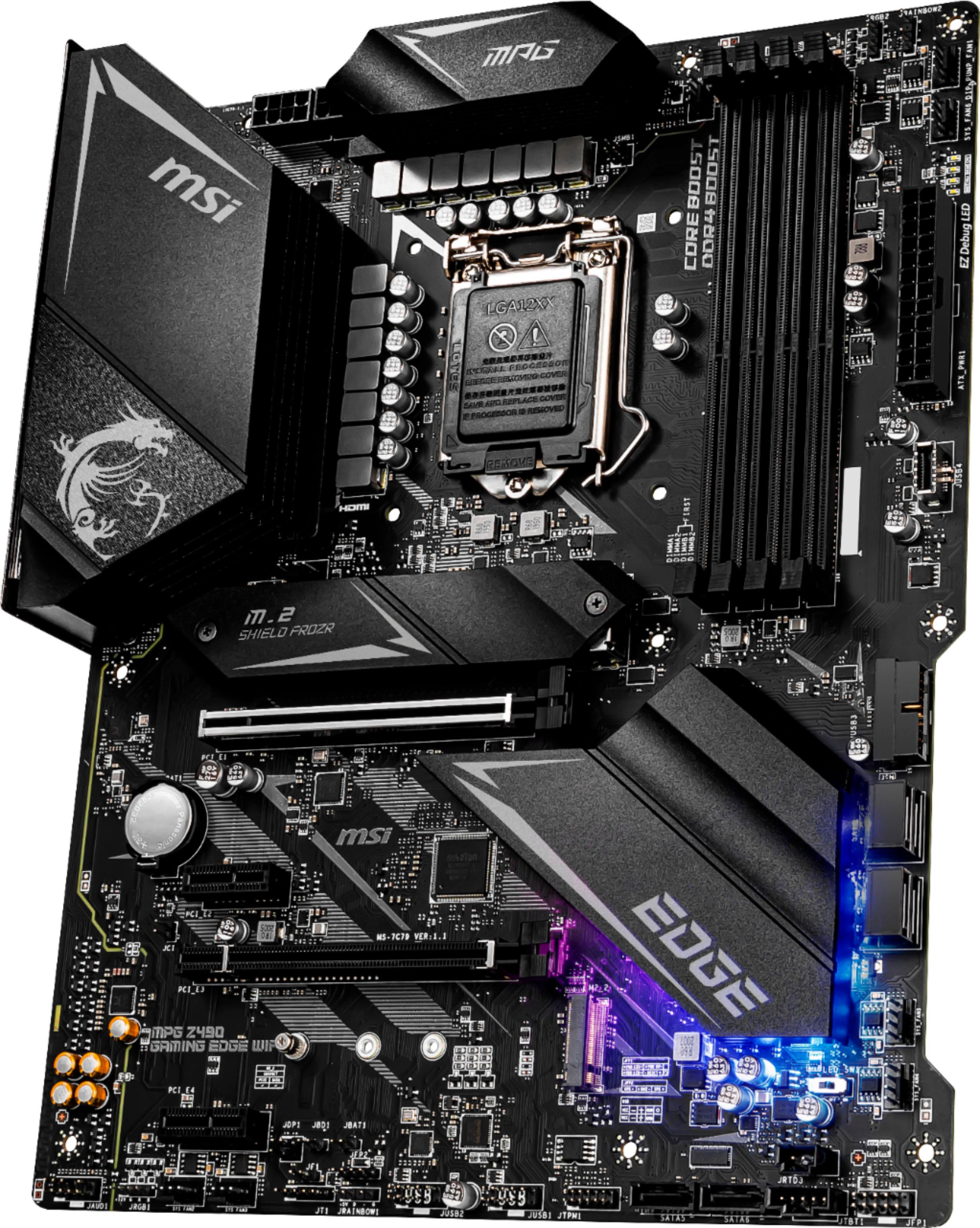
A:AnswerCPU_PWR1 is an 8 pin connector to the left of the 4 pin. You will need to use that power port instead of CPU_PWR2 which is the 4 pin connector you are referencing.
A:AnswerYes but there’s no reason to have a 3070 & 3060 on or the other will work fine and depending on your case you will want to get as much airflow around two gpus to the top GPU doesn’t make the bottoms one overheat
A:AnswerYes, it should run fine. If still unsure, Google the two parts and add "compatability" and there's sites that will tell you if the parts will work. Happy building!
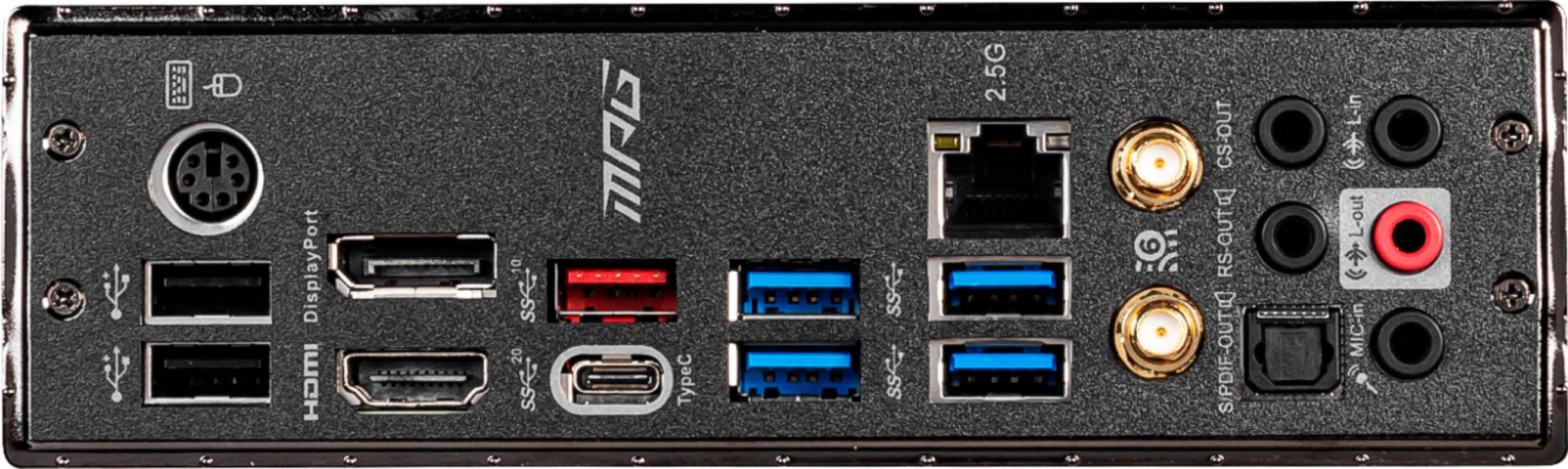
A:AnswerThe 11th gen incorporated a new integrated sku for graphics 'you unfortounatl have to wait on a bios update as this motherboard is not a native 11th gen board. Kind of uncharted territory. Try both outputs I think mine is 1 display port - 2 hdmi.
A:Answeryes memory should be installed in pairs. and remember if you want 16GB, its better to install 4x4GB sticks than 2 x 8GB sticks.
you can install just 1 memory, but you would get better performance in pairs. that's how it was designed (dual channel)
A:AnswerAs long as the RTX 3080 is PCIe 3.0 it will fit on the motherboard. The problem with a large video card is usually the case size and adequate power supply watts and connections.
A:AnswerHonestly, i don't know even when using the 11th gen. it clearly has the chipset for PCI 4 but it doesn't have it on the bios. The best bet is either go for AMD or wait this fall for 12th gen CPU that will support ddr5 and gen 4 out of the box and the 500 series MB will have PCI 4 though but do a small bios update just in case the gen 4 won't work for it.
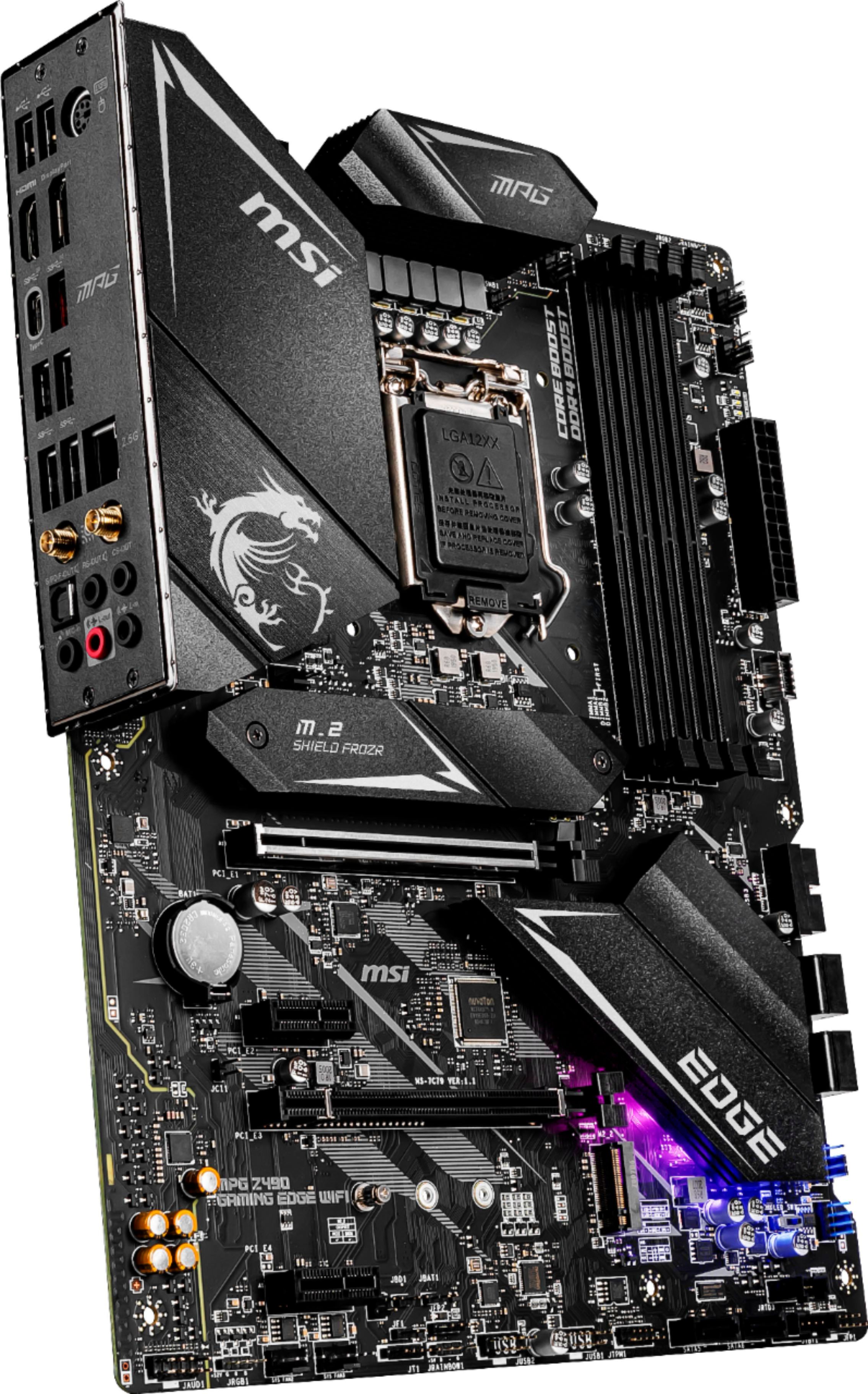
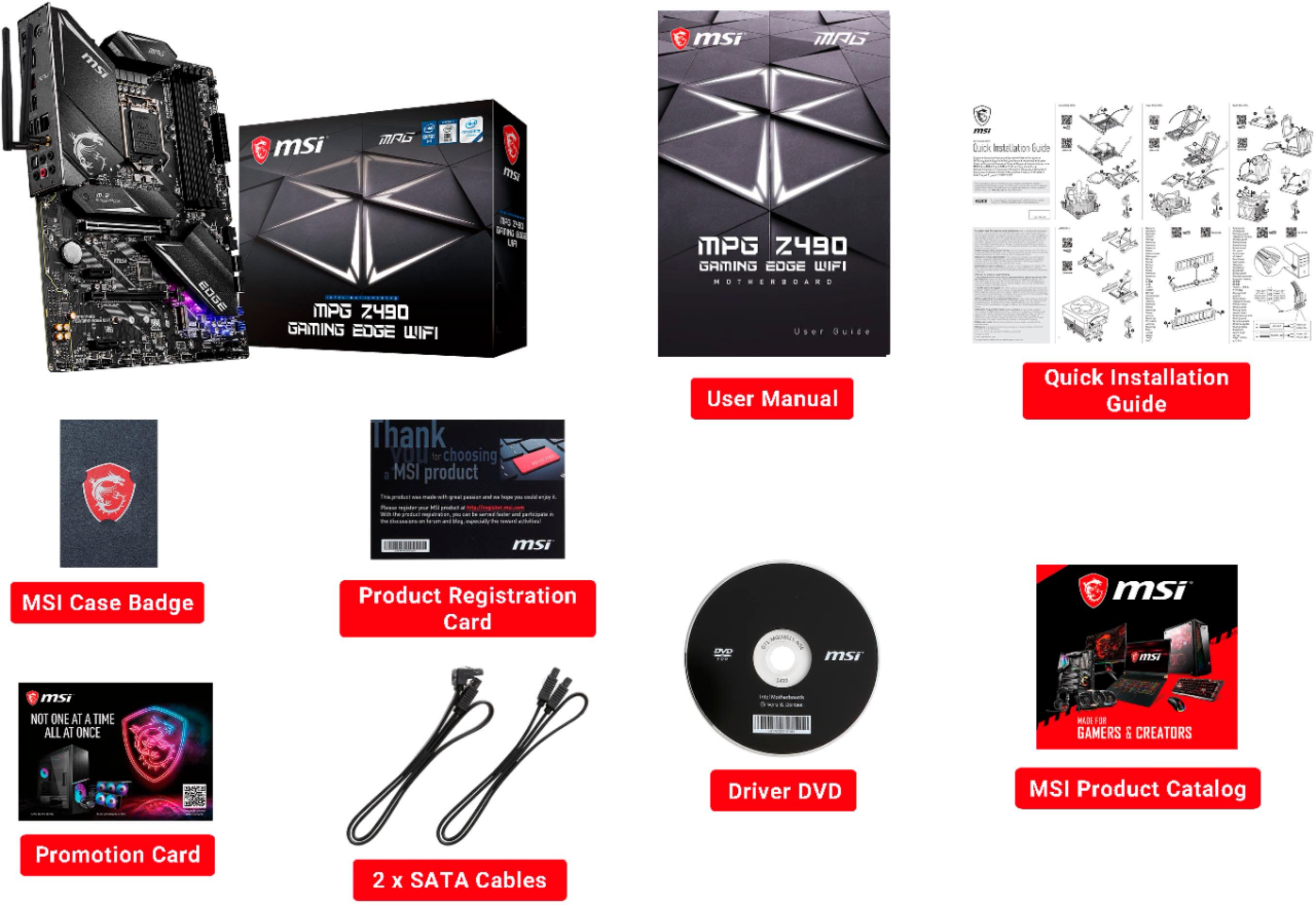
A:AnswerThe motherboard has a built in wireless adapter with two antenna connections on the I/O plate. That being said the wireless driver has to be installed before it will work. Just installing the OS won’t work. You may have to connect to an Ethernet connection to download the drivers. The Motherboard does come with an MSI cd with all the drivers. Most newer computer builds don’t have CD drives. I suggest downloading the MSI drivers from their website onto a thumb drive then using it to install the MSI drivers after the OS is installed.