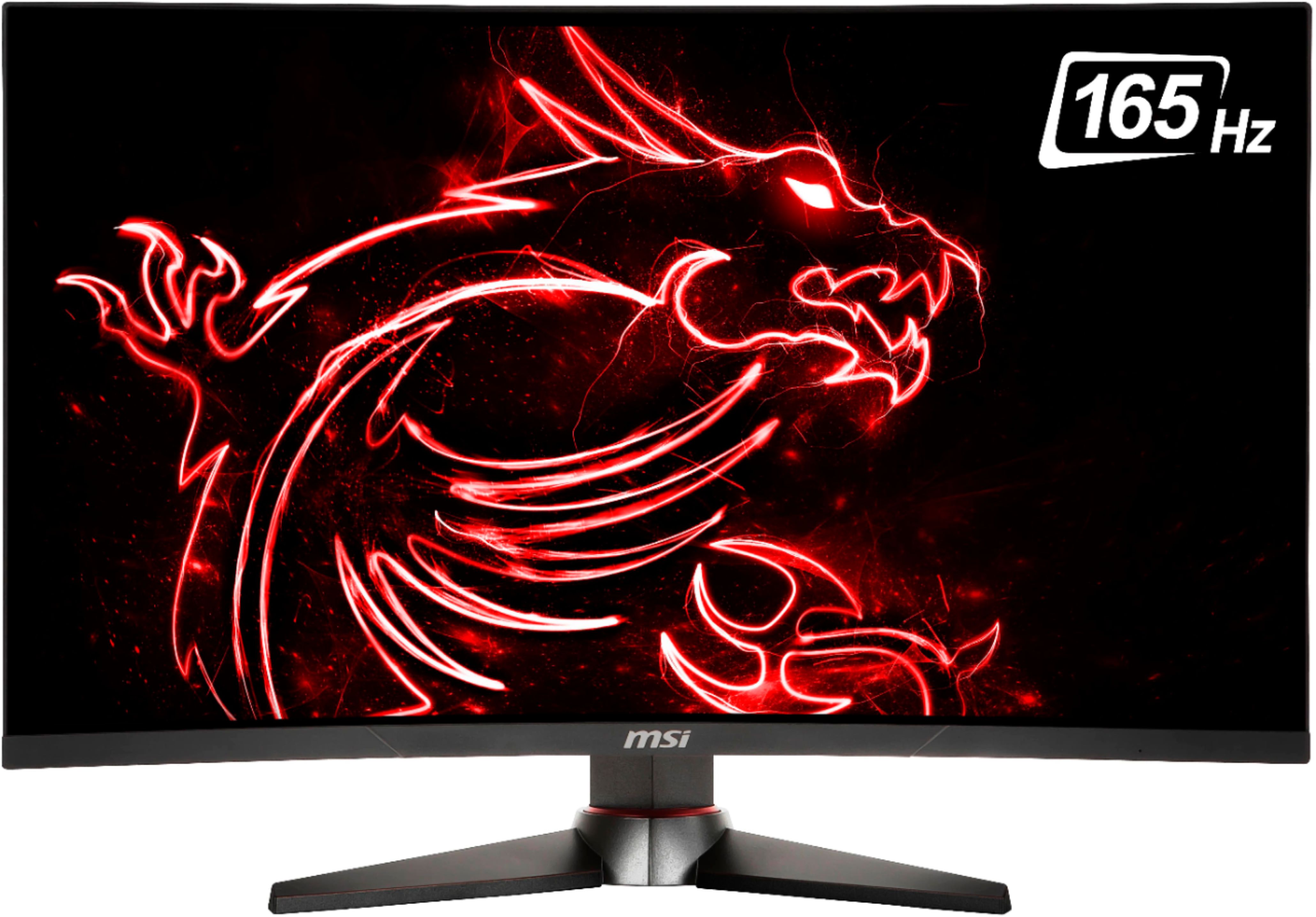
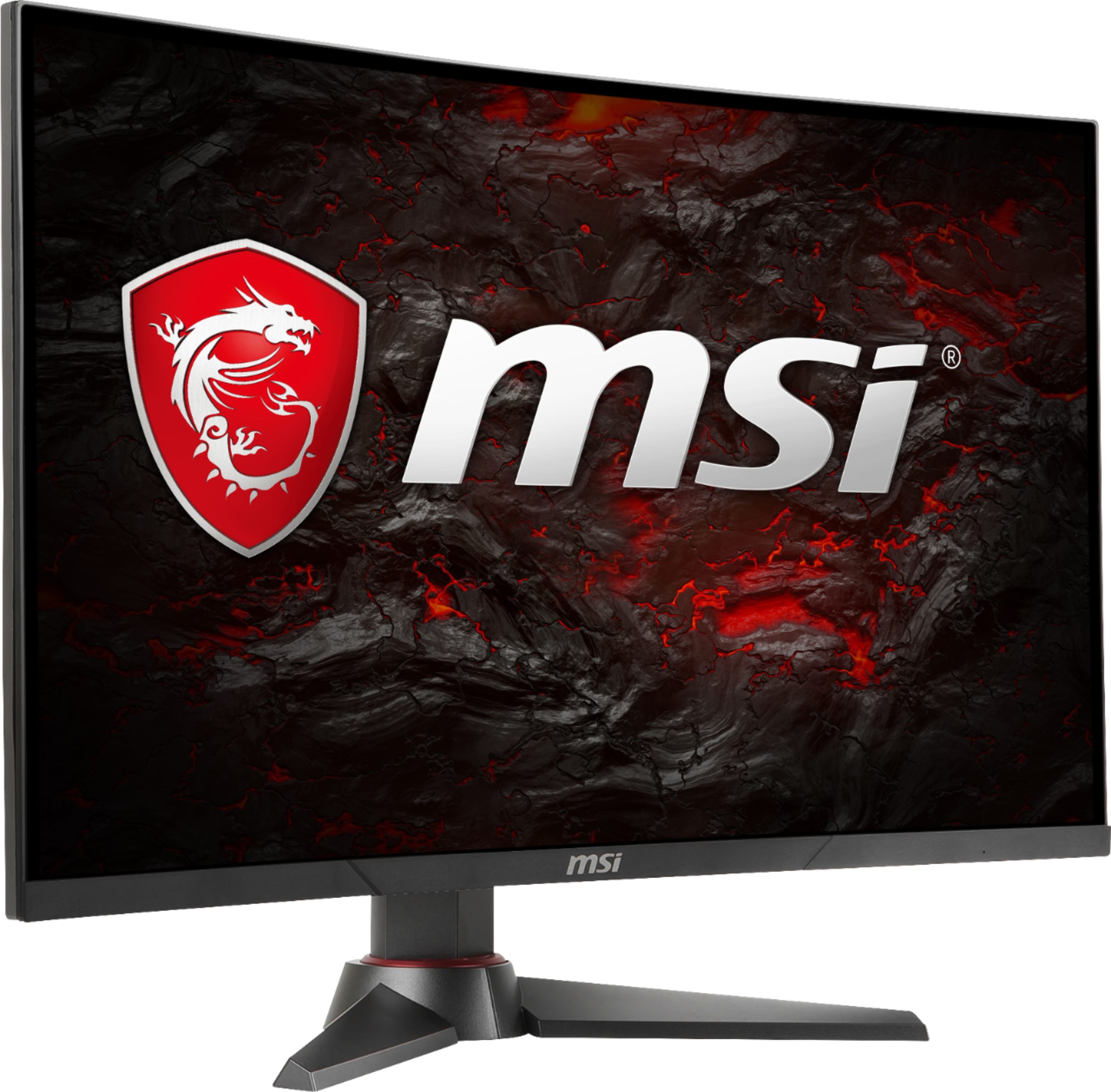
A:Answer"look good" is very subjective. What looks good to me may look bad to someone else. But I'm sure you'd be satisfied with this monitor using it with an Xbox One.
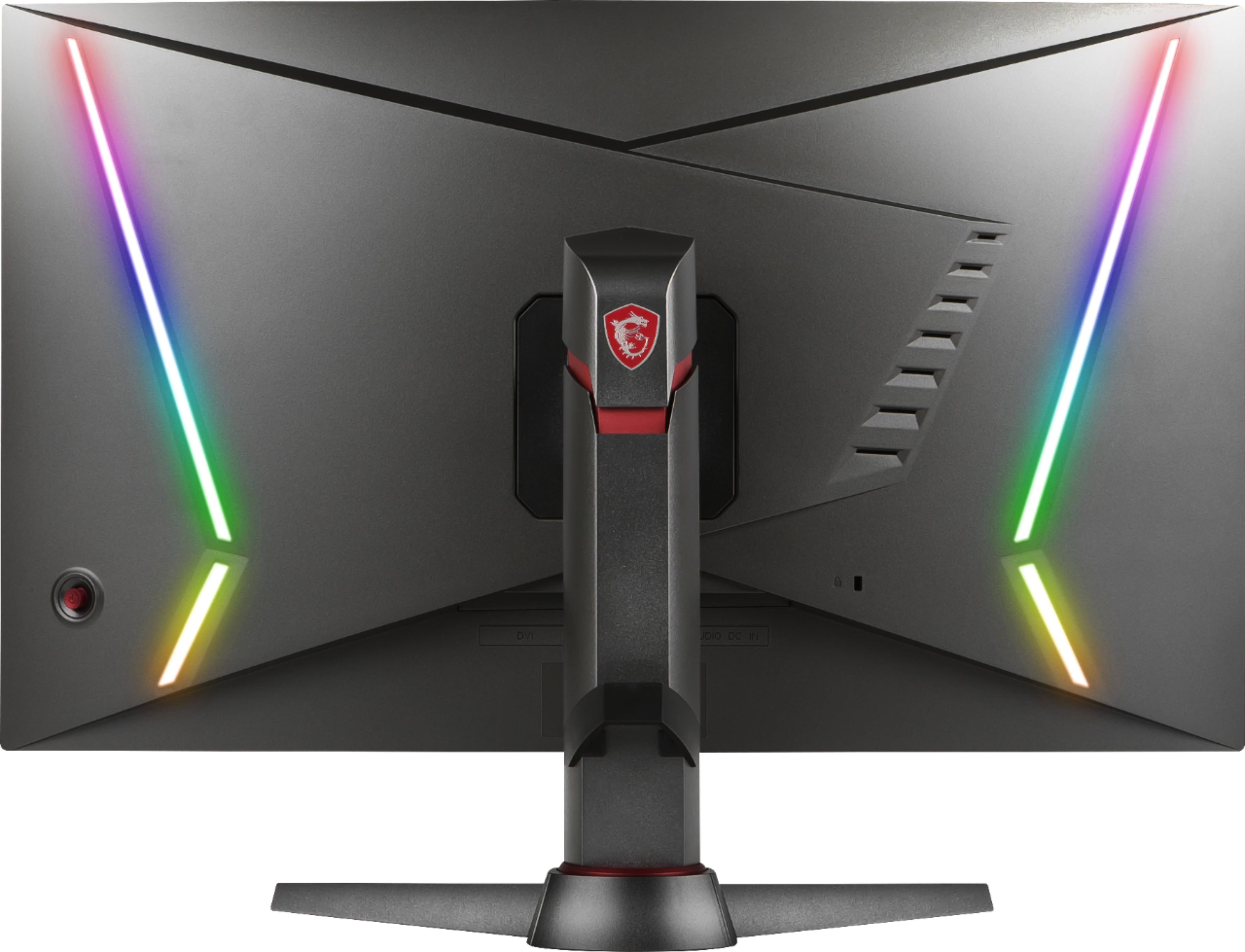
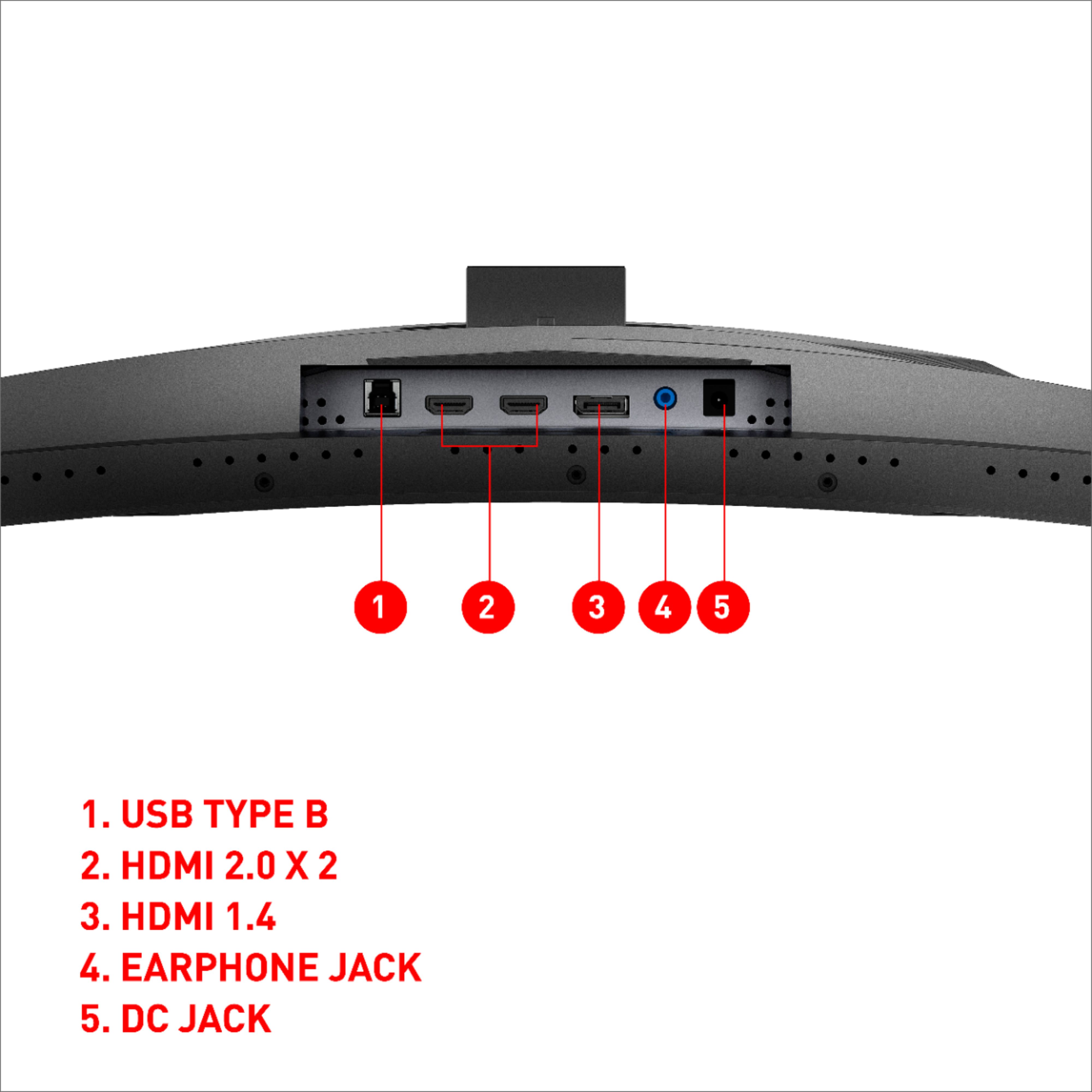
A:AnswerThe only USB port is the USB B port that is supposed to plug into a computer. I'm assuming for the Mystic Lights, but their software doesn't work and crashes, so don't plan on changing any of the lighting on the back.
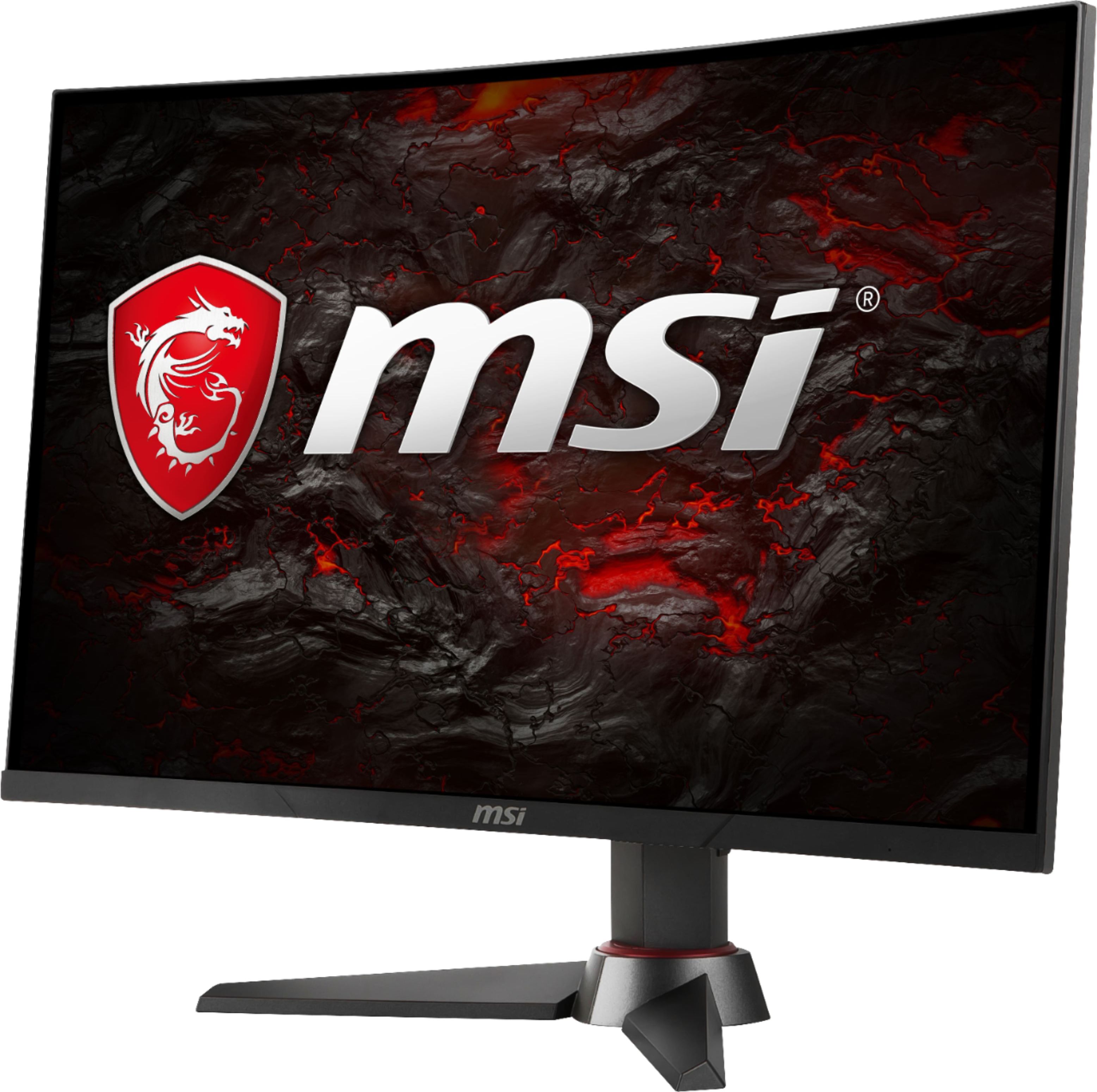
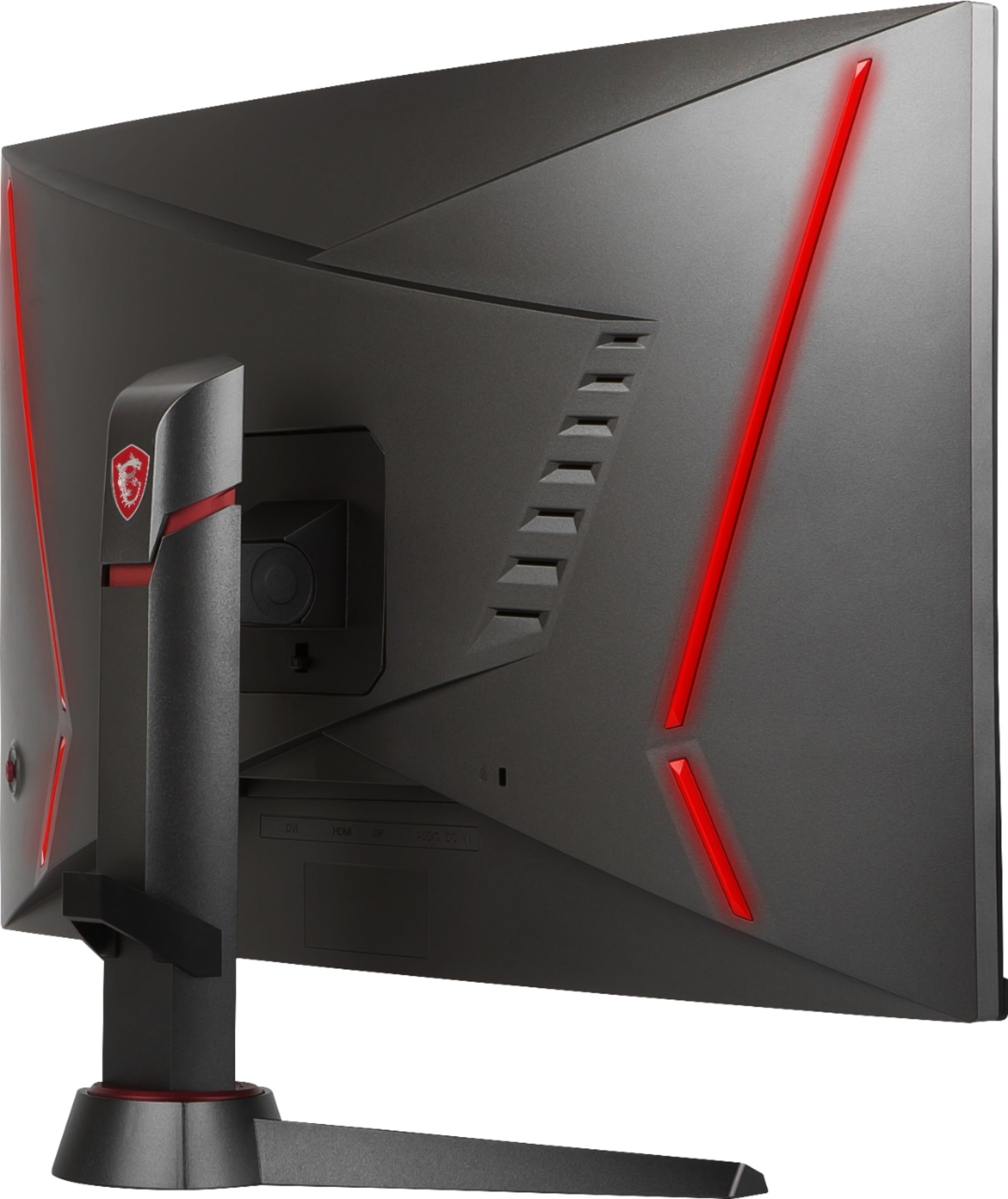
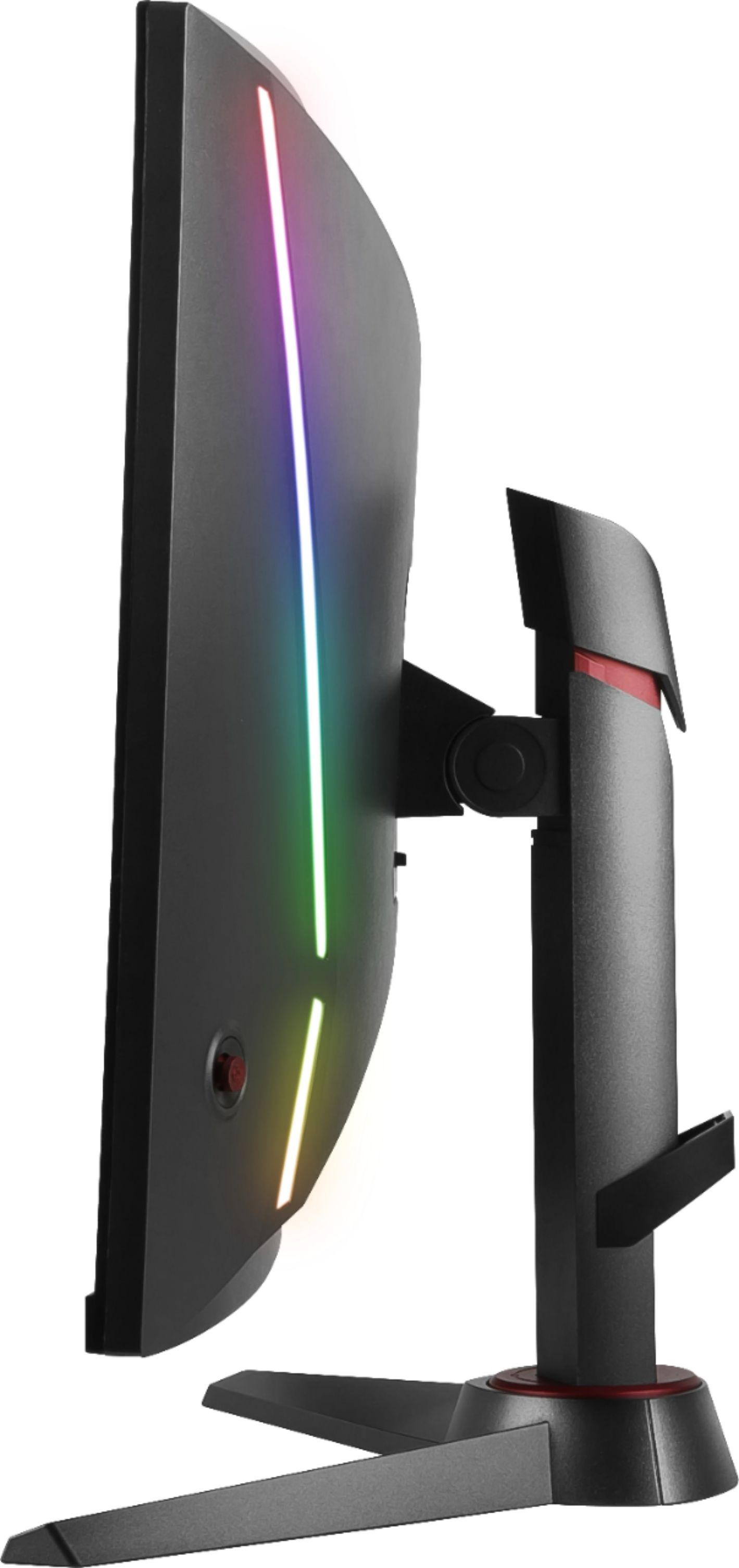
A:AnswerThe stand doesn't allow any rotation. But on a VESA wall mounted stand that rotates then it can be flipped vertically. But the monitor doesn't have any sensors to auto rotate the image, so you'll have to do that manually.
A:AnswerI'd imagine it would perform spectacularly. My GTX 1060 6GB with Core i7 4790k 4th gen works great. I don't play too many games at the moment. But Doom 2016 (everything at Ultra) runs on average actually 140-170 FPS. At some outside scenes the Doom OSD maxes out at 200 FPS even though I'm sure the display can't reproduce that with FreeSync. But show me anyone who can notice tearing at 165Hz and I'll get a loan for 1 million dollars and give it to them.
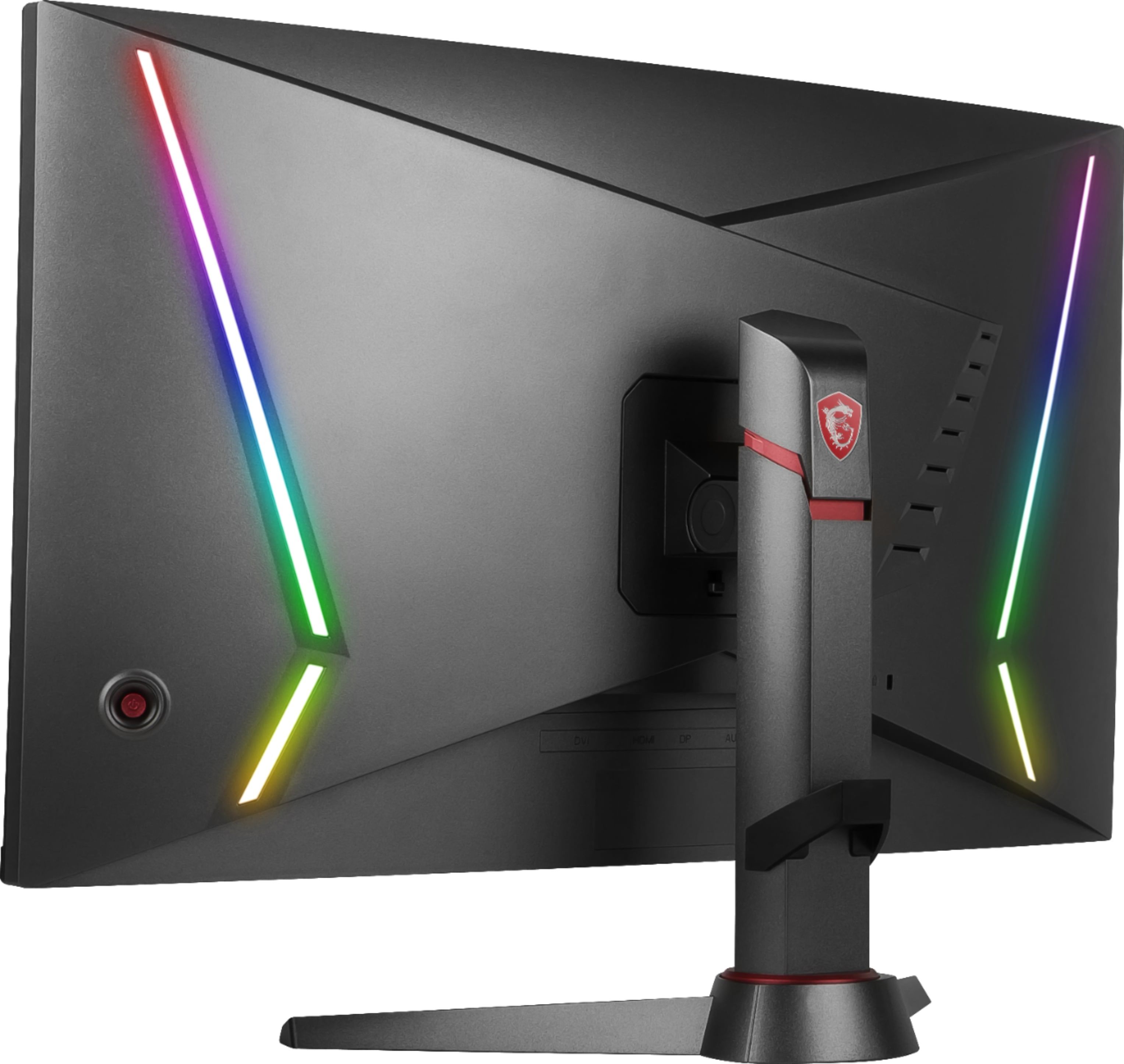
A:AnswerI believe you're supposed to. But I can't, because their Monitor Mystic Lights software crashes when I press certain buttons. And the buttons that supposed to change lights don't work. I even downloaded the utility right from MSI's product page. So if you need to change the LEDs, then find another model or brand.