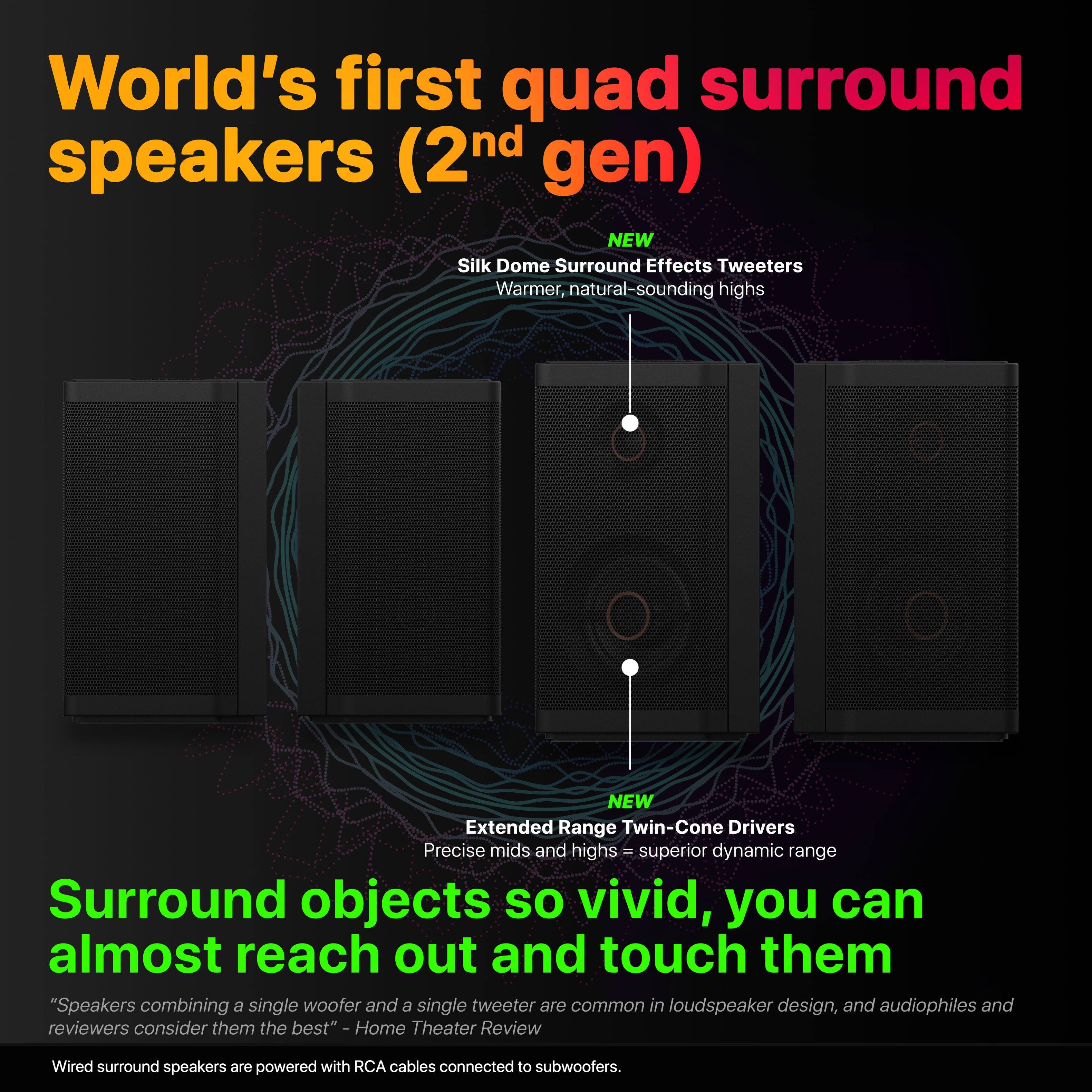
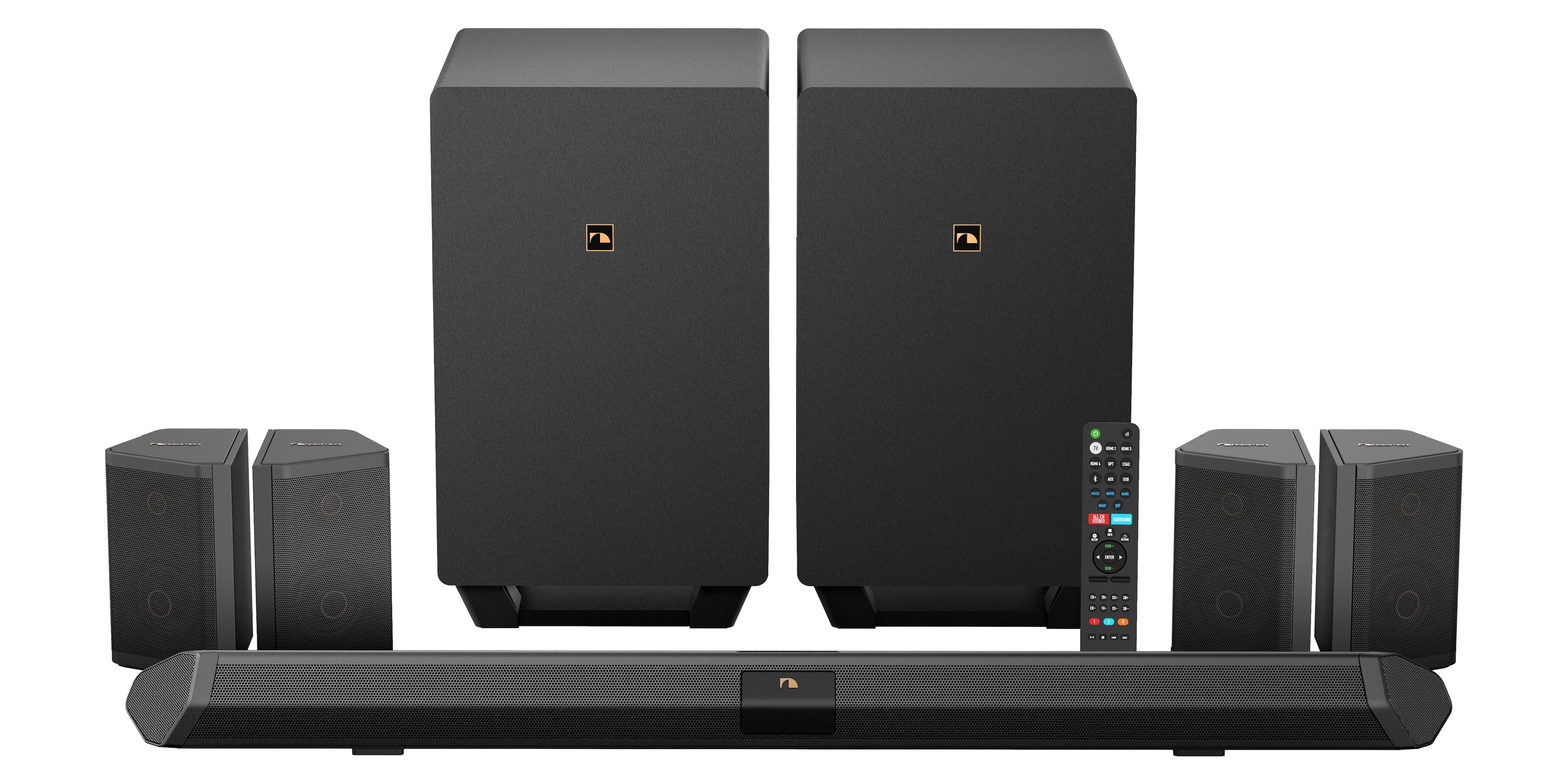
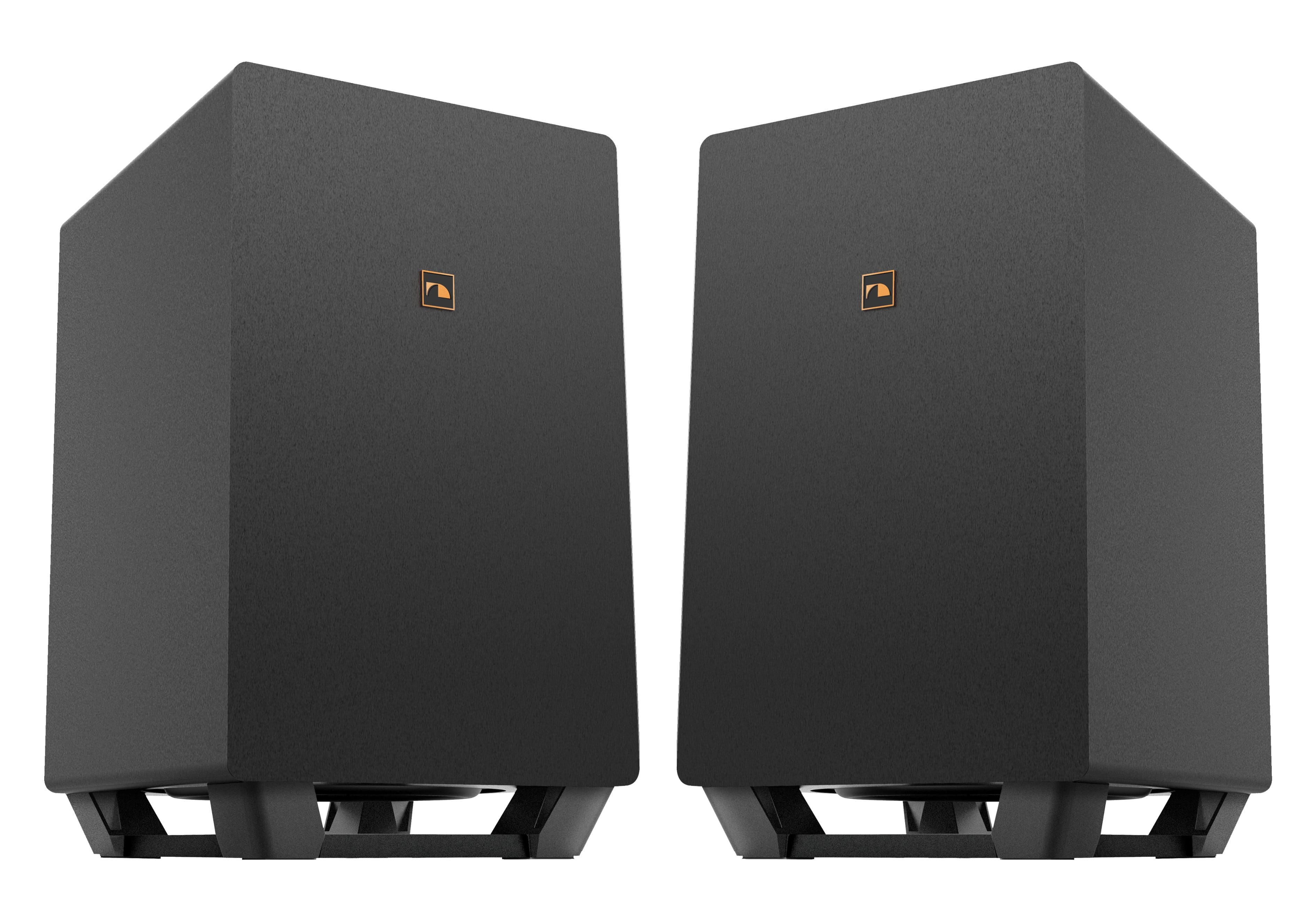
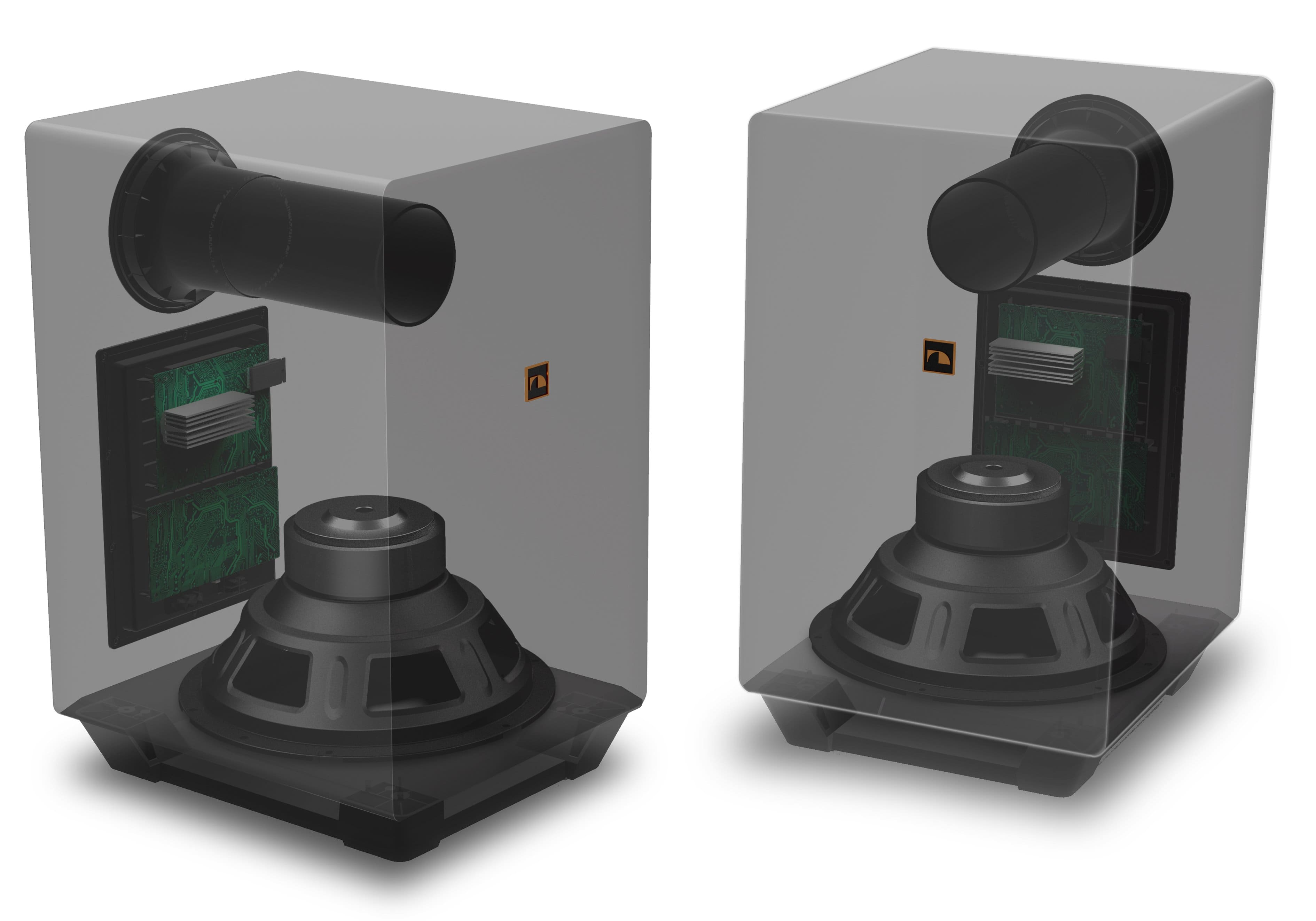
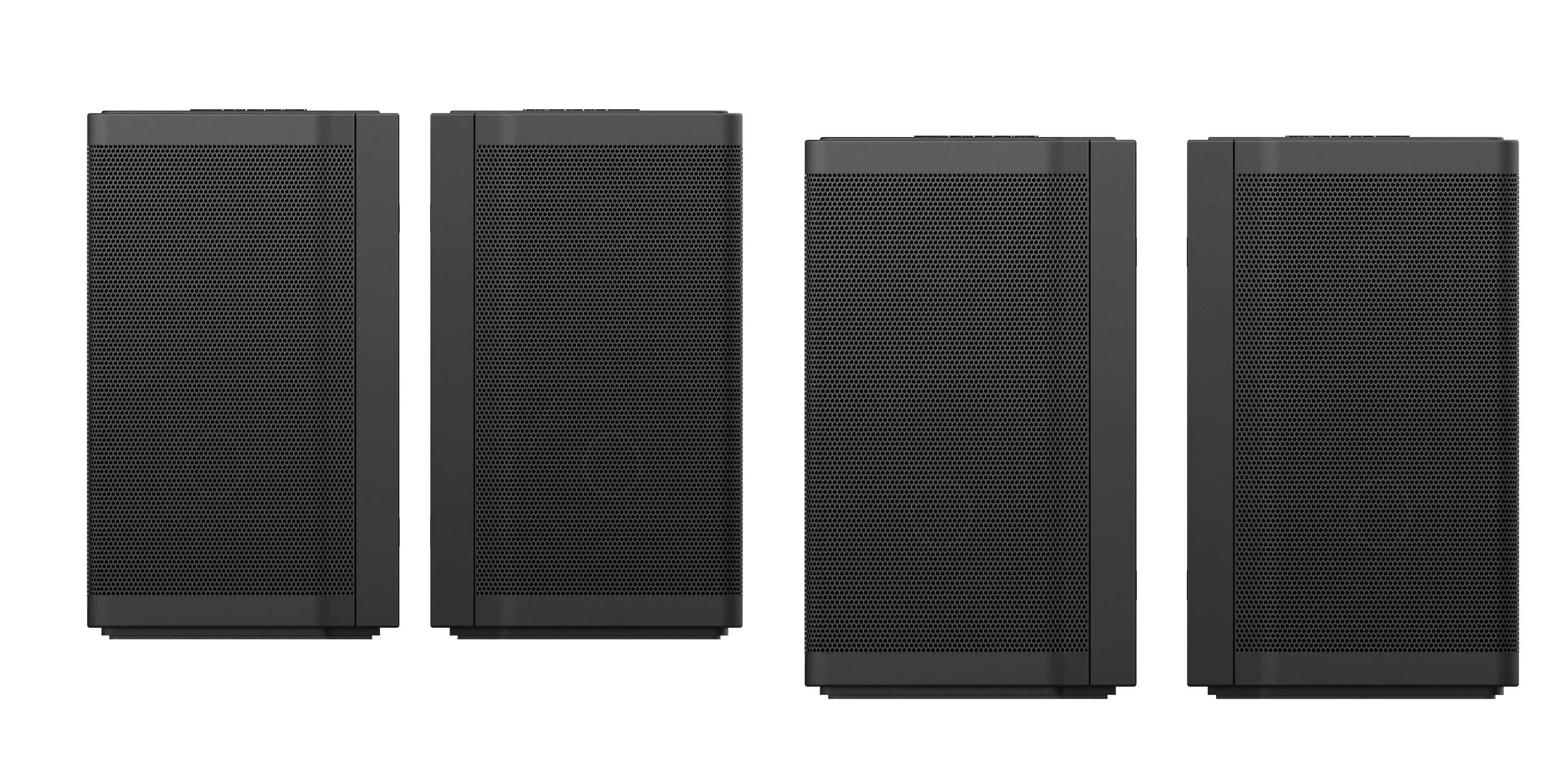
A:AnswerThe speakers connect to subwoofers via RCA cables. Left Surrounds connect to the Left Subwoofer, Right Surrounds connect to the Right Subwoofer.
A:AnswerYou can technically use speaker wire with RCA adapters. You will need to run the cables into your subwoofers. It's still suggested to use the factory cables for best performance.
A:AnswerNakamichi products are sold online only through Best Buy, they are not available for in-store direct purchase. Contact your Best Buy location to see if pick up is available for online orders.
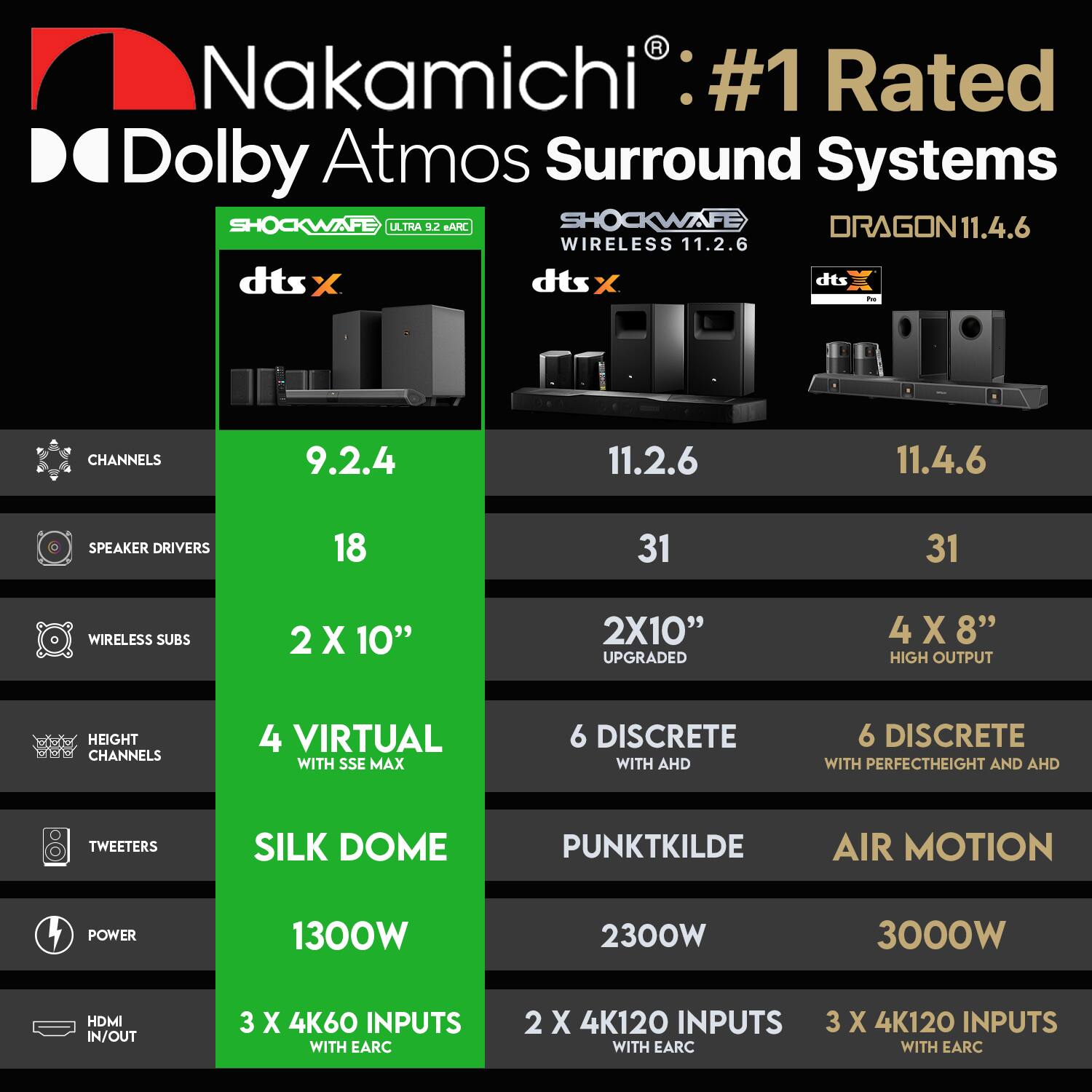
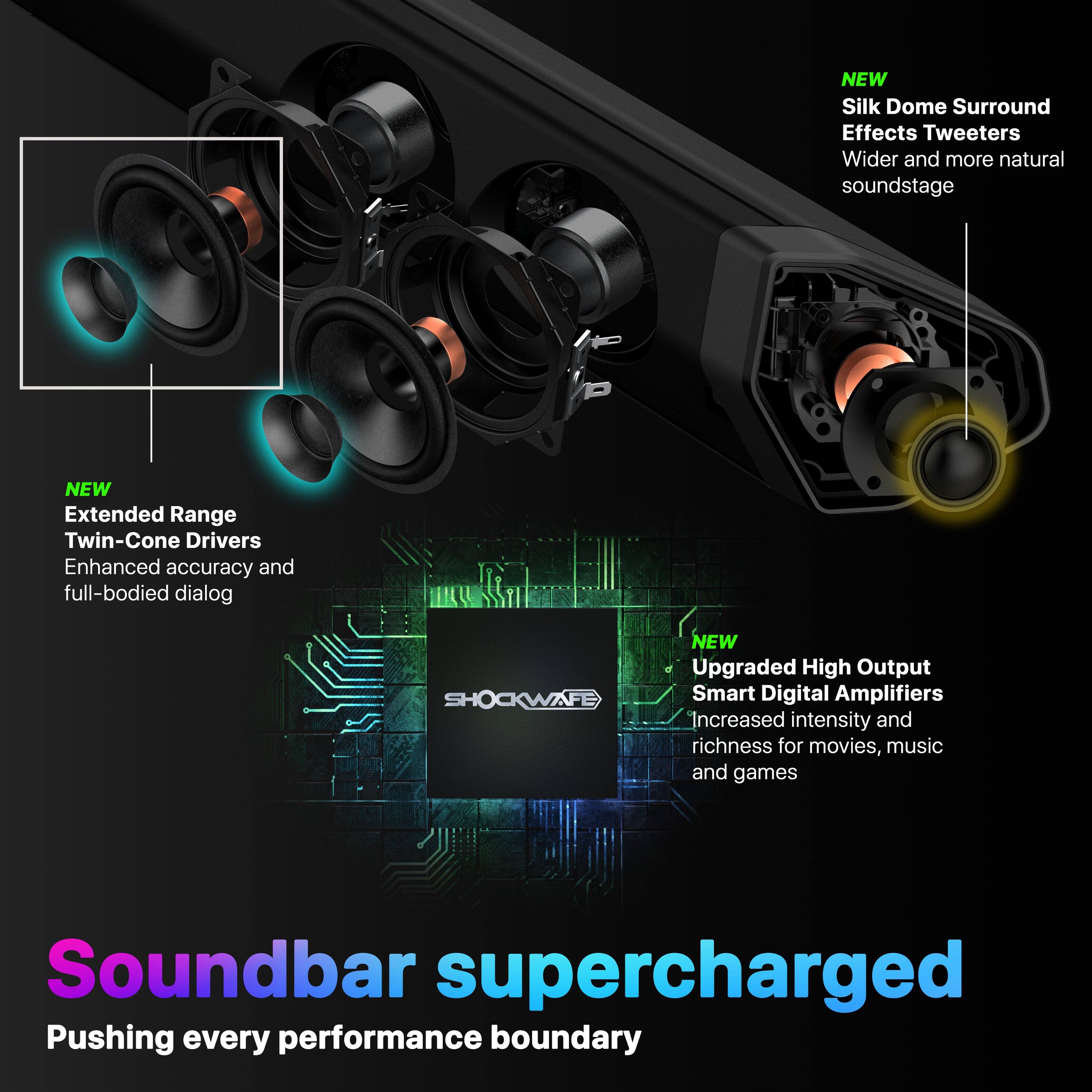
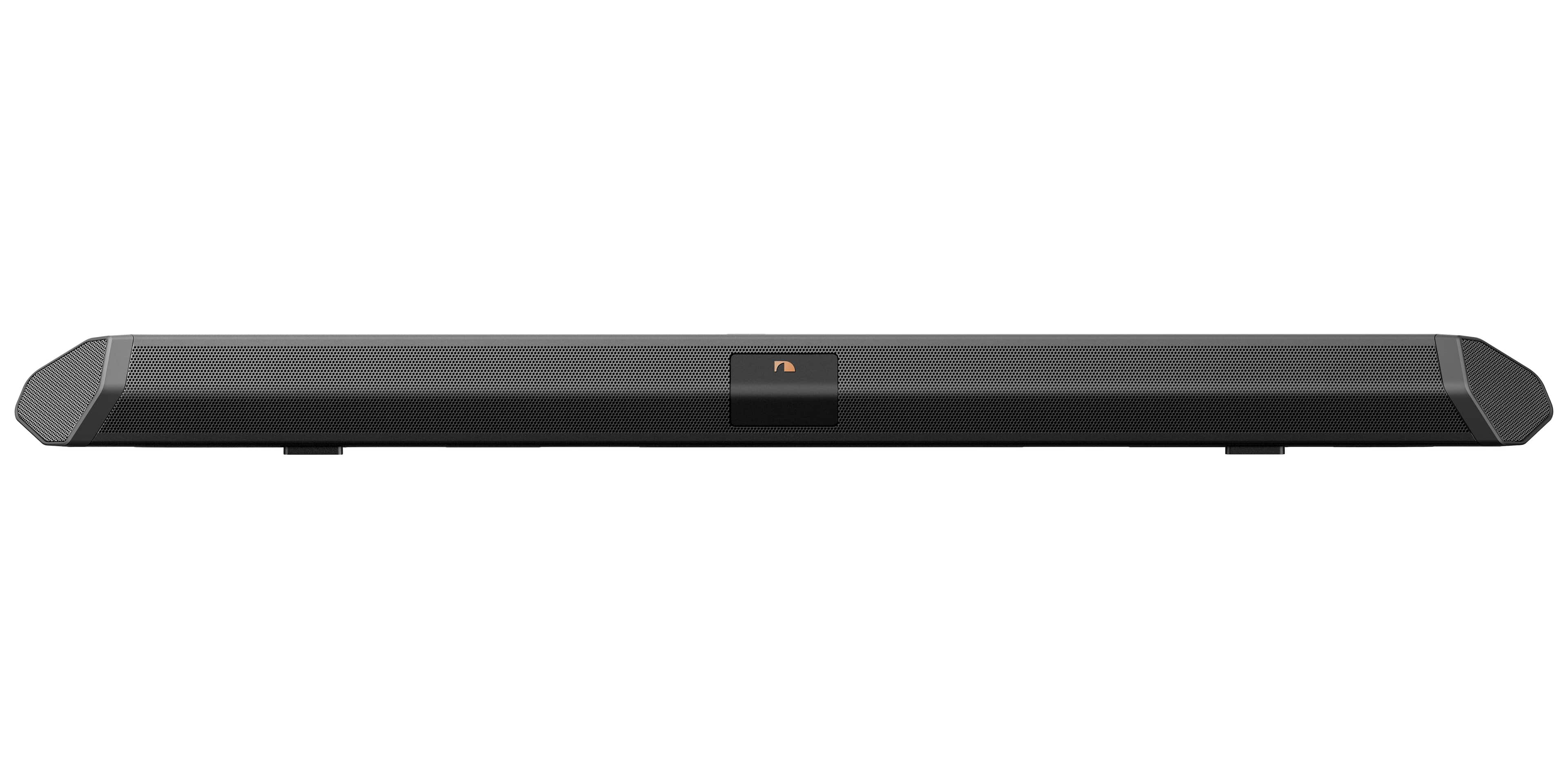
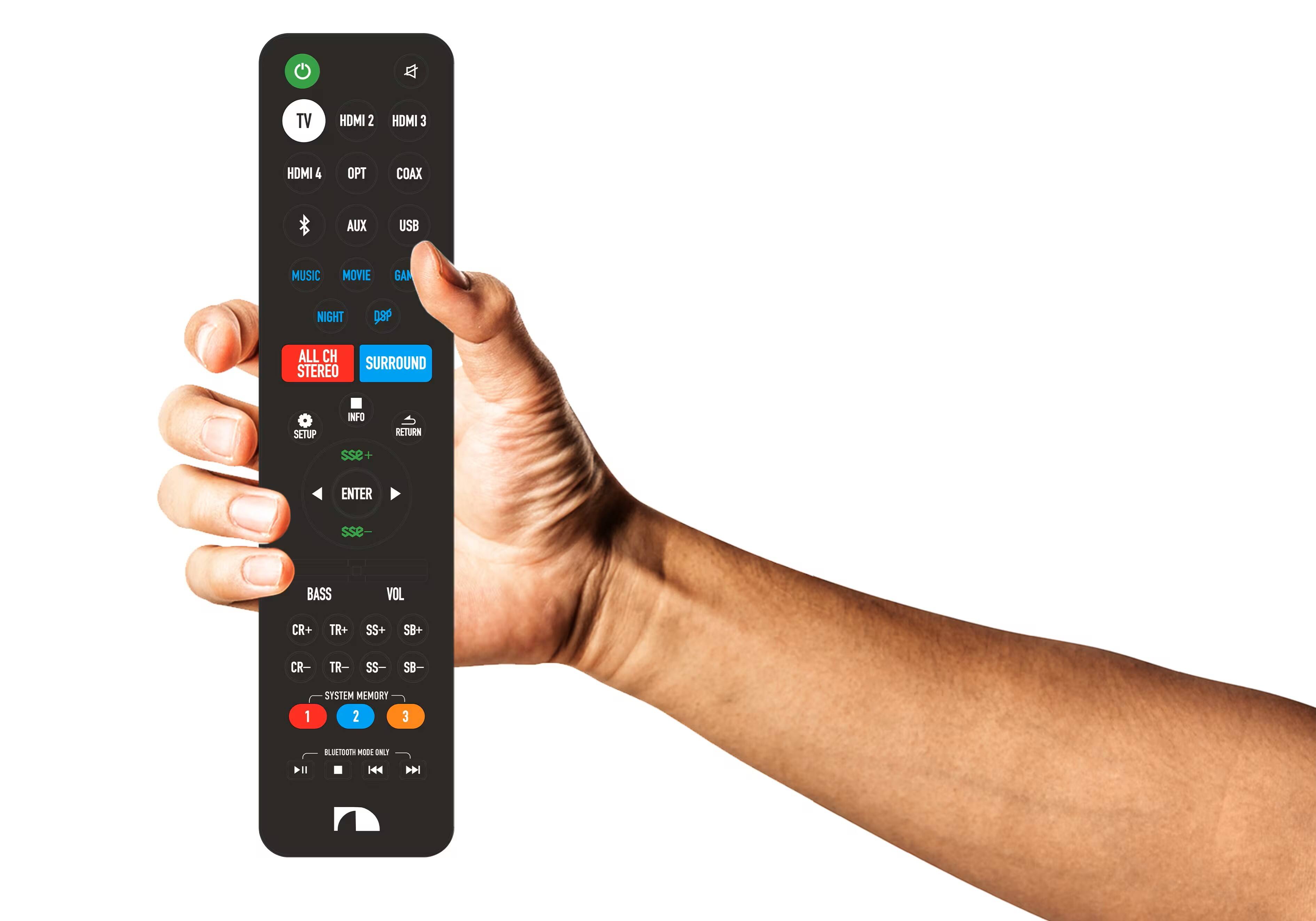
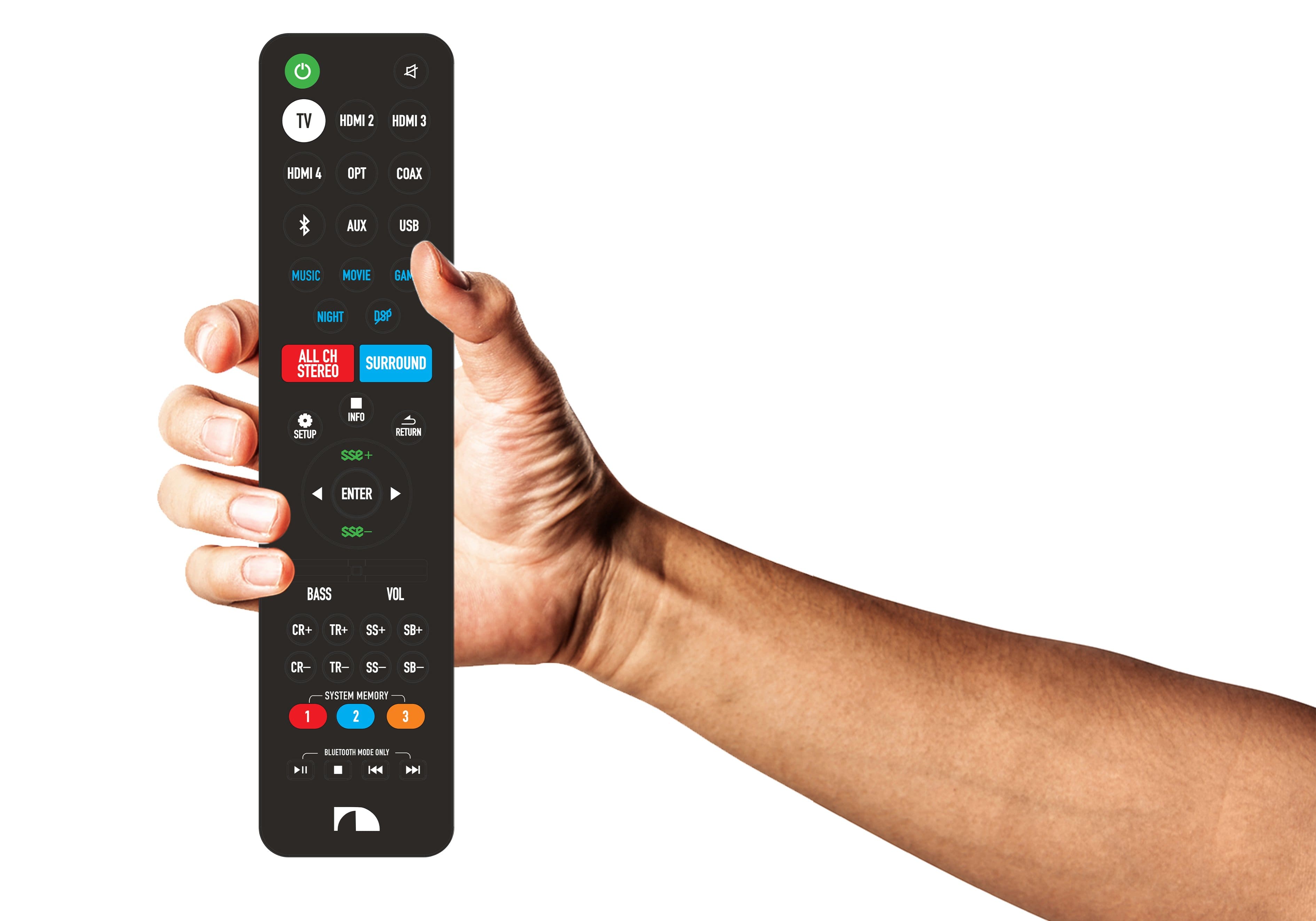
A:AnswerAll drivers and tweeters have been upgraded. The full range drivers in the soundbar/ surround speakers were upgraded to Whizzer Cones for extended high frequency range. The subwoofers are a higher wattage with upgraded drivers and more powerful amplifiers. The wireless chipset was upgraded for improved stability from soundbar to subwoofers. The remote control is a completely new design and built to last.
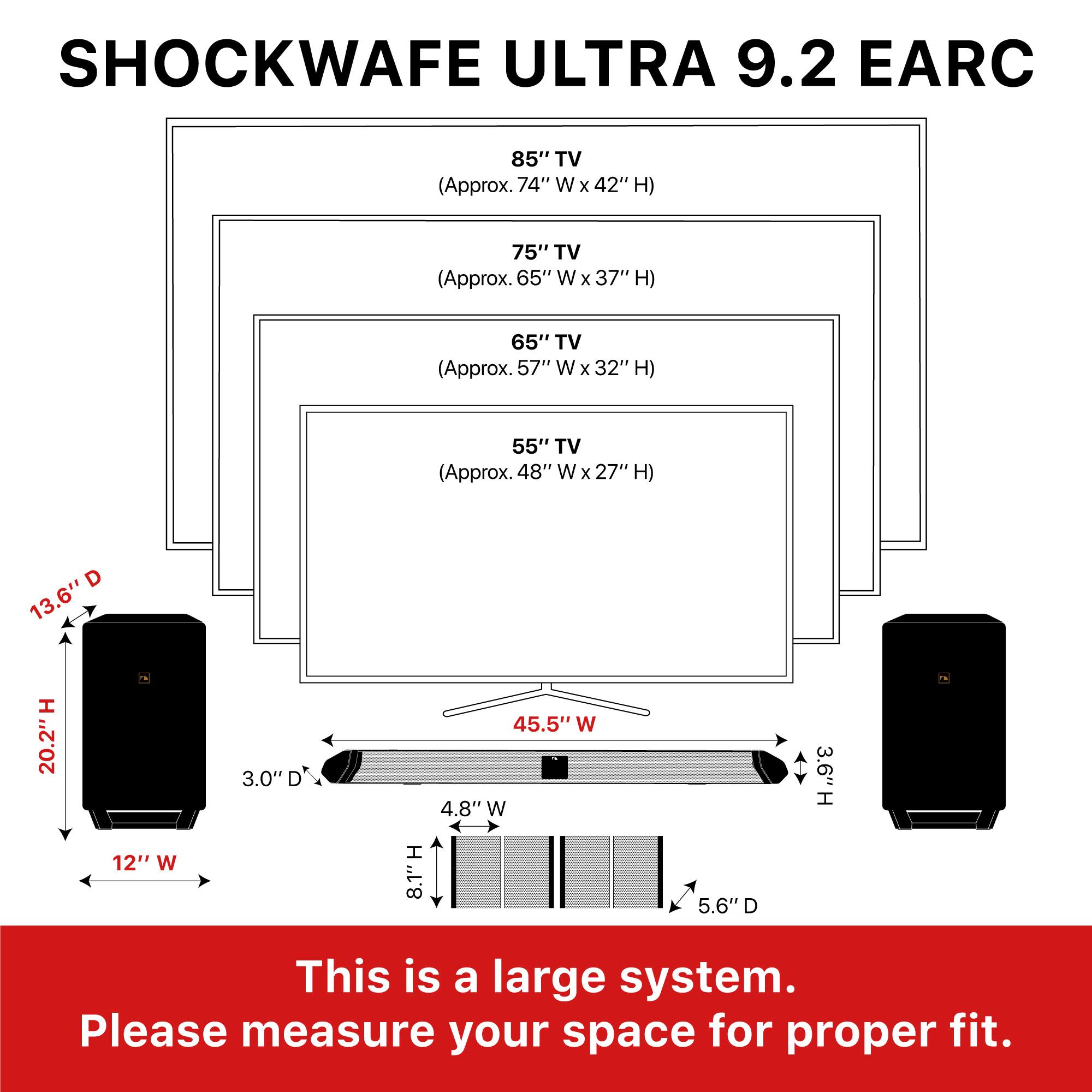
A:AnswerNo speaker stands included with set. A couple of mount brackets to fasten surround speakers into a two way configuration. Mount bracket for center channel
A:AnswerAlmost any wireless device (ie wifi router, keyboard, mouse) will interfere with the subwoofer, so those need be moved away from the subwoofers. Also, make sure there are no barriers between the soundbar and the wireless subs. Nakamichi has an excellent giude on their website on this and more causes.
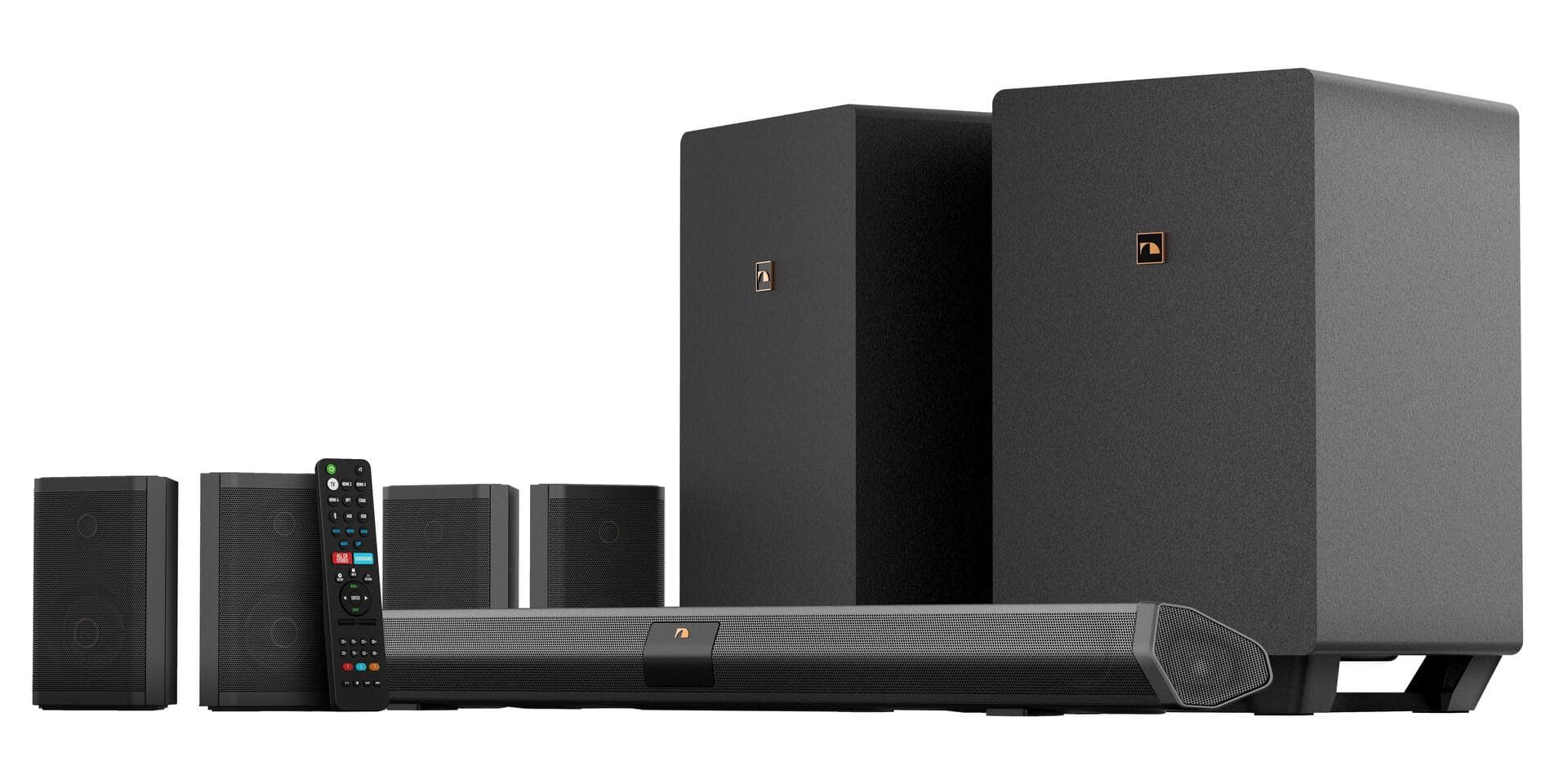
A:AnswerTechnically no. However, as has been done to the dragon subs and q990 subs, you can splice into the high level speaker outputs and connect any powered sub with high level inputs. This WILL void warranty!!! Modify at your own risk!

That said, the sub mod aka beast mode mod, is rather simple. It’s the same process that car audio uses to connect an external amp/sub to a factory system in a car.
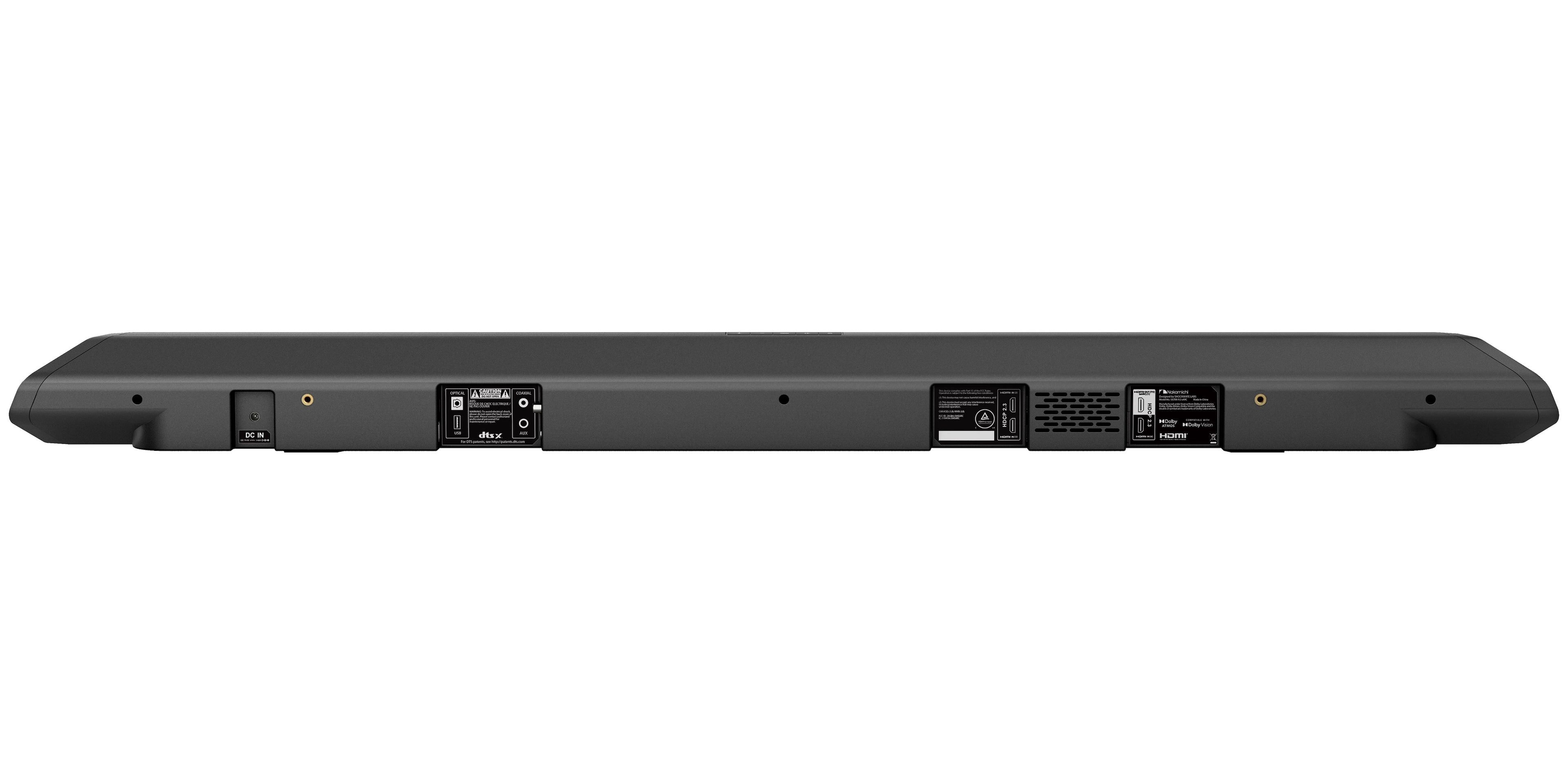
A:AnswerYes you can! More than likely, you will need to connect to the soundbar via the aux input, and will need either an aux cable, or an RCA to aux adapter.