A:AnswerAs long as the TV has Chromecast built-in or is running on Google's TV software, than yes, you can. If it doesn't have that, than all you need to do is buy a Chromecast.
A:AnswerYes. Nest Mini is a stand-alone speaker that connects to your Wi-Fi network with acess to the internet to work. You can link your music services in the Google Home app to play music on Nest Mini with voice commands. Take a look at the following link to see which music apps are supported: https://support.google.com/googlenest/answer/7030379
Moreover, you can also play music that's stored on your mobile device (phone or tablet) or computer on Google Home using Bluetooth. This includes iTunes Music, Audible, audio books and your personal playlists. Find out more information here: https://support.google.com/googlenest/answer/7381505
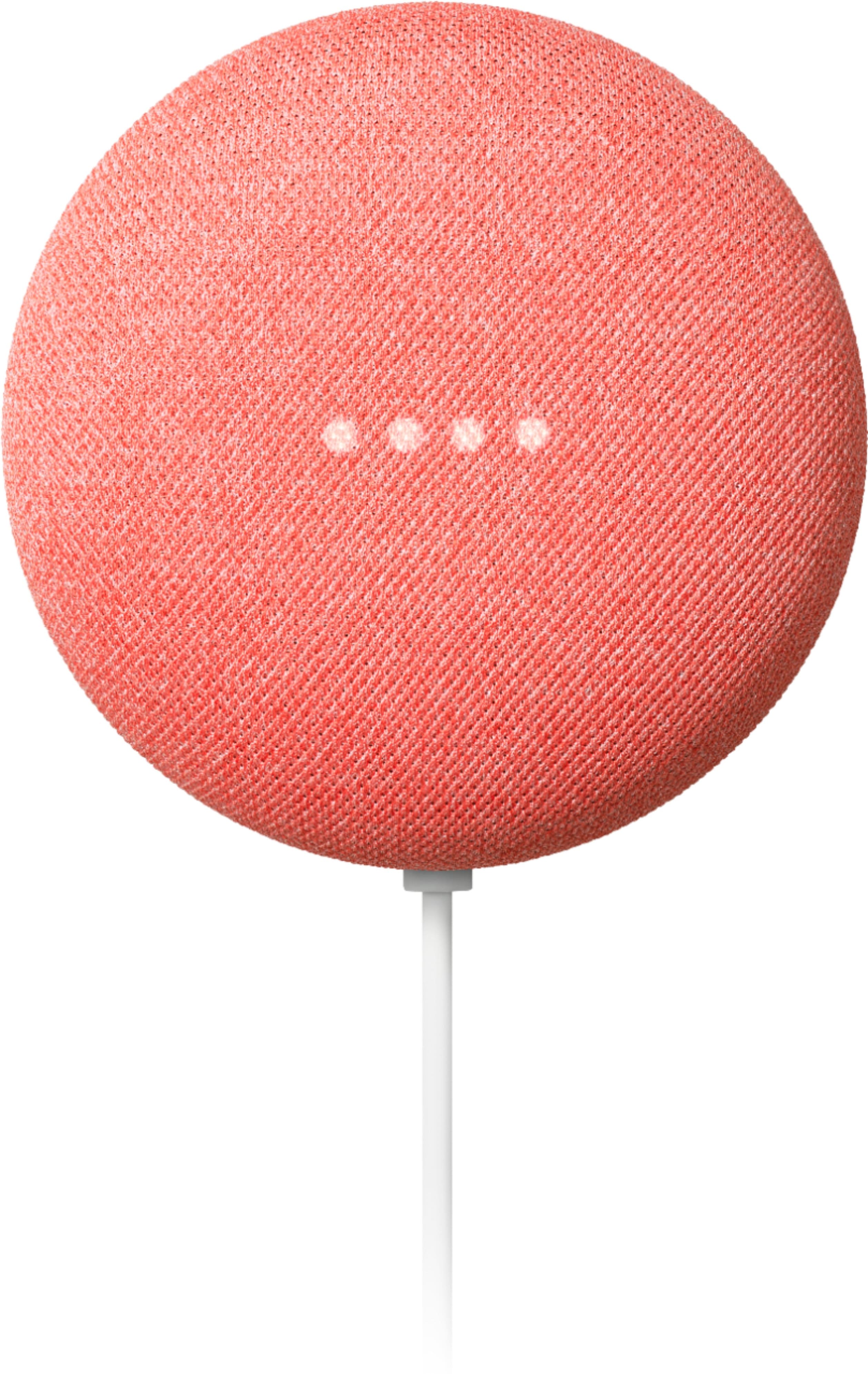
A:AnswerThey are nearly the same: same size and features. The Gen 2 has a round slot for regular power adapter while the Gen 1 has a micro USB slot for powering and could therefore be powered in more ways. Gen 1 had some issues with bricking (mine did, ended up in the trash and replaced it with Gen 2) so I’d go for Gen 2.
A:AnswerDepends on the size of your household and how many rooms you'd like it in. I have a 2 story house and I have 2 Nest Mini's and a Google Nest Hub Max.
A:AnswerI just looked in the Google home app and it has 'Geeni' listed when I look at 'add new devices'. I don't have a Geeni camera myself, but it appears that it would work. There is a VERY long list, so basically anything that as billed as working with smart home devices can probably be setup with Google Nest.
A:AnswerYes, the google home and the google nest mini are integrated with Google Assistant - which is compatible with IFTTT.
Look into what applets you want to use Google Assistant to see if this is a good option for you. You can test them out with the Google Assistant App on your cell phone before you get the google home to see if it works properly.