A:AnswerI have xfinity/comcast and have had no issues with setup or usage. Seems to work well. Xfinity should have a list of acceptable routers, if you want to be sure.
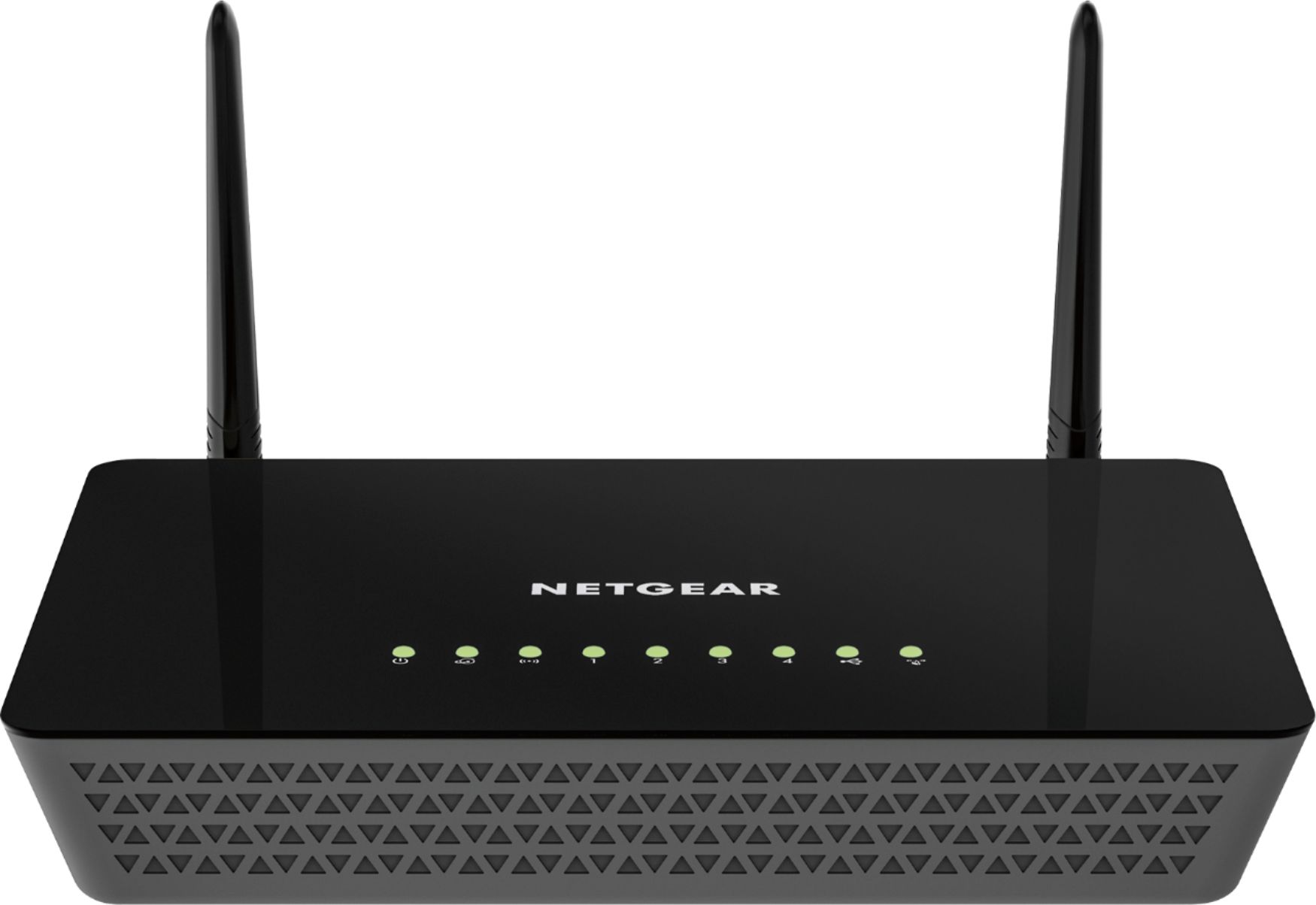
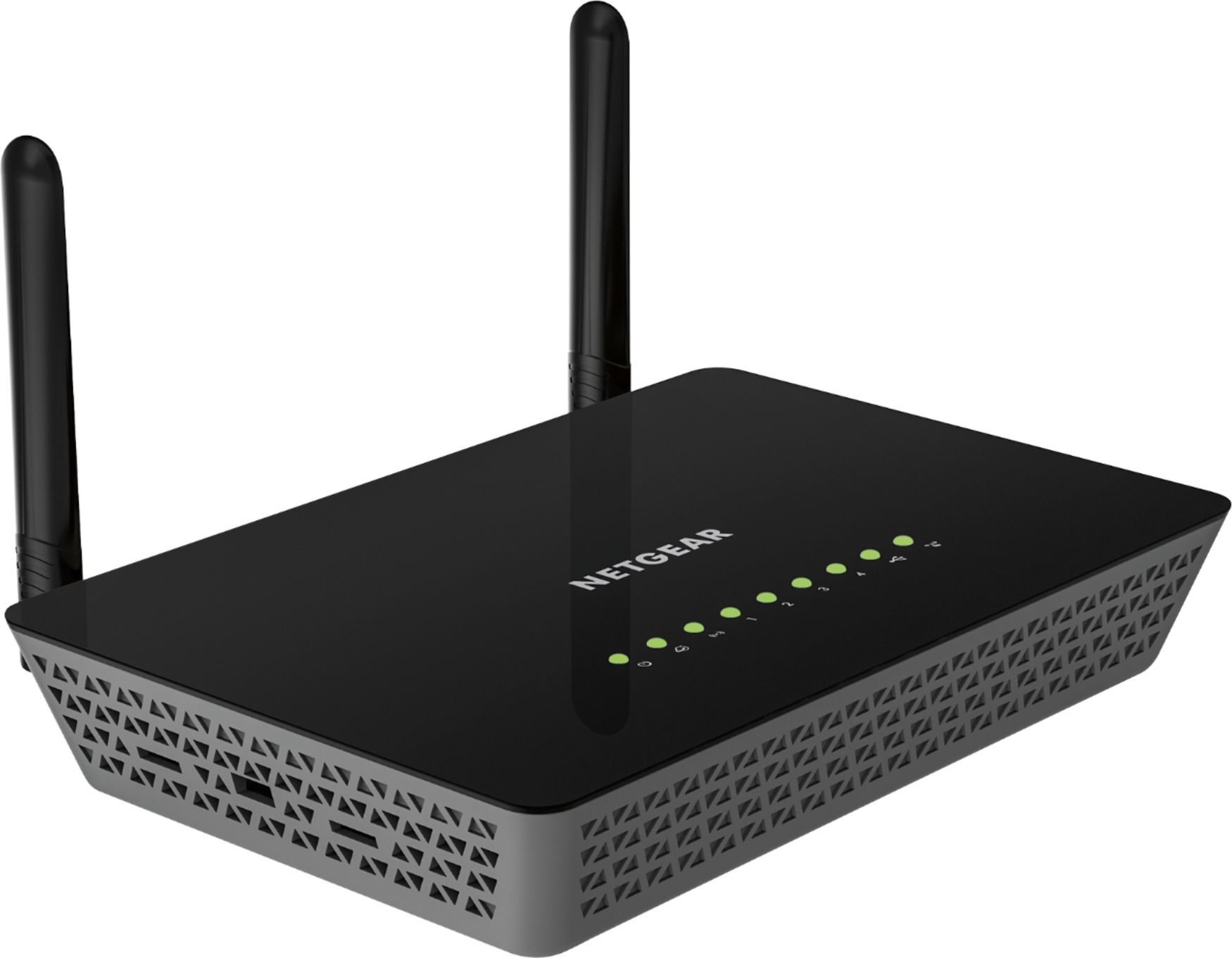
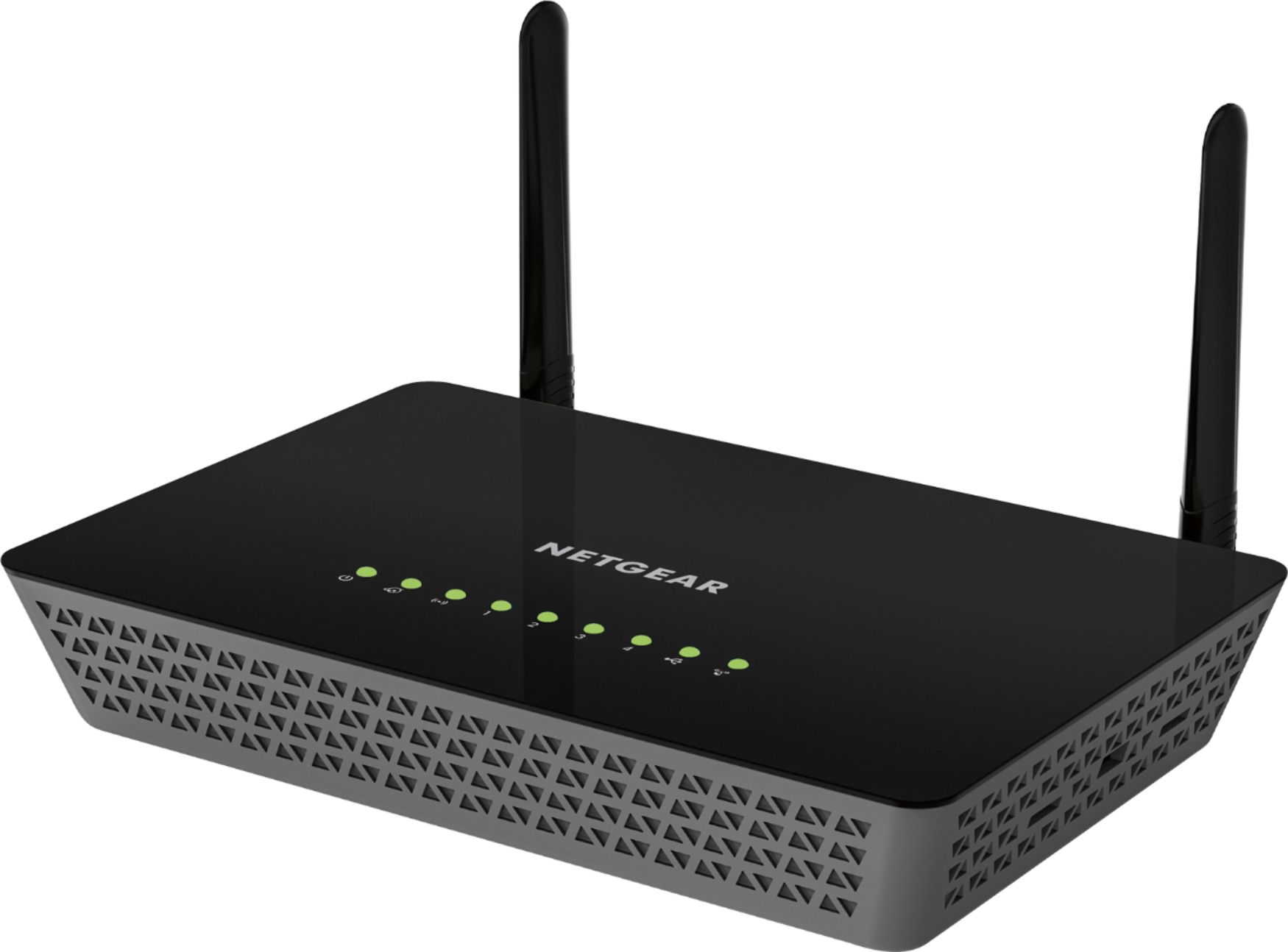
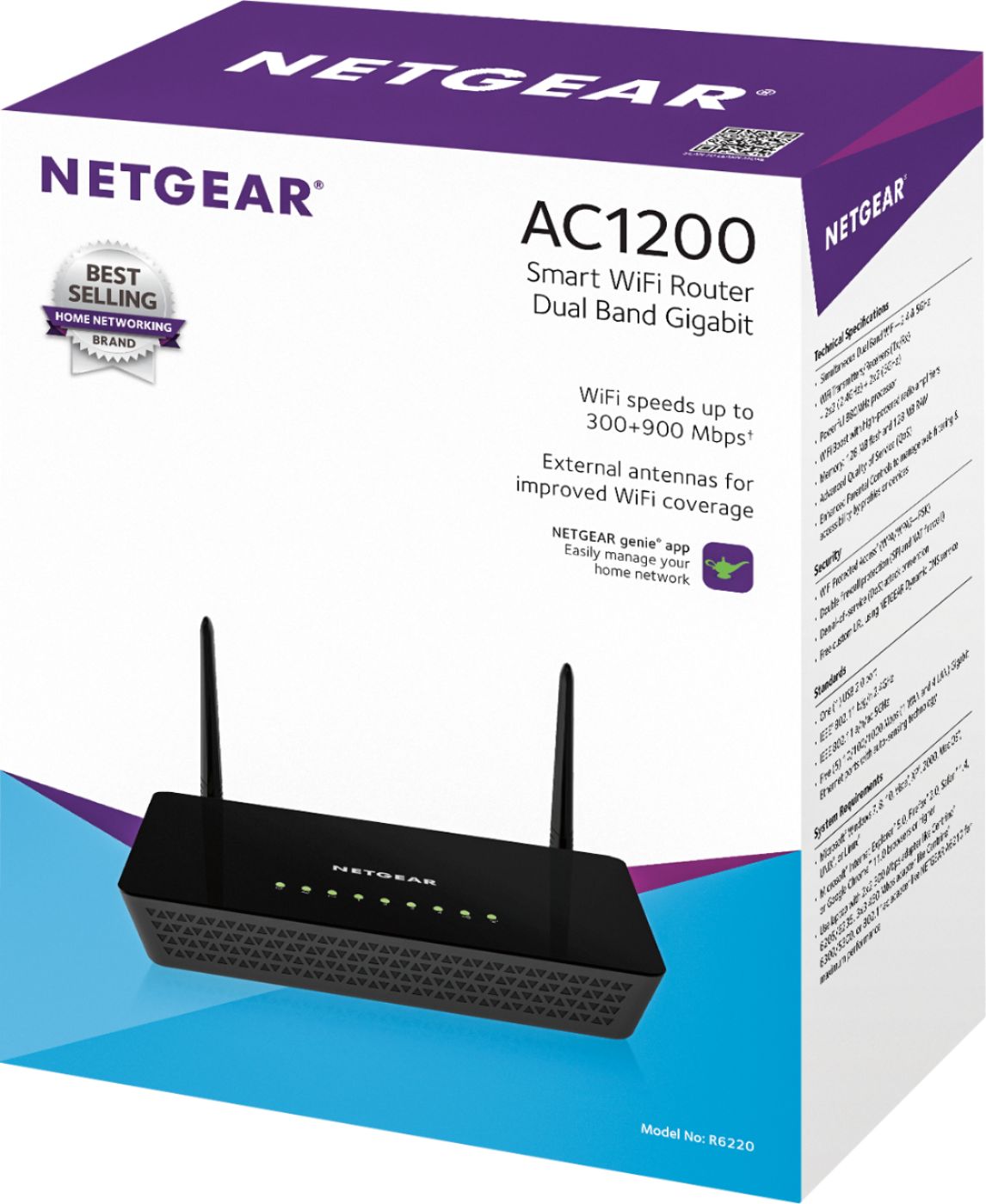
A:AnswerYes. Should work with any broadband provider. It has a WAN (RJ45 Port) that is easily configured through any web browser. And 4 Gigabit Network Ports. Wi-Fi Range excellent.
A:AnswerI don't believe that will work! The USB on this router and most ordinary routers are used for online storage. In other words, data storage for device on your network. The USB modem is designed for a computer but you can turn your Windows 10 computer into a mobile hotspot.
A:AnswerI don't see why it wouldn't. I use mine with Blue Ridge Cable and it works great. I did have Blue ridge turn off the router function on their modem. you may have to do do the same thru comcast as to not interfere or conflict with this router.
A:AnswerIf your existing NetGear Router is a newer model, an additional router will give you MESH capability, This allows for same SSID and Passwords. your wireless devises will transition seamlessly between Routers. Ether way, you ill need to configure individually. This works best by Ethernet cable connection directly to your PC. However, it can be done wirelessly with the proper codes usually located on the device(s).