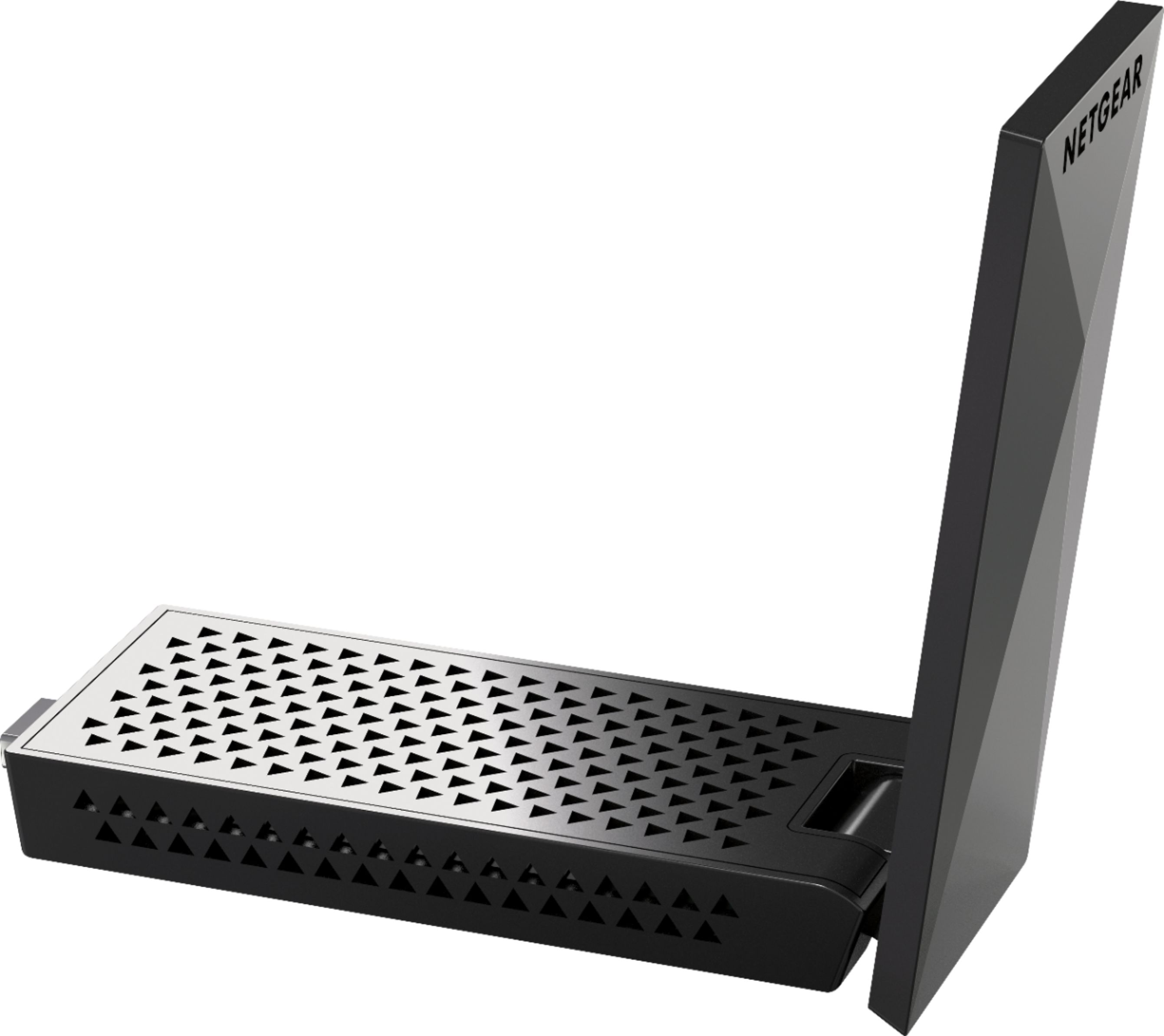
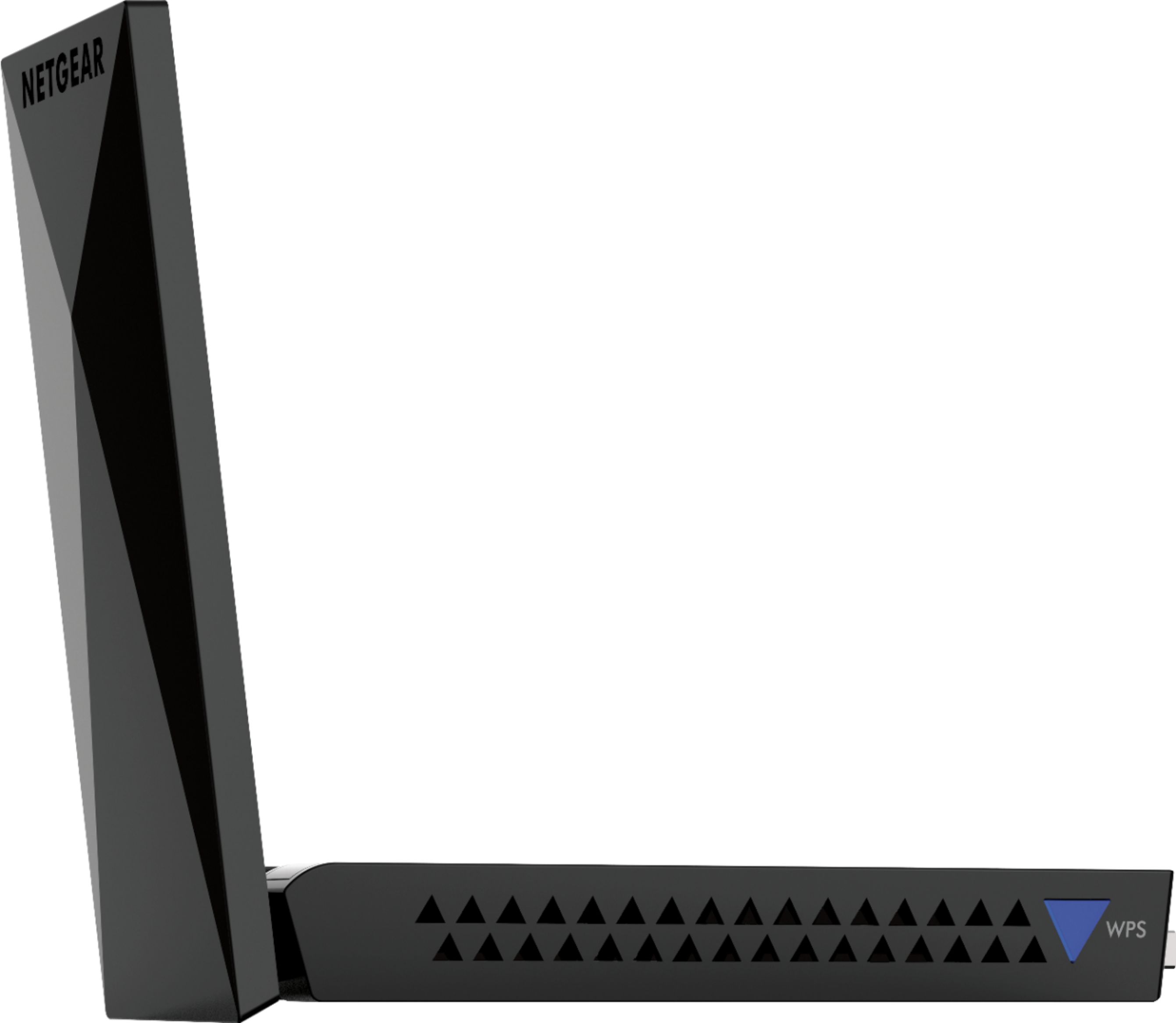
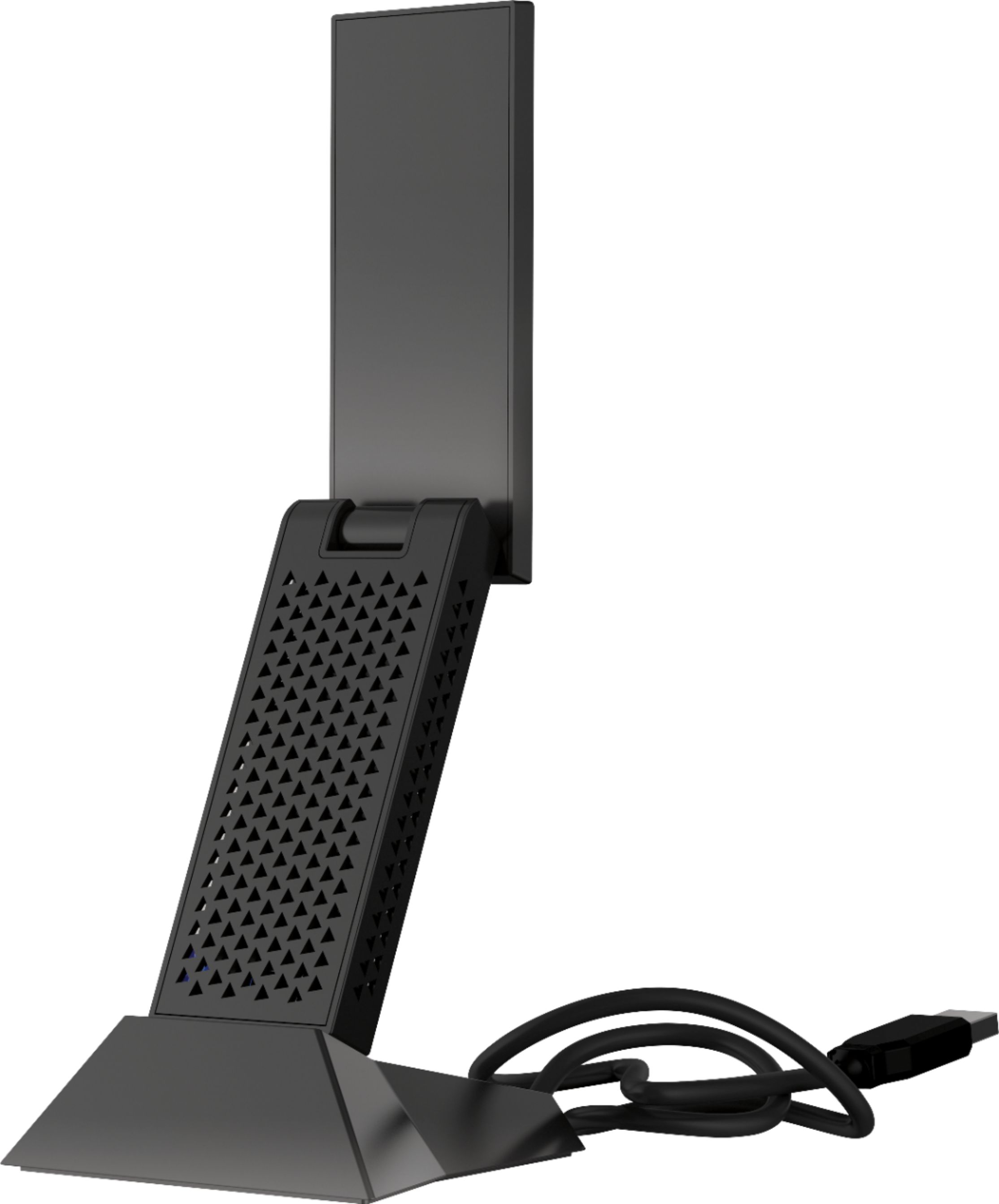
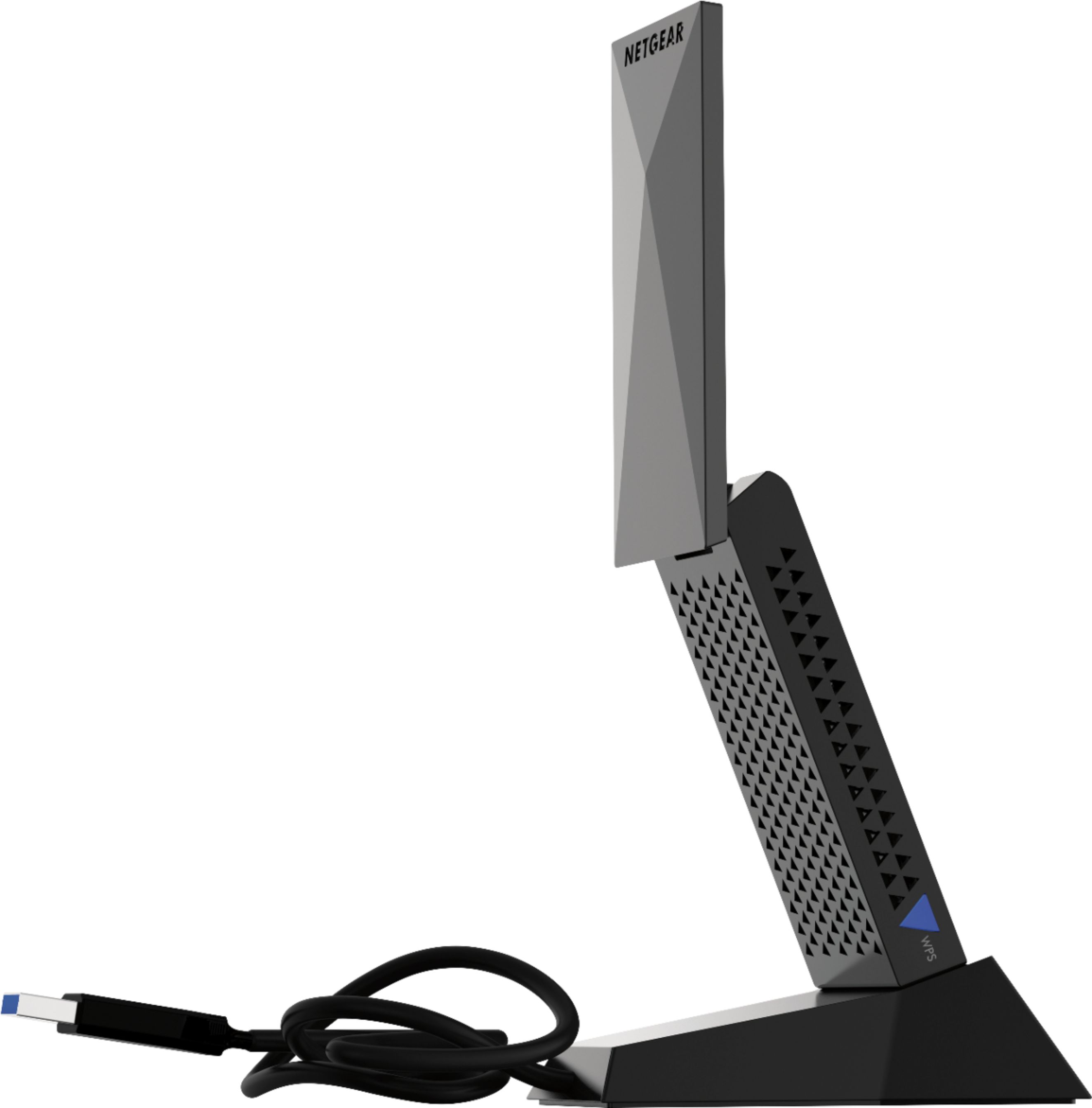
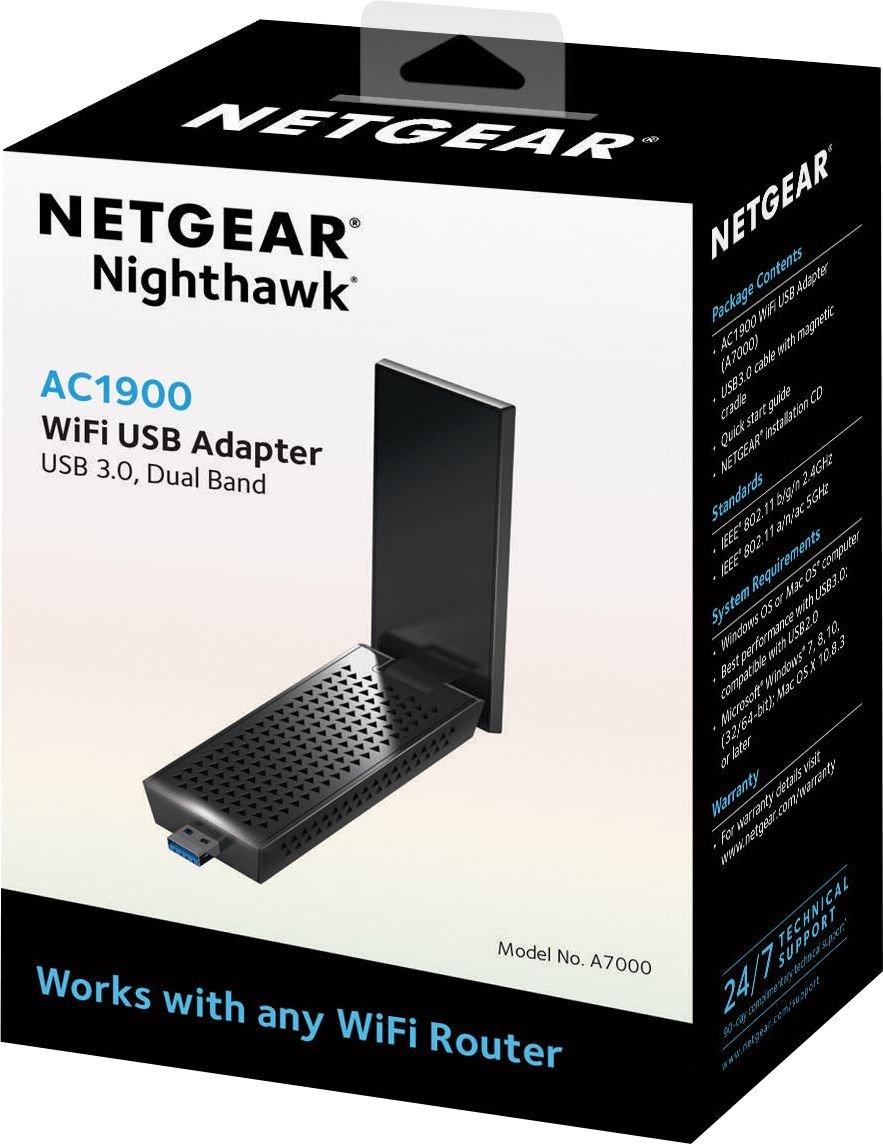
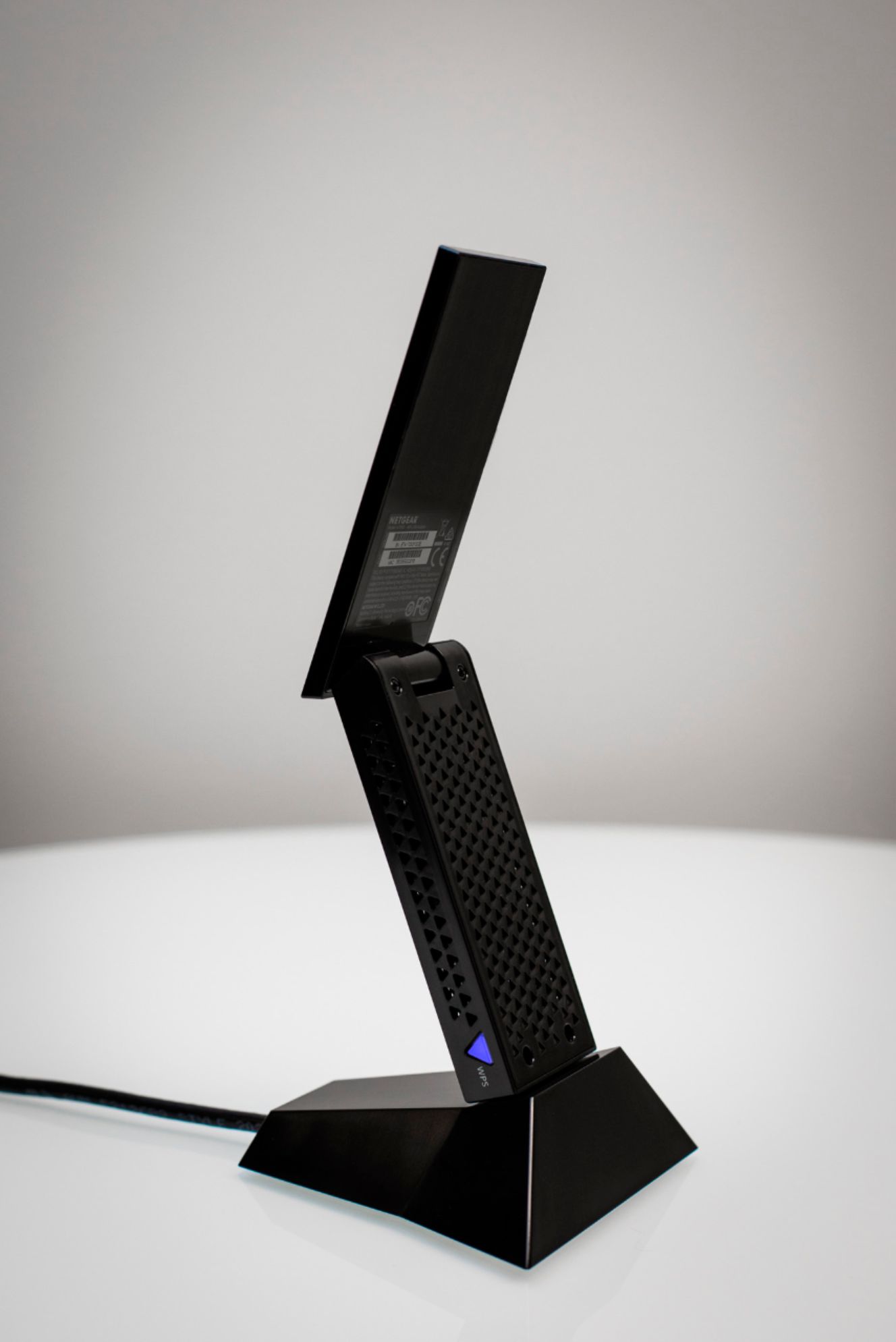
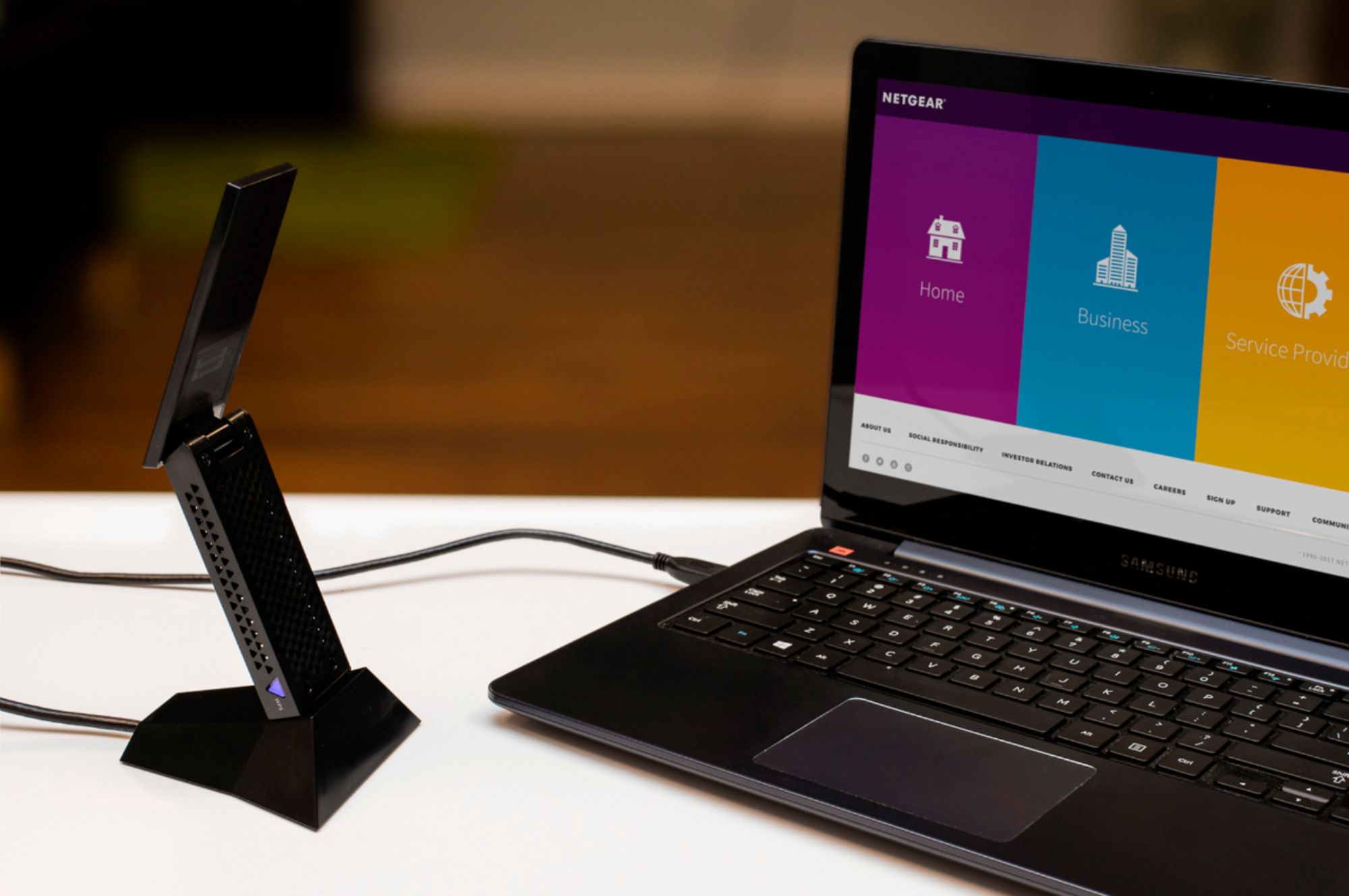
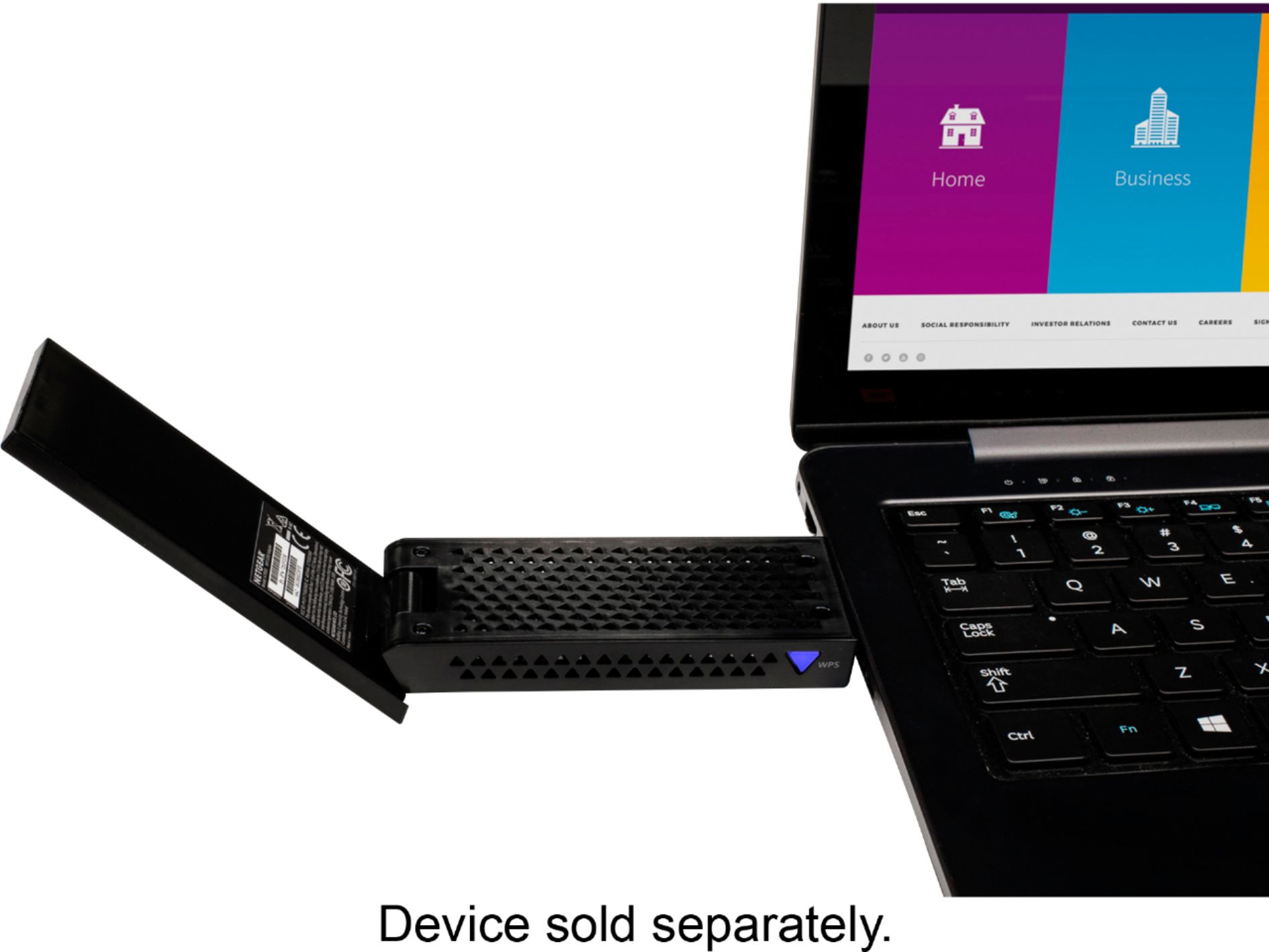
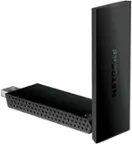
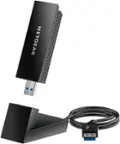
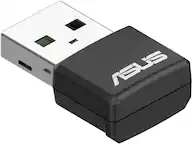
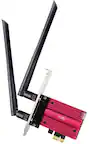
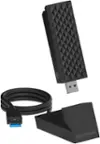
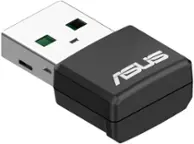
A:AnswerYes but it might be a little awkward. The device is rather largish and comes with a stand with a 3ft cord. But if you can set it up on a picnic table you'll be pretty happy with it.
A:AnswerThis is an adapter, not an extender. It receives a wireless access signal but does not emit the same signal back out again as an extender does. This device is only intended to provide WiFi for devices that do not already have a WiFi adapter already built into them. Extenders are a completely different device. Range extenders, such as the products I've begun listing below, are more appropriate for the task you're trying to achieve. Adapters would not function in the way you're asking them to, in this instance.
A:AnswerYes, this device will connect you by wi-fi to the internet. My laptop internal card failed and I lost wi fi. My IT expert recommended that I get this device rather than spend lots of money ordering the replacement card and having it installed. He was right. I just installed the software that comes with the device (by disc) and it worked perfectly. I have full high-speed internet with this device.
A:AnswerIt does work on the usb port and is a USB 3.0 including backwards compatible, meaning it will work with USB 2.0 White inside connection vs. Blue (3.0) inside connection. In order to get best throughput, plugging into USB 3.0 is what it is designed for. Check the specs for OS X, my educated guess is that yes it will run on OS X, but I don't know for sure, maybe an update or driver would be all that would be needed to run on that os.
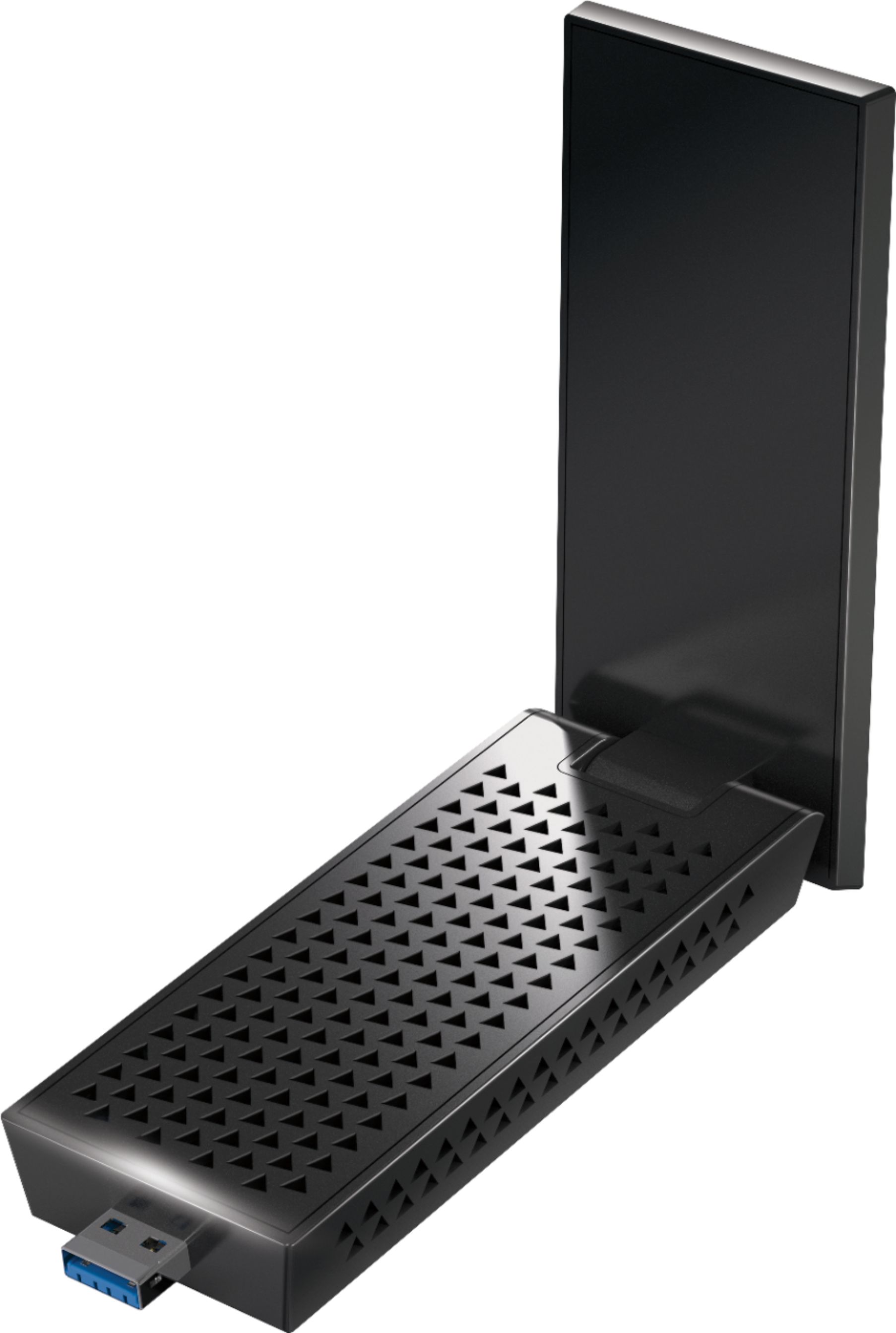
A:AnswerHard to say for sure but my PC is 60ft away from my xfinity wifi router going through 3 walls and a floor and it works perfectly.
Speeds are about as fast as you can get on Wifi. We get 340MB down and 38MB up but we have Xfinity 1GB connection to the house. Wired to the Xfinity router I get 900MB down and 38MB up. So you always have some overhead with WiFi
A:AnswerI believe it does. I connected it to my Toshiba laptop and when I view the devices connected to my Orbi mesh wifi my laptop shows up in the 5ghz section. My laptop connection to the internet seems to be a lot better now.
A:AnswerThe Gotw3 devices uses dynamic ip addressing. This changes daily. The Netgear router uses a static ip and is not compatible. I have a netgear 3200 and ran into the same issue with this and many services I had already purchased that are hosted. I lost the ability to use FTP and certain antivirus products as well can not update. Theses issues are not fixable with the basic router. Now I only know this as reference information. The alternative router they have has two flat blade antenna and supposedly has more options within it to accommodate these issues. Not having bought that unit I can only repeat what was said to me by someone not too educated in networking from Gotw3 - igydog
A:AnswerThis product is used to create a wireless connection on products that are not compatible with Wireless or updated wireless networks. This may not help you need. You may consider looking at our extenders. - NETGEAR
A:AnswerI believe it is referring to the fact that it is an external WiFi adapter and not just an antenna. In other words, install the driver, plug it in and connect to a network. No other equipment required. (okay you do need a computer :)