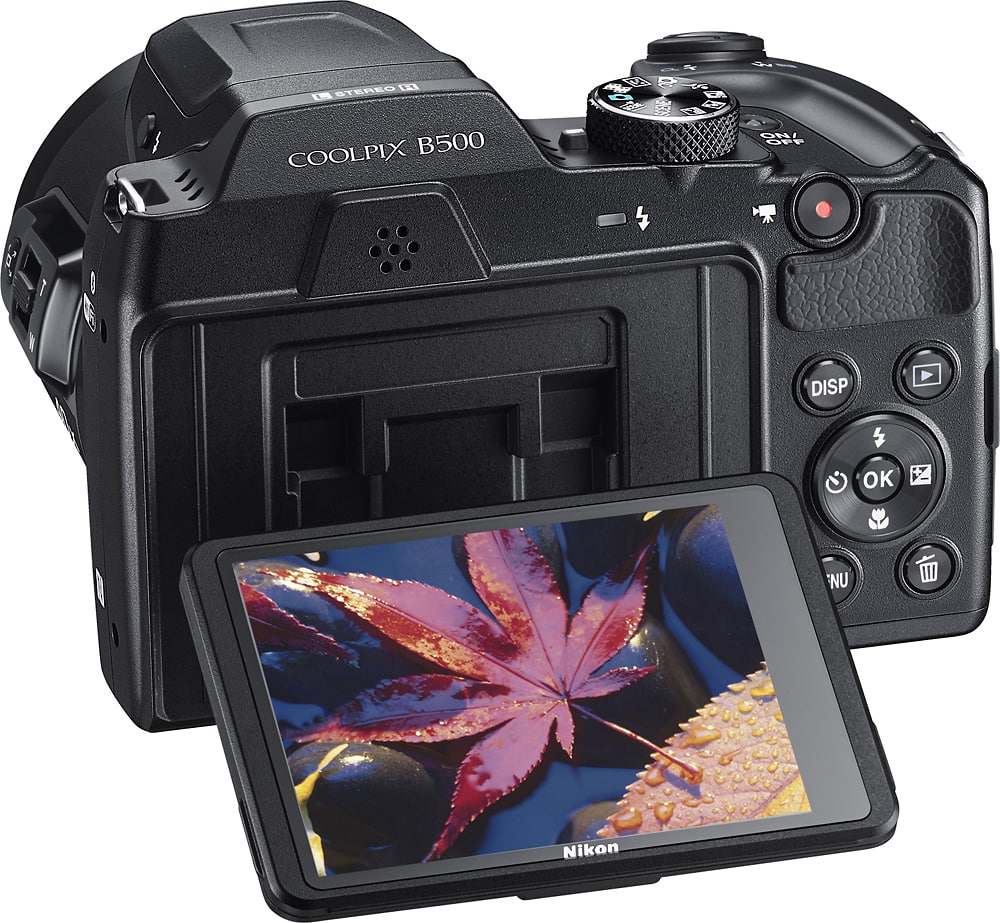
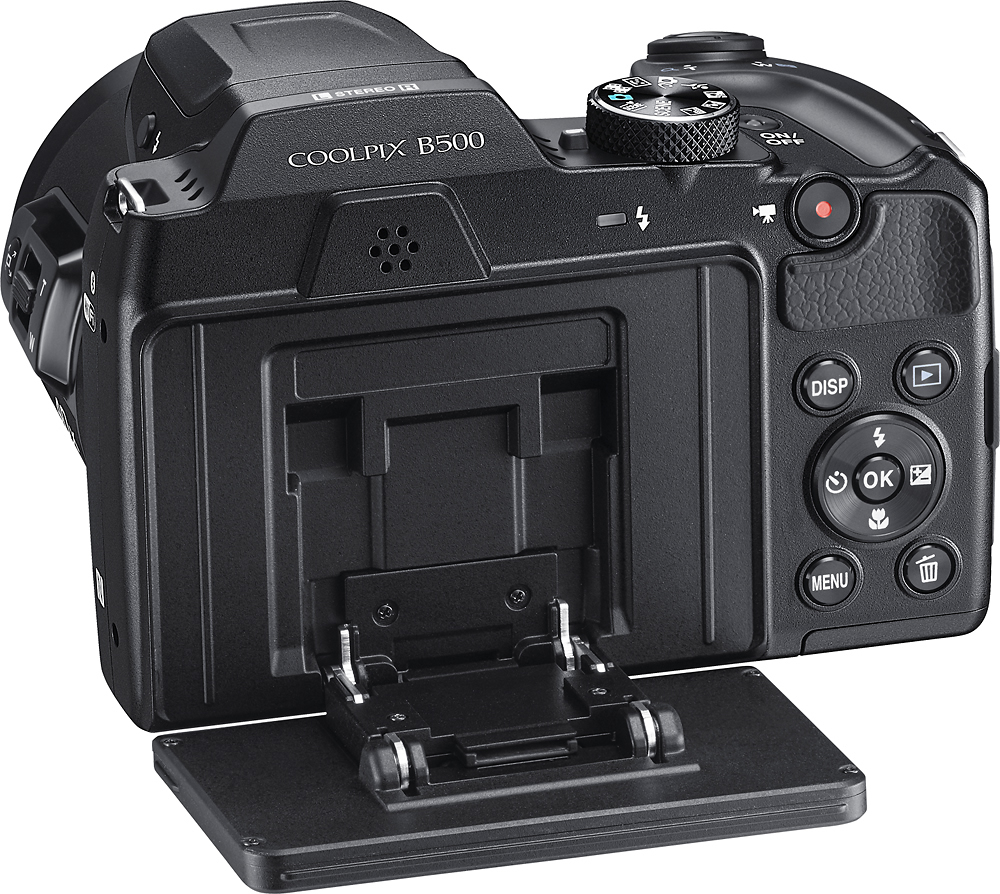
A:AnswerThe batteries have to come out if you are using rechargeable ones. If you are using disposable Alkaline or Li-Ion you just swap out old batteries for new ones.
A:AnswerThe B500 is designed to connect to an HDMI TV or Monitor for playback. When the B500 is connected via HDMI the camera’s monitor is disabled. The camera’s menu and playback controls are then displayed on the HDMI TV or Monitor to which the camera is connected. If connected to a DVD recorder without a display it would not be possible to see the menu or controls. Because of this it would be best to connect both the camera and recorder to an HDMI TV or Monitor instead of recording directly from the camera.
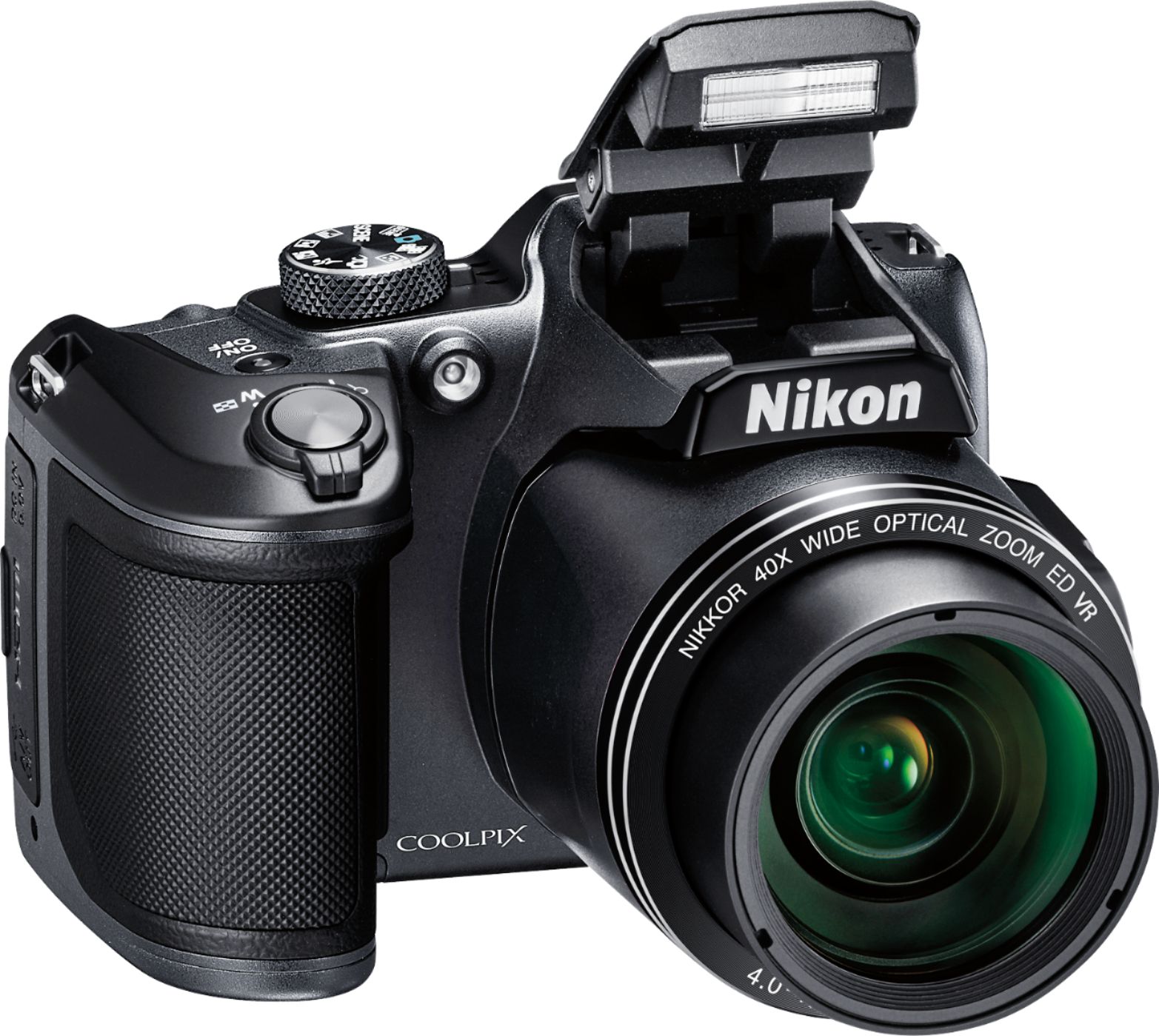
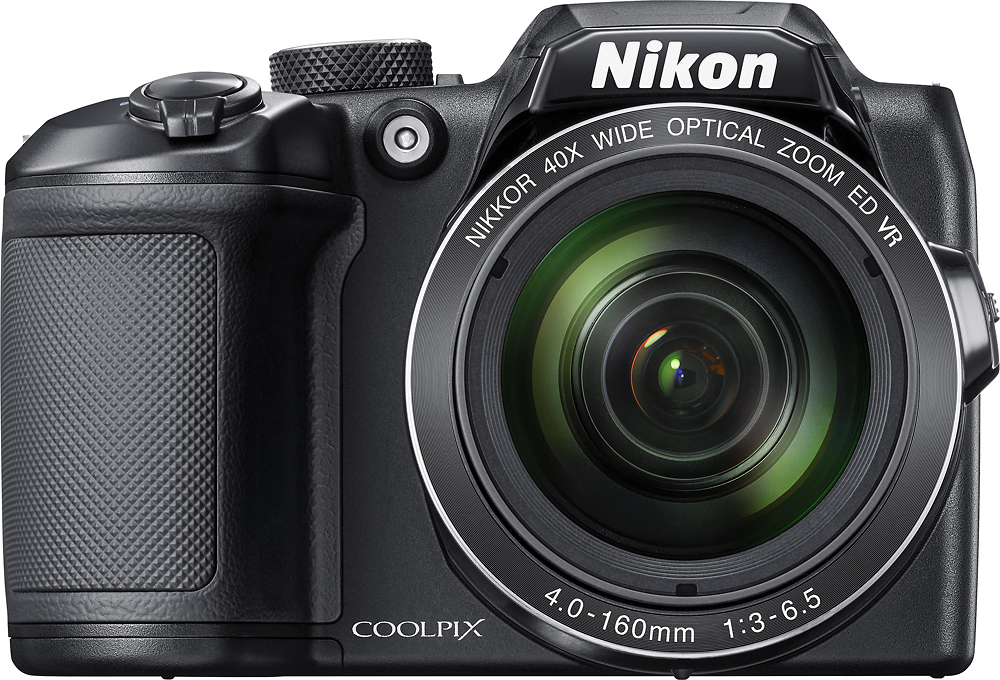
A:AnswerThe B500 is an excellent camera to take on your cruise for many reasons. The camera has an Easy Panorama mode so you can take incredible vistas of the scenes that you will be experiencing. The camera does all the work and pieces the images together. You just get the end result in the camera. The camera has an amazing 40x Optical-Zoom NIKKOR lens so you can zoom and get great close-ups of the amazing wildlife in Alaska. The camera also has built-in WiFi and Bluetooth. With Nikon's Snapbridge app - available now for Android and in August for iOS - you can instantly share those incredible shots!
A:AnswerThe Nikon COOLPIX B500 uses Nikon's new SnapBridge app to connect to a compatible smart device through Bluetooth® low energy (BLE) technology. The SnapBridge application must be installed on the smart device before it can be used with camera and requires a system running Android 5.0 or 6.0.1 or later. There is also a requirement that the device is running Bluetooth 4.0 or later (i.e., a device that supports Bluetooth Smart Ready/Low Energy). NFC options are also available on this camera. You cannot download images to a computer from this camera wirelessly, but you can transfer images by connecting the camera to the computer with the supplied UC-E16 USB cable. If you wish to learn more about camera's with wireless options please contact Nikon Support.
A:AnswerThe length of life of the batteries depends on storage, camera use, and type of batteries. For videos, you can get approximately 1 hour and 30 minutes of use when using alkaline batteries, 4 hours and 30 minutes of use when using lithium batteries and 2 hours and 35 minutes when using EN-MH2 batteries with the Nikon COOLPIX B500 digital camera. These are all approximations based on personal consumer use of the camera and type of battery brand used.
A:AnswerPossibly, I use PaleBlue (USB) rechargeable Lithium AA batteries they incorporate an internal BMS to provide a constant 1.5V until the discharge reaches its minimum. The internal voltage is 3.4v. The BMS regulates charging so as to not over charge nor exceed discharge rate making them very safe (they won't explode unless physically damaged). While initially expensive they will replace 1,000s of disposable AA batteries.
A:AnswerIt's the standard size. I use the same old Targus camera Tripod I've had for years and used with Digital Video Cameras, phones and other snap and shoot cameras.