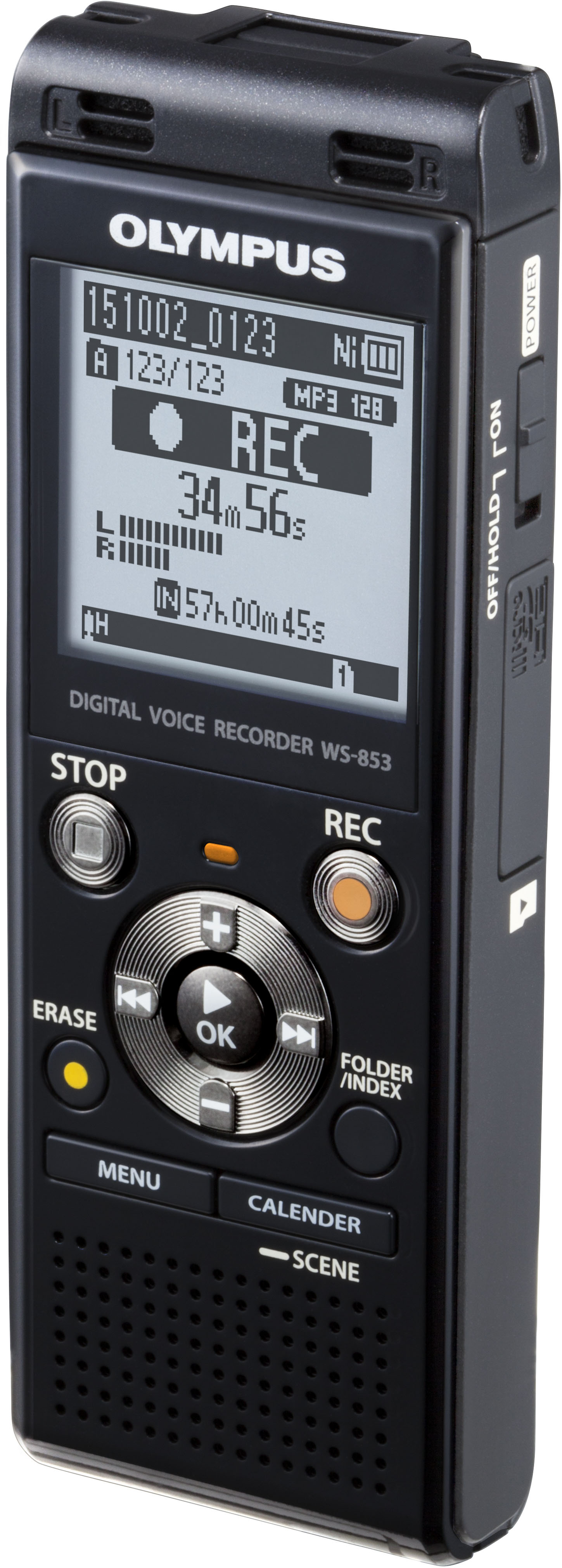
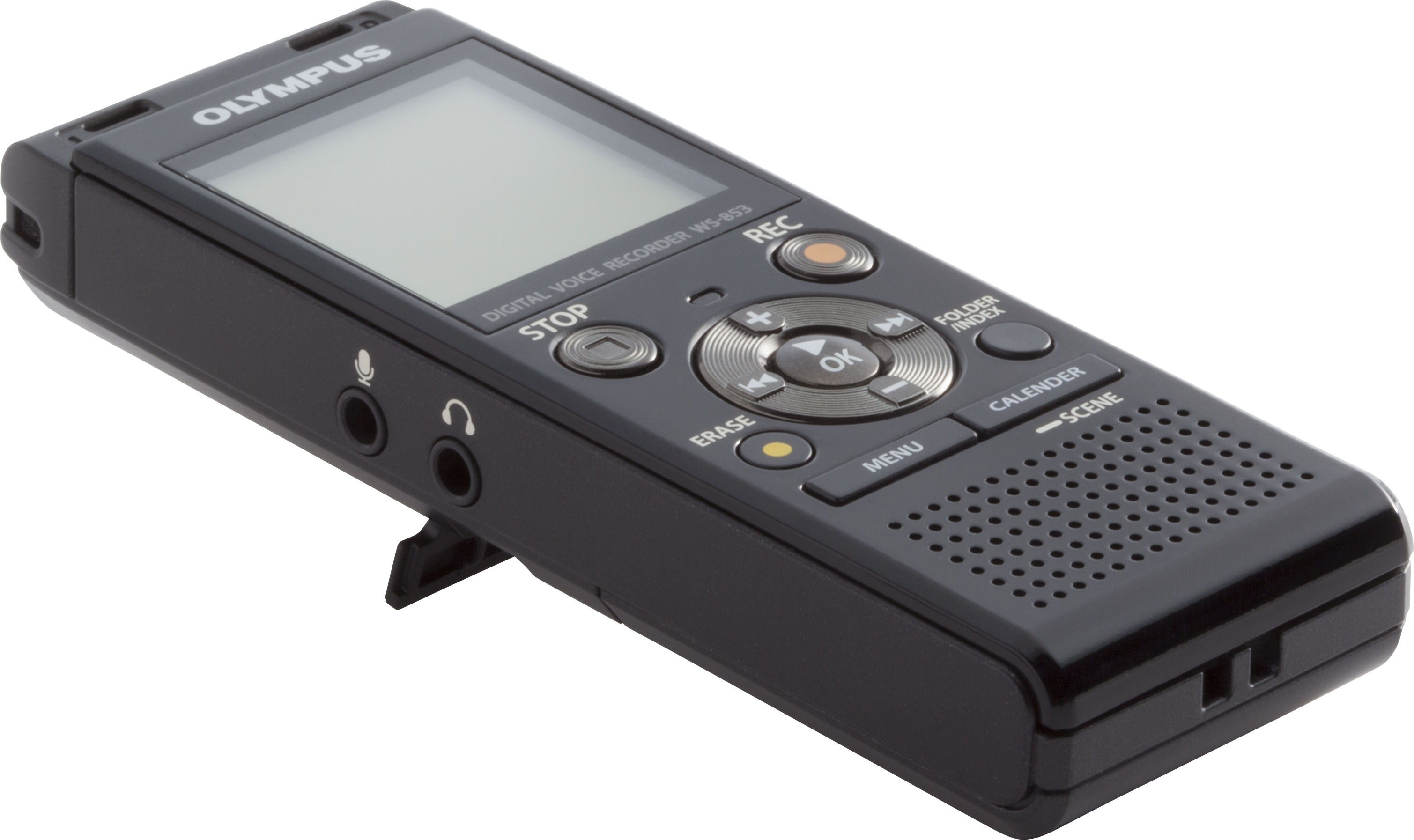
A:AnswerUse the FOLDER/INDEX BUTTON
SEE Pages 19-20 of manual available at this link https://learnandsupport.getolympus.com/sites/default/files/media/files/2018/04/WS852_WS853_EN.pdf
A:AnswerIt will record meetings that last well over an hour. With a new set of batteries, the screen indicates it will record 72+ hours. However, I'd strongly suggest you not attend a meeting that would test that.
A:AnswerYES the WS-852 has a Voice activation feature SEE VCVA on Page 45 of the User Manual.
https://learnandsupport.getolympus.com/sites/default/files/media/files/2018/04/WS852_WS853_EN.pdf
A:AnswerI'm uncertain, but I don't see why not, as long as the connection is the same and you have a way of playing them back. It's a regular USB and I don't think they differ ever.
A:AnswerYes. Power off, swap chips, power on, then wait for device to verify database index (which it does everytime you power up) and immediately start recording again. Or buy two, and there is no waiting while you swap chips on the one "offline". They come in black or silver.
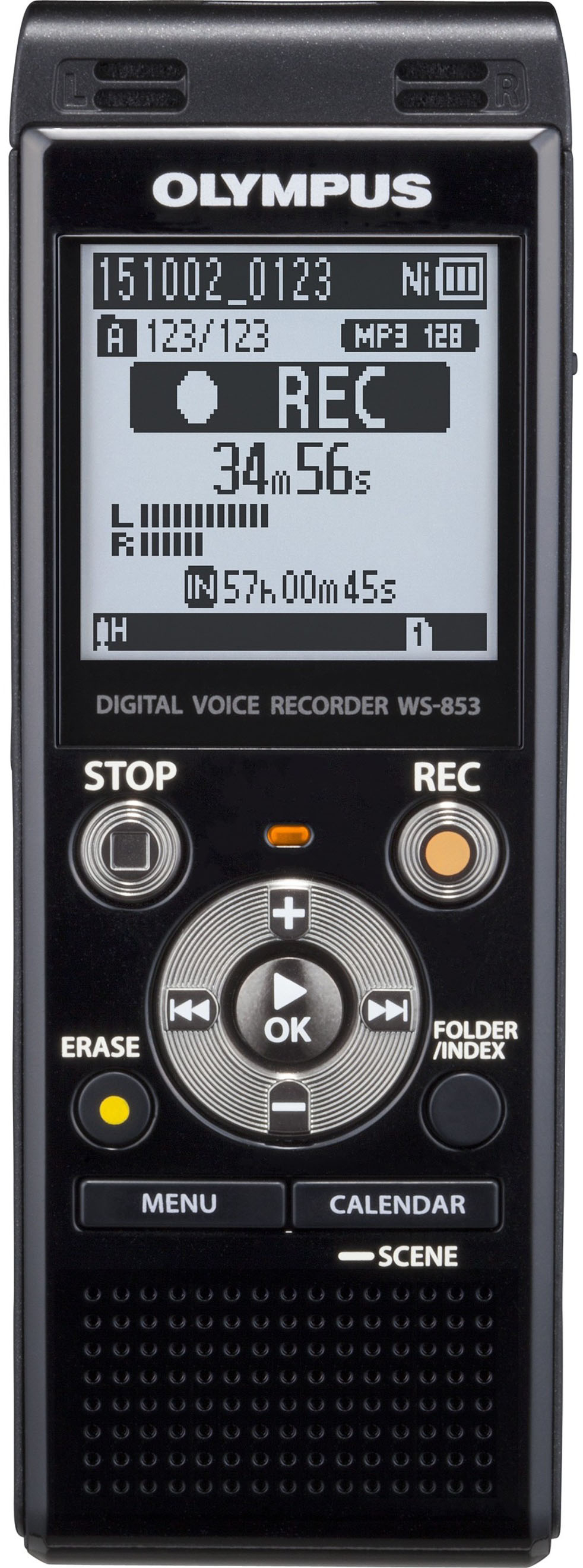
A:AnswerIt records into a new file everytime. You can pause it to wait and record a later event. Do you mean your FOLDER is blocked? It will stop at 200 files per folder.
A:AnswerMy Olympus digital recorder WS-853 Lasts a whole day on a single charge - even when turning it on and off frequently. Actually the rechargeable batteries are great for taking a charge and lasting more than a day - I think I have gotten a two day conference on it. This model has a 'hold' key so you can turn it on and let it pickup whatever is going on. It can shut off if the memory is full, or the batteries are weak or if there is no sound going on. Because it has USB you can download to a computer and then charge it. It also has a speaker so you can play back what you recorded. I love the file divide feature because if I forget to turn it off and there is dead air, I can split the file and delete the one with dead air. There is a slot for a microSD chip.