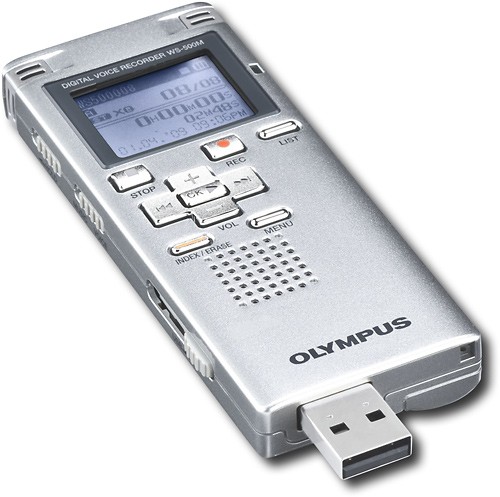
A:Answer The recorder does not require software, it is a mass storage device. To access files, attach the unit to the computer and locate the My Computer icon. Locate the removable disk that represents the recorder. This disk will contain all of the Folders located on the recorder. Simply identify the recording and drag and drop them onto your computer. The files are WMA (Windows Media Audio), simply click the files to launch Windows Media Player.