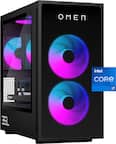
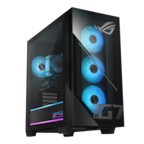
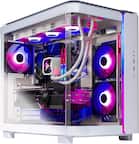
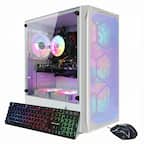
A:AnswerIt has 2 expansion slots for NVME drives which means there are three total M.2 slots with the first one being taken up by the 2tb stock stock NVME drive. So, those two M.2 slots are empty. Be aware that there is a third M.2 expansion slot that is for media NOT NVME drives.
A:AnswerAlthough there may not be a USB-C port in the front of the chasse i don't understand why you wouldn't just get a USB-A to USB-C adapter though? After all you should have posted this in comments not questions.
A:AnswerWell, unfortunately you can't be able to install the capture card because the 5090's cooler is so beefy that it covers up all of the expansion slots. So, if I were you i would sell the 4K60S and buy an external capture card (Elgato 4K X). There are two empty M.2 slots that can have NVME SSDs inserted inside of them. Be aware that there is a third M.2 slot that is for WLAN not NVMEs
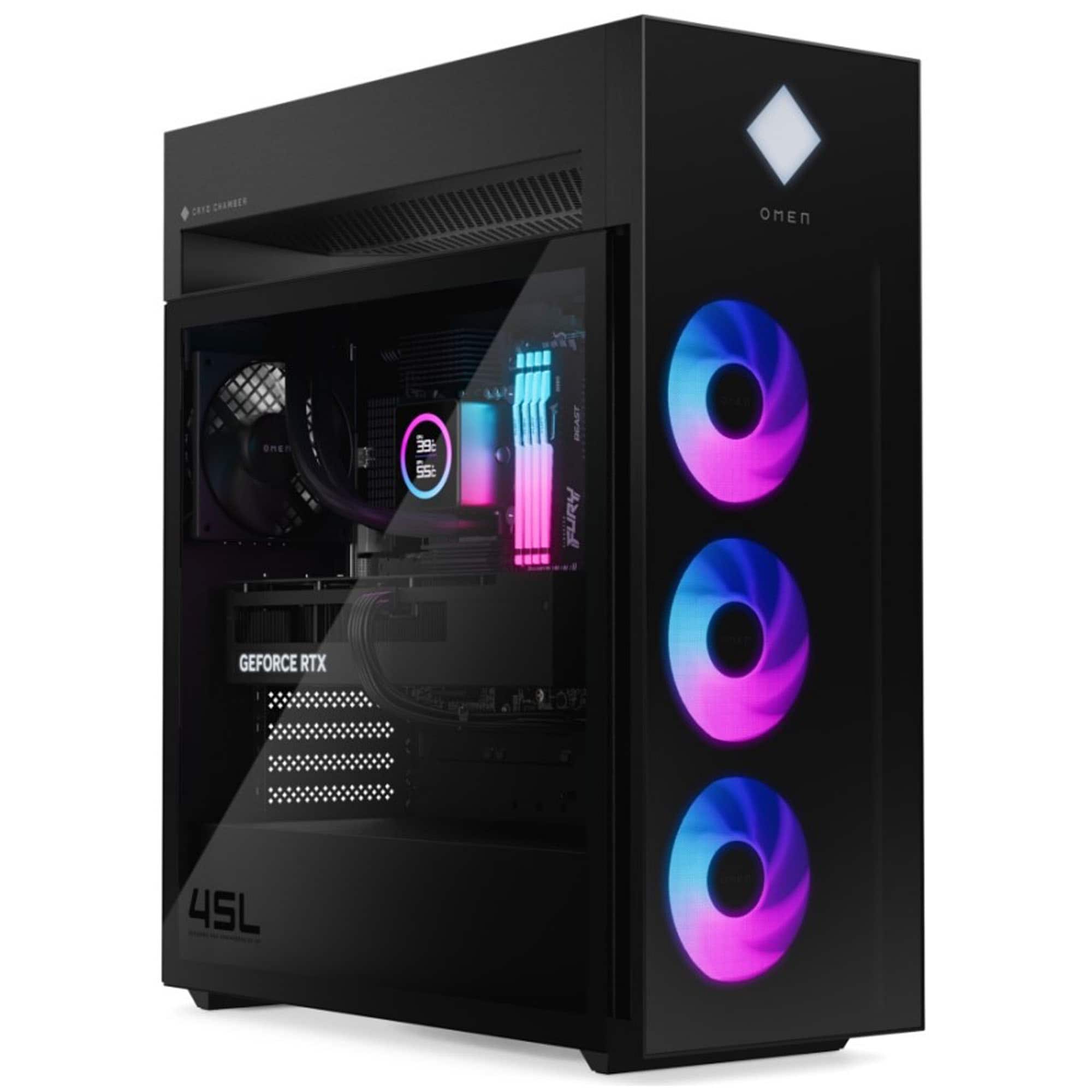
A:AnswerSo, how the CPU gets cooled is by a separate chamber above the chasse called the cryo chamber and since it is outside of the case instead of absorbing hot air from the gpu it gets cool ambient air from the outside. However, since it uses a 240 mm AIO it might not have enough cooling capacity to handle what you might be doing. Furthermore, since it is an AIO it will eventually die in 3-7 years. So i recommend getting an air cooler like the Thermalright Peerless Assassin 120 SE instead of a new AIO because most AIOs are designed to be installed inside of the chasse not in the cryochamber. Finally, yes the back fan is what handles the GPU exhaust the bottom two intake fans on the front provide cool air to the underside of the GPU and since it uses positive pressure where there are three intake fans and one outtake the air that isn't being pulled out by the exhaust fan is pushed out through any available crack. I know, it may sound alarming that that little fan is that handles the gpu exhaust but it is enough. You won't be losing any fps in whatever game your playing anyways.
A:AnswerOperating system
Windows 11 Pro
Processor
Intel® Core™ Ultra 9 285K (up to 5.7 GHz with Intel® Turbo Boost Technology, 36 MB L3 cache, 24 cores, 24 threads)[6,7]
Graphics
Integrated:
Intel® Graphics
Discrete:
NVIDIA® GeForce RTX™ 5090 (32 GB GDDR7 dedicated)
Memory
Kingston FURY 64 GB DDR5-5600 MT/s XMP RGB Heatsink (4 x 16 GB)
Maximum memory
Supports up to 128 GB max system memory
Memory slots
4 DIMM
Storage
2 TB PCIe® Gen4 NVMe™ M.2 SSD
Network interface
Realtek RTL8125BGH-CG 10/100/1000/2500 GbE NIC
Wireless technology
Intel® Wi-Fi 6E AX211 (2x2) and Bluetooth® 5.3 wireless card (supporting gigabit data rate)[11,12,46]
Power supply
1200 W 80 Plus Gold certified ATX power supply
External I/O Ports
Top : 2 USB Type-A 5Gbps signaling rate (HP Sleep and Charge)
1 headphone/microphone combo
1 microphone
2 USB 2.0 Type-A (HP Sleep and Charge)
Rear : 1 USB Type-C® 10Gbps signaling rate
2 USB Type-A 5Gbps signaling rate
4 USB 2.0 Type-A
1 3.5 mm audio jack
1 RJ-45
1 Thunderbolt™ 4 with USB Type-C® 40Gbps signaling rate (DisplayPort™ 2.1)[19,52]
Expansion slots
1 PCIe x16
1 PCIe x4
3 M.2 (2 PCIe x4 for SSD, 1 for WLAN)
Video connector
1 HDMI 2.1b
3 DisplayPort™ 2.1b
Audio Features
5.1 surround sound
Omen Audio Control Support DTS:X® Ultra
Energy efficiency
EPEAT® Gold with Climate+
ENERGY STAR® certified
Color
Black, glass side panel, dark chrome logo
Dimensions (W X D X H)
8.03 x 18.5 x 21.85 in
Weight
49.82 lb
Warranty
1-year limited hardware warranty, limited technical support for software and initial setup (from date of purchase).
Software included
1-month Adobe free trial offer
McAfee Online Protection 30-day trial
PC Game Pass 3-month trial
Otter.ai
Copilot in Windows with Copilot key
1 month trial for new Microsoft 365 customers[36][24]
System Coolers
360 mm LCD liquid cooler
System Fan
3 x 120 mm aRGB front fans
Sustainable Impact Specifications
Molded paper pulp cushion inside box is 100% sustainably sourced and recyclable
10% post-consumer recycled plastic
Water based paint[41]
Chipset
Intel® Z890
Neural Processing Unit (NPU)
Intel® AI Boost (13 NPU TOPS)