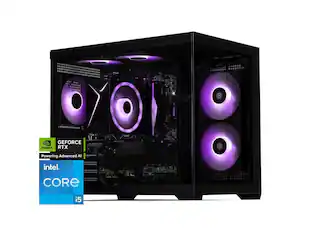
HP OMEN - 35L Gaming Desktop - Intel Core i7-14700F - 16GB DDR5 Memory - NVIDIA GeForce RTX 5060 - 1TB SSD - Shadow Black
Customers are saying
Customers frequently mention that this gaming PC operates with an impressively quiet noise level while delivering excellent graphics performance. Users also appreciate the system's sleek, ultramodern build quality and its significant potential for future hardware upgrades. Overall, the product is highly regarded for its combination of aesthetic appeal and functional versatility.
Highlights
Intel Core i7-14700F processor
Intel’s performance hybrid architecture optimizes your gaming, content creation, and productivity. That’s the power of Intel Inside.
Kingston FURY 16GB DDR5-6000 MT/s EXPO RGB Heatsink RAM
With its high performance, everything from multi-tasking to playing games gets a boost.
AI-enhanced graphics and performance
NVIDIA GeForce RTX 5060, powered by the NVIDIA Blackwell architecture, enables game-changing AI capabilities in the latest games and apps.
1TB Solid State Drive (SSD) storage
Experience fast speeds and efficient storage with high-speed data transfer.
Windows 11 Home operating system
All the best elements of Windows 10, with added features to make it easier to log in to start working, gaming, or creating.
Wi-Fi 6 (2x2) and Bluetooth 5.3 wireless card
Expect faster speeds and improved performance for connecting multiple devices in your household.
Wireless and wired network connectivity
Built-in high-speed wireless LAN connects to your network on the most common Wi-Fi standards. Gigabit Ethernet LAN port plugs into wired networks.
Multidisplay capability
Add additional displays for a more immersive and productive computing experience. (Monitors sold separately.)
DTS: X Ultra technology
By producing authentic, spatially accurate 3D sound, this technology gives games a level of depth and immersion.
OMEN Components
Play with OMEN Components which have been designed, engineered and tested to upgrade your machine.
OMEN Gaming Hub
From software enhancements to hardware control, and live services, OGH elevates play in easy and simple way.
Otter.ai
With Otter.ai, an AI assistant can record audio, write notes, automatically capture slides, record, transcribe, and generate meeting summaries so that you can save time and stay organized.
Ports
Headphone/microphone combo, 2 USB 2.0 Type-A (HP Sleep and Charge), 1 USB Type-C 5Gbps signaling rate (HP Sleep and Charge), 2 USB Type-A 5Gbps signaling rate, 2 USB Type-A 10Gbps signaling rate, 1 USB Type-C 5Gbps signaling rate, 1 USB Type-C 10Gbps signaling rate, 2 USB 2.0 Type-A, 3 3.5mm Audio Jack (Line-in/Line-out/Microphone), 1 RJ-45, HDMI, 3 DisplayPort
Microsoft Copilot
Bring more productivity and efficiency to your day, unleash your creativity, and communicate with maximum clarity with Copilot. No matter what you set out to do, Copilot is always ready to help you.
Try PC Game Pass for free
Play hundreds of high-quality PC games on your new HP device with 2 free months of PC Game Pass.
- Processor ModelIntel Core i7 14th GenerationStorage TypeSSDTotal Storage Capacity1024 gigabytesSystem Memory (RAM)16 gigabytesGraphics TypeDedicated
Reviews
Rating 4.8 out of 5 stars with 19 reviews
- Noise Level (11)
- Graphics Performance (10)
- Build Quality (3)
- Upgradability (3)
Customer Images
The vast majority of our reviews come from verified purchases. Reviews from customers may include My Best Buy members, employees, and Tech Insider Network members (as tagged). Select reviewers may receive discounted products, promotional considerations or entries into drawings for honest, helpful reviews.

Compare similar products
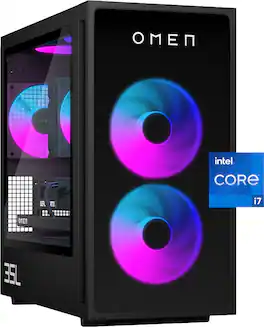
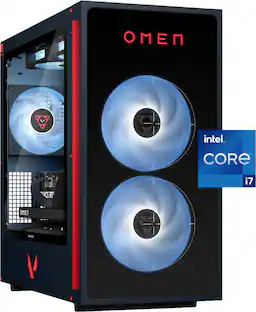
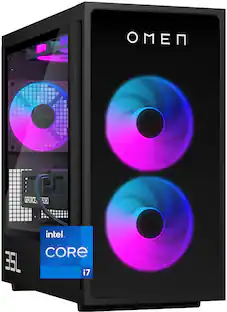
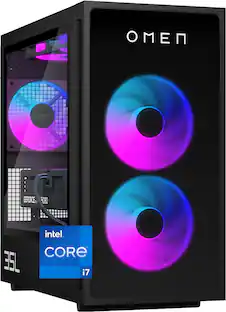
Rev up with OMEN Components. Get game-changing performance with an Intel Core i7-14700F processor and NVIDIA GeForce RTX 5060 graphics. Experience faster gameplay with AI-enhanced features, including AI-powered DLSS, real-time ray tracing, and ultra-responsive gameplay. Stand out with full aRGB control and more inside OMEN Gaming Hub, and choose from various aesthetic options to add your personal flair. Plus, with DTS: X Ultra technology, experience authentic, spatially accurate 3D sound to enjoy the best entertainment experience. Make your choice with OMEN Components inside, and when it comes time to upgrade, it's easy with an industry-standard form factor and toolless access.
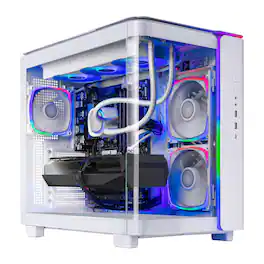
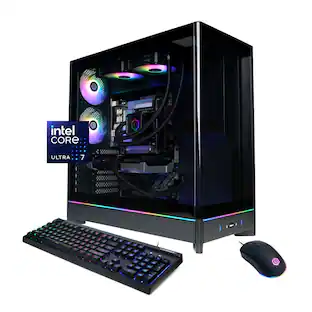
Skytech Gaming introduces the King 95, powered by the Intel Intel Core Ultra 7 U7 265F, featuring 16GB of high-speed DDR5 6000 MHz memory and a fast 1TB NVMe SSD for smooth, responsive gameplay, with the NVIDIA GeForce RTX 5060 driving crisp visuals and immersive performance, making the King 95 a strong choice for modern gaming.
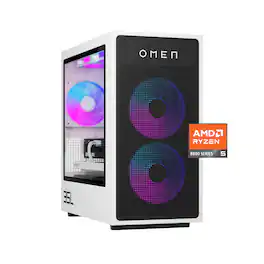
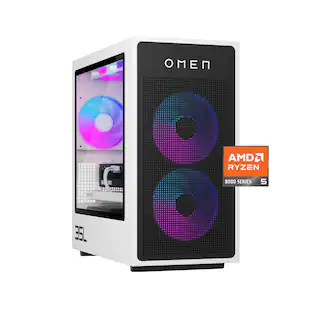
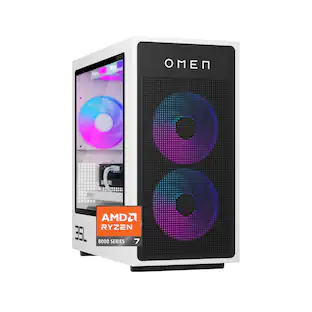
Performance awaits with OMEN Components. Get game-changing performance with an AMD Ryzen 5 8400F processor and NVIDIA GeForce RTX 5060 graphics. Experience faster gameplay with AI-enhanced features, including AI-powered DLSS, real-time ray tracing, and ultra-responsive gameplay. Stand out with full aRGB control and more inside OMEN Gaming Hub, and choose from various aesthetic options to add your personal flair. Plus, with DTS: X Ultra technology, experience authentic, spatially accurate 3D sound to enjoy the best entertainment experience. Make your choice with OMEN Components inside, and when it comes time to upgrade, it's easy with an industry-standard form factor and toolless access.
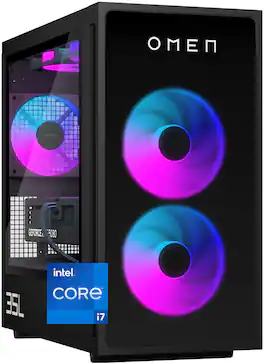
Rev up with OMEN Components. Get game-changing performance with an Intel Core i7-14700F processor and NVIDIA GeForce RTX 5060 Ti graphics. Experience faster gameplay with AI-enhanced features, including AI-powered DLSS, real-time ray tracing, and ultra-responsive gameplay. Stand out with full aRGB control and more inside OMEN Gaming Hub, and choose from various aesthetic options to add your personal flair. Plus, with DTS: X Ultra technology, experience authentic, spatially accurate 3D sound to enjoy the best entertainment experience. Make your choice with OMEN Components inside, and when it comes time to upgrade, it's easy with an industry-standard form factor and toolless access.
| Pros for HP OMEN - 35L Gaming Desktop - Intel Core i7-14700F - 16GB DDR5 Memory - NVIDIA GeForce RTX 5060 - 1TB SSD - Shadow Black | |||
|---|---|---|---|
| Noise Level, Graphics Performance, Build Quality, Upgradability | Overall Performance, Noise Level, Design | Build Quality, Graphics Performance, Noise Level, Heat Dissipation, Memory Capacity | Overall Performance |
Specs
I need more memory what hardware should I get?
Answered by HP TeamYes, the memory can be upgraded on this desktop. Additional DDR5 memory modules can be installed to increase the total RAM capacity.
how well will this run microsoft flight sim and stream to quest 3 headset? in this price range which PC in stock would you recommend if not this one? Thanks
Answered by JayTIt can run it at 1080 pretty well , at 1440 you may see some issue but it should be fine.
What exact power supply model/wattage and efficiency rating (80+ Bronze/Gold) is included

Customers often buy these together
Office Software






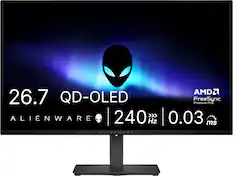
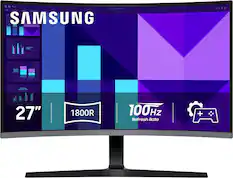
Monitors
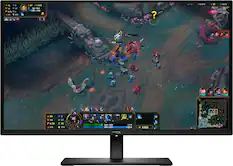
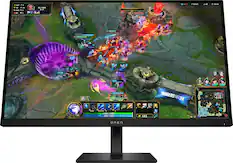
HyperX - OMEN 27" OLED QHD 240Hz 0.03ms GtG G-SYNC Compatible Gaming Monitor with Adjustable Height (DisplayPort, HDMI) - Black
Top Deal$399.99The price was $499.99
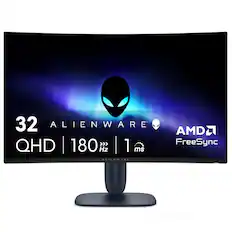
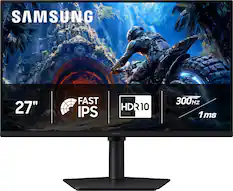
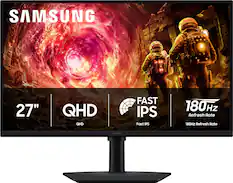
Samsung - 32" Odyssey G51F QHD 180Hz 1ms AMD FreeSync Gaming Monitor with HDR10 (DisplayPort, HDMI) - Black
Top Deal$199.99The price was $329.99


More recommended items
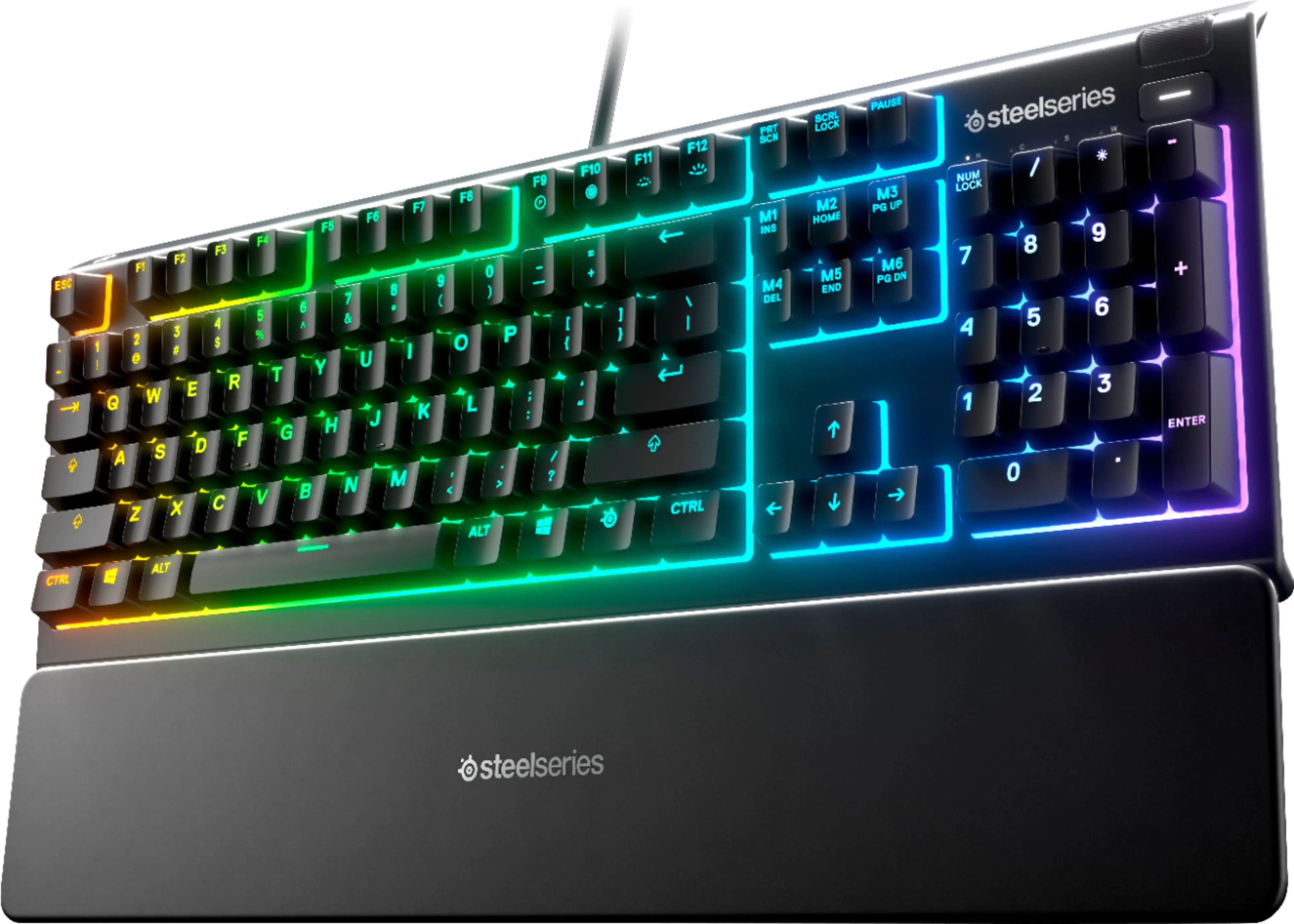 Computer Keyboards
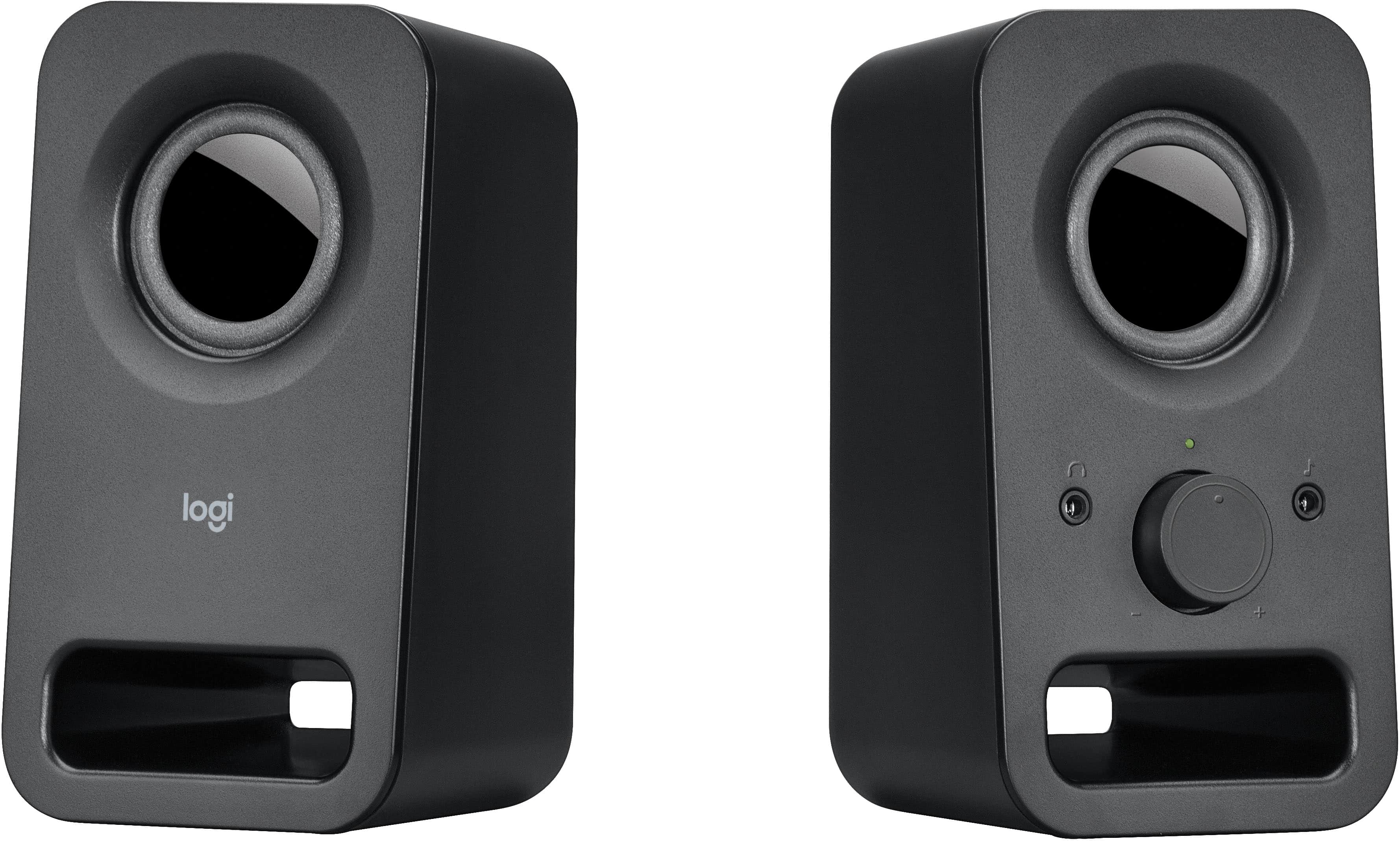 Computer Speakers
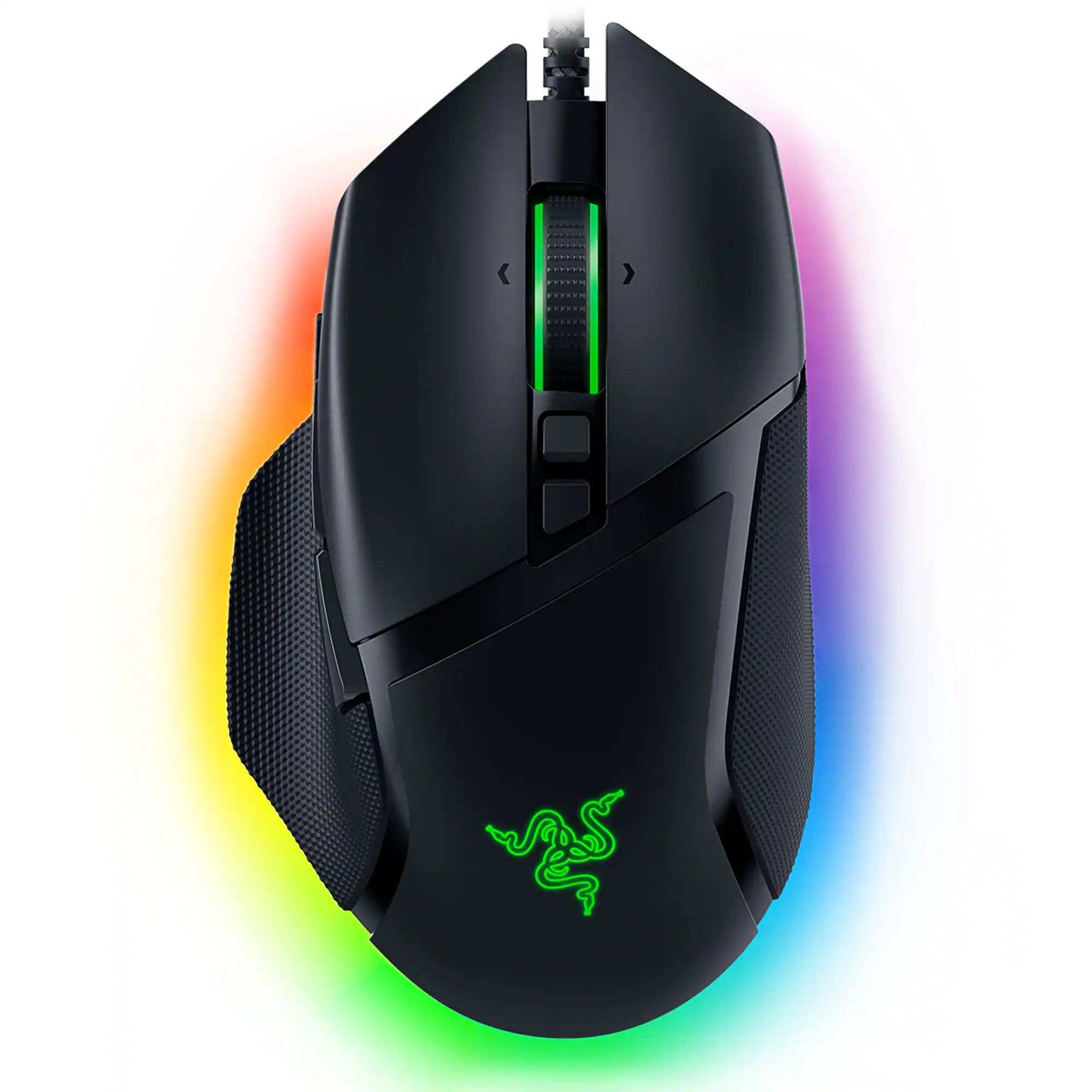 Mice
Mice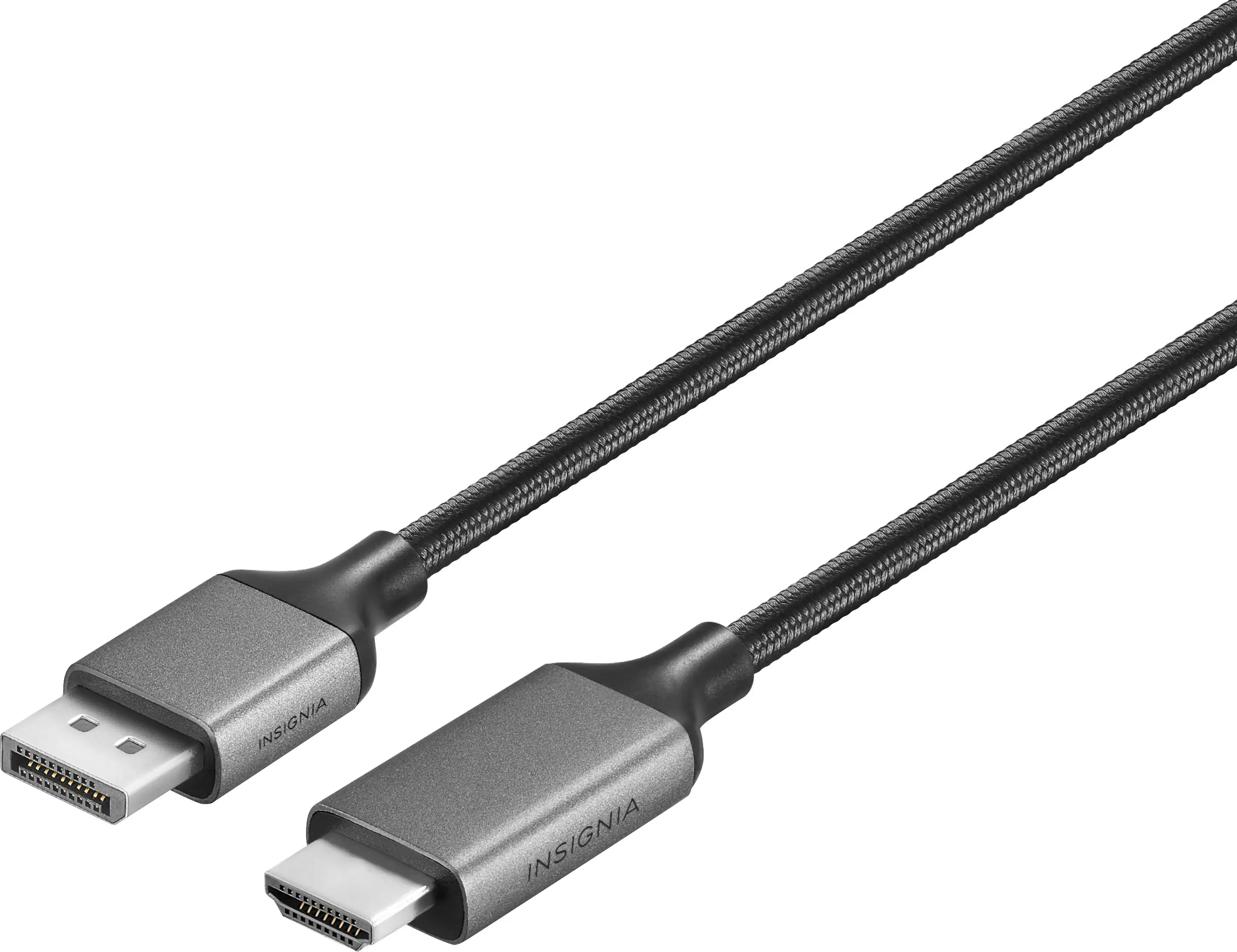 Monitor and Video Cables
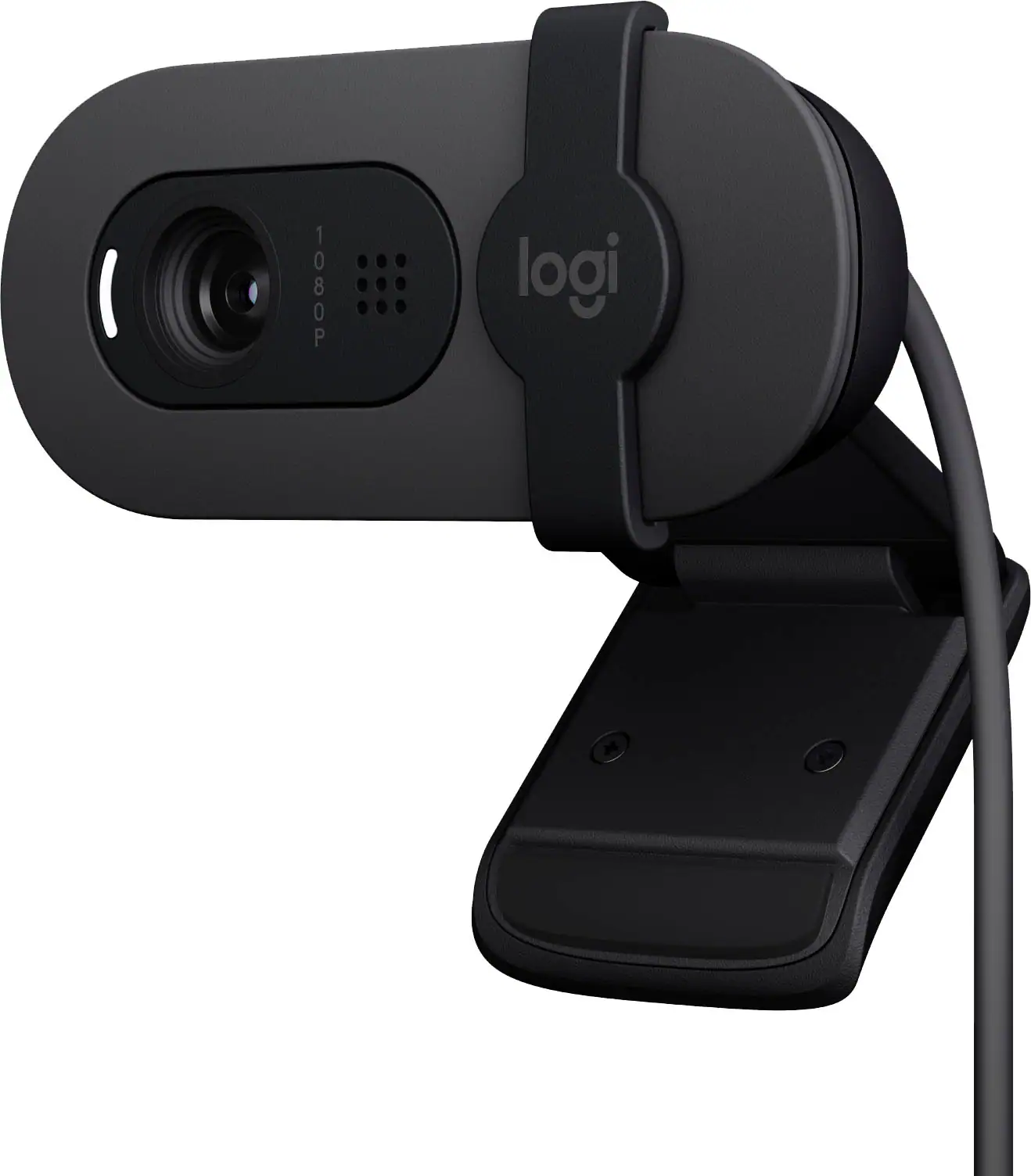 Web Cameras
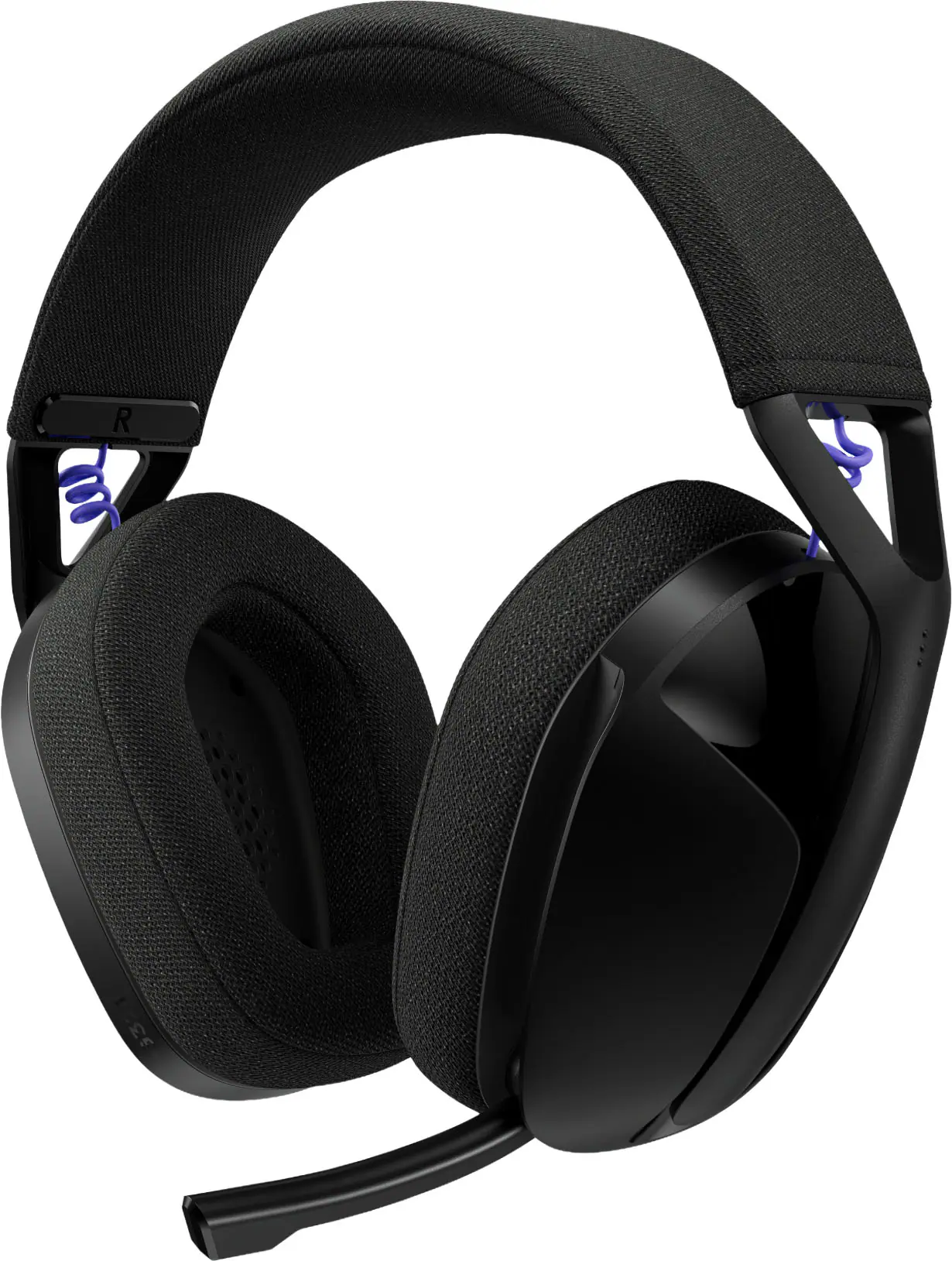 PC Gaming Headsets
 Mouse Pads
More to consider
 $1,534.99The price was $1,924.99
 $5,799.00The price was $6,199.99
 $1,629.99The price was $1,919.99
 Top Deal$1,999.99The price was $2,299.99
 $1,399.99The price was $1,799.99

Explore tech essentials Sponsored
- $1,534.99The price was $1,924.99
 $1,829.99The price was $2,599.99
Discover related products
 $434.99The price was $499.00
 $1,099.99The price was $1,999.00
 $1,787.04The price was $2,285.90
 $1,279.99The price was $2,799.99




Keep exploring
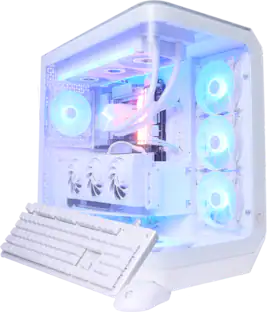
MSI - Vision ZS Gaming Desktop -R9-9950X3D - 32GB Memory - NVIDIA GeForce RTX 5080 - 2TB SSD - White
$4,299.99The price was $4,304.22 $489.00The price was $499.00