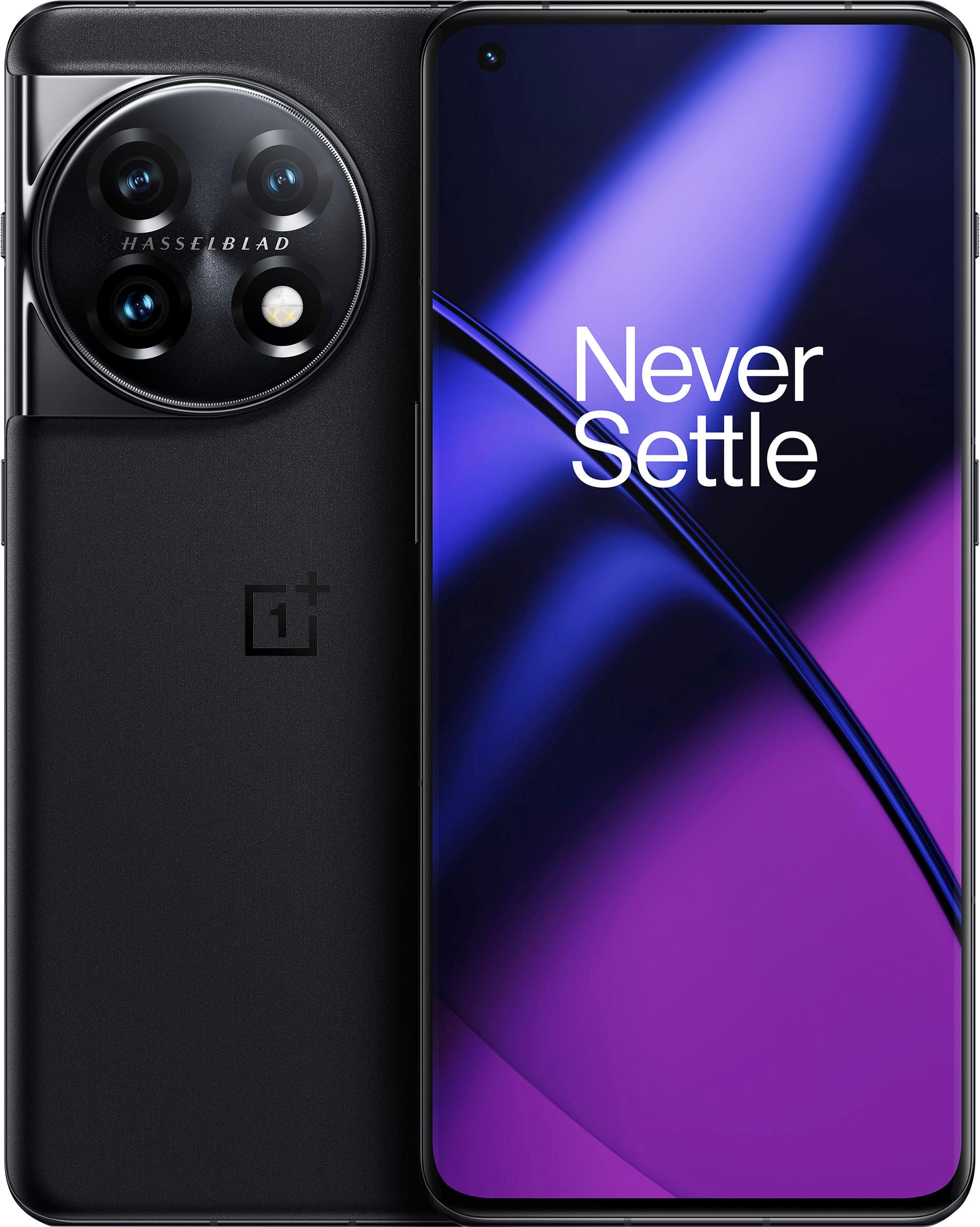
A:AnswerI have T-mobile. When I bought my One Plus 11g, I just transferred my Sim card from my Samsung to my One Plus 11g. My One plus 11g took me step by step to set it up. It also will ask it you want to transfer apps to your new phone. Click yes. Did this myself and did not have to go to T-mobile to activate. My phone was then ready to use.
Hopefully this will help you.
A:AnswerGo on gsmarena website and check out the specs for this phone - specifically what 4g and 5g bands it uses. Then, compare it with the 4g and 5g band your carrier uses. If the bands match, then yes, it will work.
A:AnswerDepends on if you're referring to the pixel 7 pro generally OnePlus has only fallen short when it comes to the camera when it comes to the big 4 Google pixel, galaxy and iphone, thought it has made great improvements in that regards. If you're referring to the pixel pro and camera is most important then I'd go with the pixel if the camera is not then I'd go with OnePlus 11.
A:AnswerGo to the Oneplus website, go to the phone and click "specs." It'll list all the bands the phone has built in. Then check your providers website and check the bands against the OnePlus site. I'm betting it'll work because there's a LOT of 4G and 5G bands on the phone. I added a screenshot for you.
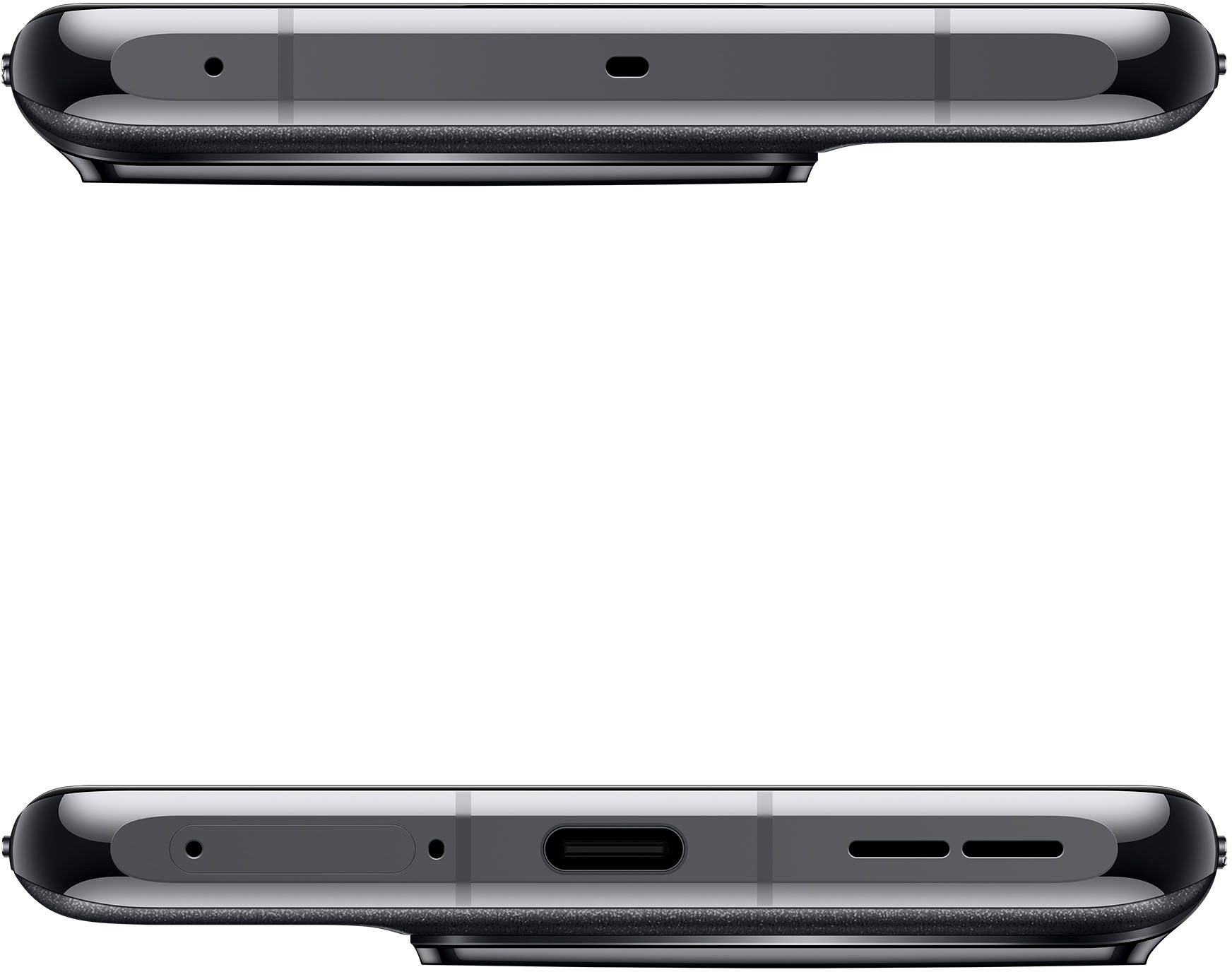
A:AnswerThis device supports dual physical SIM with E-SIM access. Please note that the device can however use one sim at a time. So if you have 3 SIMS (2 physical, 1 e-sim), you can only use one at a time but change which SIM you are using.
A:AnswerHi, the phone doesn't come with a case just a plastic screen protector, the phone should not be hot after 2 days of use, just when use the super fast charging (it's super fast) but when u are setting up and updating first it should feel a little hot also if u are not using a case you would notice a little bit more, there is case in Amazon Walmart and eBay but you can always find a original one in the website that are super good quality