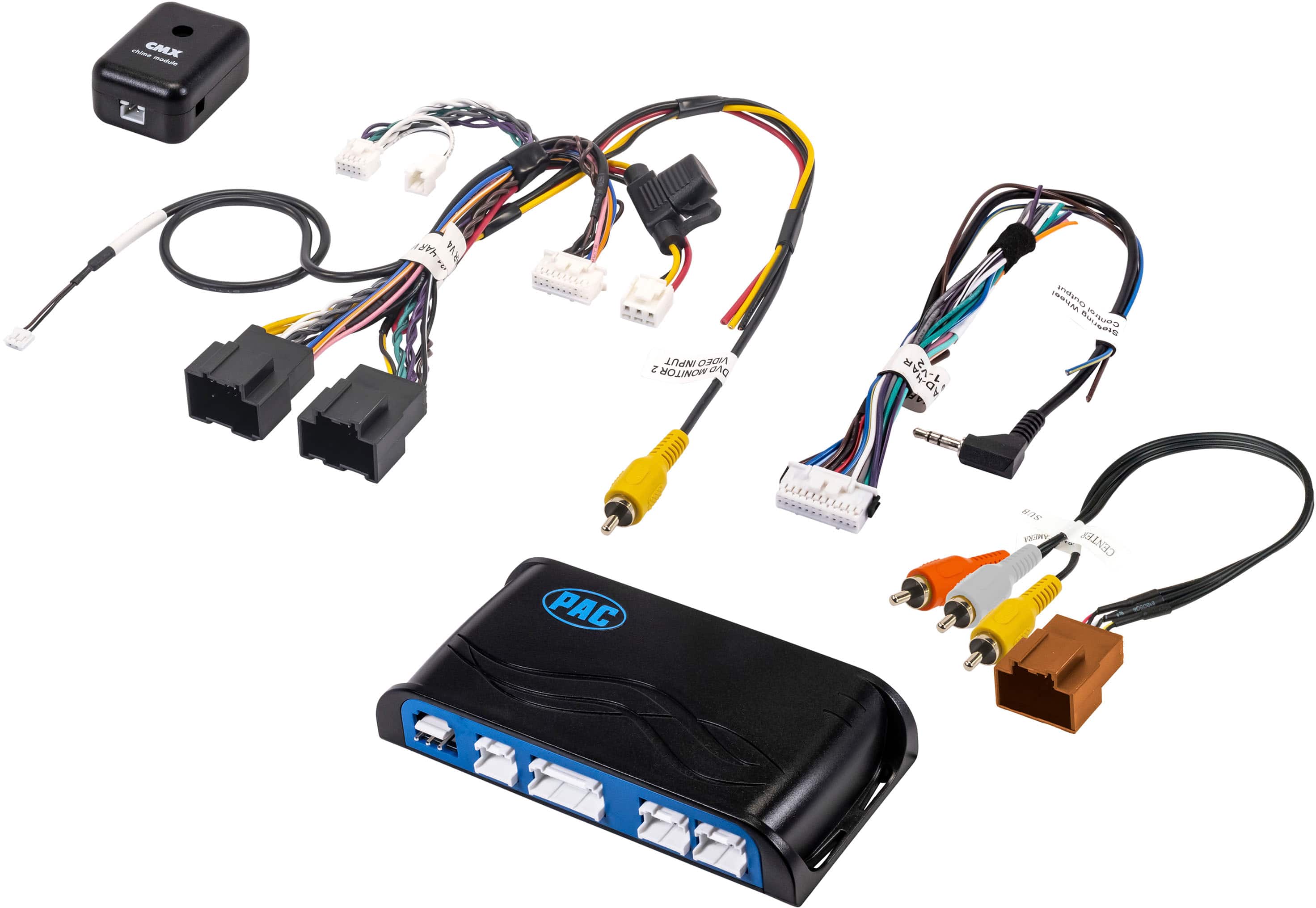
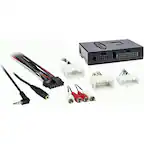
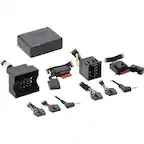
A:AnswerIf this is the exact interface you purchased it should retain your steering wheel controls. i would recommend returning back to the shop to have them do some troubleshooting.
A:AnswerJust had a new radio installed in my GMC Acadia. With this harness, my back up camera is still in my rear view mirror. But one note of caution....the park assist beep tone changed, and seems much less sensitive. Someone was at the back corner of my vehicle in a parking lot and the warning beep never chimed. The original hook up would sense the edge of the garage....not anymore
A:AnswerIt doesn’t .
The store member ordered these and figured that’s what we need to go with and he was wrong .
We had to re schedule the whole installation and We have to wait an other 3 weeks to get it fixed.
Just for something interesting ....the stereo what Best Buy sold us is not a right fit to the GMC so we need to figure something out .
A:AnswerFor that year, you would need one of two different interfaces. If it does not have factory navigation, then you need the RP5-GM31. If it does have factory navigation, you would need the RP5-GM32.