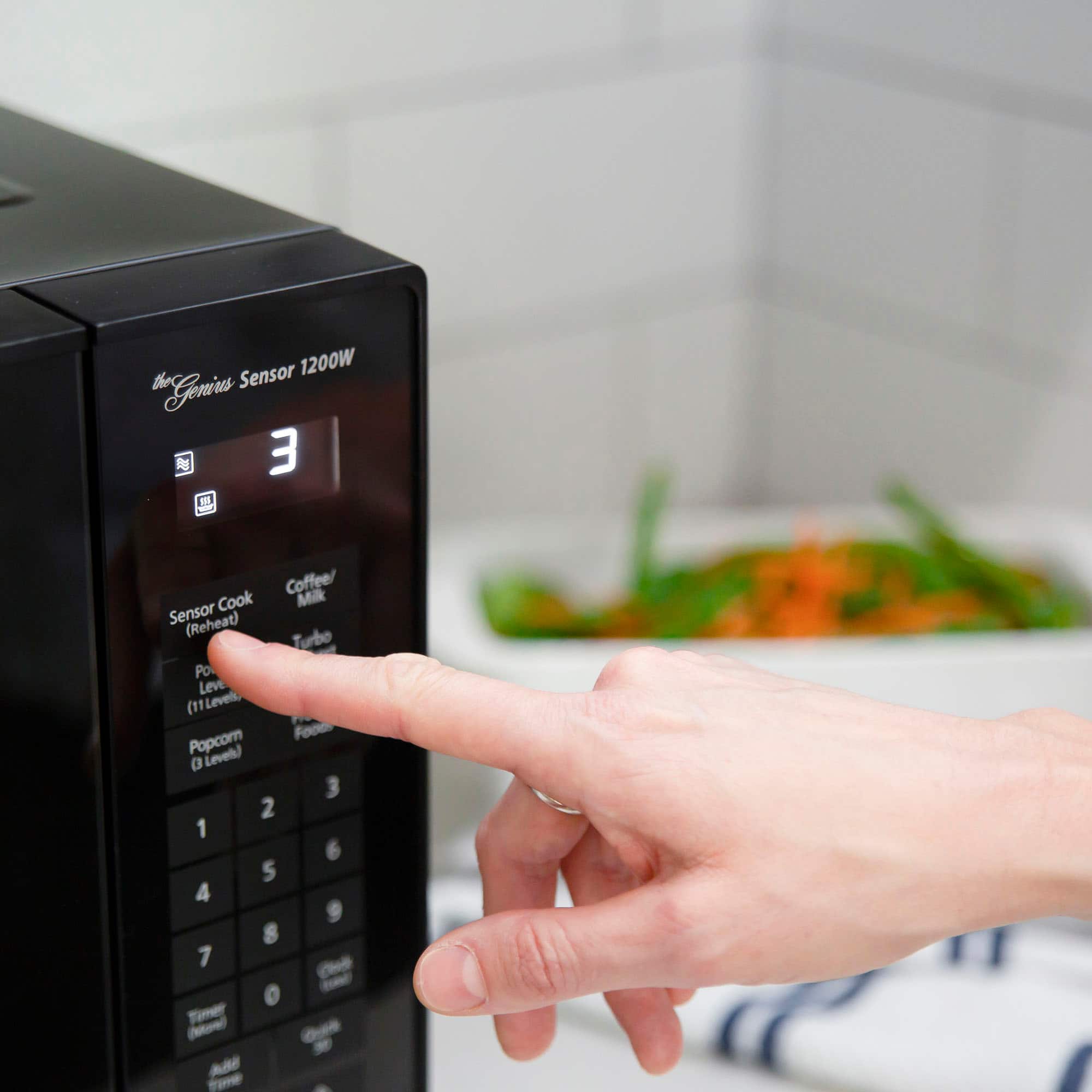
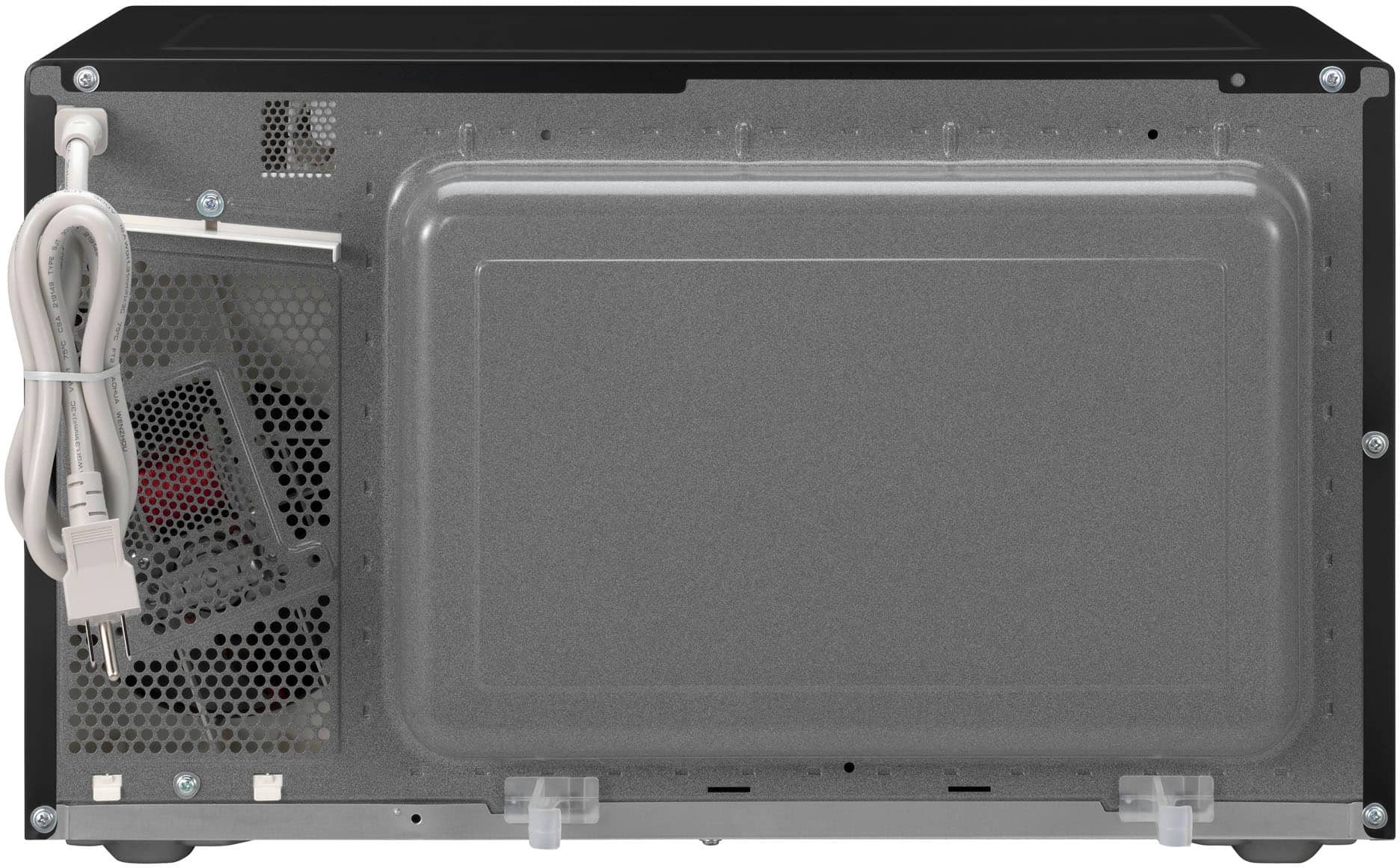
A:AnswerYou can set the cook time. I'm not sure about the power level as this microwave has a detection for moisture to determine cooking time. It does not power down for cook settings.
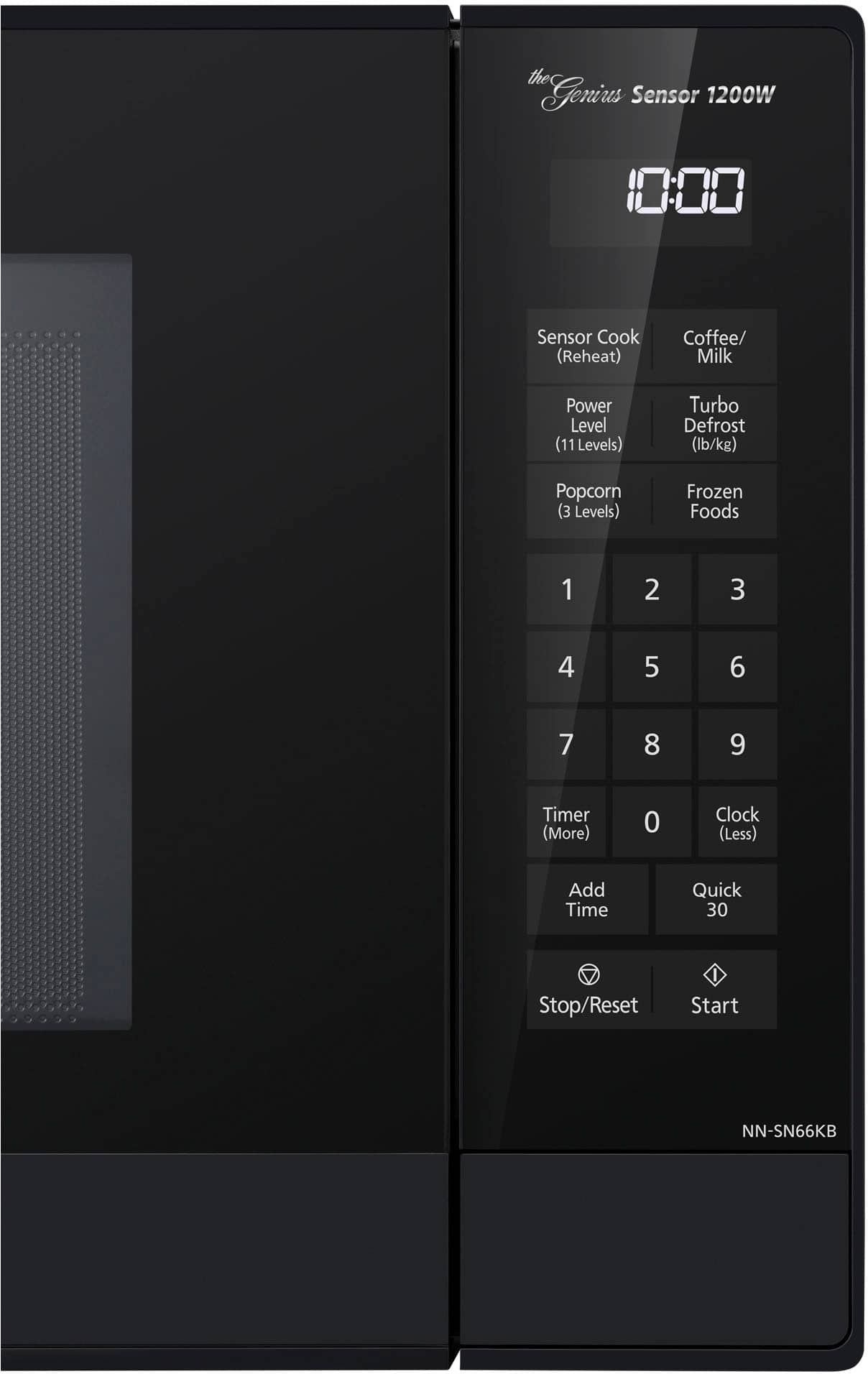
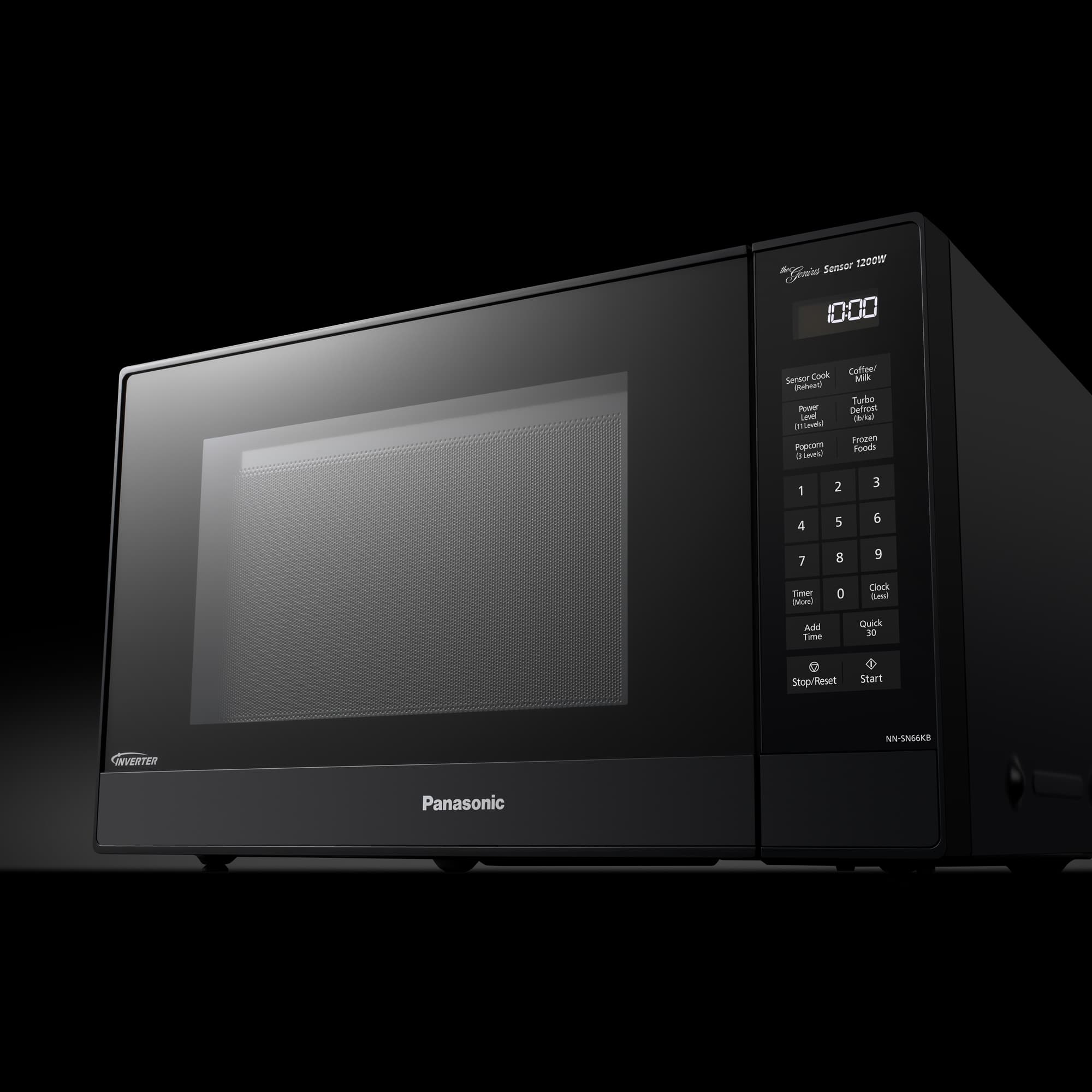
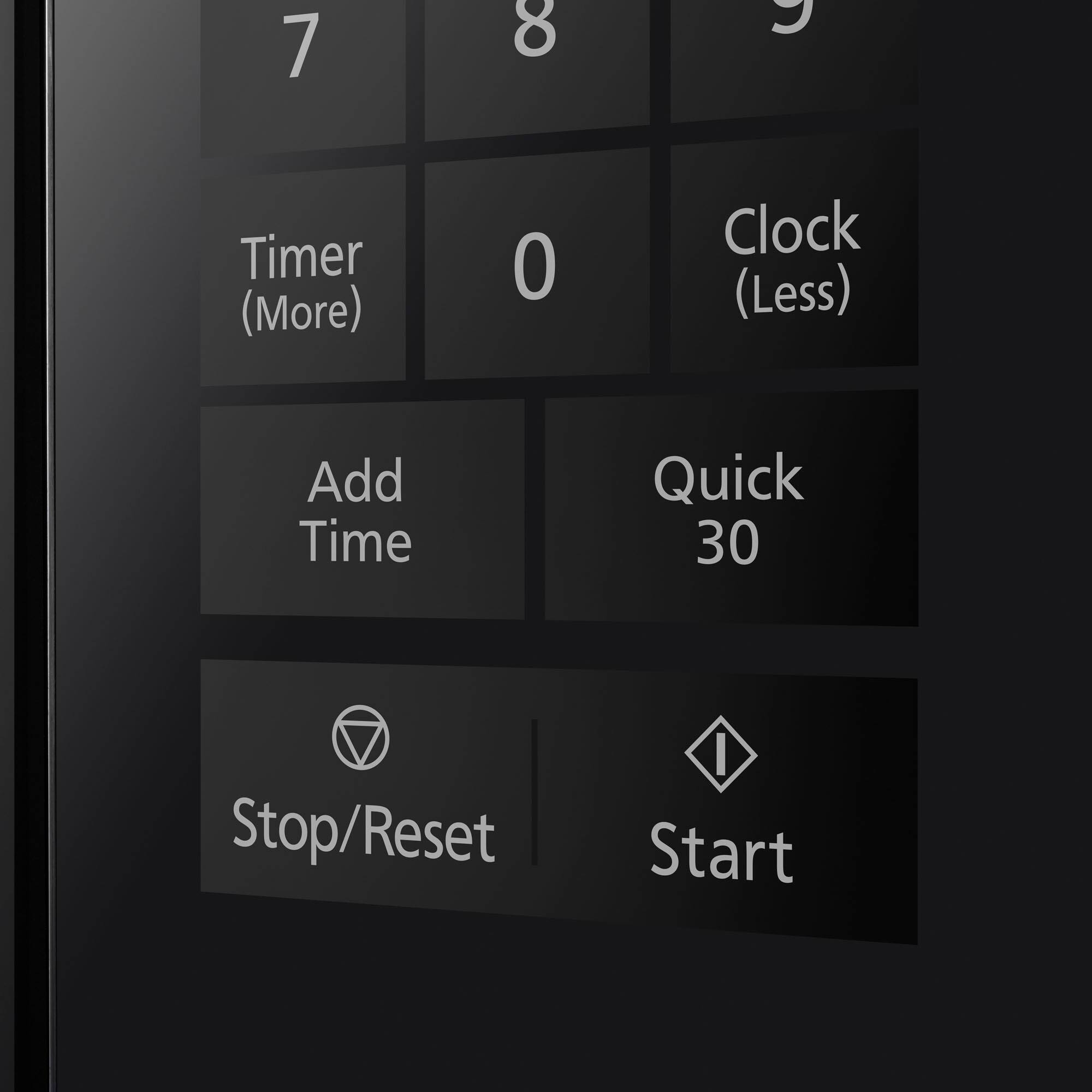
A:AnswerHello! With the oven not cooking, press Clock (Less) once and the colon will blink. You can enter the time of day using the Number pads. After this, press Clock (Less) to finish the setting and the colon (:) will stop blinking. If you require further assistance, please contact the Support Team via Live Chat on the Panasonic Website, Contact Us option, Mon-Fri, 9am-5pm EST. -C
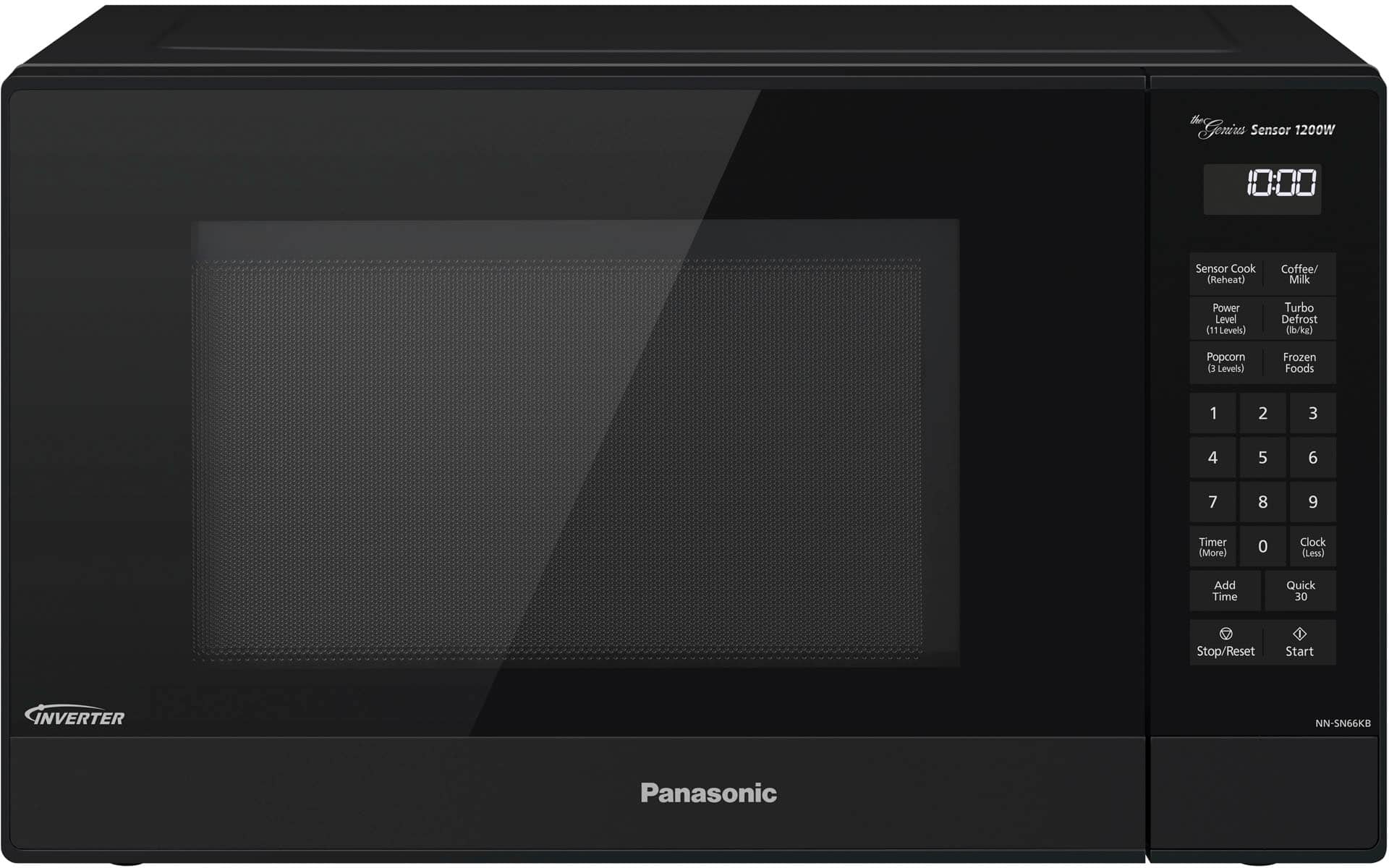
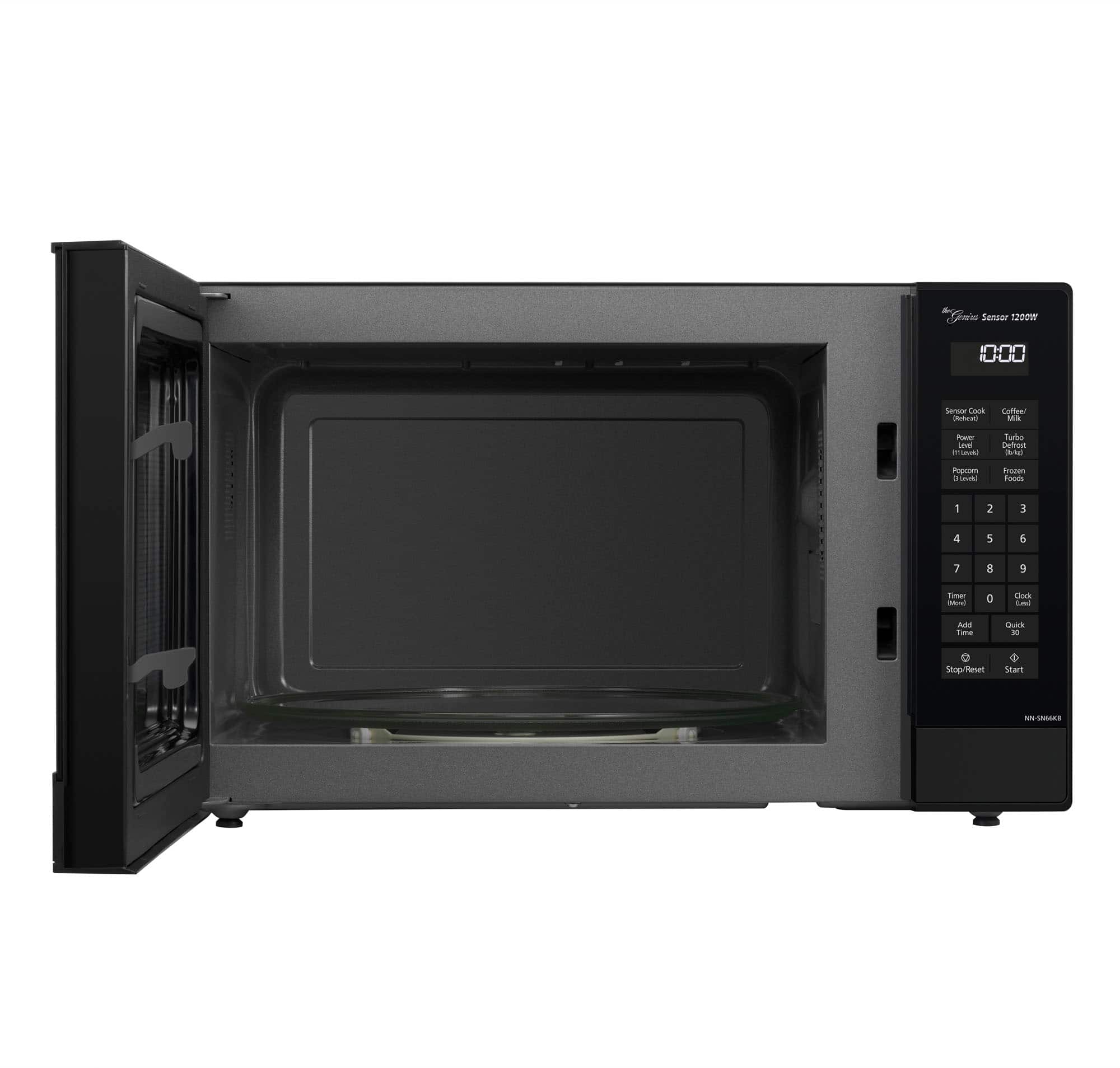
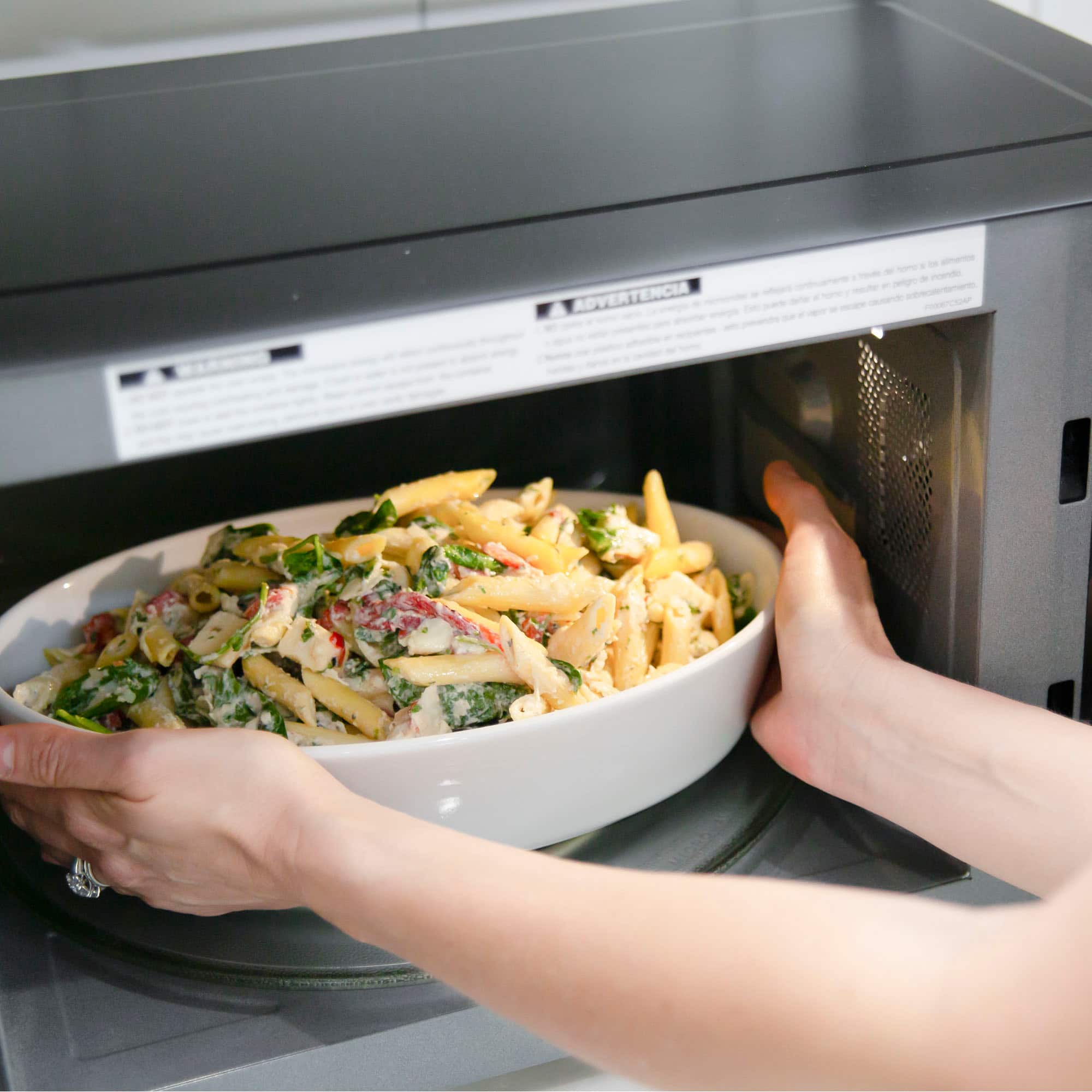
A:AnswerHello. We recommend you to make sure that the roller ring and glass tray are sitting correctly, and that the food or container that you are using in the microwave is not touching any of the interior cavity walls. As well, Make sure that the roller ring and oven cavity floor are clean and that no crumbles are preventing the glass tray from turning. If the issue persists, please contact the Support Team via Live Chat on the Panasonic Website, Contact Us option, Mon-Fri, 9am-5pm EST in order to determine how we can provide you with a solution. -G
A:AnswerThank you for reaching out. We would like to provide you support for this product, please contact our Customer Service Team via Live Chat on the Panasonic Website, Contact Us option, Mon-Fri, 9am-5pm EST. -M