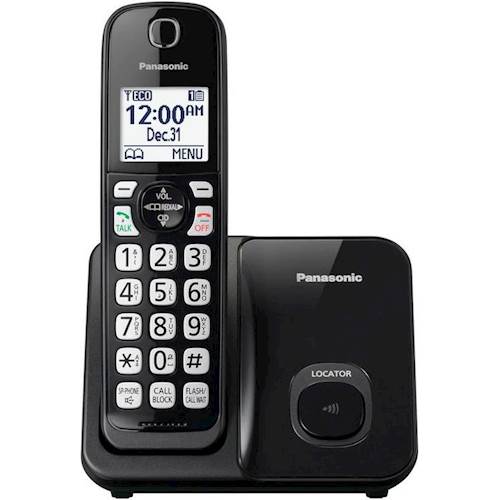
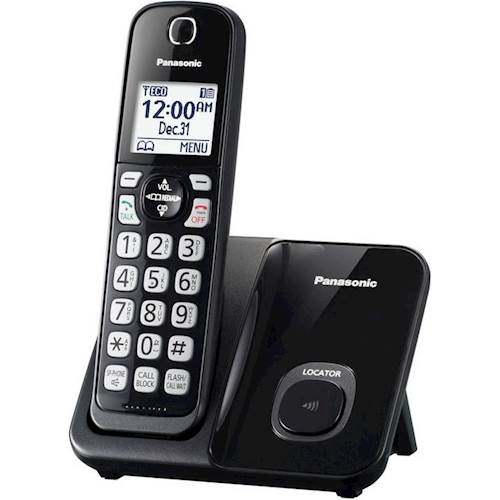
A:AnswerDear customer, thank you for your question. You can mute the call after you answer it. It's not a button on the handset but it will appear on the screen once you answer the call. You will see the feature instead of phonebook icon or the menu. You will just have to press the soft key button underneath. There are 2 soft key buttons on each handset. The ones they are under the screen on left and right.
A:AnswerDear customer, thank you for your question. Our consumer phones haven't been tested with polycom system. You may contact our business department for further questions: 800-528-6747.
A:AnswerWe need you to provide us the base unit's model in order to help you with an answer. Please contact our Support Team via Chat for assistance: shop.panasonic.com/contactus Mon-Fri, 9am-5pm EST.
A:AnswerYes, you can erase your call block list, please access this link for instructions: http://help.panasonic.ca/viewing/ALL/KX-TGD510/OI/TGD510_PNQX8349ZA/TGD510_PNQX8349ZA.pdf#page=16