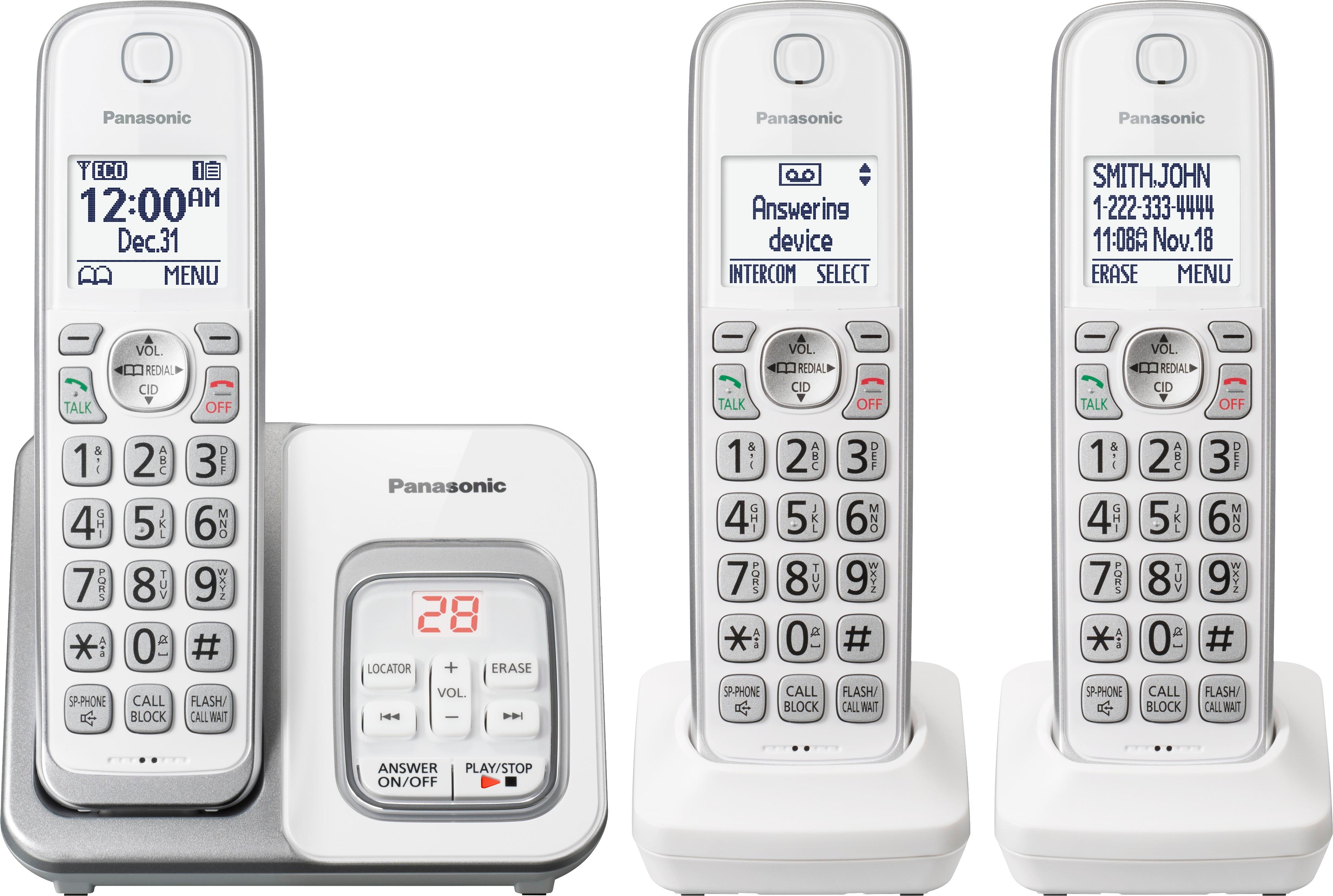
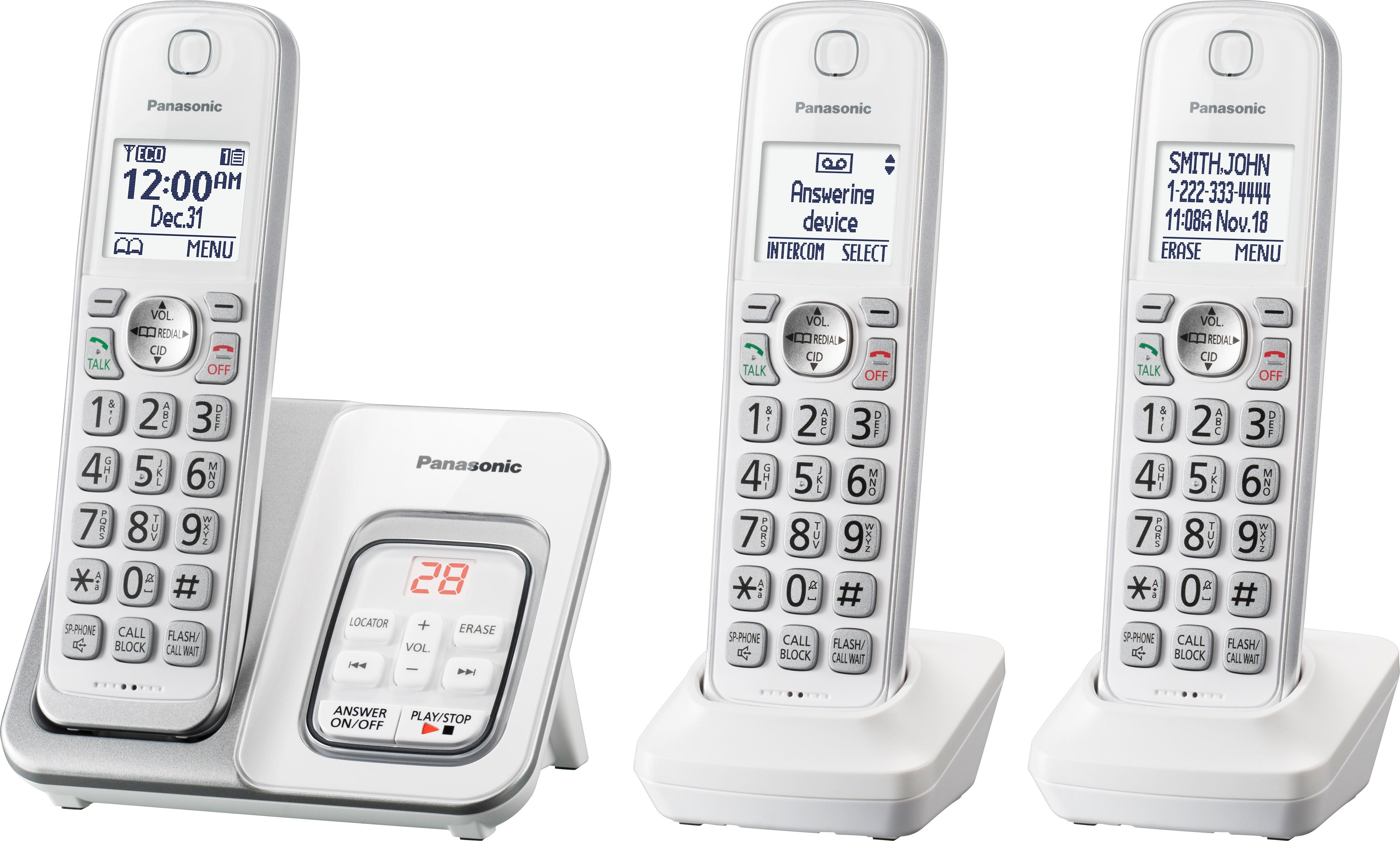
A:AnswerHi! You can enable the Auto edit feature, this will let you dial a number in the same area code as you, without entering the area code again. The feature can be enabled by pressing MENU, pound, 214, and selecting ''ON''- SAVE. -A
A:AnswerWe would be more than happy to look into it further. Please contact our Customer Service Team via Live Chat on the Panasonic Website, Contact Us option, Mon-Fri, 9am-5pm EST.
A:AnswerWe would need more information in order to have a better understanding of your inquiry. If you’re open to discussing it further, please contact Support Team via Live Chat on the Panasonic Website, Contact Us option, Mon-Fri, 9am-5pm EST.
A:AnswerWe would need more information in order to have a better understanding of your inquiry. If you’re open to discussing it further, please contact Support Team via Live Chat on the Panasonic Website, Contact Us option, Mon-Fri, 9am-5pm EST.
A:AnswerWe would need more information in order to have a better understanding of your inquiry. If you’re open to discussing it further, please contact Support Team via Live Chat on the Panasonic Website, Contact Us option, Mon-Fri, 9am-5pm EST.