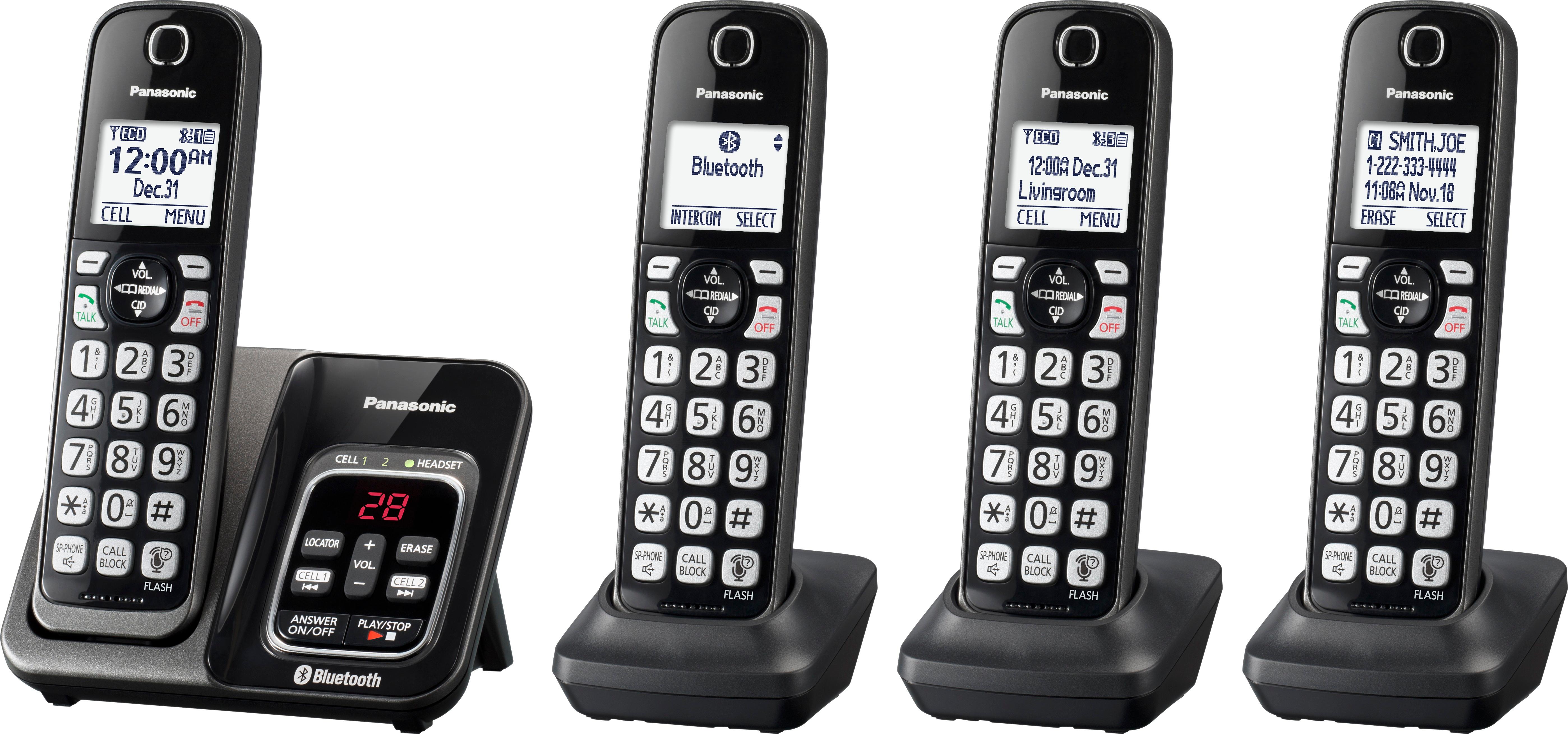
A:AnswerYou need to activate cell line only mode by pressing the [menu] button and then dialing #157
But, this can only be done from a handset, not the base station. Confusingly, the user manual does not mention this last bit.
A:AnswerI bought a Jabra Evolve 65 bluetooth headset and it gave the appearance that it was linking to the base unit but neither the headphones or the microphone worked on this equipment. My headset worked great on my iPhone as a bluetooth headset.
A:AnswerYou can use all of the handsets of both phone sets. Simply turn the answering system off on one of the sets. The base units will still cause its respective extensions to ring and be answered. I believe the Panasonic system doesn't allow two extensions to be used at the same time. However, with two sets, a handset on one set and a handset on the second set can be used at the same time, as in a conference call to one outside number. I have the Panasonic system and an AT&T system, both can be used for incoming and outgoing calls, but the AT&T base station has the answering system turned off and the Panasonic system's answering system is turned on for receining messages. Hope this helps.
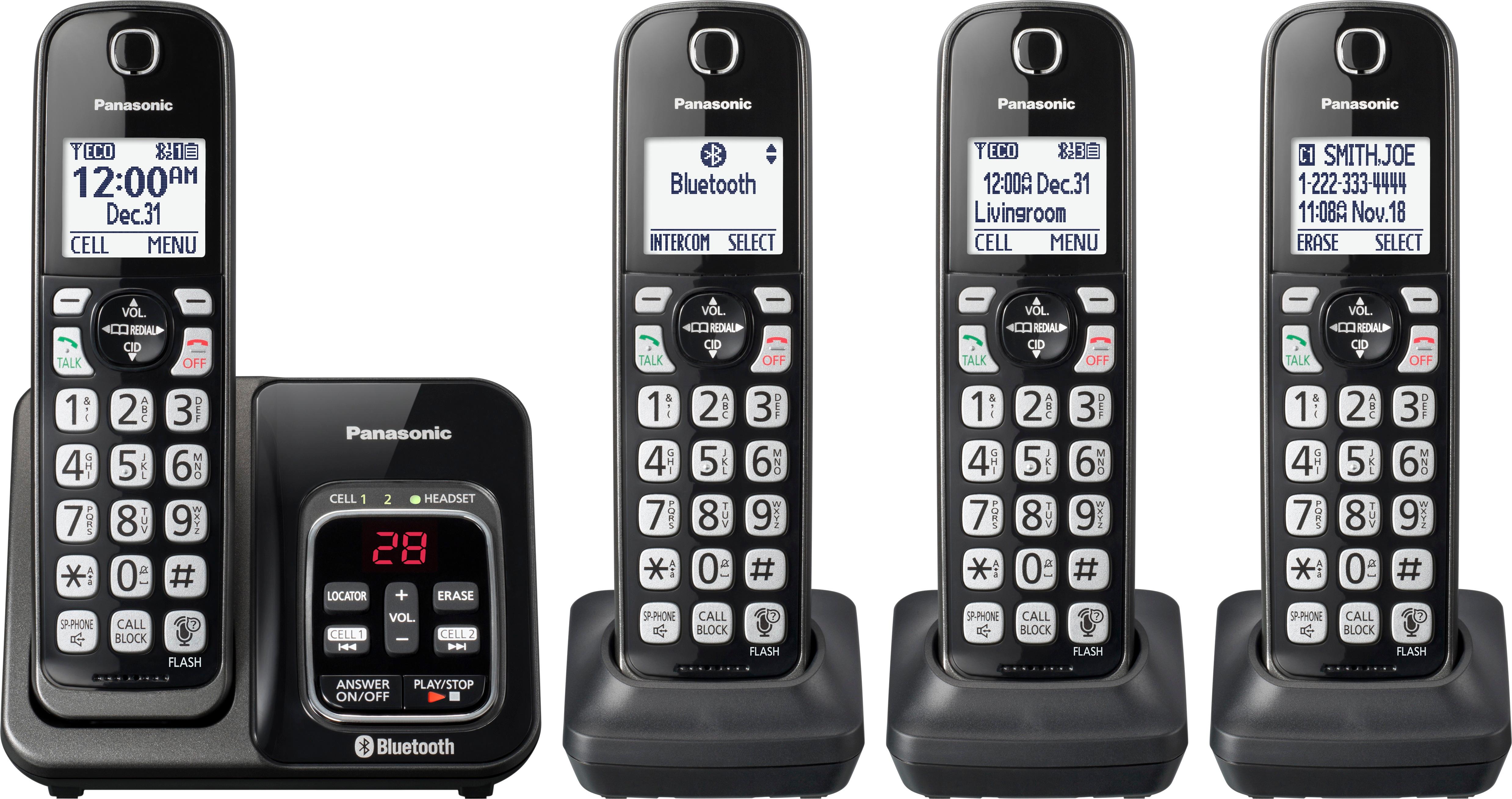
A:AnswerI believe you mean VOIP (not LP). If that is the case, then yes, I am using this phone system with the base unit plugged into my cable modem. Words great.
A:AnswerI am not quite sure what you are asking. I can tell you that it syncs very easily to a cell phone. Meaning that one someone calls your land line number it will automatically get forwarded to your cell phone regardless of where you are at the time the call comes in. Hope this helps .
A:AnswerAccording to the booklet under Frequently asked questions, it says, “you can add up to 6 handsets (including the handset(s) sold with your base unit) to a single base unit.”
That leads me to believe you can only have the base phone + 5 handsets.