A:AnswerA cell number can be added to phone at home to some phones to by pass cell ringing and there is some home phones can have ear buds and if your phone said it can it should if not working call the maker of phone you are using if it doesn't and it said it does but apple products and some companies dont let other electronics work through their software
A:AnswerHome phones should not cost anything because you need a phone to use a service at home but if your needs only a certain kind at home to use you only by the house phone system use and no will work and that will be only money spent here
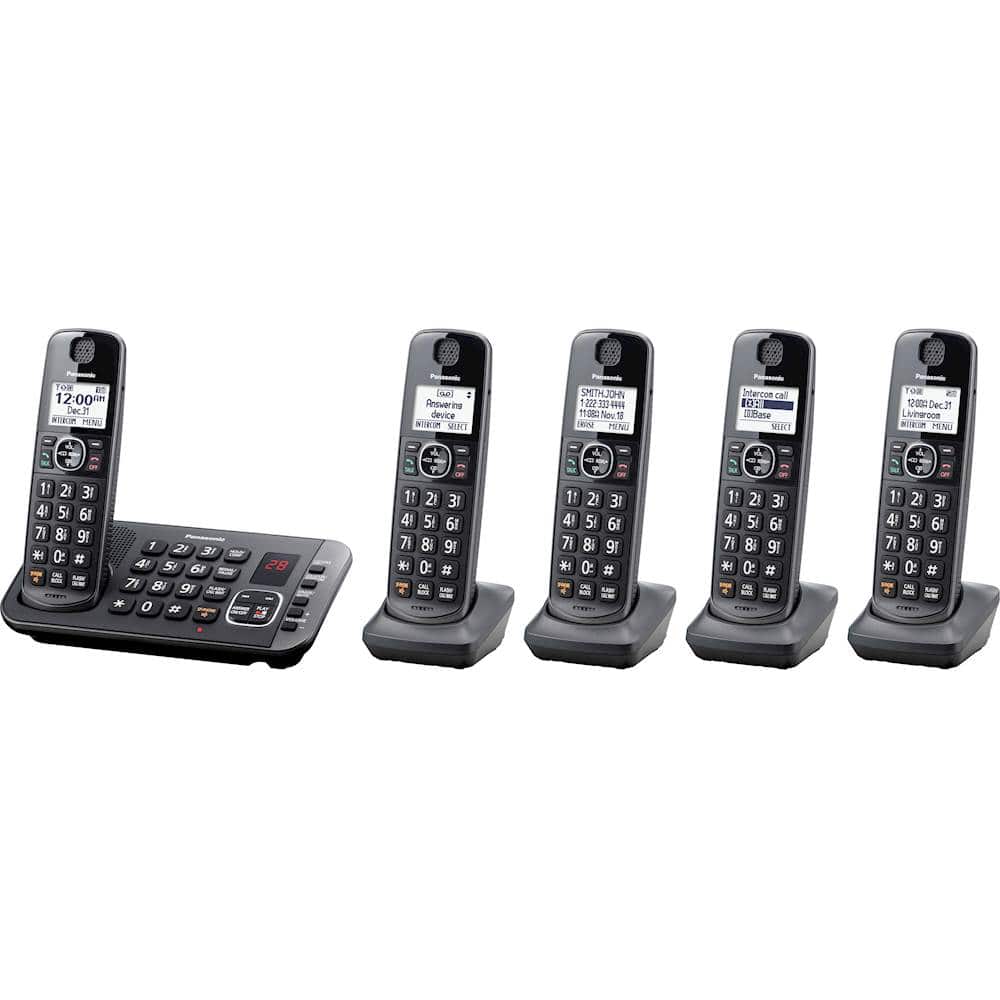
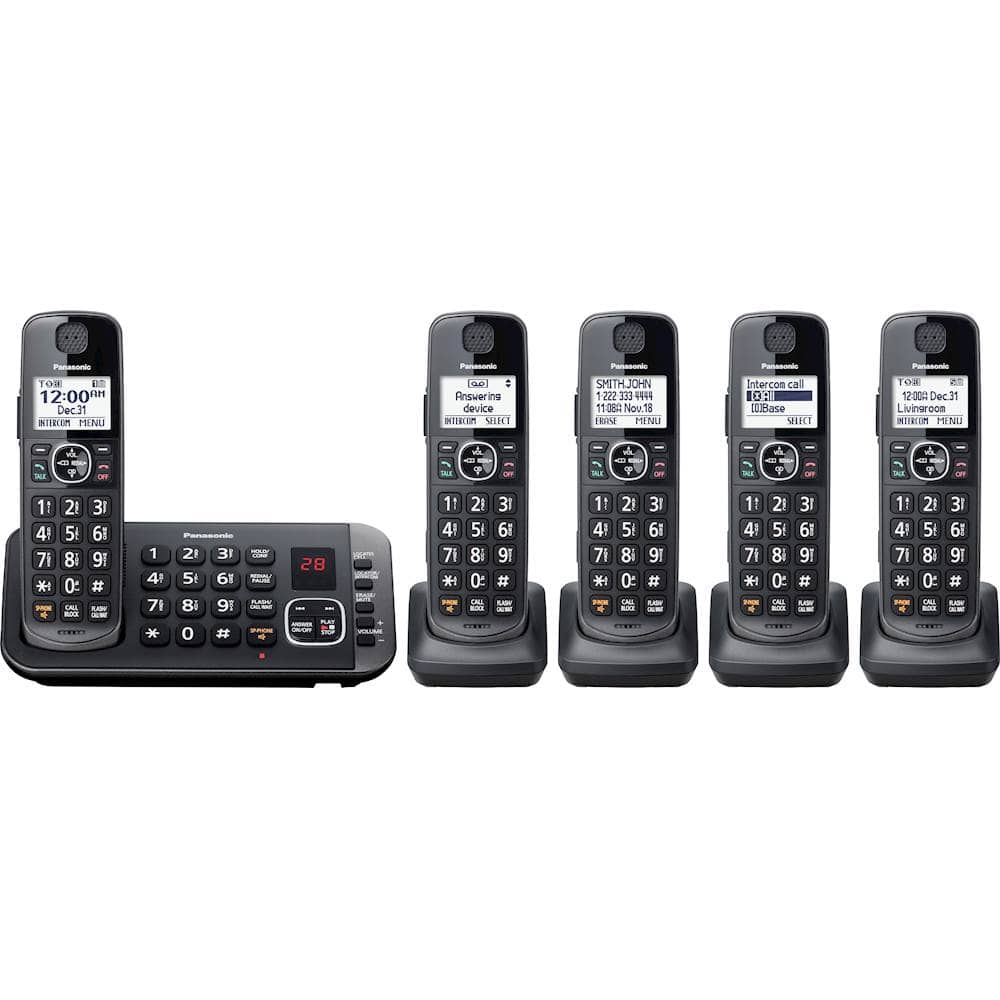
A:AnswerYou can have a maximum of 6 handsets connected to a Base Unit.
The compatible Additional Cordless Handset with your unit is KX-TGEA61. Please check the availability with your local dealers or Amazon.
A:AnswerNight / Silent mode allows you to select a period of time during which the handset and/or base unit will not ring for outside calls.
This feature is useful for time periods when you do not want to be disturbed, for example, while sleeping. Night / Silent mode can be set for each unit.
Using the phonebook’s group feature, you can also select groups of callers whose calls override Night / Silent mode and ring the unit (Call Display subscribers only).
A:AnswerIf not using cellphone it doesn’t matter. Just set up phone with date and time and you are set up. The instructions are good not great but some you can follow.