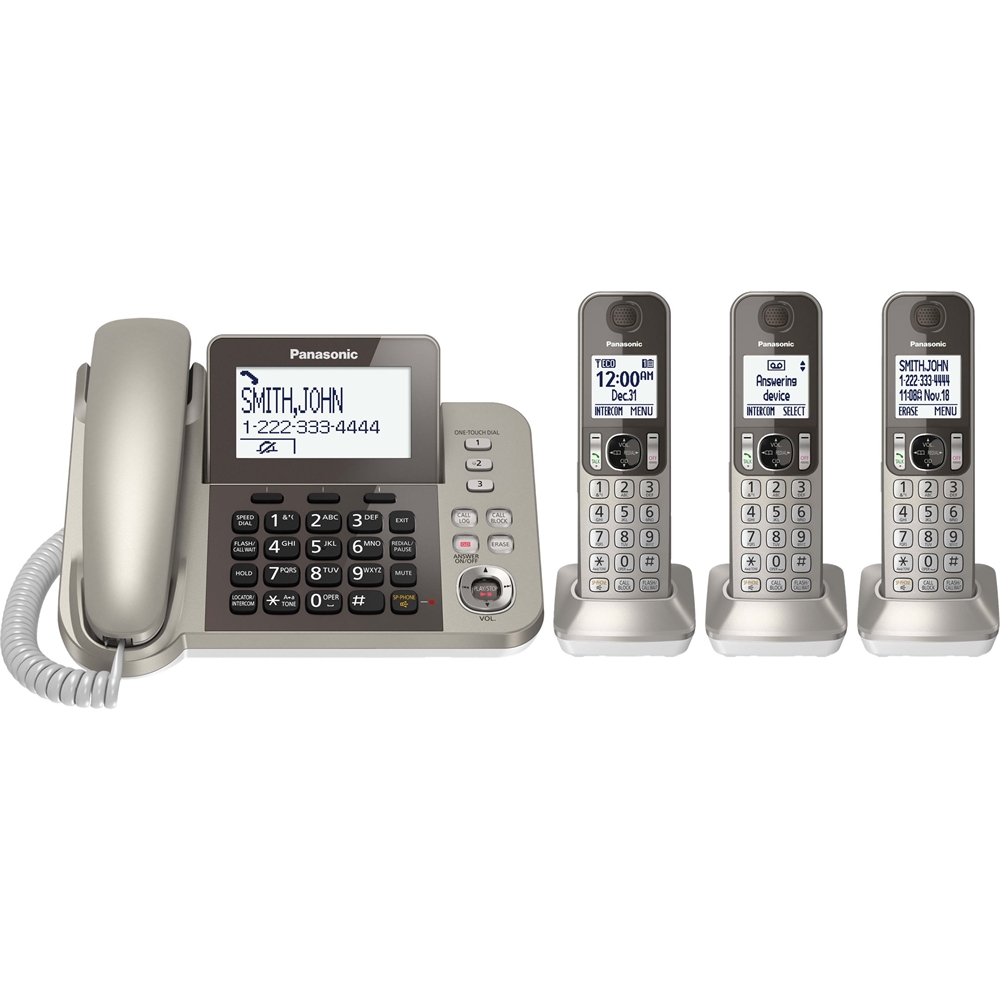
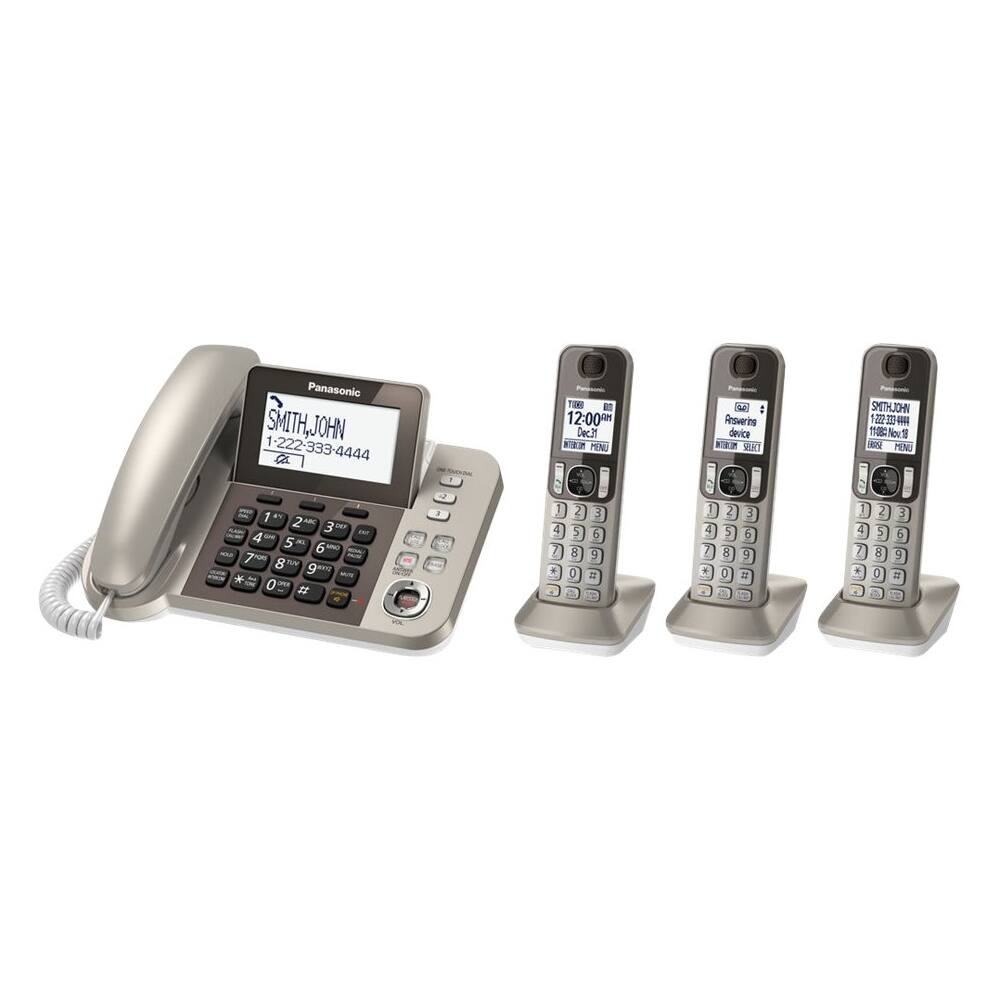
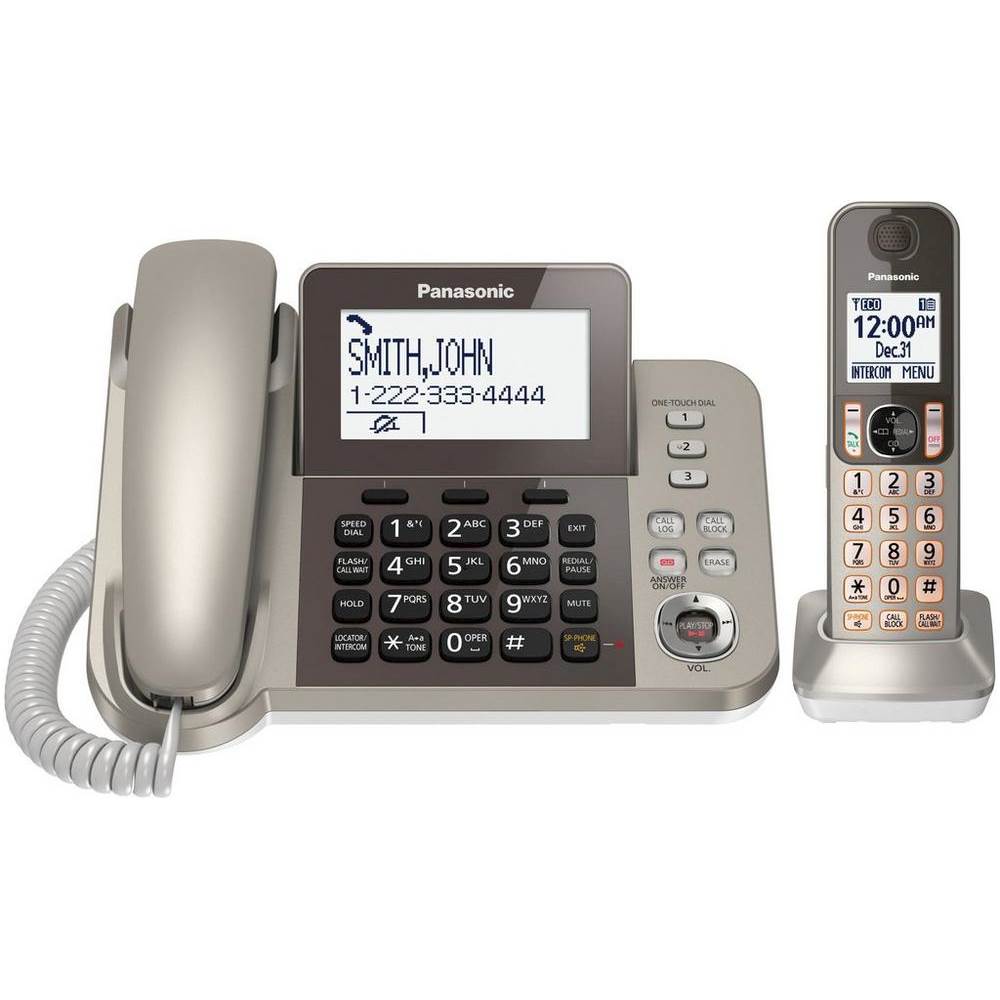
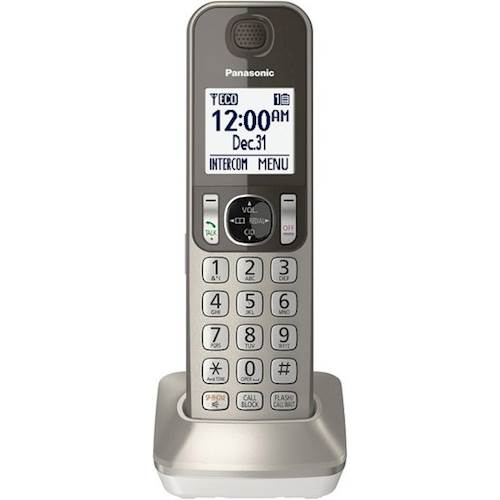
A:AnswerYes, if you subscribe to "Call Waiting Caller ID. The callers information will display on the phone in the manner that it receives the information from your phone company.
A:AnswerHi Ben, you will first need to make sure the handset is paired to the main base, and has been charged. If you need additional assistance contact our tech support team via chat Mon-Fri 9am-5:30pm est at shop.panasonic.com/contactus.
A:AnswerHi Pamela, this phone does not offer link2cell. No, you will have to check with your provider regarding the display of your number showing Private, this would come from your Caller ID service.
A:AnswerHi Jk, on page 21 ftp://ftp.panasonic.com/telephone/om/kx-tgf350_en_om.pdf of the manual you will have to go under Viewing/editing/erasing call block numbers. If you need additional assistance contact our chat team https://shop.panasonic.com/contactus
A:AnswerOnly thing I can think of is that the "mute" button is on and that's why he's not hearing the messages. If the button marked Answer on/off is glowing red then he knows that the machine is answering the calls. If the play/stop button is blinking red then he knows that there's a message. If he pushes that button and then doesn't hear any messages then maybe the mute is on...but if it says no messages then I would bring it to the store and have the geek squad look at it.
A:AnswerThe KX-TGF353N has a mute button on the base, and you can mute the handsets during a call using the left "soft key" (mute shows up in the text screen over the button and you hit the button to activate and deactivate it).