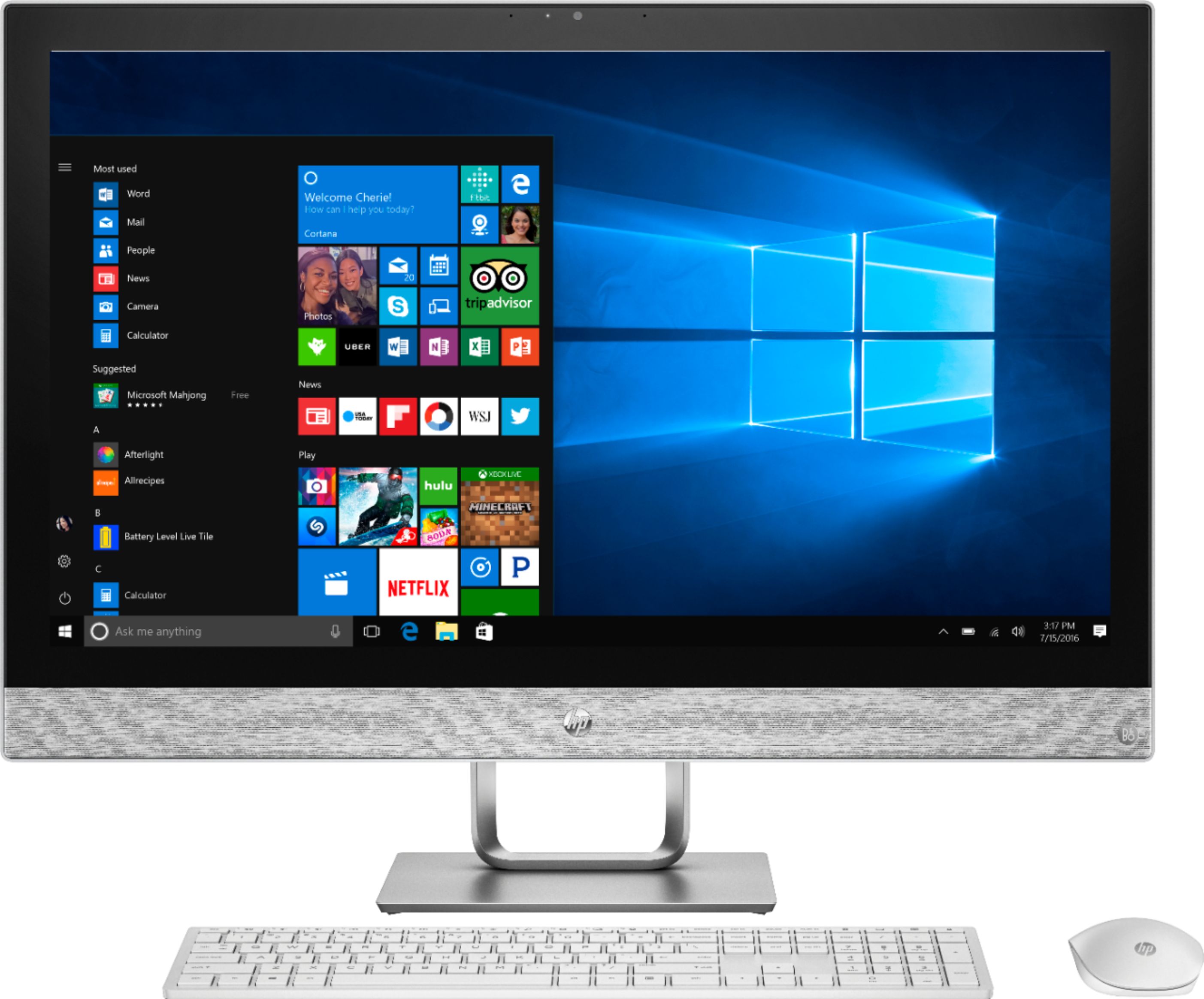
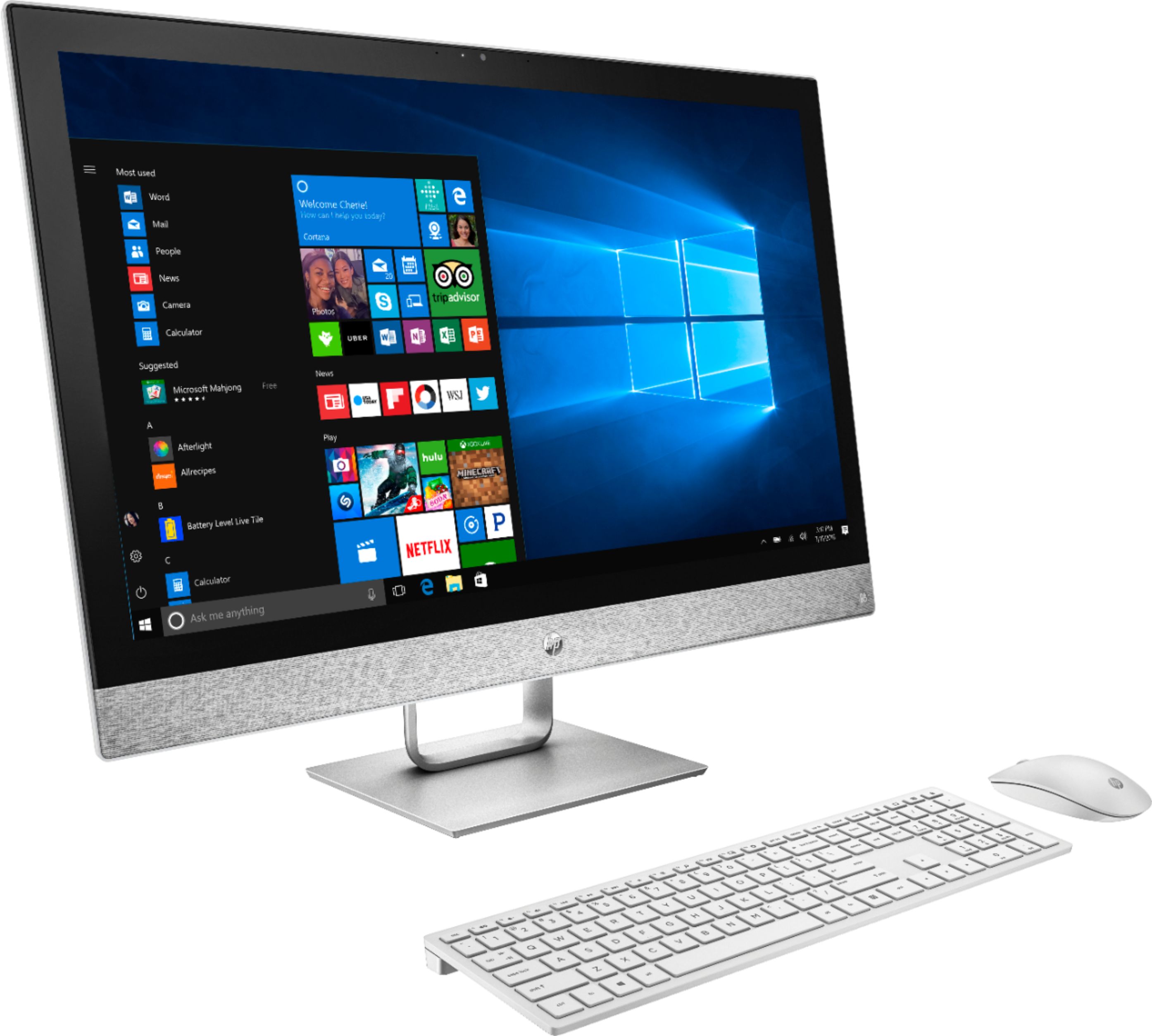
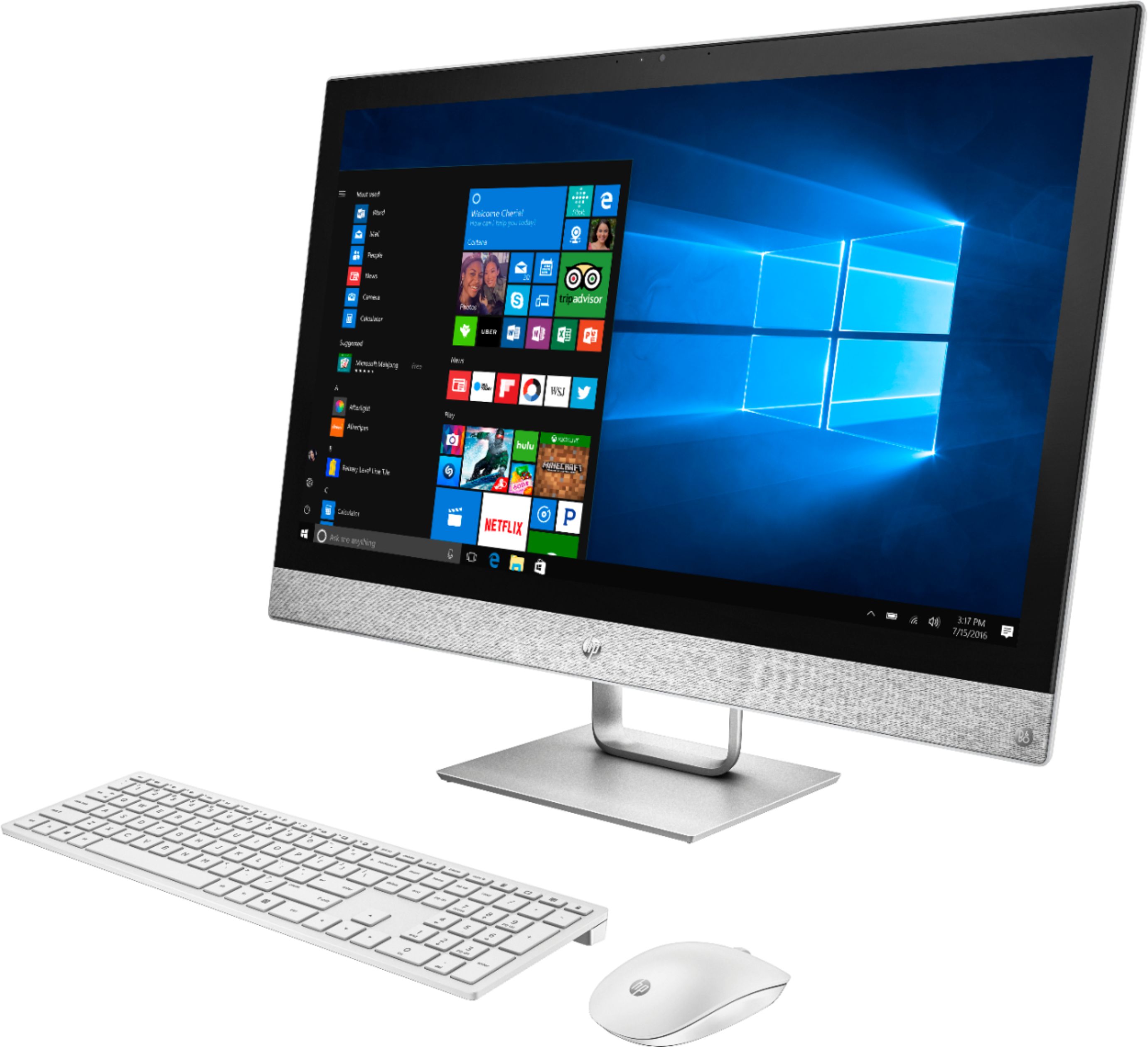
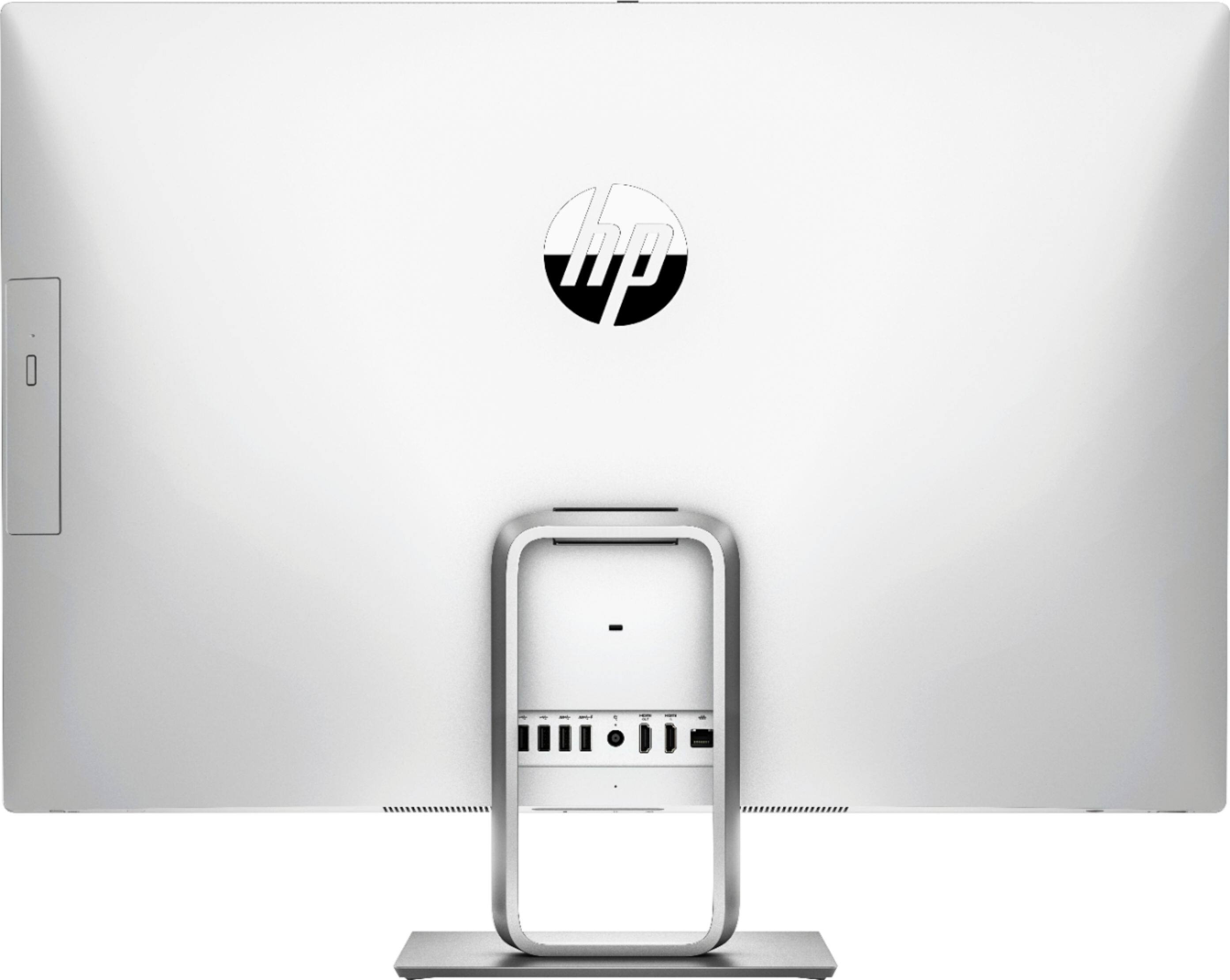
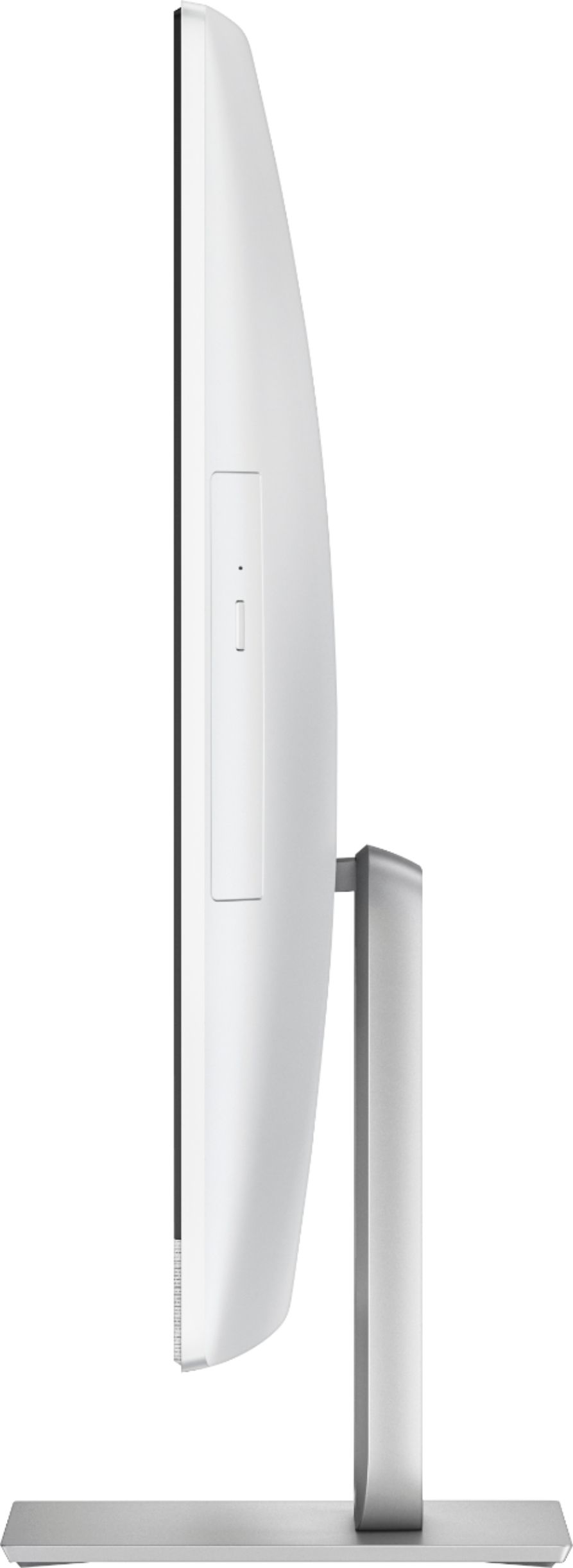
A:AnswerThere is a traditional headphone jack right in the front bottom of the monitor. Right under the HP logo. I use wireless headphones with mine, but only because I move around a lot, and cords get in my way when I'm shuffling papers and files. The Bluetooth works great as well, for the record.
A:AnswerIt only has the built in Intel HD Graphics. It would likely work good for video editing unless it was very high quality video rendering like 4k.
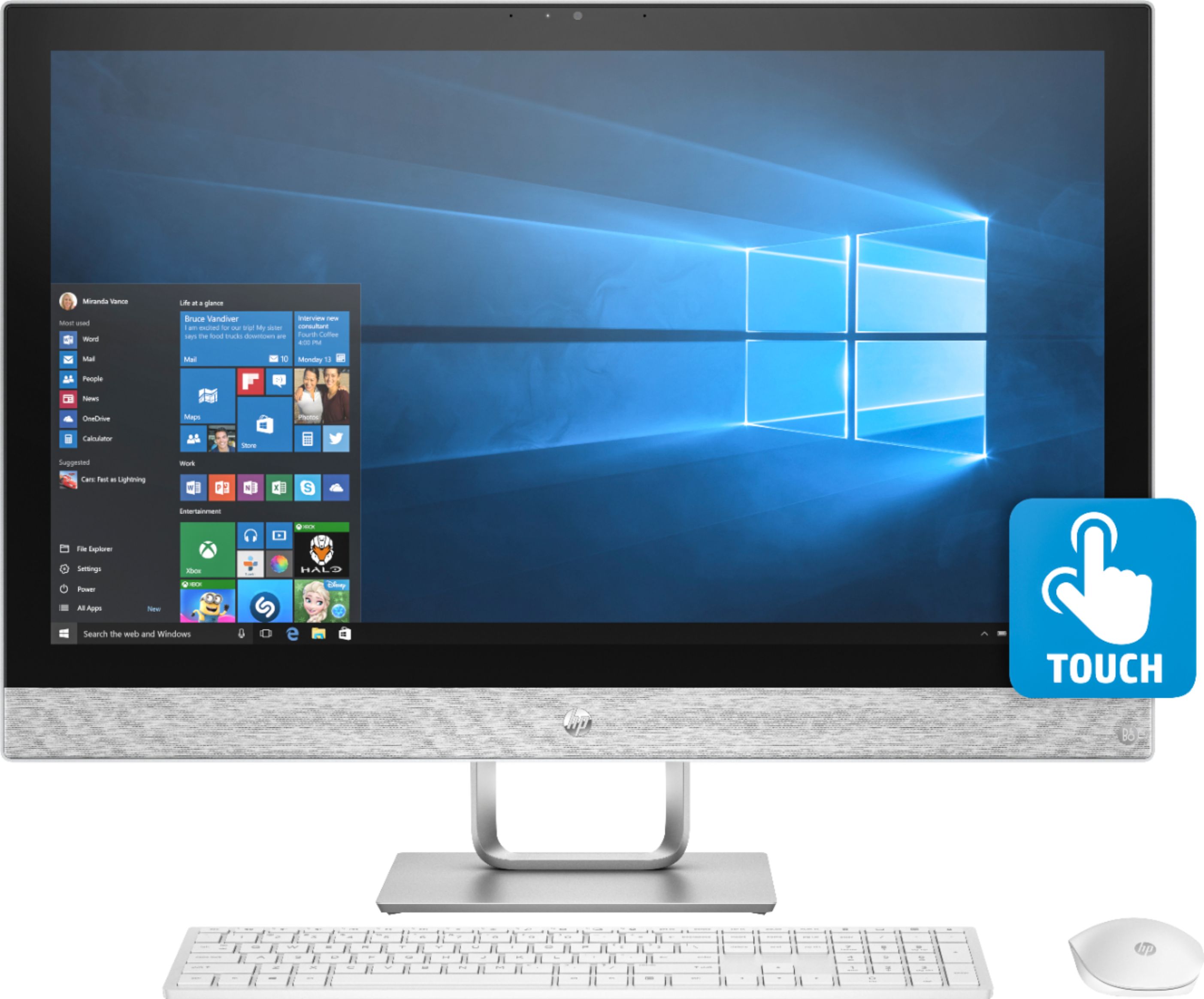
A:AnswerYou can do everything you can do with a non-touchscreen computer. In addition, you have the ability to navigate, write, interact, zoom in and out, and other similar tasks by touching the screen.
A:AnswerThe Intel® Core™ i7-8700T processor has 6 Cores and 12 Threads. The Processor Base Frequency is 2.40 GHz and Max Turbo Frequency 4.00 GHz. There is no such thing as an i7+8700T processor, and additional Optane memory does not change the name of the processor.
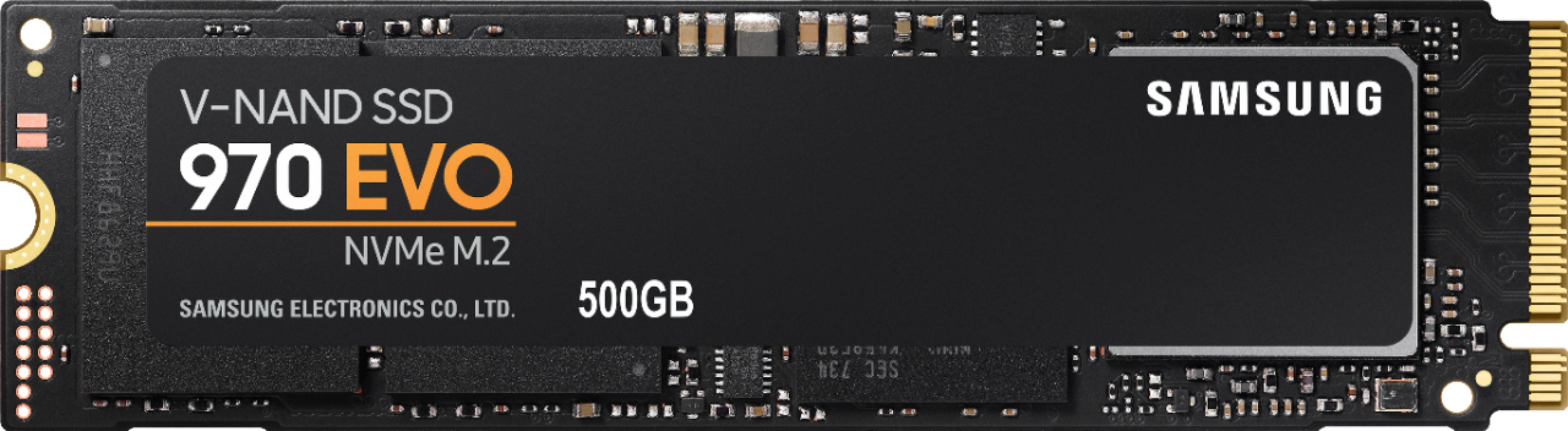
A:AnswerYes, you can swap out the preinstalled hard drive with a SSD, or instead utilize the 1 empty M.2 slot to insert an additional SSD hard drive. It only took me 10 minutes to physically install the following: Samsung 970 EVO 500GB - NVMe PCIe M.2 2280 SSD (MZ-V7E500BW) I then cloned the original drive onto the SSD and then made it boot off of it and kept the original one installed merely for extra storage. You will need to buy a SSD screw to hold it in place as a screw was not already included on the board or came with the SSD drive. Do yourself a favor and look up a video on YouTube regarding how to open the system, as it's a bit tricky your first go around.