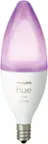
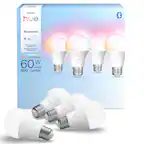
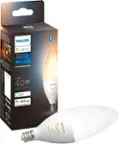
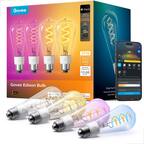
A:Answer Skipping the official hub results restricted setup:Out-of-Home Control:
You cannot control your lights or check if you left them on while you are away from home.Bulb
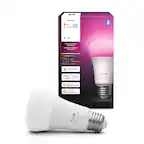
Capacity Limits: You are restricted to a maximum of 10 bulbs per control device, and they must all remain in one room.
Advanced Automations & Schedules: You lose the ability to create customized routines, set complex timers, or use geofencing (having lights turn on/off based on your location).
Accessory Support: You cannot use physical remotes, Smart Buttons, or Motion Sensors.
Entertainment & Syncing: Advanced surround lighting integration—such as syncing lights with your PC, Spotify, or your TV (via the Hue Sync box) is not available.
Apple HomeKit Compatibility: To use Siri or control your Hue lights via the Apple Home app, the official Hue Bridge is mandatory.