Questions & Answers
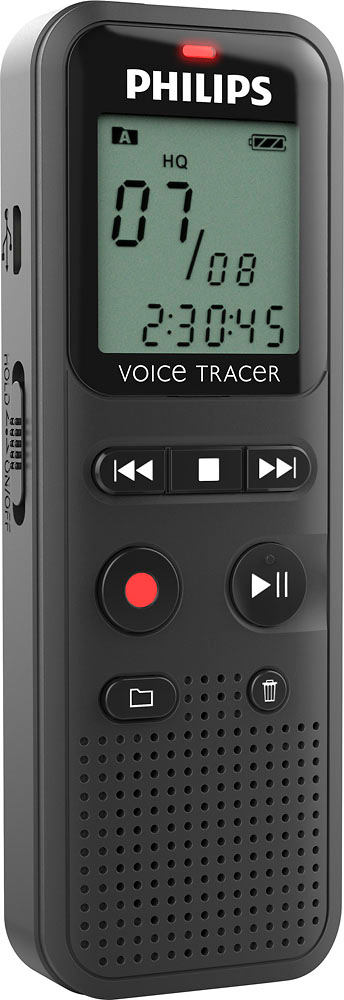
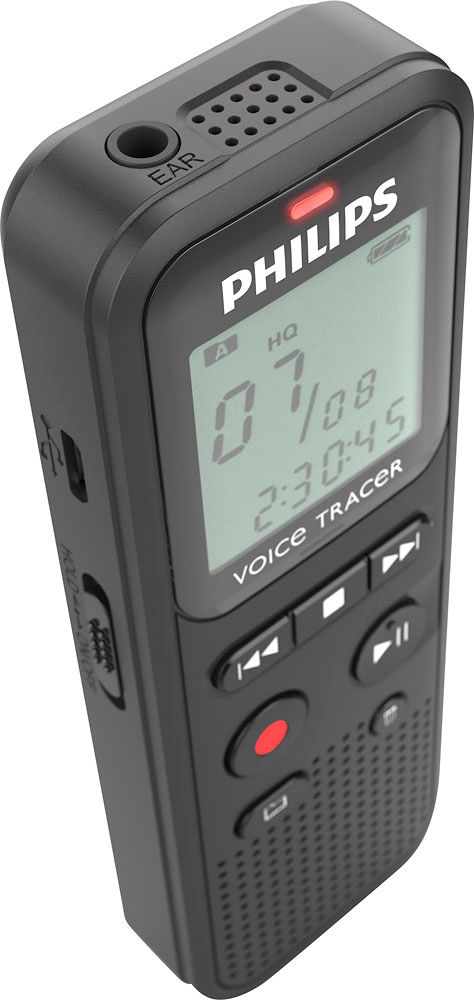
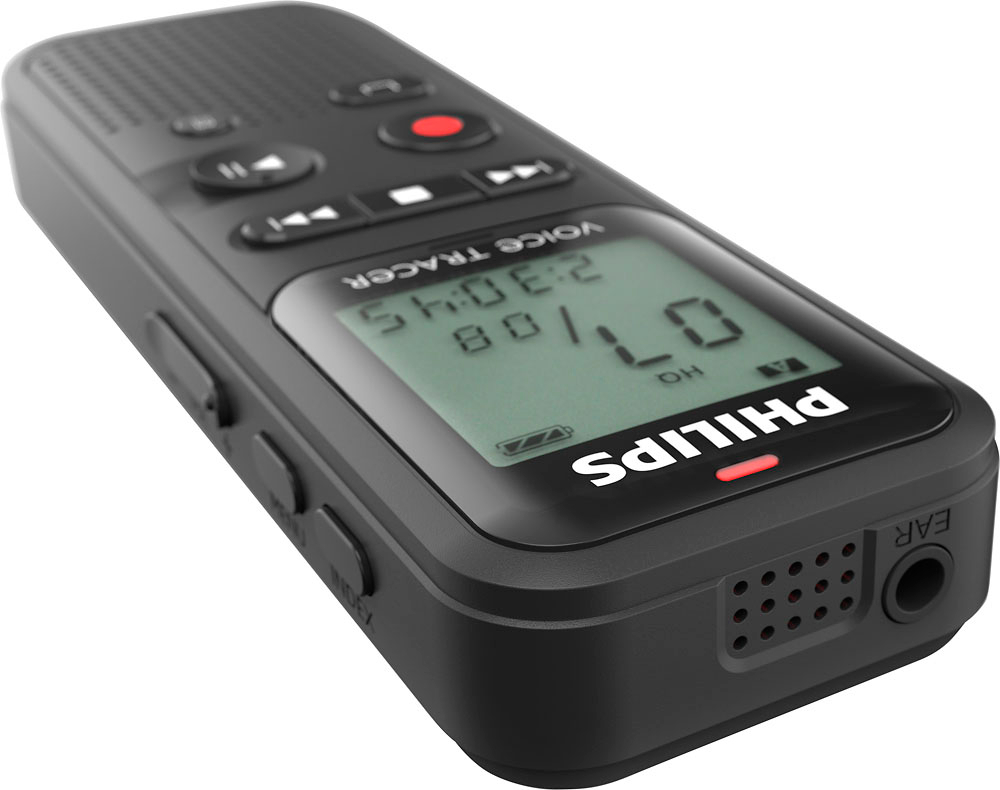
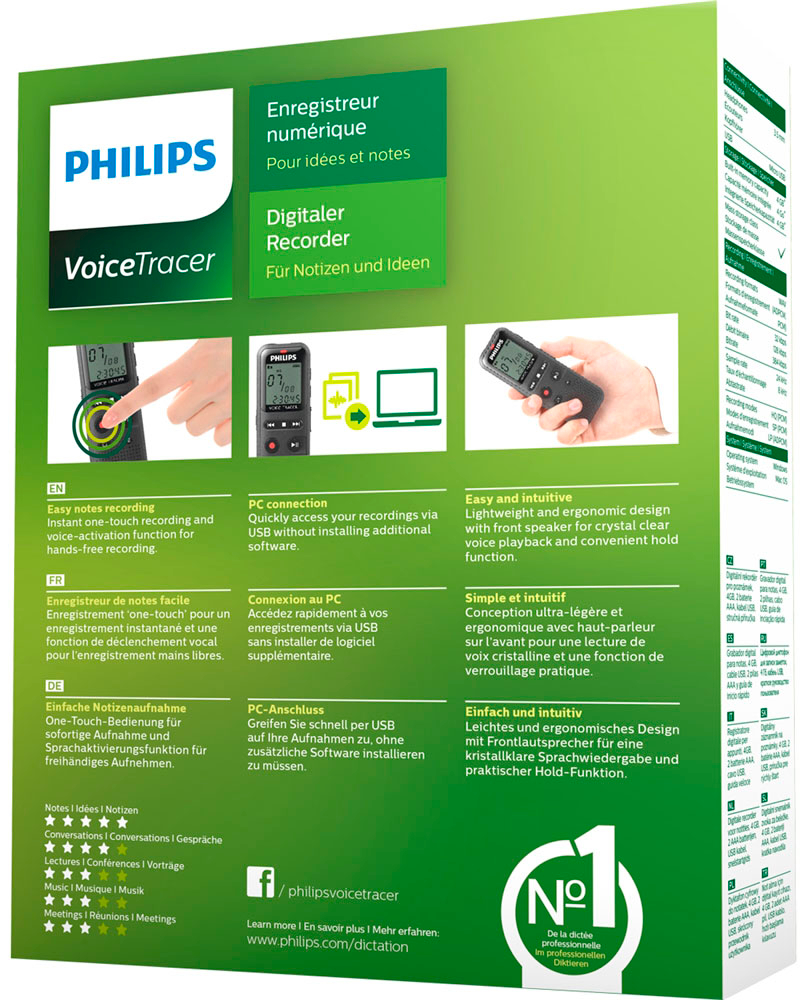
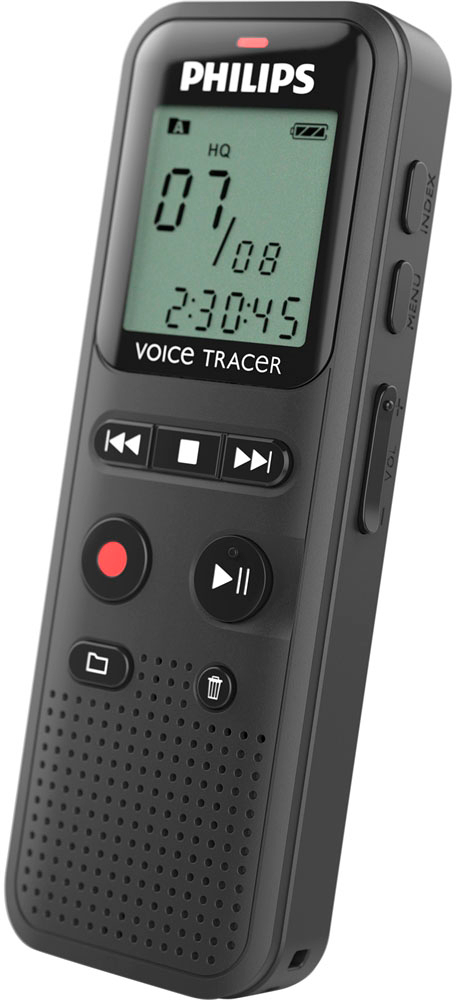
- Model:
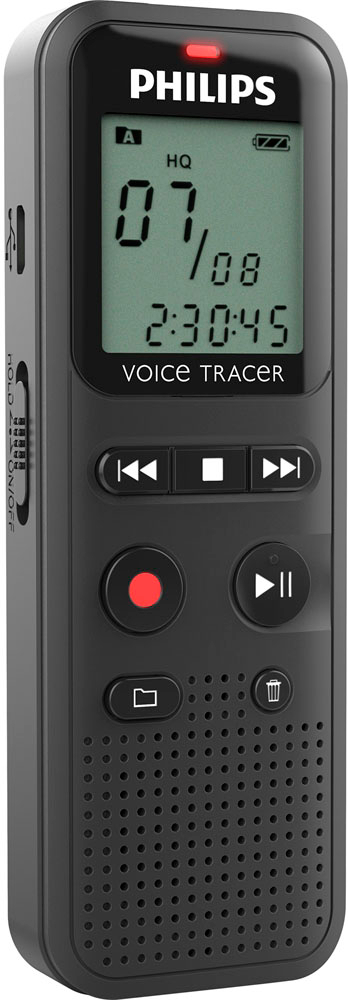
- DVT1160
- |
- SKU:
- 11070210
$61.54Your price for this item is $61.54
Page Showing 21-27 of 27 questions
Q: QuestionIs this device Mac friendly? I bought the Sony version and your basic mini SD card could not be recognized, and the offered laptop software was windows only. I'm about to take it back if the Philips is compatible with Mac.
Asked by geof.
- A:Answer Hello. Yes, the Philips DVT1160 is compatible with MACOS.
Answered by philipstechhelp
Q: QuestionHow long is the recorder hrs? How long can you have it recording
Asked by Chris.
- A:Answer You can record continuously up to 44 hours.
Answered by philipstechhelp
Q: QuestionIs this recorder voice activated?
Asked by Adjuster.
- A:Answer Yes, DVT1160 has a voice activation feature.
Answered by philipstechhelp
Q: QuestionI cannot bring up the "menu" from the start screen.
Asked by Gary.
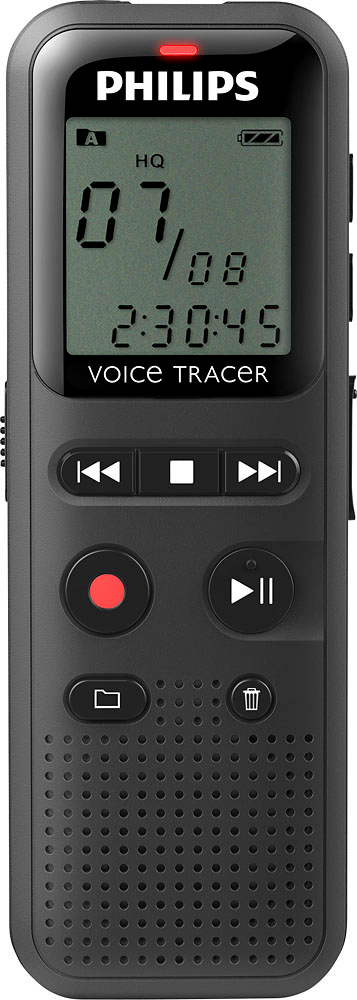
- A:Answer 3.4.1 Menu overview Note • In stop mode (start-up screen), press MENU, for at least two seconds to call the menu. • Repeatedly press e, to select one of the following menus
Answered by philipstechhelp
Q: QuestionCan the unit be placed on continuous playback where it repeats the same message over and over?
Asked by mk.
- A:Answer Yes 1 Select the required file as described. 2 Press e to playback the selected file. 3 Press a, to specify the sequence start point. 4 Press a, to specify the sequence end point. X The selected sequence is played in an endless loop. 5 Press a, to stop repeating of the sequence and continue with normal playback
Answered by philipstechhelp
Q: QuestionHow did I fast forward faster
Asked by Anonymous.
- A:Answer You have an arrow right or left push on it you see you can go forward or back
Answered by Dave
Q: QuestionHow do you delete a recording?
Asked by Saneat.
- A:Answer 1 In stop mode (start-up screen) select the folder in which you wish to delete a recording by pressing a. 2 Press h/b to select the recording that you wish to delete. 3 Press the delete key z. 4 Select DELONE by pressing h/b. 5 Press g to confirm the deletion. You may find the full manual useful. Found here: https://www.dictation.philips.com/fileadmin/Products/dvt1160/ifu/dvt1160_ifu_en.pdf
Answered by philipstechhelp
Page 2, Showing 21-27 of 27 questions
Most-viewed items
- $128.00Your price for this item is $128.00$129.99The comparable value for this item is $129.99
- $59.99Your price for this item is $59.99$90.00The comparable value for this item is $90.00
- $127.20Your price for this item is $127.20$159.00The comparable value for this item is $159.00
- $74.99Your price for this item is $74.99
- $59.99Your price for this item is $59.99$90.00The comparable value for this item is $90.00
- $127.20Your price for this item is $127.20$159.00The comparable value for this item is $159.00
- $39.99Your price for this item is $39.99
- $34.99Your price for this item is $34.99$43.99The comparable value for this item is $43.99
- $34.06Your price for this item is $34.06$39.99The comparable value for this item is $39.99
- $74.99Your price for this item is $74.99$149.99The comparable value for this item is $149.99
- $159.20Your price for this item is $159.20$199.00The comparable value for this item is $199.00
- $38.99Your price for this item is $38.99$42.99The comparable value for this item is $42.99
- $109.99Your price for this item is $109.99
- $33.99Your price for this item is $33.99$43.99The comparable value for this item is $43.99
- $349.99Your price for this item is $349.99
- $41.99Your price for this item is $41.99
- $286.99Your price for this item is $286.99
- $47.99Your price for this item is $47.99
- $279.99Your price for this item is $279.99
- $139.99Your price for this item is $139.99$169.99The comparable value for this item is $169.99