Early Black Friday DealsNew Doorbusters every Friday.Shop now

Main Content

Questions & Answers

Page Showing 21-26 of 26 questions
  • QuestionHow long is the recorder hrs? How long can you have it recording

    Asked by Chris.

    • Answer You can record continuously up to 44 hours.

      Answered by philipstechhelp

  • QuestionIs this recorder voice activated?

    Asked by Adjuster.

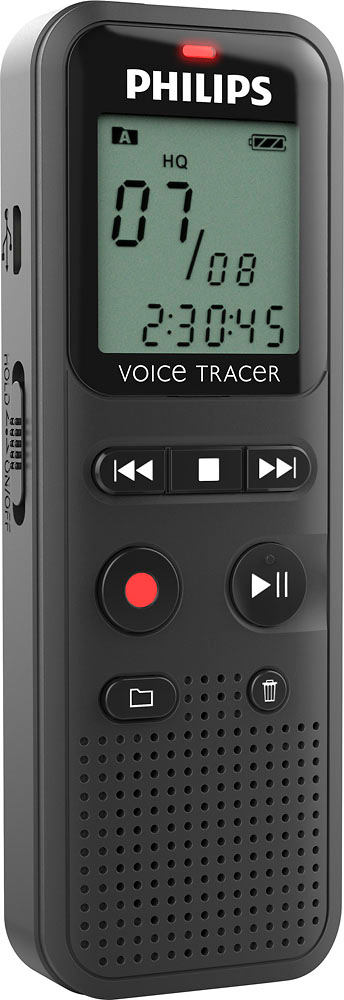
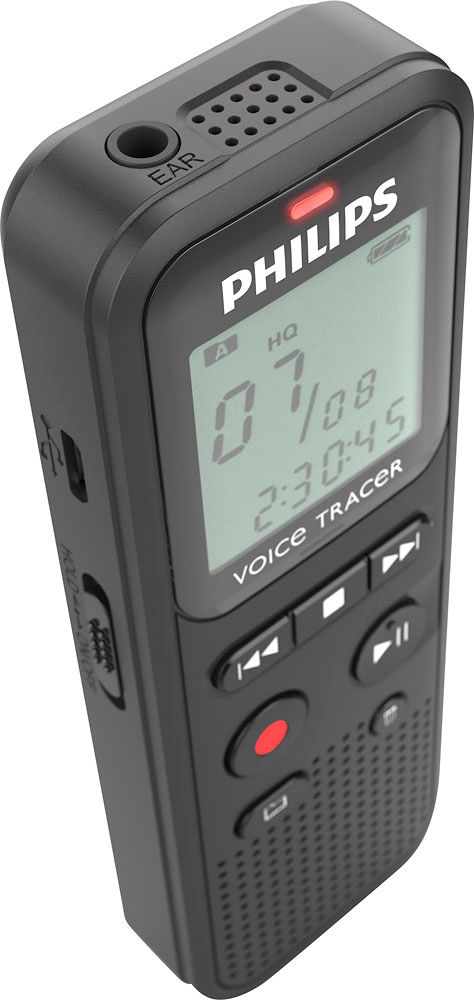
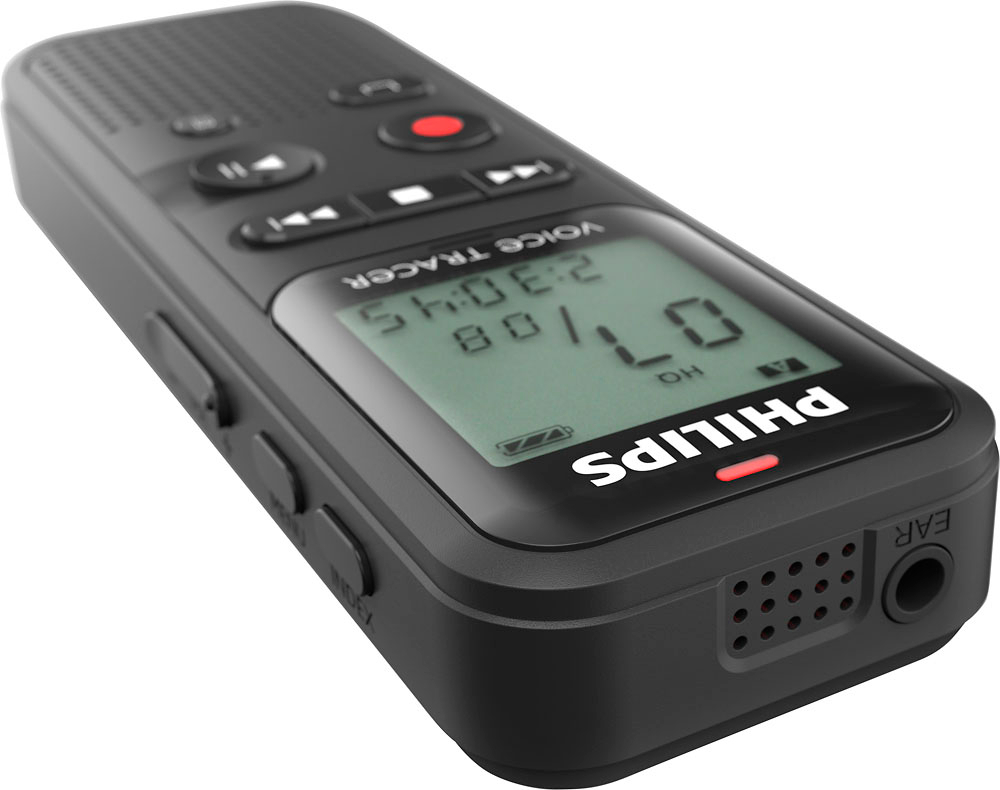
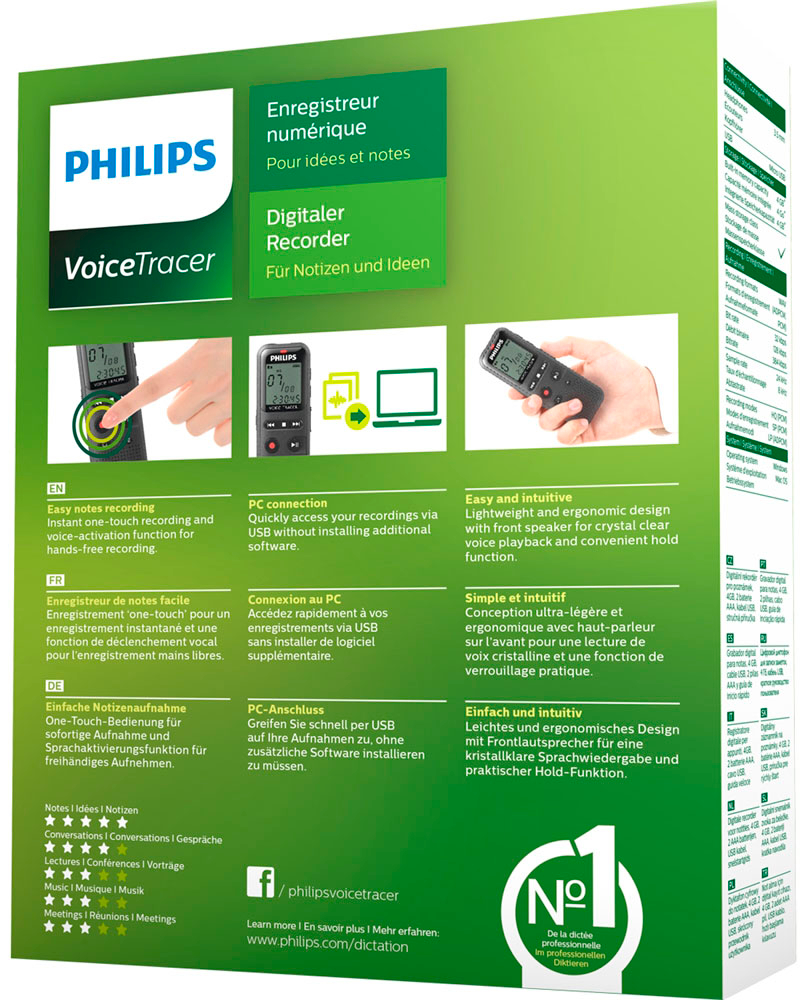
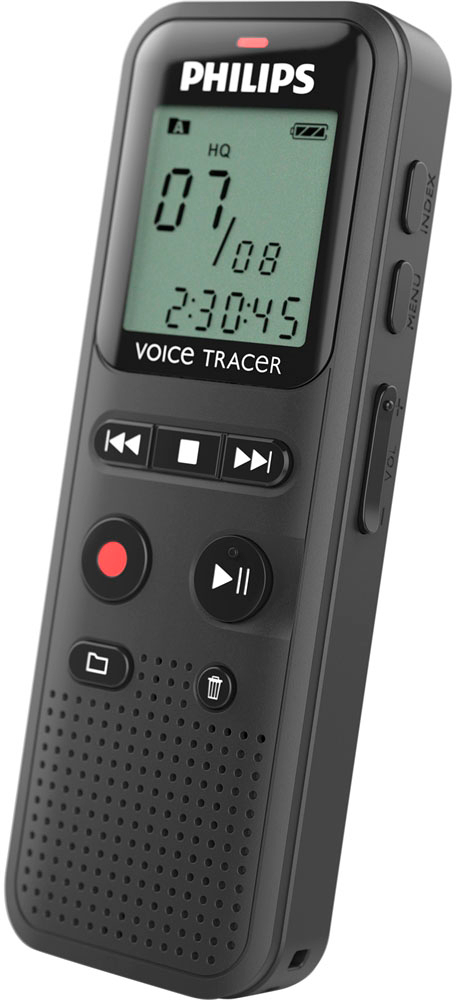
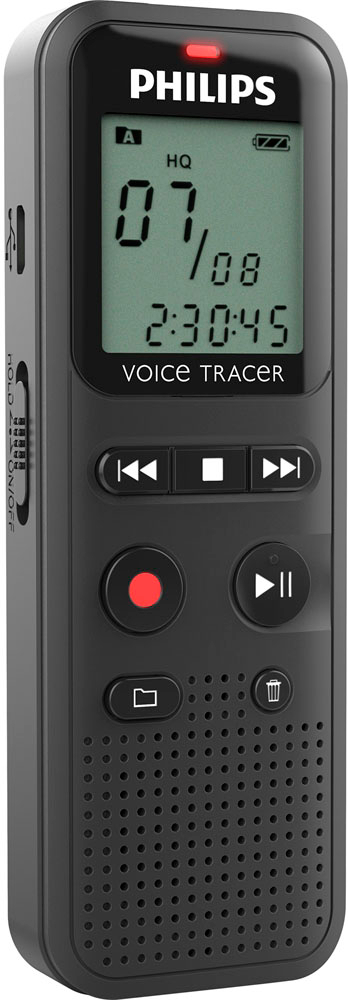
    • Answer Yes, DVT1160 has a voice activation feature.

      Answered by philipstechhelp

  • QuestionI cannot bring up the "menu" from the start screen.

    Asked by Gary.

    • Answer 3.4.1 Menu overview Note • In stop mode (start-up screen), press MENU, for at least two seconds to call the menu. • Repeatedly press e, to select one of the following menus

      Answered by philipstechhelp

  • QuestionCan the unit be placed on continuous playback where it repeats the same message over and over?

    Asked by mk.

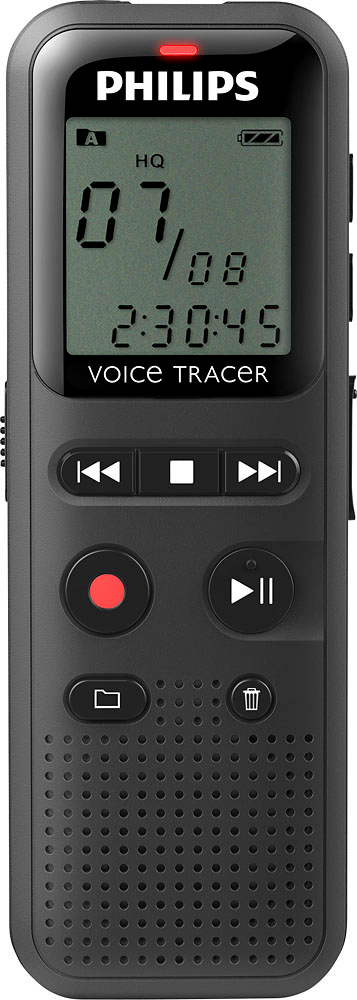
    • Answer Yes 1 Select the required file as described. 2 Press e to playback the selected file. 3 Press a, to specify the sequence start point. 4 Press a, to specify the sequence end point. X The selected sequence is played in an endless loop. 5 Press a, to stop repeating of the sequence and continue with normal playback
      Answered by philipstechhelp

  • QuestionHow did I fast forward faster

    Asked by Anonymous.

    • Answer You have an arrow right or left push on it you see you can go forward or back

      Answered by Dave

  • QuestionHow do you delete a recording?

    Asked by Saneat.

    • Answer 1 In stop mode (start-up screen) select the folder in which you wish to delete a recording by pressing a. 2 Press h/b to select the recording that you wish to delete. 3 Press the delete key z. 4 Select DELONE by pressing h/b. 5 Press g to confirm the deletion. You may find the full manual useful. Found here: https://www.dictation.philips.com/fileadmin/Products/dvt1160/ifu/dvt1160_ifu_en.pdf

      Answered by philipstechhelp