Early Black Friday Deals & DoorbustersEnds Nov. 8.Shop now

Main Content

Questions & Answers

Page Showing 21-40 of 80 questions
  • QuestionDoes this TV support the spectrum app?

    Asked by Steve.

    • Answer Hello Steve, thank you for your question! Yes, the Pioneer® 55" Class LED 4K UHD Smart Roku TV supports the Spectrum TV app, which can be downloaded from the Roku Channel Store if it is not already installed on the TV. You can add the app directly from the Roku home screen and sign in with your Spectrum account credentials. Vennila | Pioneer

      Answered by PioneerCustomerSupport

  • QuestionIs YouTube and the Philo app supported on this tv? It is saying the bigger screens have more options.

    Asked by Streaming.

    • Answer Hello, thank you for your question. Yes, this Pioneer™ 55" Class LED 4K UHD Smart Roku TV supports both the YouTube and Philo apps through the Roku platform. App availability is determined by Roku and is generally not dependent on the TV's screen size. As long as the app is available on Roku and supported in your region, you can download and use it on this TV. Sudeep | Pioneer

      Answered by PioneerCustomerSupport

  • QuestionWhat size VESA mount pattern is needed for the Pioneer PN55-R851-26U?

    Asked by Lars.

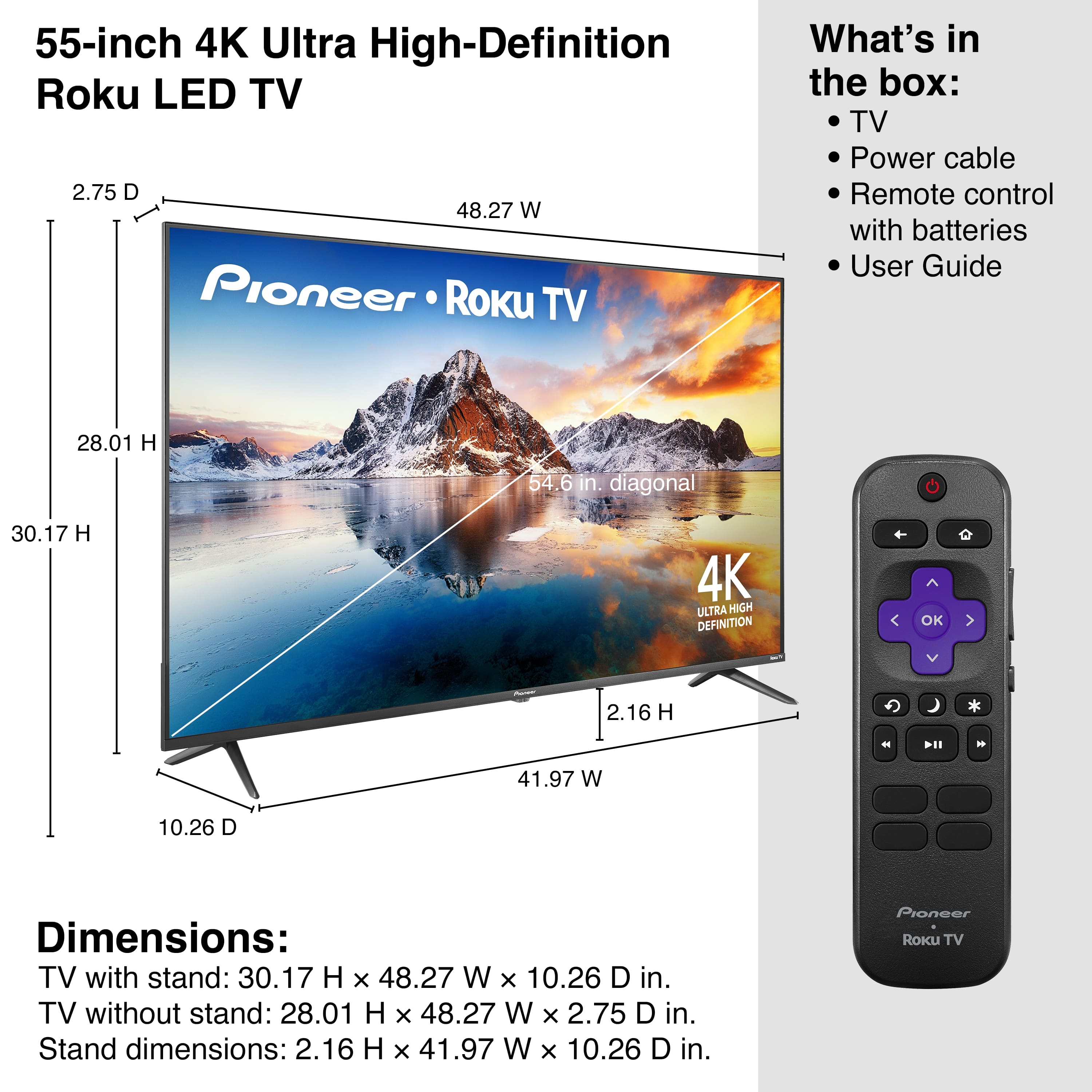
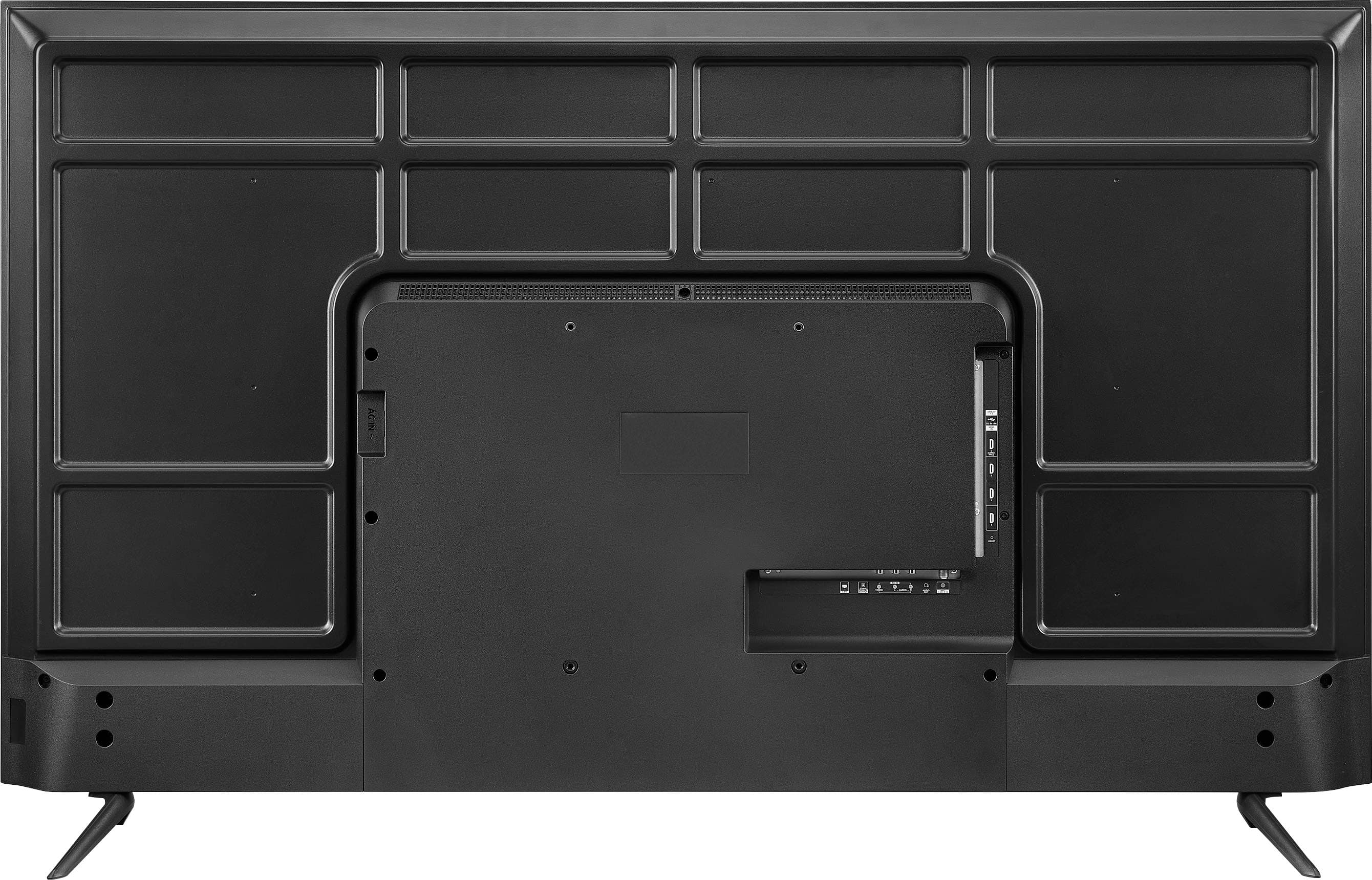
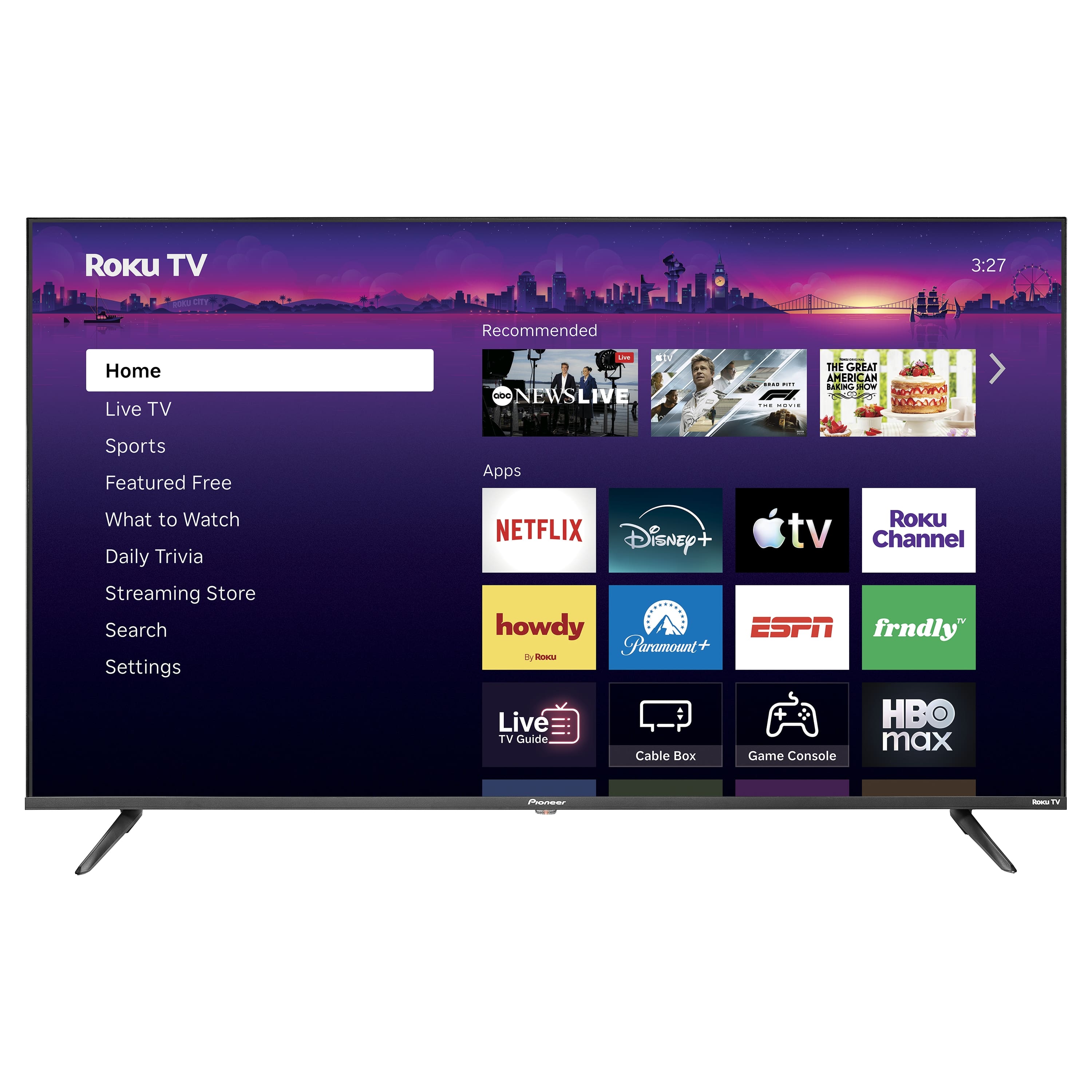
    • Answer Hello, and thank you for your question! The Pioneer® 55" Class LED 4K UHD Smart Roku TV (Model PN55‑R851‑26U) uses a 200 × 300 mm VESA wall mount pattern. To find a compatible wall mount, please contact Best Buy Customer Support at 1‑888‑237‑8289 or visit BestBuy.com. Vennila | Pioneer

      Answered by PioneerCustomerSupport

  • QuestionCan you use Bluetooth speakers with this tv.

    Asked by Anonymous.

    • Answer Hello, thank you for your question. Yes, this Pioneer™ 55" Class LED 4K UHD Smart Roku TV supports Bluetooth audio connectivity, allowing you to pair compatible Bluetooth speakers for wireless audio playback. Compatibility may vary depending on the speaker model and Bluetooth features supported by the device. Sudeep | Pioneer

      Answered by PioneerCustomerSupport

  • QuestionBest way to hookup to stereo surround sound

    Asked by MikeF.

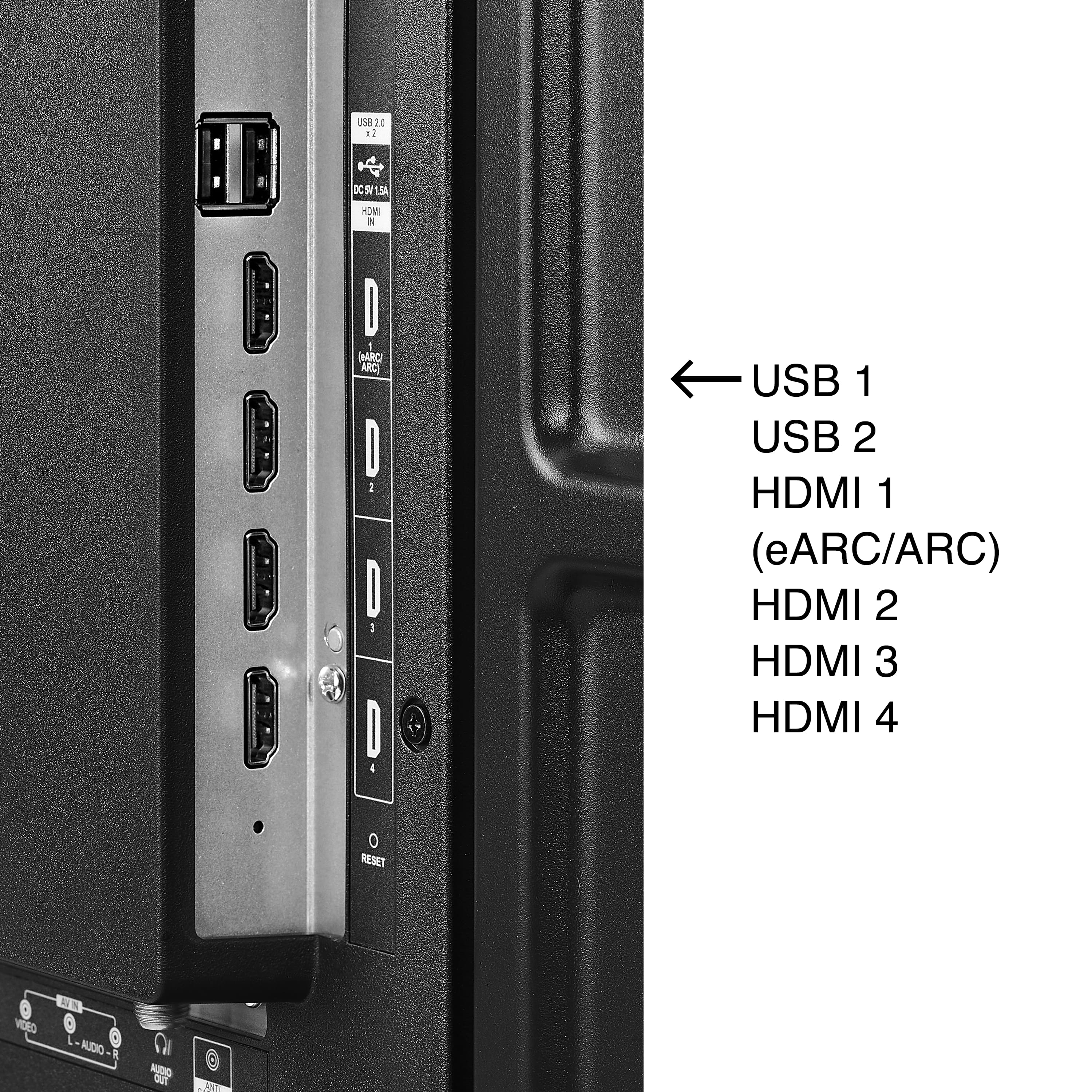
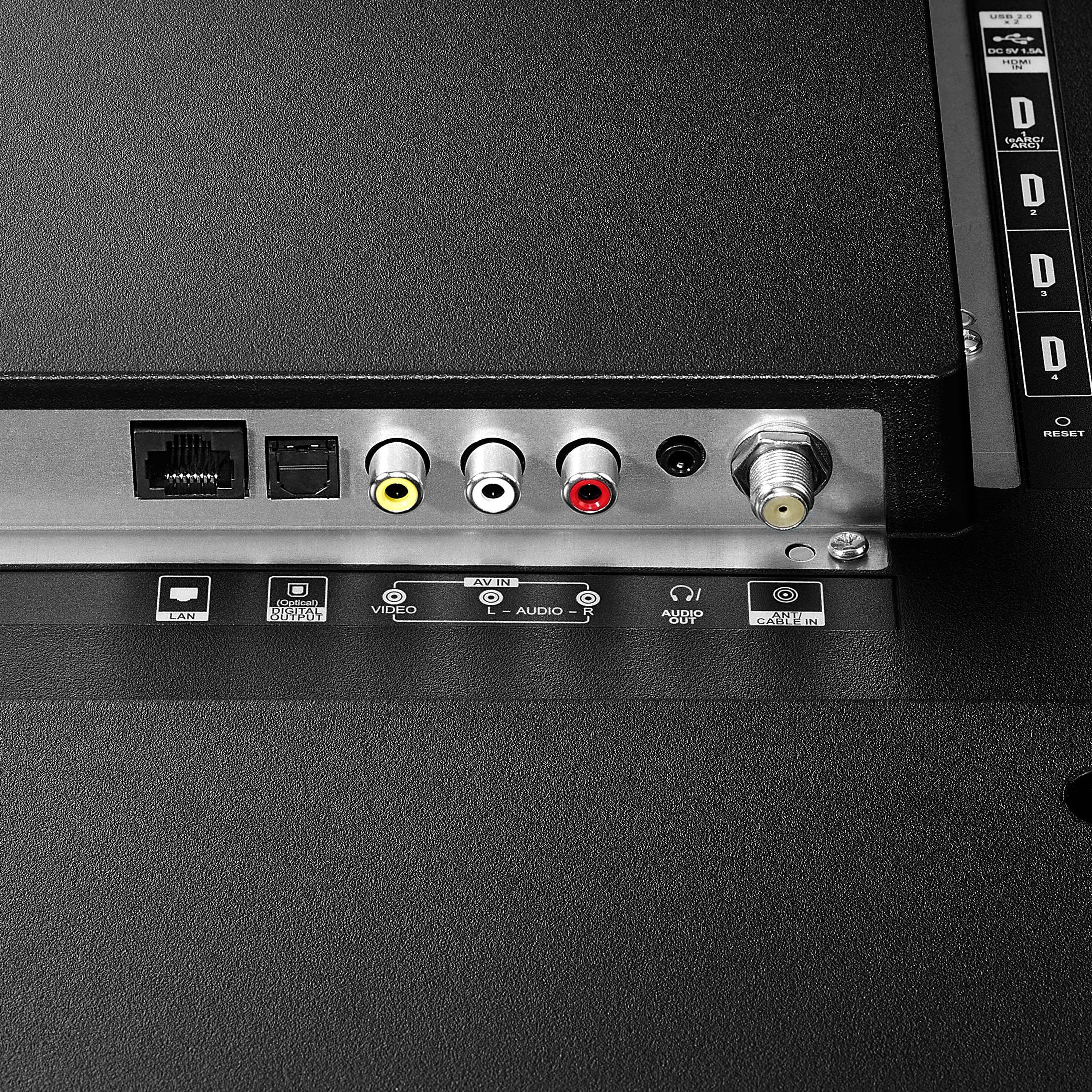
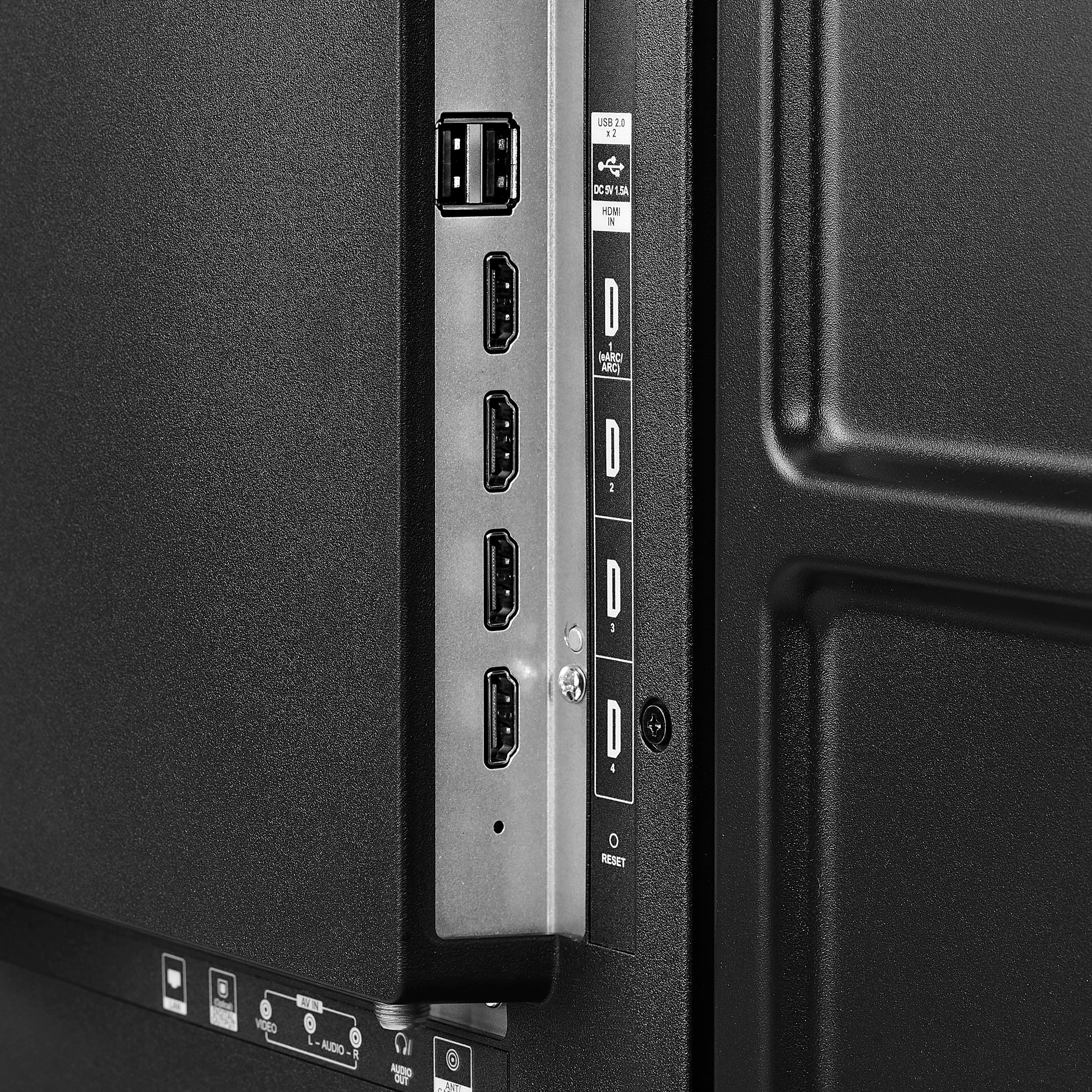
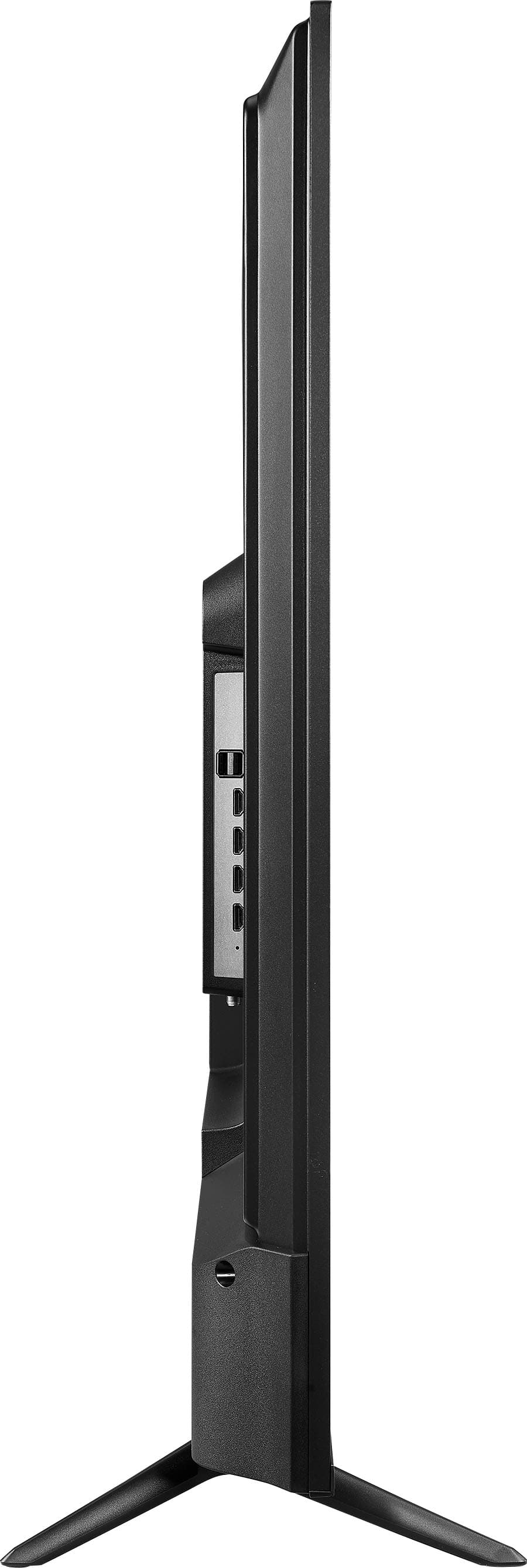
    • Answer Hello Mike, thank you for the question. For the Pioneer 55" Class LED 4K UHD Smart Roku TV, the best way to connect a stereo or surround sound system is through HDMI ARC/eARC if your audio system supports it, as this provides the best audio quality and allows easier control. If HDMI ARC is not available, an optical audio connection is also a great option for high-quality sound. Poojitha | Pioneer

      Answered by PioneerCustomerSupport

  • QuestionHow do you adjust the volume

    Asked by MikeF.

    • Answer Hello Mike, Thank you for your question. You can adjust the volume on your Pioneer™ 55" Class LED 4K UHD Smart Roku TV using the volume buttons on the remote control. You can also access audio settings through the TV's menu to customize the sound to your preference. Sidhartha | Pioneer

      Answered by PioneerCustomerSupport

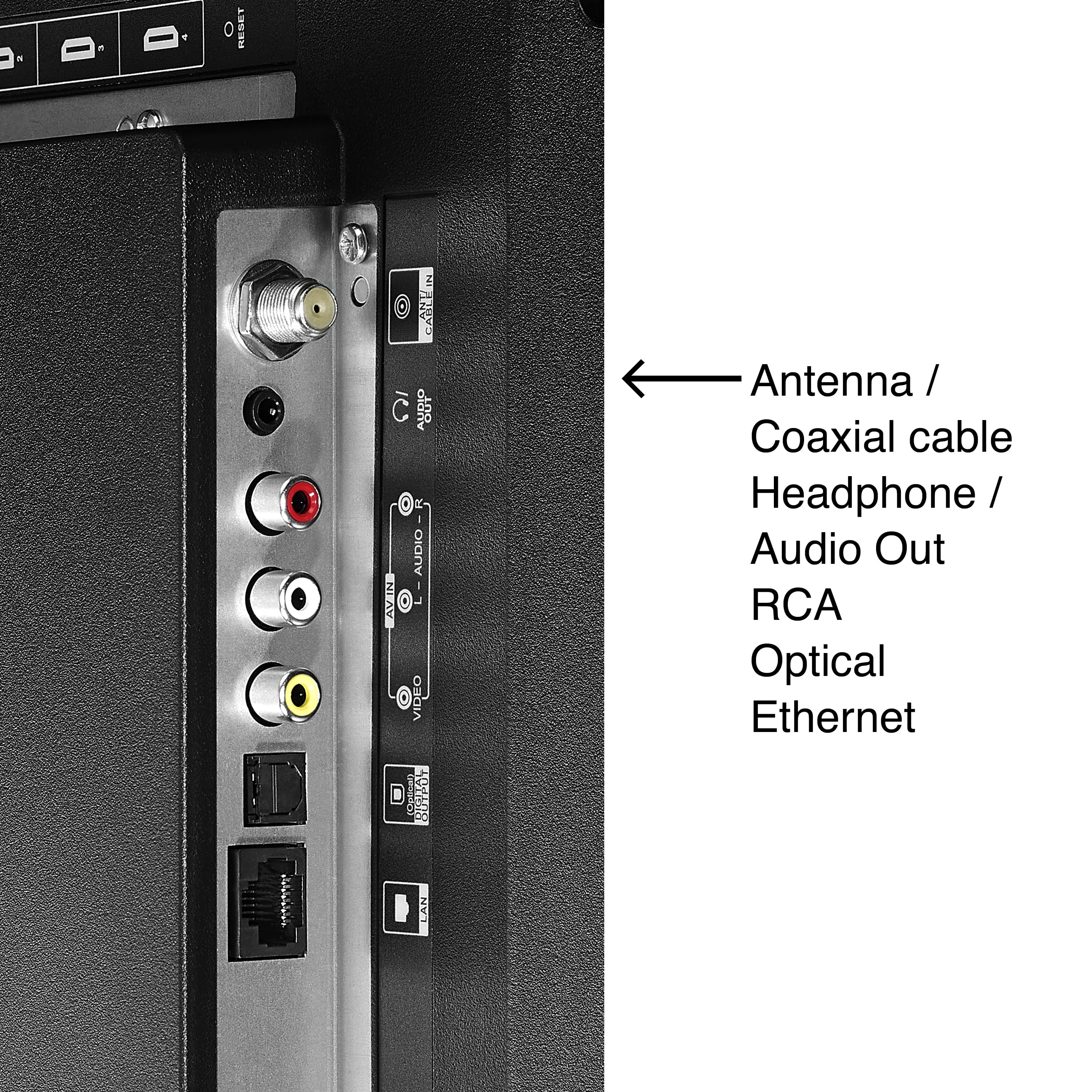
  • QuestionDoes this actually have RCA inputs

    Asked by OKCCK.

    • Answer Hello, Thank you for your question. Yes, the Pioneer™ 55" Class LED 4K UHD Smart Roku TV includes RCA (composite AV) inputs, allowing you to connect compatible legacy devices such as DVD players, VCRs, and older gaming consoles. Sidhartha | Insignia

      Answered by PioneerCustomerSupport

  • QuestionWhat is weight of 55 inch tv?

    Asked by MichaelT.

    • Answer Hello! Thank you for your question. The Pioneer 55" Class LED 4K UHD Smart Roku TV weighs 22.49 pounds with the stand attached and 22.27 pounds without the stand. We hope this helps with your setup and mounting plans. Darshan | Pioneer

      Answered by PioneerCustomerSupport

  • QuestionDoes the tv have Bluetooth speaker connectivity?

    Asked by Anonymous.

    • Answer Hello! Thank you for your question. No, the Pioneer 55" Class LED 4K UHD Smart Roku TV does not support Bluetooth connectivity for audio devices such as Bluetooth speakers or headphones. If you need to connect external audio equipment, you can use the TV's available wired audio output options. Darshan | Pioneer

      Answered by PioneerCustomerSupport

  • QuestionI see it has Dolby Atmos but does it also have Dolby vision also does it have hdr10+ and /or HLG

    Asked by MichaelT.

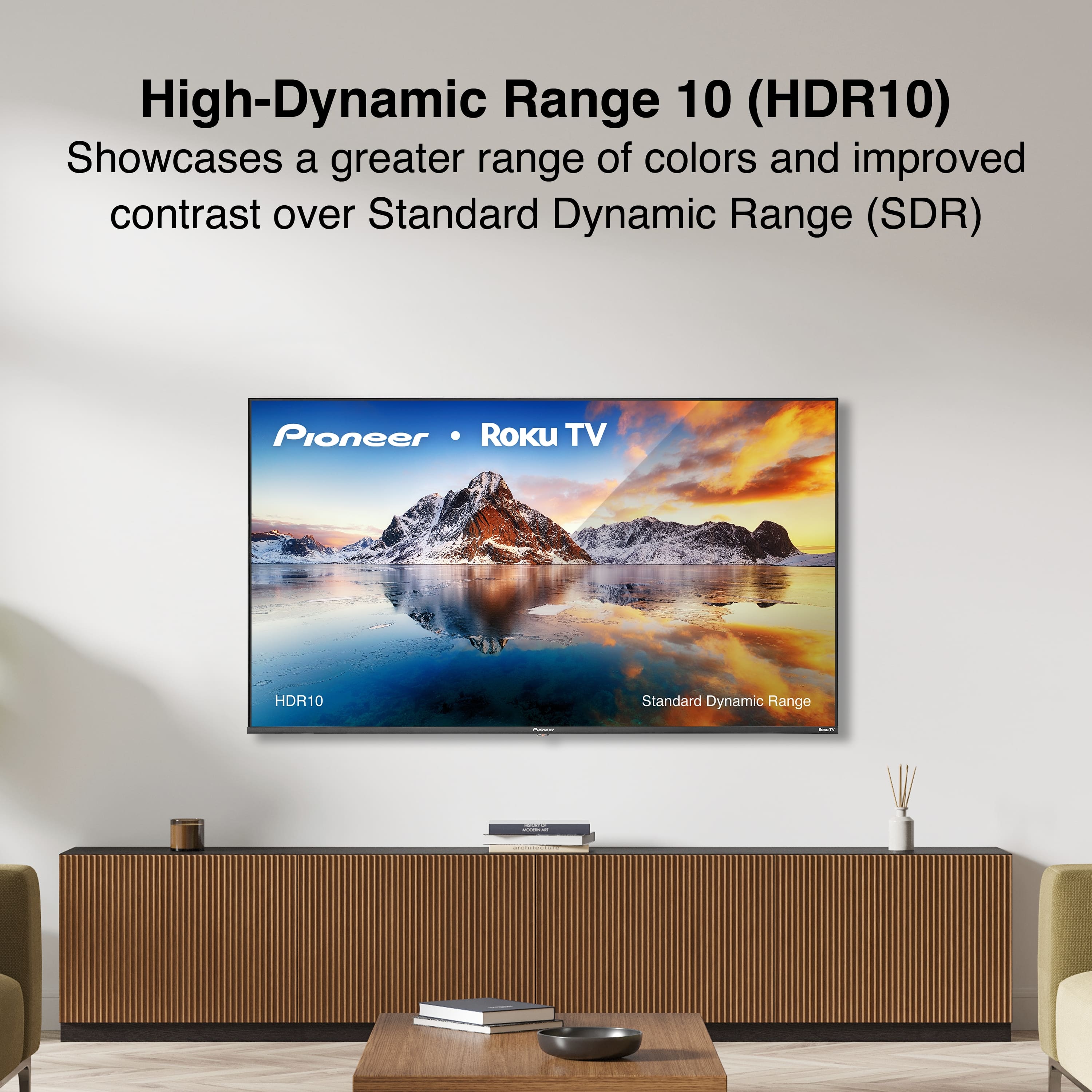
    • Answer Hello Mike, thank you for your question. This Pioneer™ 55" Class LED 4K UHD Smart Roku TV supports HDR10 for enhanced picture quality with improved brightness, contrast, and color. However, it does not support Dolby Vision, HDR10+, or HLG. The TV features Dolby Audio support to help deliver clear and immersive sound for your entertainment experience. Sudeep | Pioneer

      Answered by PioneerCustomerSupport

  • QuestionDoes this TV allow you to listen via the Bluetooth headphones connected to your iPhone if you use the Roku app on your phone?

    Asked by bstephenc.

    • Answer Hello! Thank you for your question. Yes, if you use the Roku mobile app on your iPhone, you can use Roku's Private Listening feature and listen through Bluetooth headphones connected to your iPhone. Simply connect your iPhone and Roku TV to the same Wi‑Fi network, pair your Bluetooth headphones to your iPhone, then enable the headphone feature in the Roku app. Darshan | Pioneer

      Answered by PioneerCustomerSupport

  • QuestionCan I add my favorite apps to this tv

    Asked by Tess.

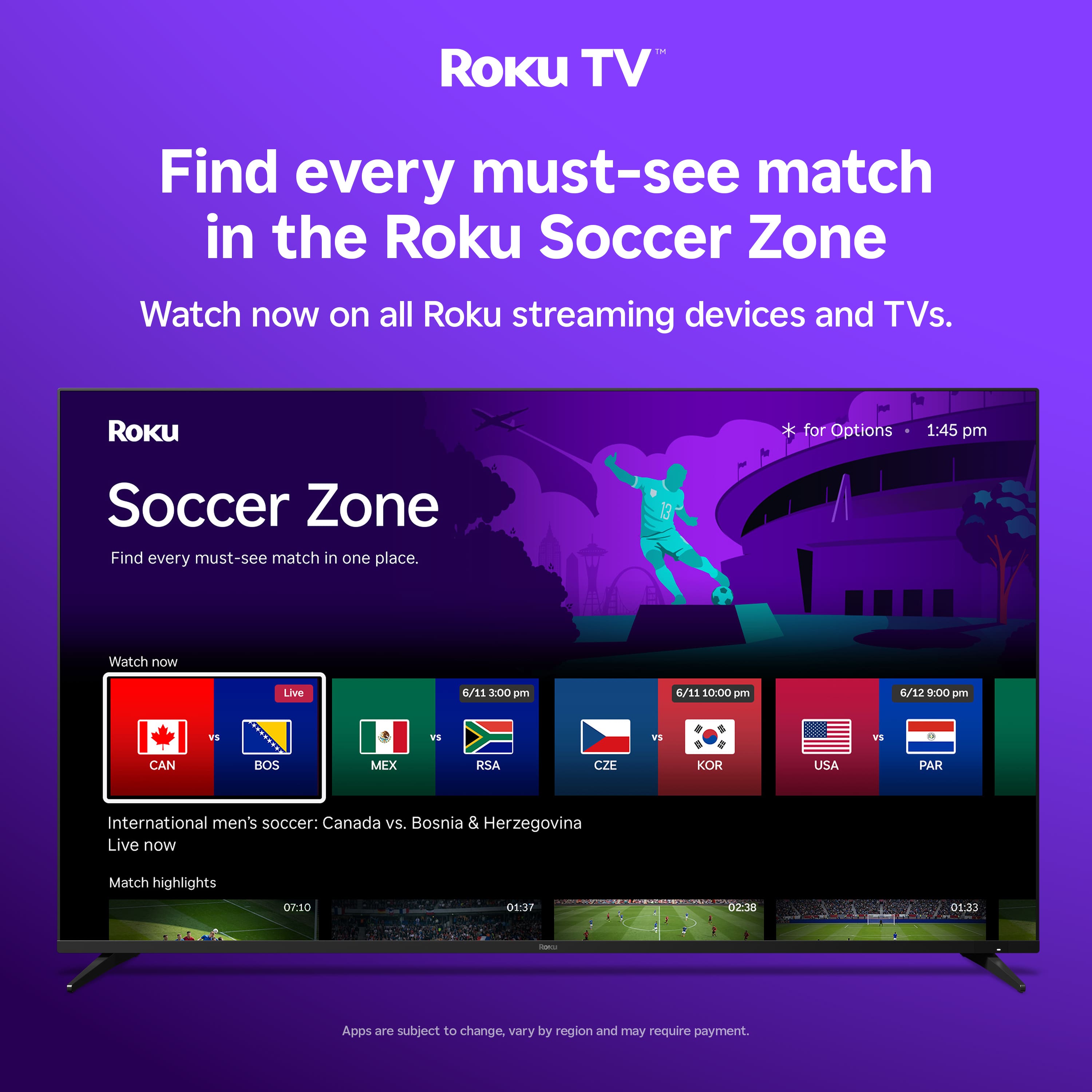
    • Answer Hello Tess, thank you for your question! Yes, the Pioneer 55" Class LED 4K UHD Smart Roku TV allows you to add your favorite streaming apps and channels. Simply access the Roku Channel Store from the home screen to browse and install compatible apps, then add them to your Roku home screen for easy access. Vennila | Pioneer

      Answered by PioneerCustomerSupport

  • QuestionWhat audio outputs does this TV have?

    Asked by Allan.

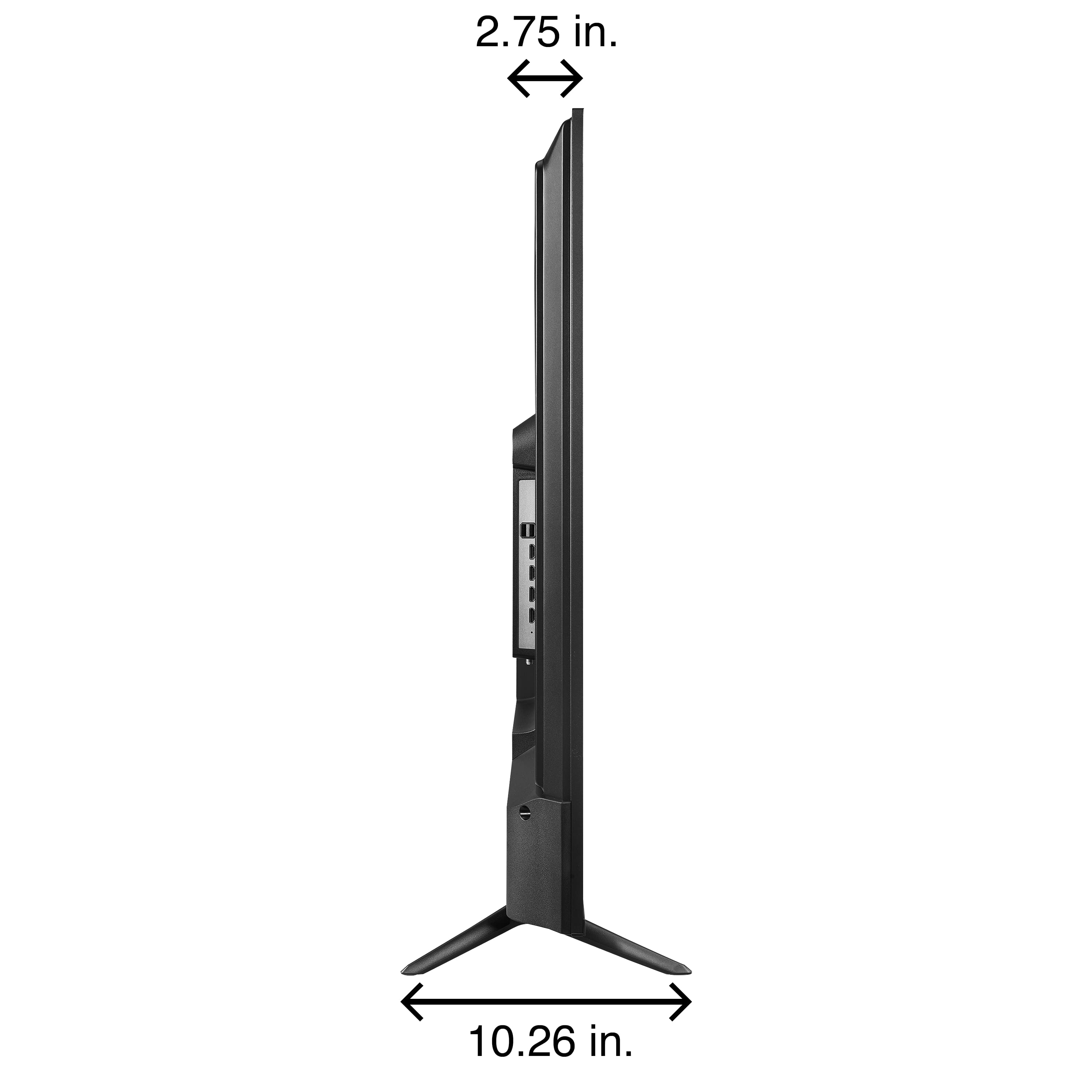
    • Answer Hello Allan, thank you for your question! The Pioneer 55" Class LED 4K UHD Smart Roku TV includes a 3.5 mm audio output and an Optical Digital Audio Out connection. The 3.5 mm output can be used with compatible headphones or AUX-enabled speakers, while the optical output is designed for soundbars and home audio systems. The TV also supports HDMI ARC/eARC, allowing audio to be sent through a compatible HDMI connection to supported soundbars or receivers. Vennila | Pioneer

      Answered by PioneerCustomerSupport

  • QuestionDoes this have Dolby Vision and does it upscale video signals from standard blurays, DVD, and composites ?

    Asked by omega.

    • Answer Hello, and thank you for your question! The Pioneer 55" Class LED 4K UHD Smart Roku TV does not support Dolby Vision, but it does support HDR10 for enhanced picture quality with compatible content. The TV can also display and upscale lower-resolution sources, including standard Blu‑ray (1080p), DVD (480p), and composite video inputs, to fit its 4K screen. Please note that the final picture quality will depend on the resolution and quality of the original source. We hope this information is helpful! Vennila | Pioneer

      Answered by PioneerCustomerSupport

  • QuestionDoes this Tv support power on to default hdmi input

    Asked by Loveadeal.

    • Answer Hello! Thank you for your question. Yes, the Pioneer 55" Class LED 4K UHD Smart Roku TV supports powering on to a preferred input. You can enable this by going to Settings > System > Power > Power on, then selecting the input you'd like the TV to open to by default, such as an HDMI port. If you need assistance locating this setting, please contact our support team at 1-888-287-7658, and we'll be happy to help. Darshan | Pioneer

      Answered by PioneerCustomerSupport

  • QuestionWhat does delivery and setup include

    Asked by Joyce.

    • Answer Hello Joyce! Thank you for your question. Delivery and setup services may include unboxing your new TV, removing an old TV if it's being replaced, mounting or placing the new TV, and organizing basic cables. Additional services, such as connecting extra devices, adjusting picture settings, or reinstalling a previous TV, may be available for an additional charge. For detailed information about available installation and setup services, pricing, and scheduling, please contact Best Buy Customer Support at 1‑888‑237‑8289 or Geek Squad at 1‑800‑433‑5778. Their team will be happy to assist you. Vennila | Pioneer
      Answered by PioneerCustomerSupport

  • QuestionWall mount or stand?

    Asked by Ed.

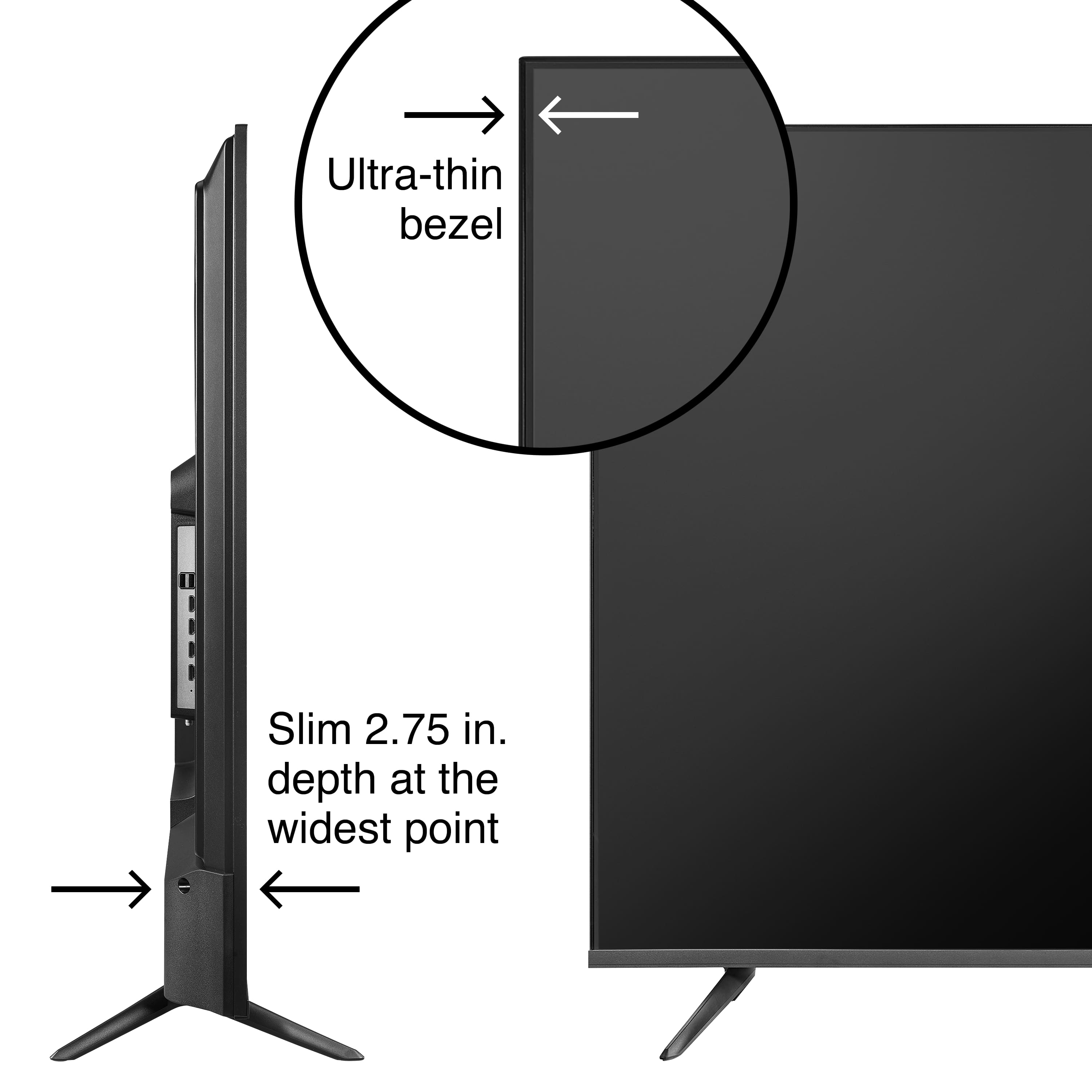
    • Answer Hello Ed! Thank you for your question. The Pioneer 55" Class LED 4K UHD Smart Roku TV can be used either on the included stand or mounted to the wall using a compatible VESA wall mount, so the choice depends on your room setup and preference. Darshan | Pioneer

      Answered by PioneerCustomerSupport

  • QuestionCan you plug a dvd player into this tv and use a remote?

    Asked by bookcat.

    • Answer Hello! Thank you for your question. Yes, you can plug a DVD player into the Pioneer 55" Class LED 4K UHD Smart Roku TV, and you can use a remote with it. The TV has HDMI ports (and some DVD players also support composite cables), so just connect the DVD player using the cable it came with, switch the TV to the correct input, and then use the DVD player’s own remote to control playback. The Roku remote won’t control the DVD player’s functions. Darshan | Pioneer

      Answered by PioneerCustomerSupport

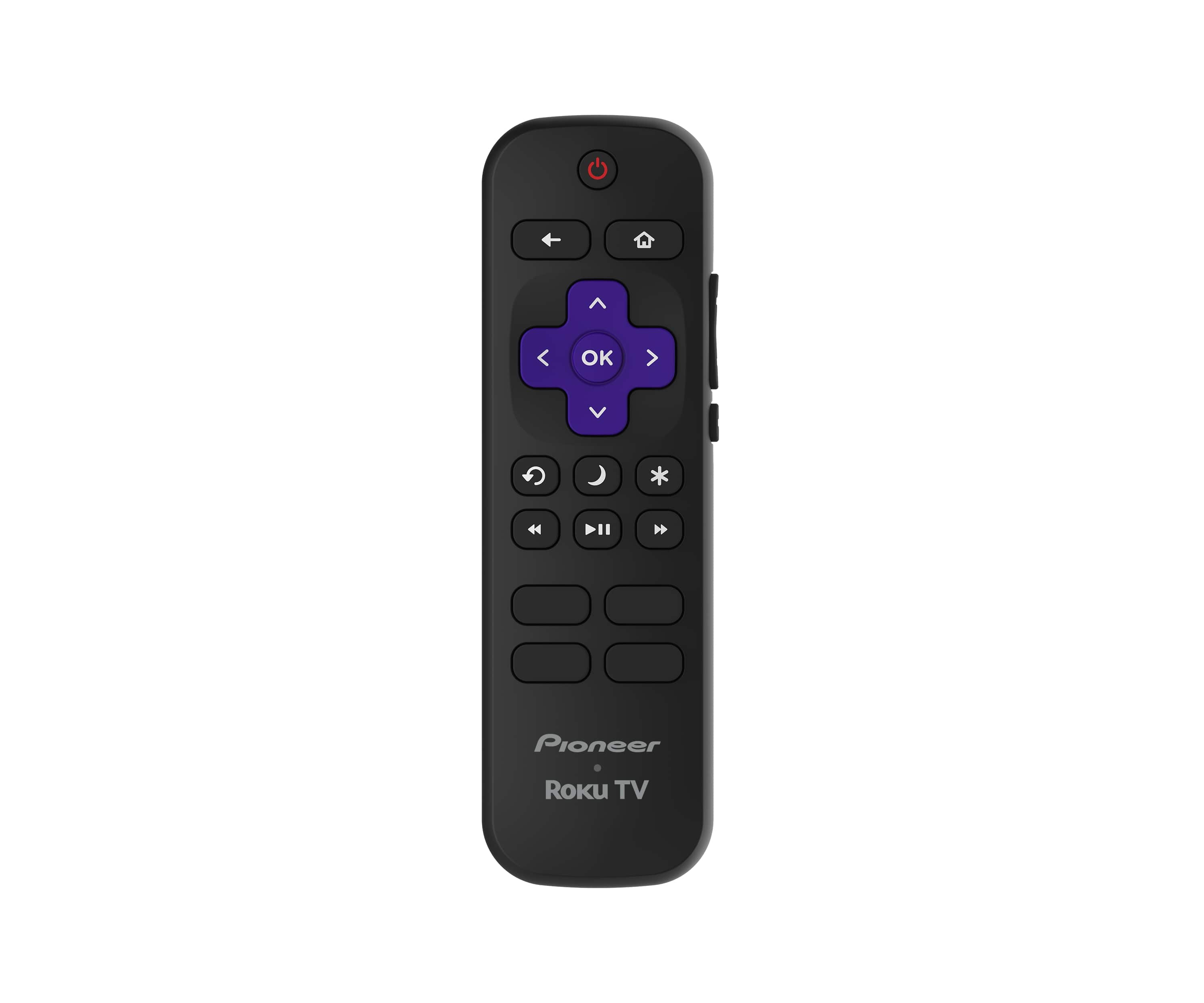
  • QuestionDoes the remote have a mute button? I don't see one on the front, and can't tell what the side buttons are. Simply holding volume down won't suit my needs...

    Asked by NicoW.

    • Answer Hello Niko! Thank you for your question. Yes, the remote included with the Pioneer 55" Class LED 4K UHD Smart Roku TV does have a mute button. It’s located on the side of the remote, just below the volume buttons, so you can quickly mute the sound without holding the volume down key. Sidhartha | Pioneer
      Answered by PioneerCustomerSupport