Questions & Answers
- Model:
- PN55-R851-26U
- |
- SKU:
- 6623796
Q: Questioncan I use my fire stick
Asked by firestick.
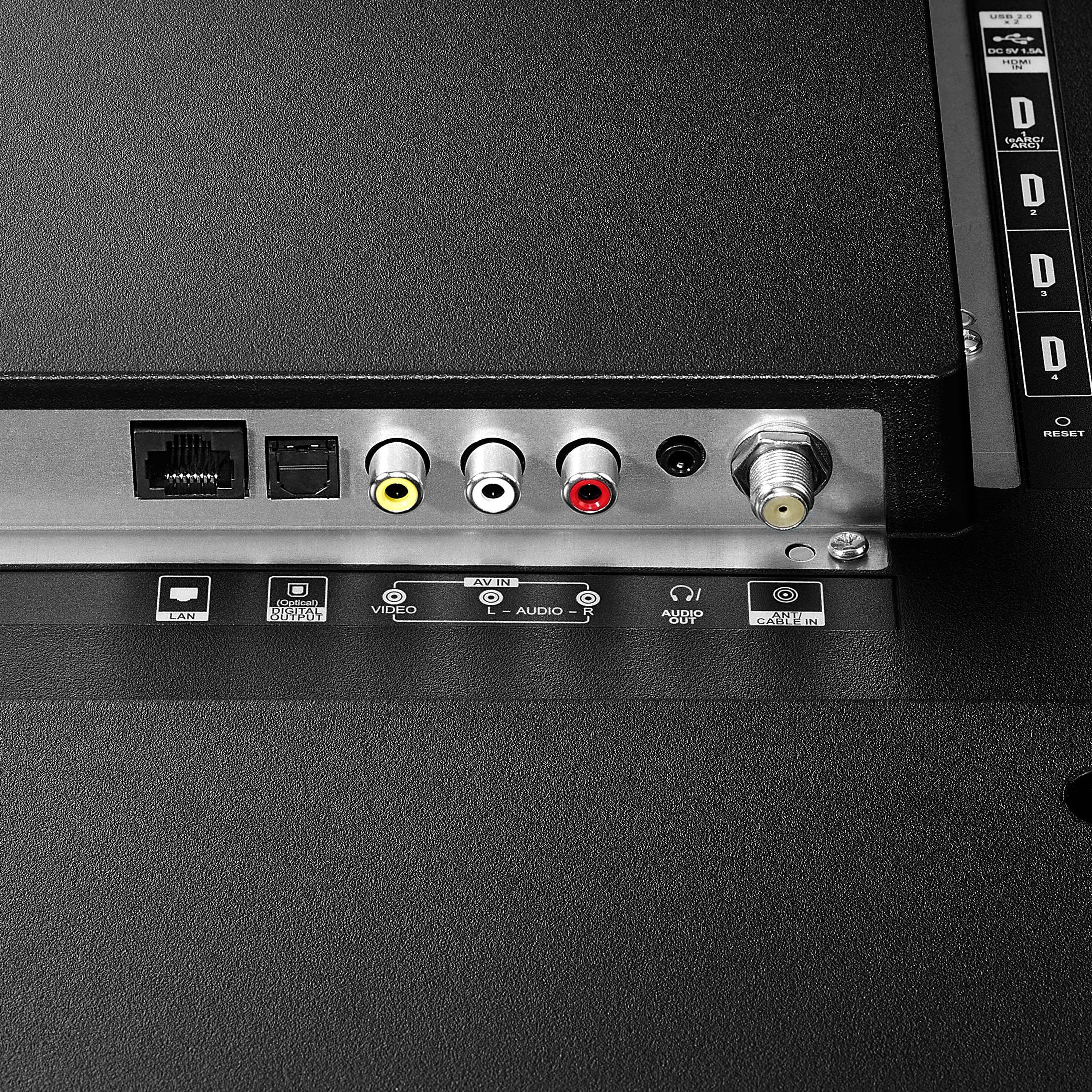
- A:Answer Hello! Thank you for your question. Yes, you can use your Fire Stick with the Pioneer 55" Class LED 4K UHD Smart Roku TV, just plug the Fire Stick into one of the HDMI ports on the TV, switch the input to that HDMI source, and you’ll be able to use it normally alongside the built‑in Roku platform. Darshan | Pioneer
Answered by PioneerCustomerSupport
Q: QuestionHow do you change the input using the Roku remote if I want to get to my cable box instead of Roku?
Asked by mickey.
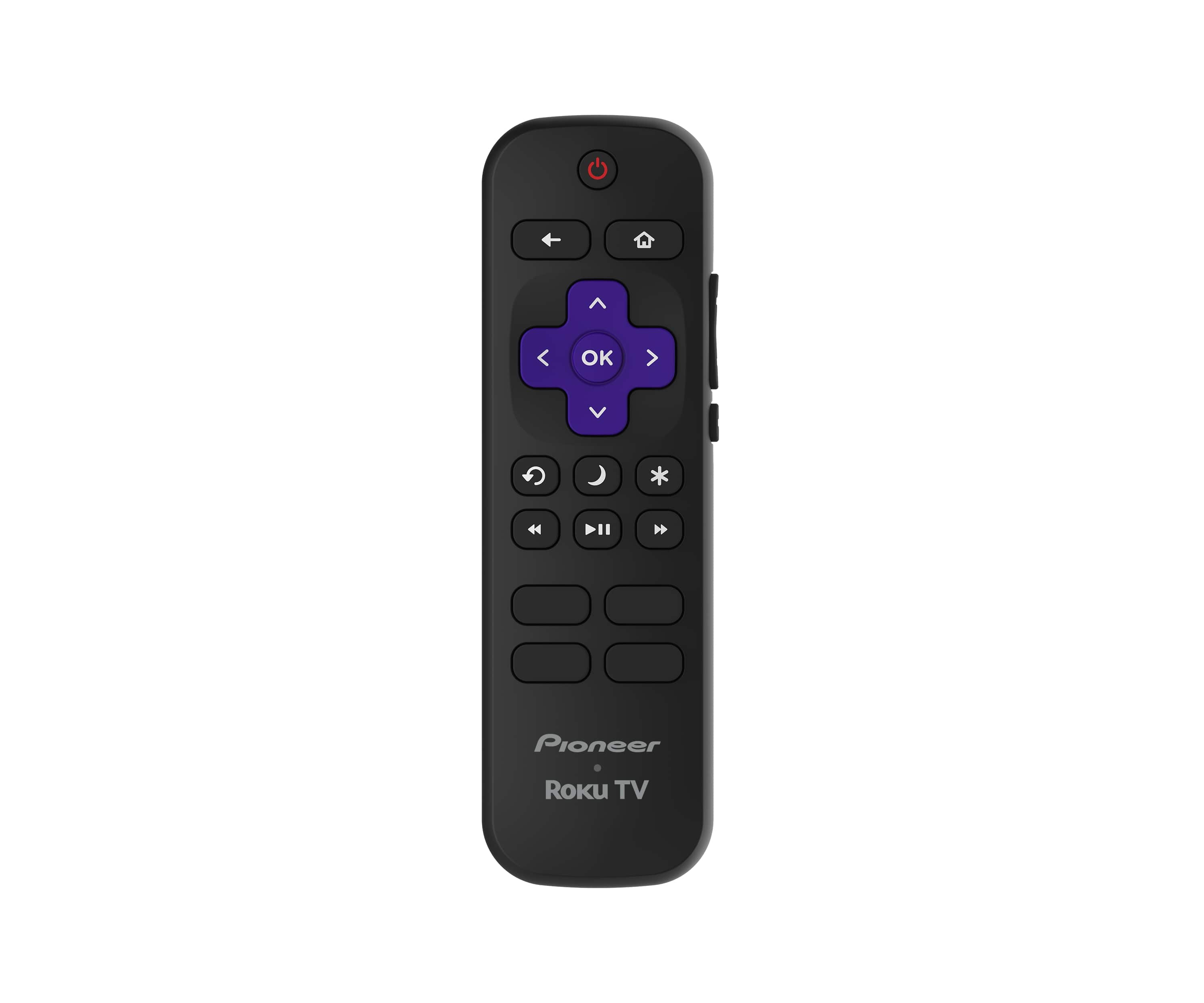
- A:Answer Hello Mickey! Thank you for your question. You can switch to your cable box on your Pioneer 55" 4K Roku TV using the Roku remote by selecting the correct input from the Roku interface. Press the Home button, scroll to Input options, and choose the HDMI port your cable box is connected to. If you don’t see it, go to Settings → TV Inputs to enable or rename the HDMI input so it’s easier to find. Darshan | Pioneer
Answered by PioneerCustomerSupport
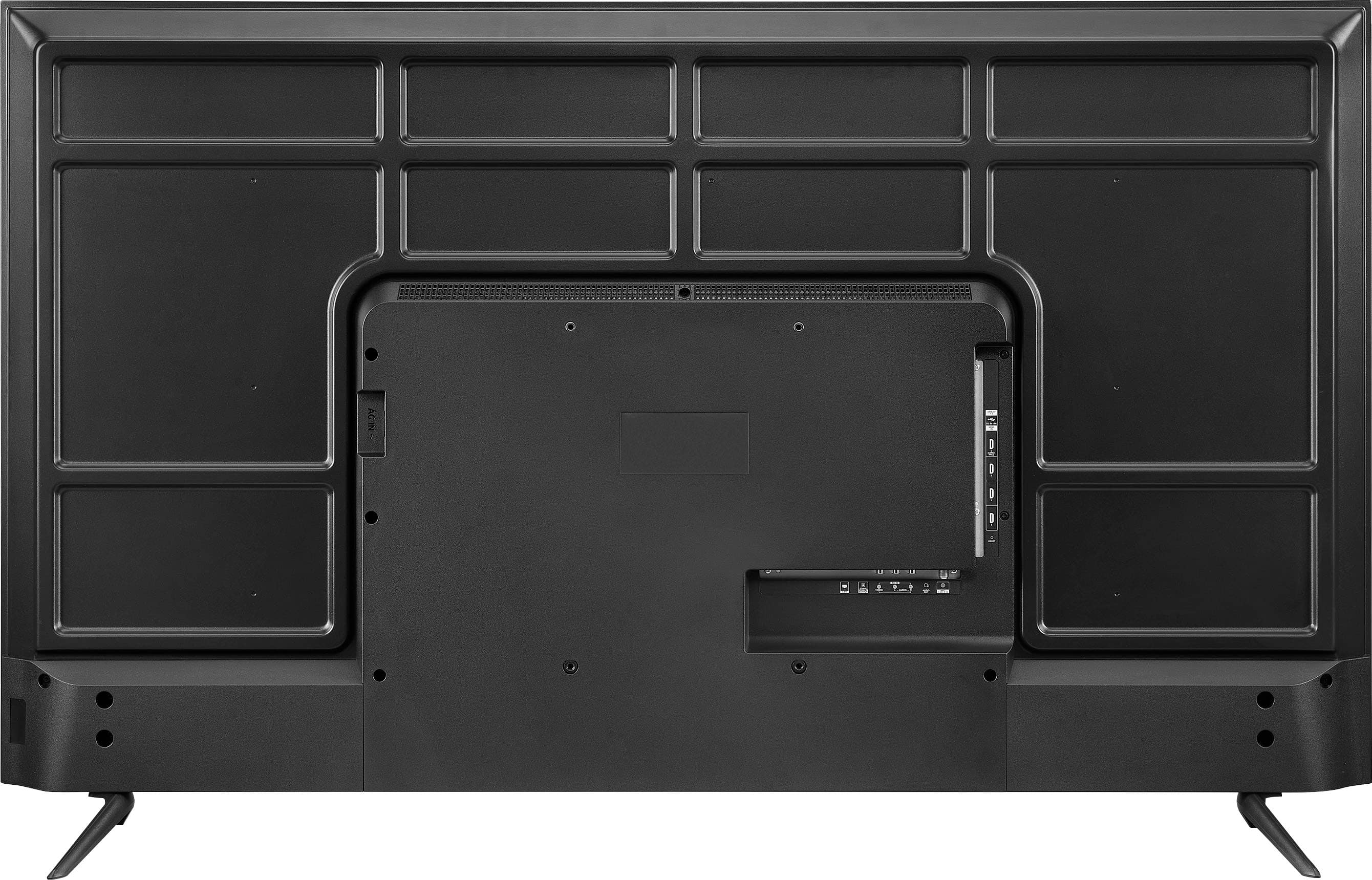
Q: QuestionWhat is the width of the stand?
Asked by JasonB.
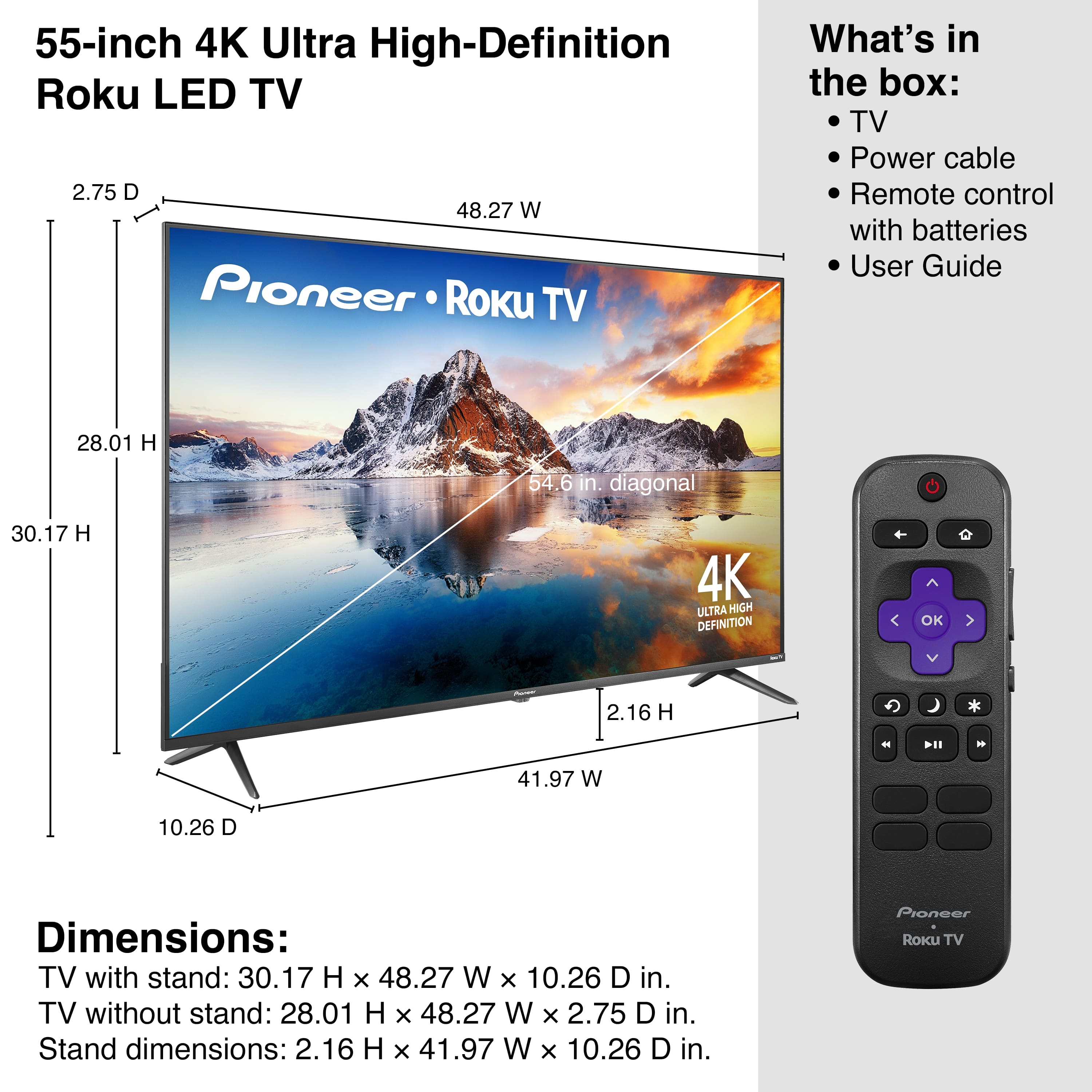
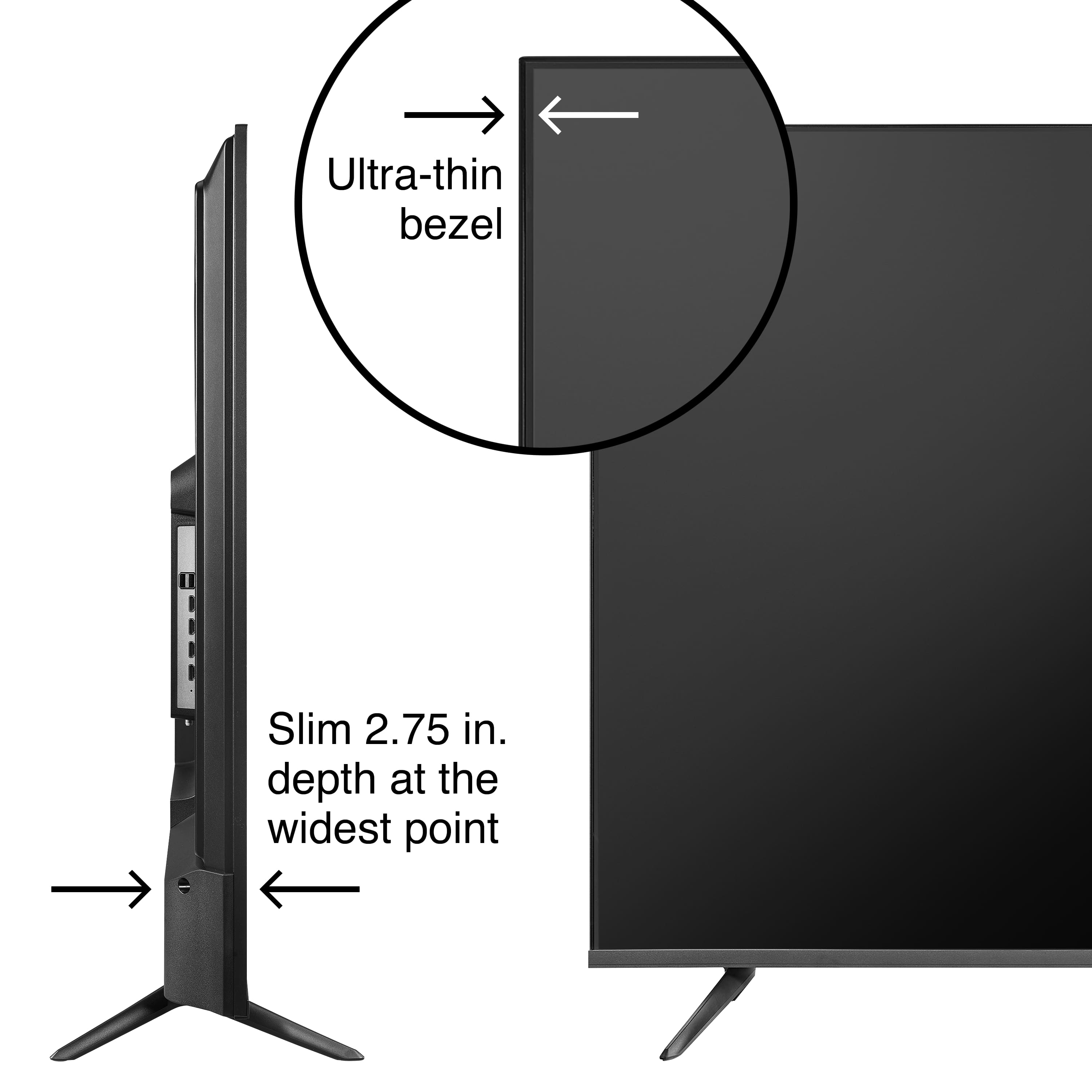
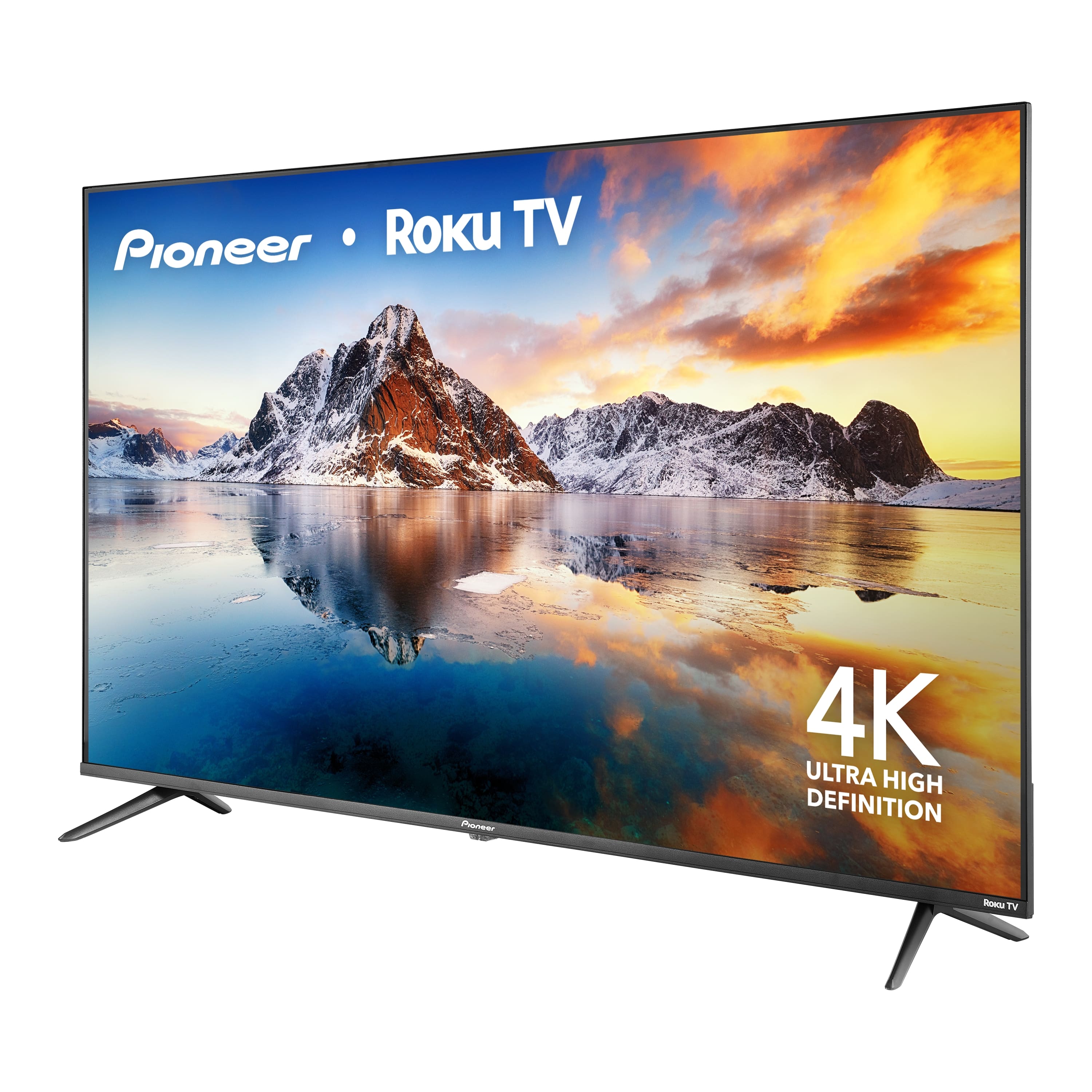
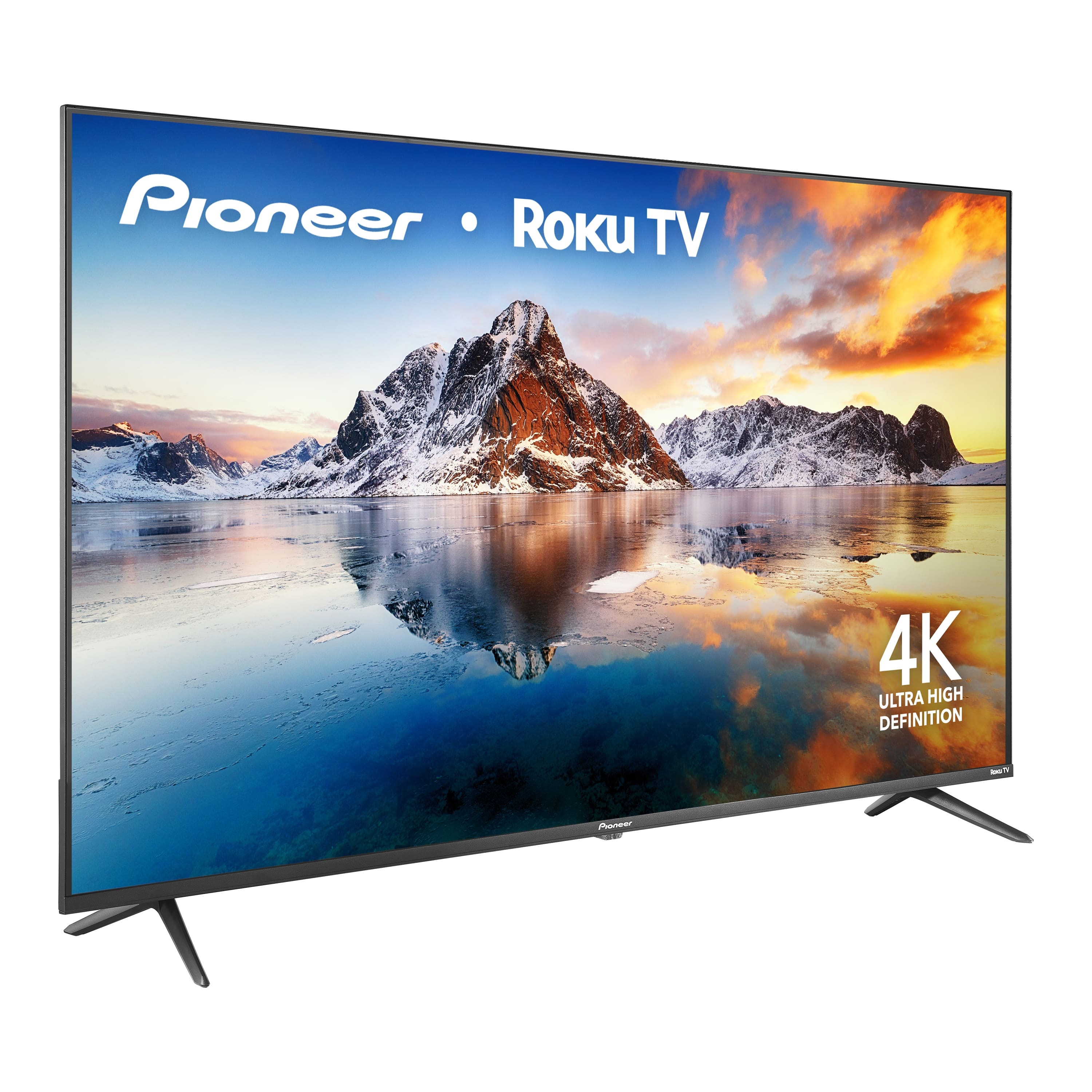
- A:Answer Hi there! Thanks for your question. The stand width for the Pioneer 55" Class LED 4K UHD Smart Roku TV (Model PN55‑R851‑26U) is 41.97 inches. Vennila | Pioneer
Answered by PioneerCustomerSupport
Q: QuestionIs it compatible with different wall mounts
Asked by NicW.
- A:Answer Hello Nic! Thank you for your question. The Pioneer - 55" Class LED 4K UHD Smart Roku TV is compatible with a variety of wall mounts, you just need to make sure the mount supports the TV’s VESA 200mm x 300mm pattern, and if you’d like help picking a compatible wall mount, you can always reach out to Best Buy at 1‑888‑237‑8289 for recommendations. Darshan | Pioneer
Answered by PioneerCustomerSupport
Q: QuestionDoes warranty cover accidents to screen?
Asked by Charlie.
- A:Answer Hi Charlie! Thank you for your question. The manufacturer’s warranty does not cover accidental damage to the screen. The Pioneer 1‑Year Limited Warranty only applies to defects in materials or workmanship, not accidents or physical damage. If you have any questions or need further assistance, please feel free to contact us at: 888‑287‑7658 or bbysupport@bestbuy.com Vennila | Pioneer
Answered by PioneerCustomerSupport
Q: QuestionCan I connect to spectrum streaming
Asked by Vitru.
- A:Answer Hi there, thanks for your question. Yes, your Pioneer 55" 4K UHD Smart Roku TV can connect to Spectrum streaming, Just install the Spectrum TV app from the Roku Channel Store and sign in. Mueez | Pioneer
Answered by PioneerCustomerSupport
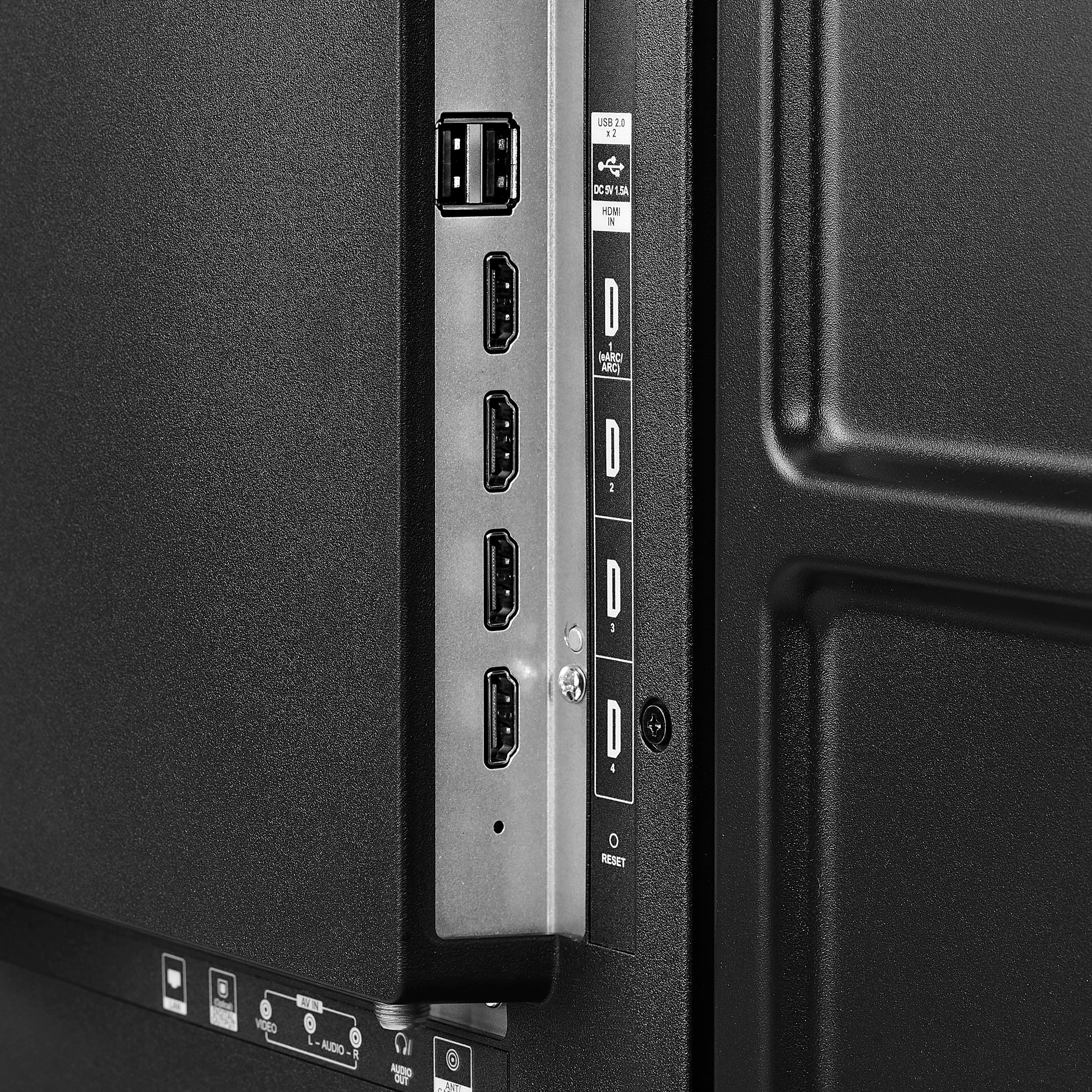
Q: QuestionAre these HDMI ports 2.0 or 2.1? Thank you
Asked by DanH.
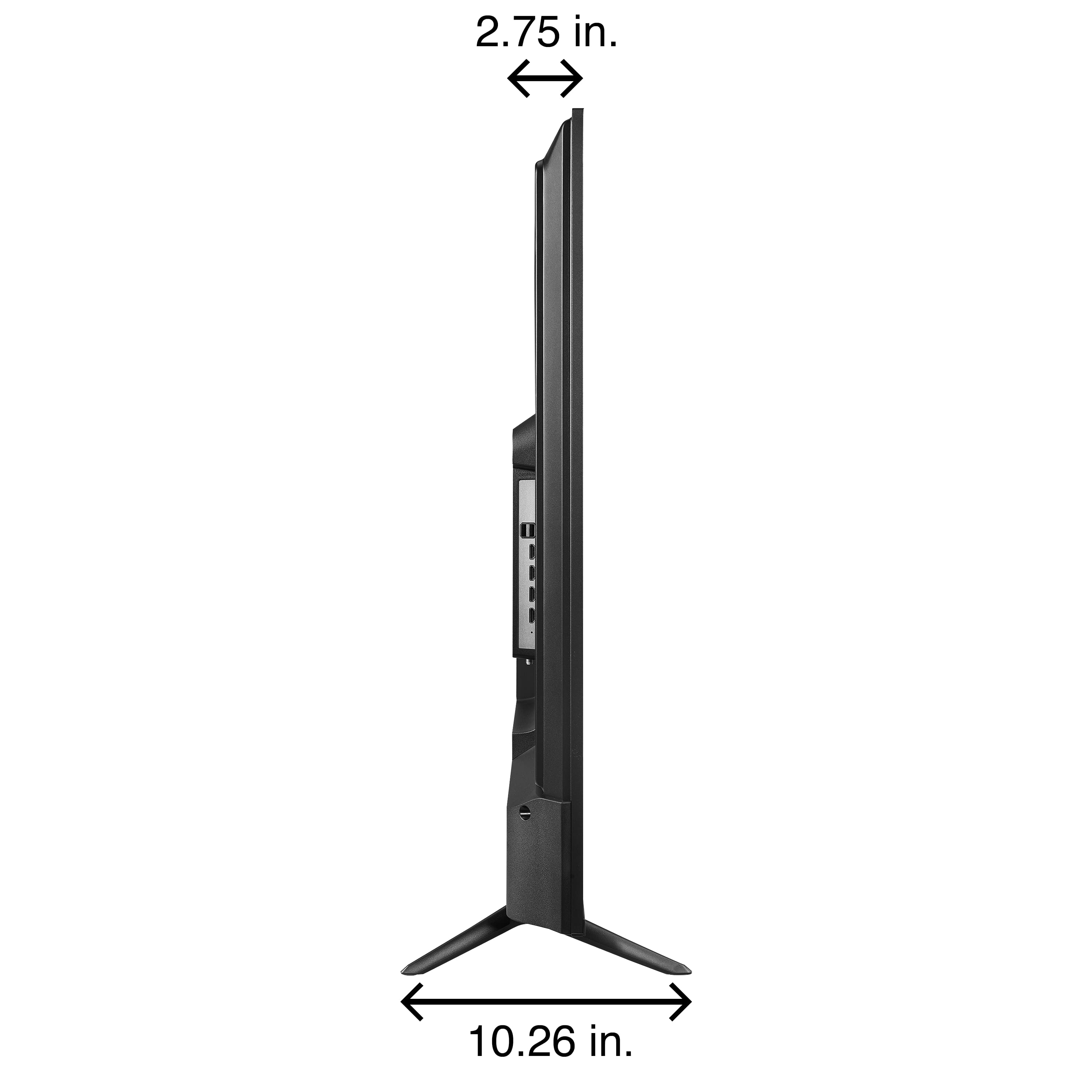
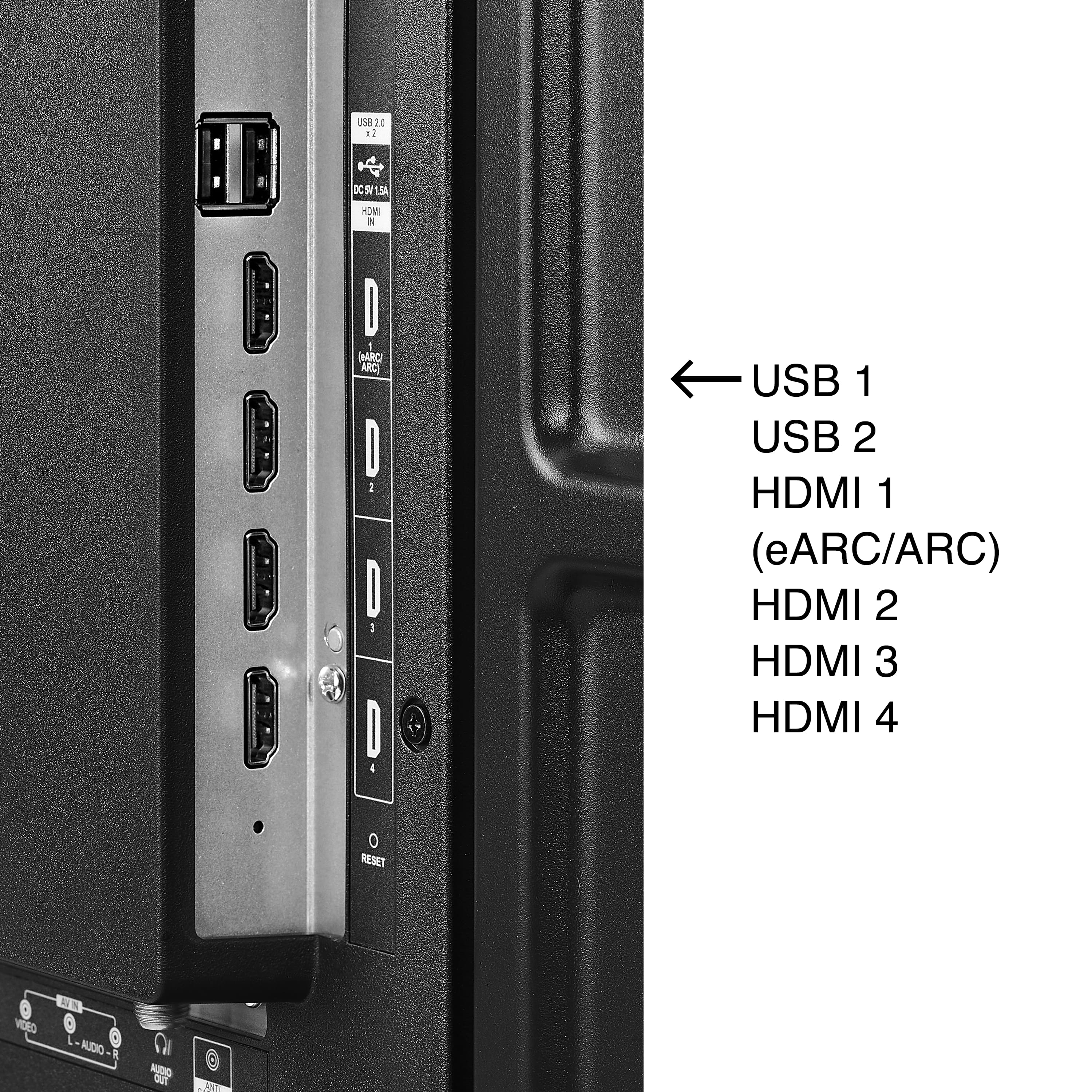
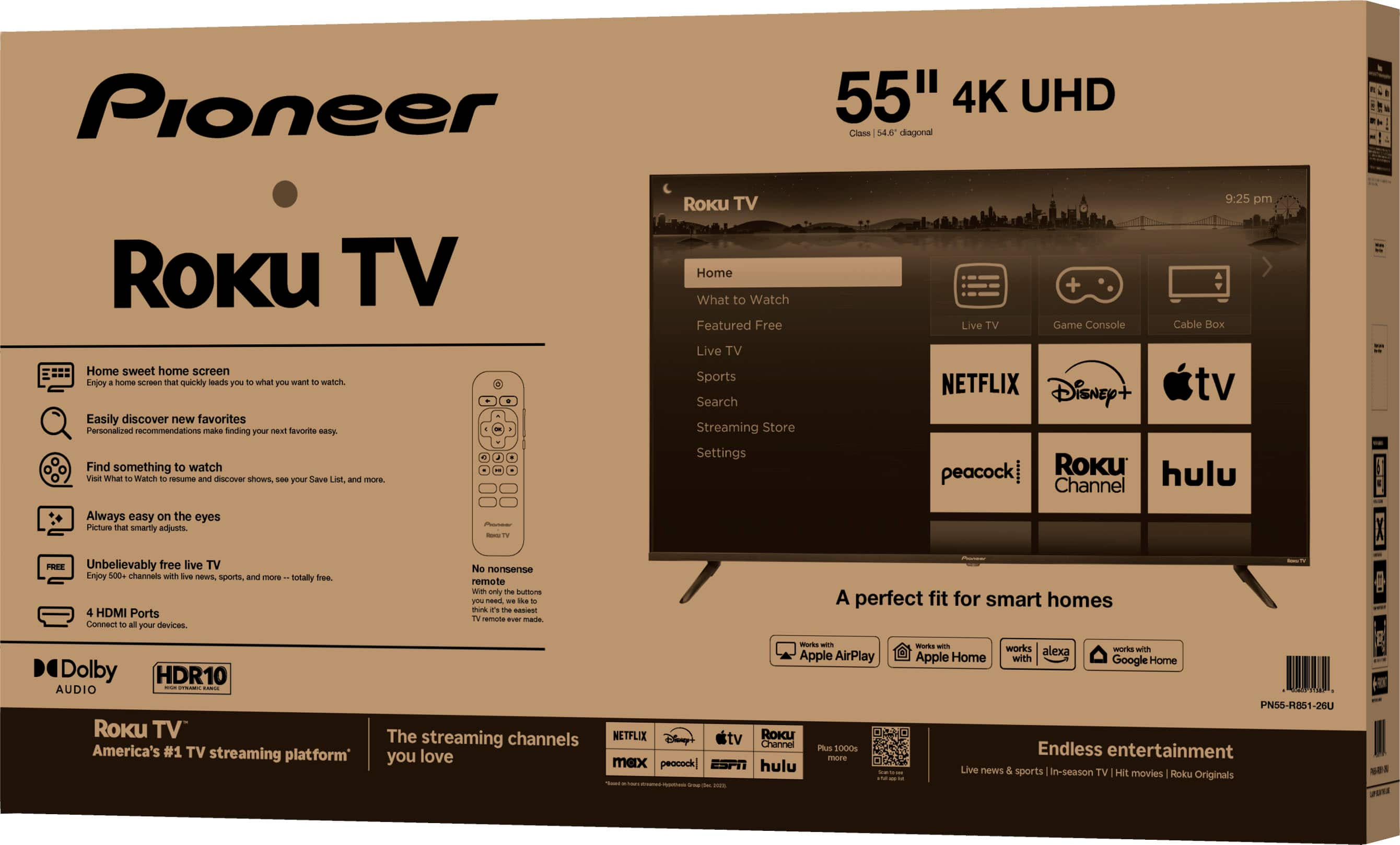
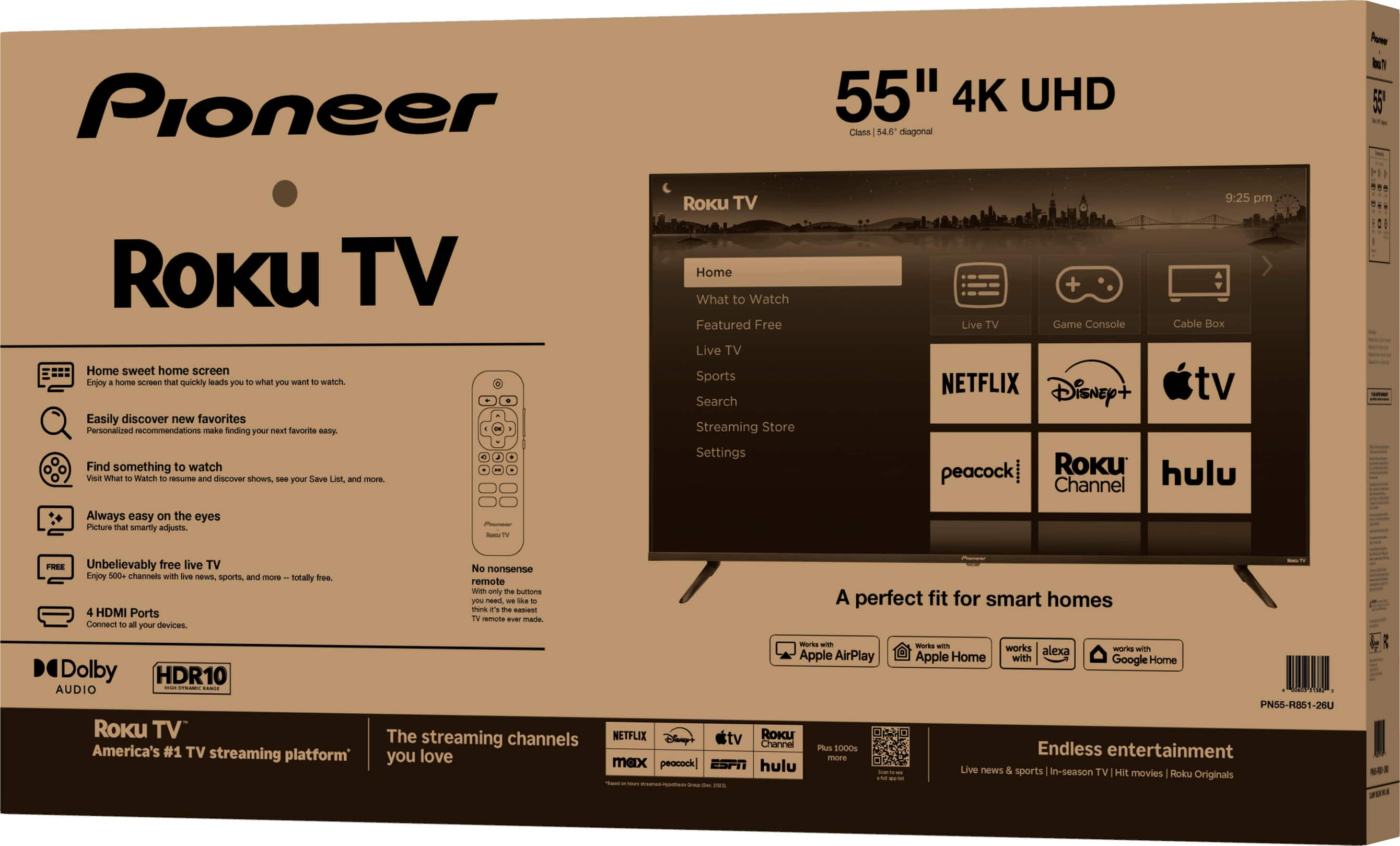
- A:Answer Hello Dan! Thank you for your question. The HDMI ports on the Pioneer 55" 4K Roku TV are HDMI 2.0, not 2.1. This TV supports 4K at 60Hz, which matches HDMI 2.0. Darshan | Pioneer
Answered by PioneerCustomerSupport
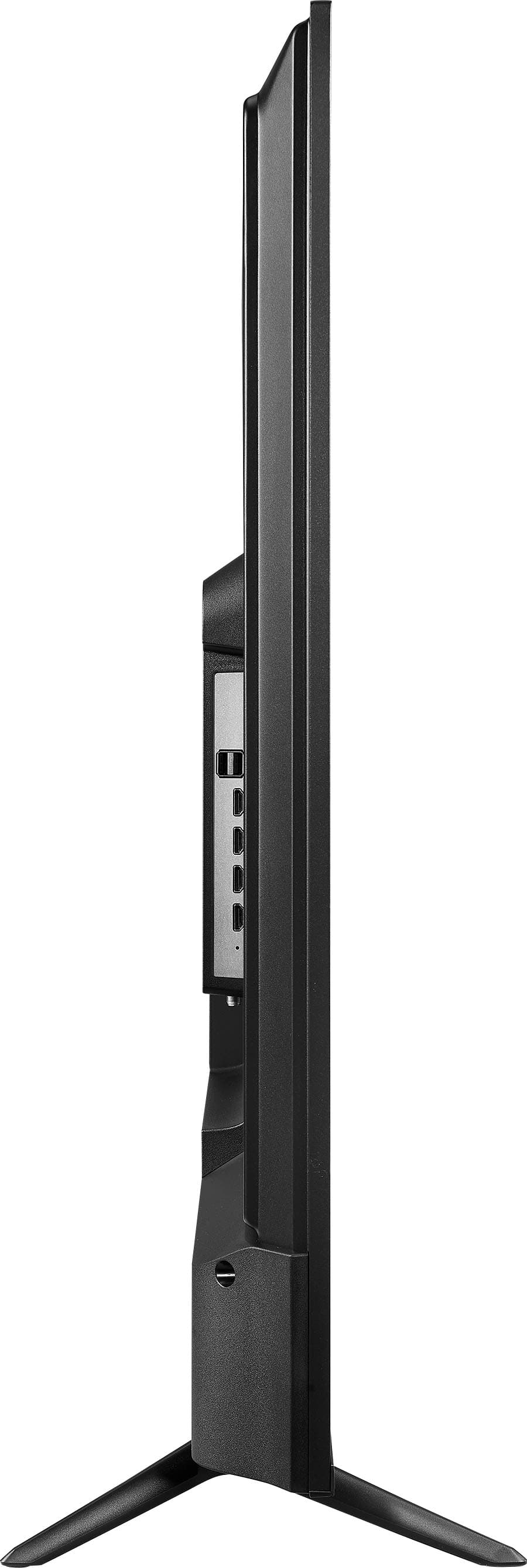
Q: QuestionDoes this TV have sound in the front?
Asked by needfrontsound.
- A:Answer Hello! Thank you for your question This model (PN55-R851-26U) features two built-in internal speakers that are downward-firing, meaning they are located at the bottom of the TV rather than front. Mueez | Pioneer
Answered by PioneerCustomerSupport
Q: QuestionIs this TV compatible with PS5?
Asked by Anonymous.
- A:Answer Hello, thanks for your question. Yes, the Pioneer 55" Class LED 4K UHD Smart Roku TV is compatible with the PS5. You can connect the console to any of the HDMI ports on the back of the TV to enjoy gaming in 4K resolution. Mueez | Pioneer Products
Answered by PioneerCustomerSupport
Q: QuestionAre the roku apps displayed in 1080p or uhd4k
Asked by Joker14.
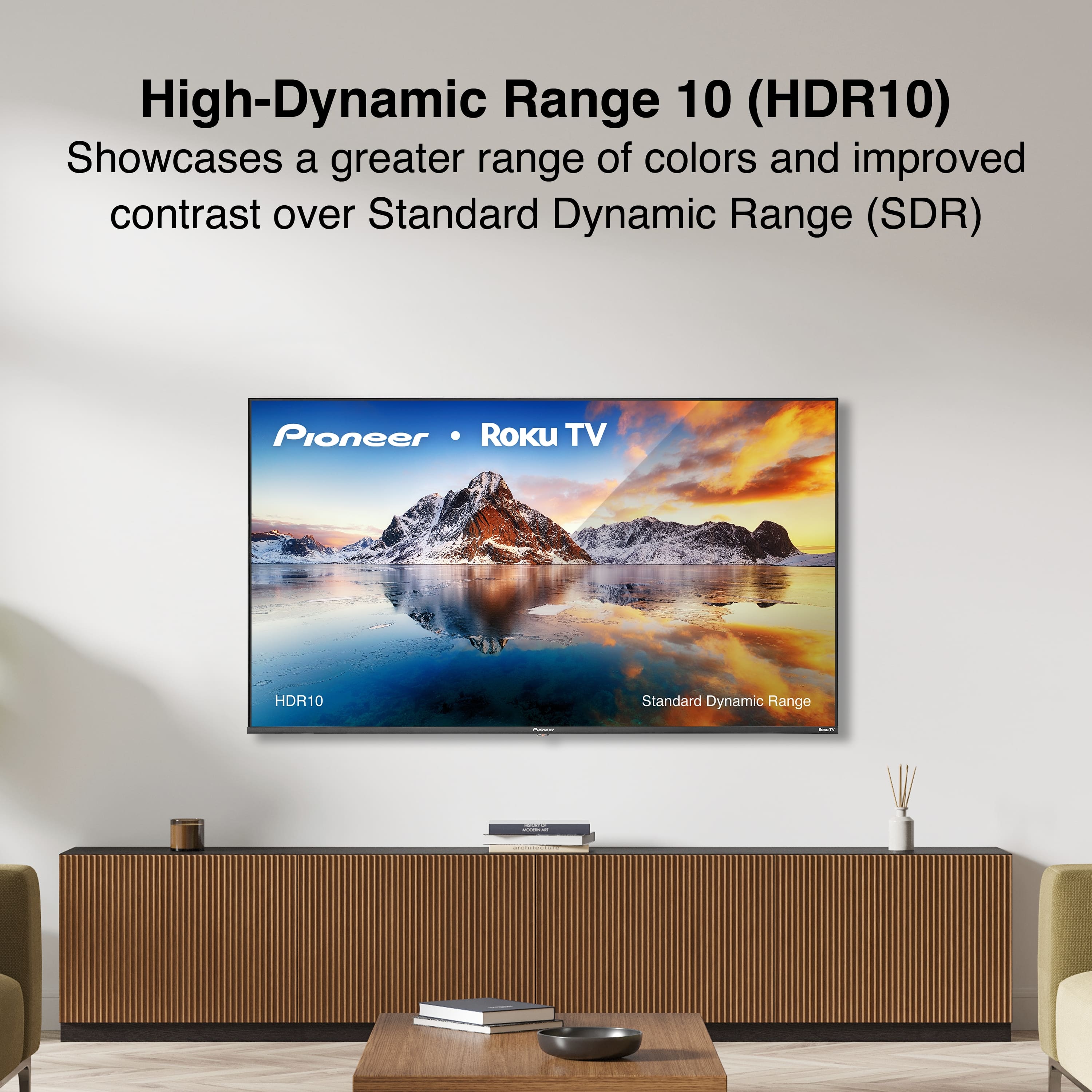
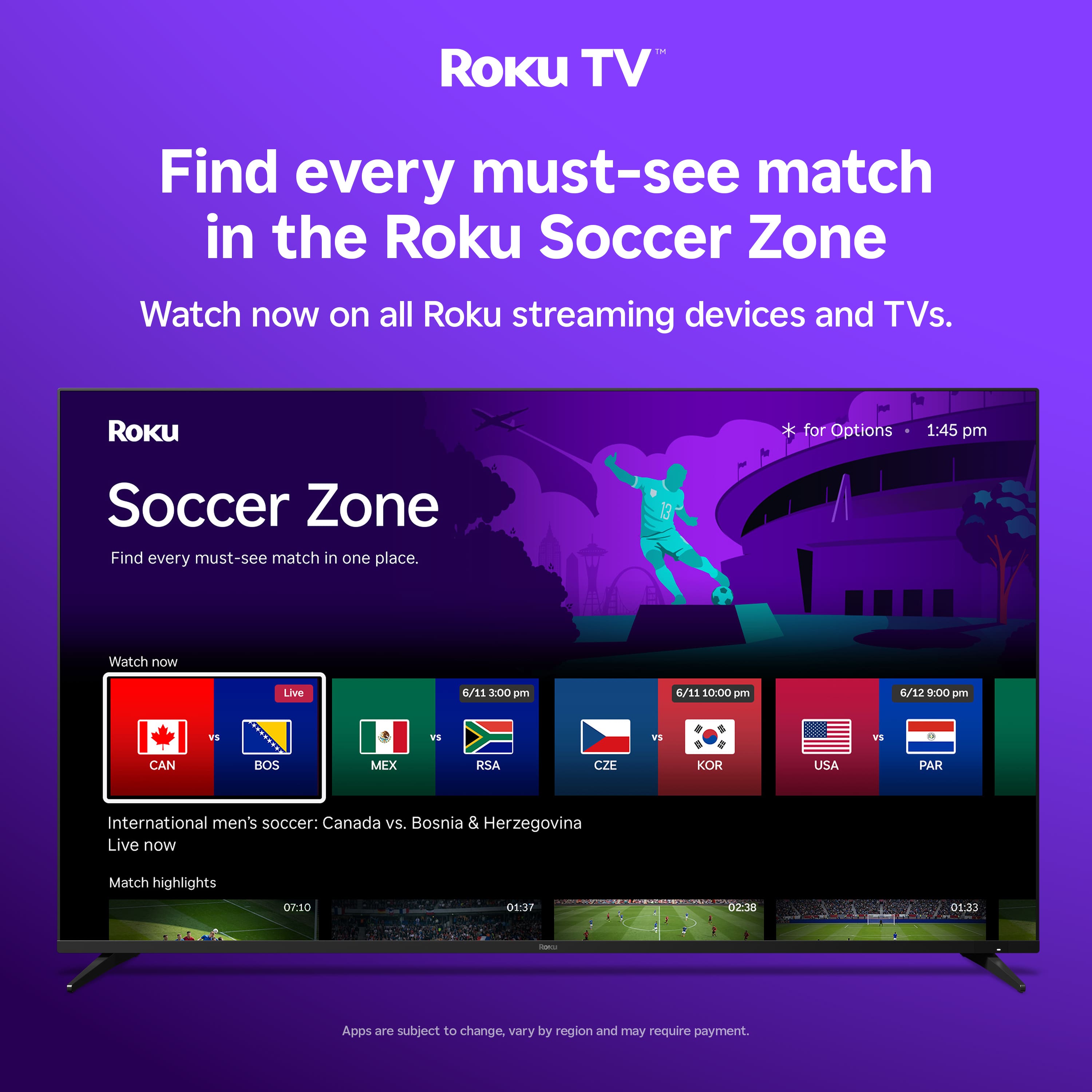
- A:Answer Hello, and thank you for the question. On the Pioneer 55" Class LED 4K UHD Smart Roku TV (Model PN55‑R851‑26U), Roku streaming apps will display in 4K when the app and content support it, and in 1080p (upscaled) when they do not. Sidhartha | Pioneer Sidhartha | Pioneer
Answered by PioneerCustomerSupport
Q: QuestionDoes this TV have the "soap opera effect" (where it makes everything look like a soap opera)? (I hate that effect!) And if it does, is there an option to turn that off/use something like a "filmmaker's mode" so films appear the way they were intended?
Asked by Anonymous.
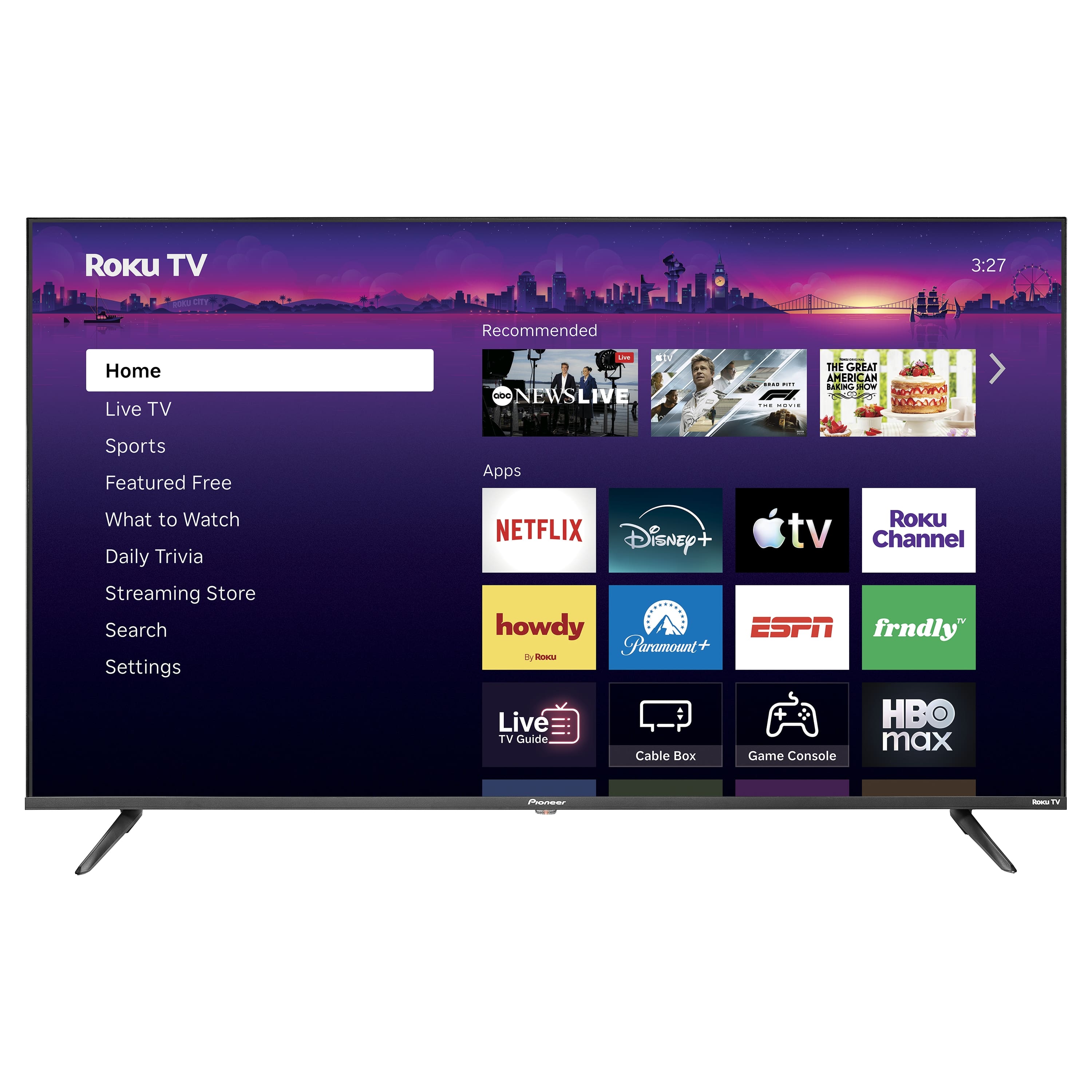
- A:Answer Hello Pioneer Customer! Thank you for your question. The Pioneer 55" Class LED 4K UHD Smart Roku TV does not have the soap‑opera effect, as Roku TVs do not use motion smoothing or motion interpolation. This model does not include Filmmaker Mode, but you don’t need it since there’s no motion smoothing, and you can still adjust picture settings like Movie mode, sharpness, noise reduction, color temperature, and brightness for a more cinematic look. If you have any other questions about features or settings, please feel free to reach out to us. Poojitha | Pioneer
Answered by PioneerCustomerSupport
Q: QuestionWhat is the total weight of the tv?
Asked by Vlad.
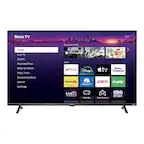
- A:Answer Hello, and thank you for reaching out with your question. The Pioneer 55" Class LED 4K UHD Smart Roku TV weighs 22.27 pounds without the stand and 22.49 pounds with the stand attached. Darshan | Pioneer Products
Answered by PioneerCustomerSupport
Q: QuestionCan I hook up my laptop to the tv?
Asked by DBIN.
- A:Answer Hi there, thanks for reaching out. Yes, you can connect your laptop to the Pioneer 55" 4K Roku TV the TV includes HDMI ports that allow a direct wired connection, and many laptops also support wireless screen mirroring through Roku. If you have any questions or need further assistance, please don't hesitate to reach out. Mueez | Pioneer Products
Answered by PioneerCustomerSupport
Q: QuestionDoes this have a coax outlet for antenna hookup
Asked by JWMT.
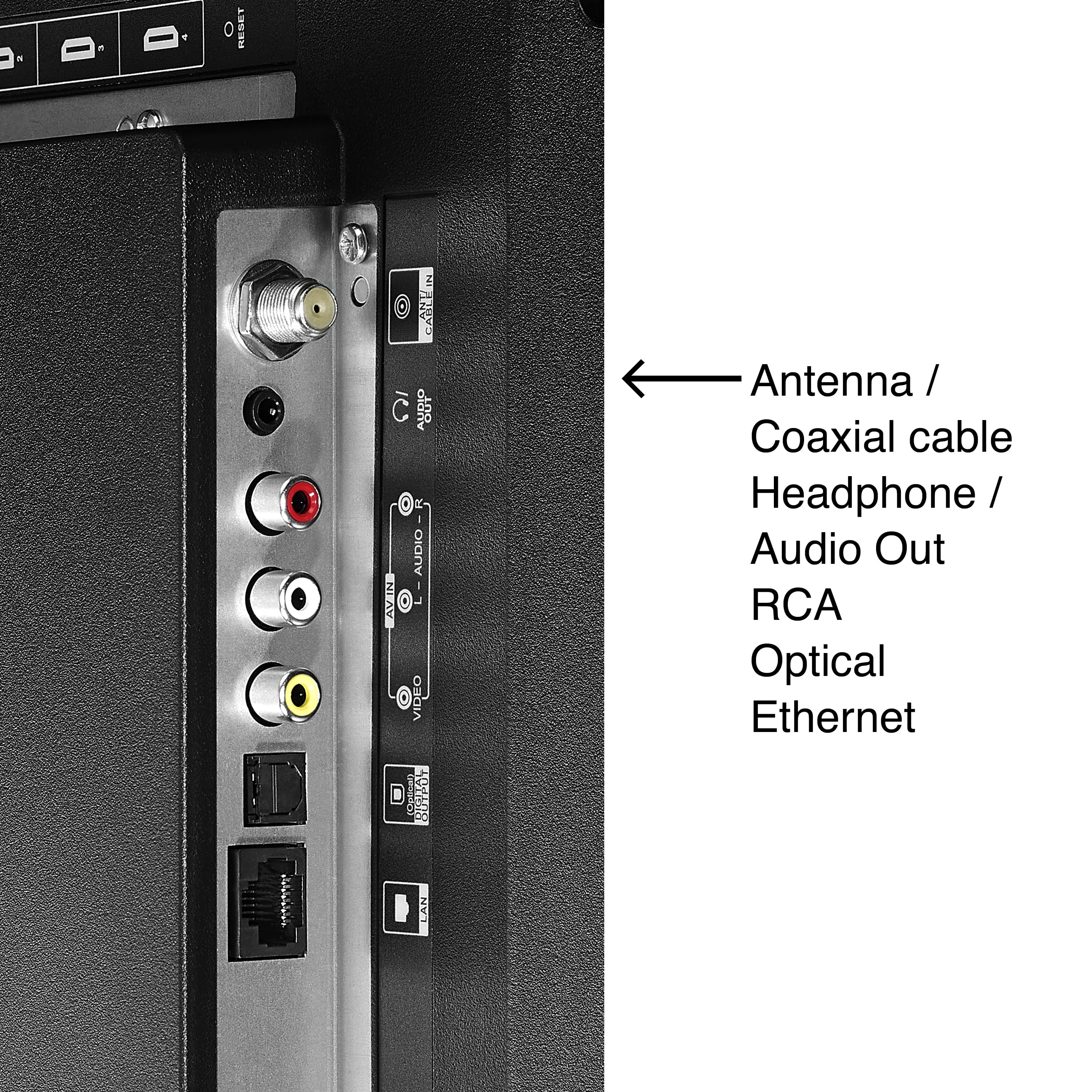
- A:Answer Hi there, thanks for reaching out. Yes the Pioneer 55" Class LED 4K UHD Smart Roku TV does include a coax (RF) input for connecting an antenna or cable source. If you do have any questions and need further assistance please do not hesitate to reach out. Mueez | Pioneer Products
Answered by PioneerCustomerSupport
Q: QuestionGot the tv mounted in the same place the old tv was at but doesn't find any internet connection . We tried all the resets and nothing works been trying all day yesterday.
Asked by MiguelF.
- A:Answer Hello Pioneer Customer! Thank you for reaching out to us! It is very unfortunate to hear that you are facing issues with internet connectivity on this particular TV. Please reach out to us on 1-877-467-4289 for further help and information on this. Riddi | Pioneer Customers
Answered by PioneerCustomerSupport
Q: QuestionDoes it have a voice option on the remote
Asked by Remote.
- A:Answer Hi, No, the Pioneer 55" Class LED 4K UHD Smart Roku TV does not come with a voice-enabled remote. It includes a standard Roku remote, but you can use the Roku mobile app or pair a compatible voice remote separately for voice control. - -Ed | Pioneer Support | https://www.bestbuy.com/site/brands/best-buy-brands/pcmcat1596746025285.c?id=pcmcat1596746025285
Answered by PioneerCustomerSupport