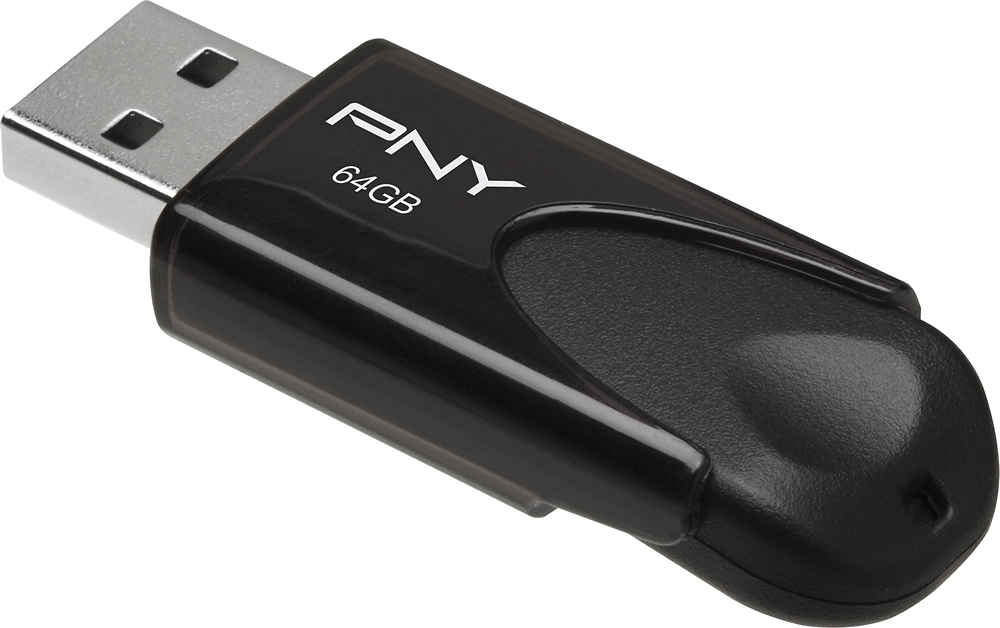
A:AnswerAlmost all thumb drives are compatible with an Xbox. If it does not seem to work then you may need to reformat the drive after you plug it in to a computer... then retry the Xbox.
A:AnswerDepends on the format you are acquiring your photos with. Cell phones are typically compressed jpg files so size of each photo depends on the MP (MegaPixel) rating of the camera function. The higher the number of the MP rating the large each file size is going to be. If you are using equipment that can shoot in Raw the file size increases dramatically. Obviously the larger each file is the lower the number of photo files you can store on the thumb drive. It is also note worthy that thumb drives are NOT good media for archival storage but excellent for transferring data from one system to another. USB 3.0 is especially quick when compared to a USB 2.0 device. My Samsung Note 4 shoots JPG files at 16 MP. A typical file size is about 5 mb (megabytes) so this thumbdrive could hold over 12,000 photos. Video files such at MP4 or MOV are a lot larger depending on resolution and length of time.