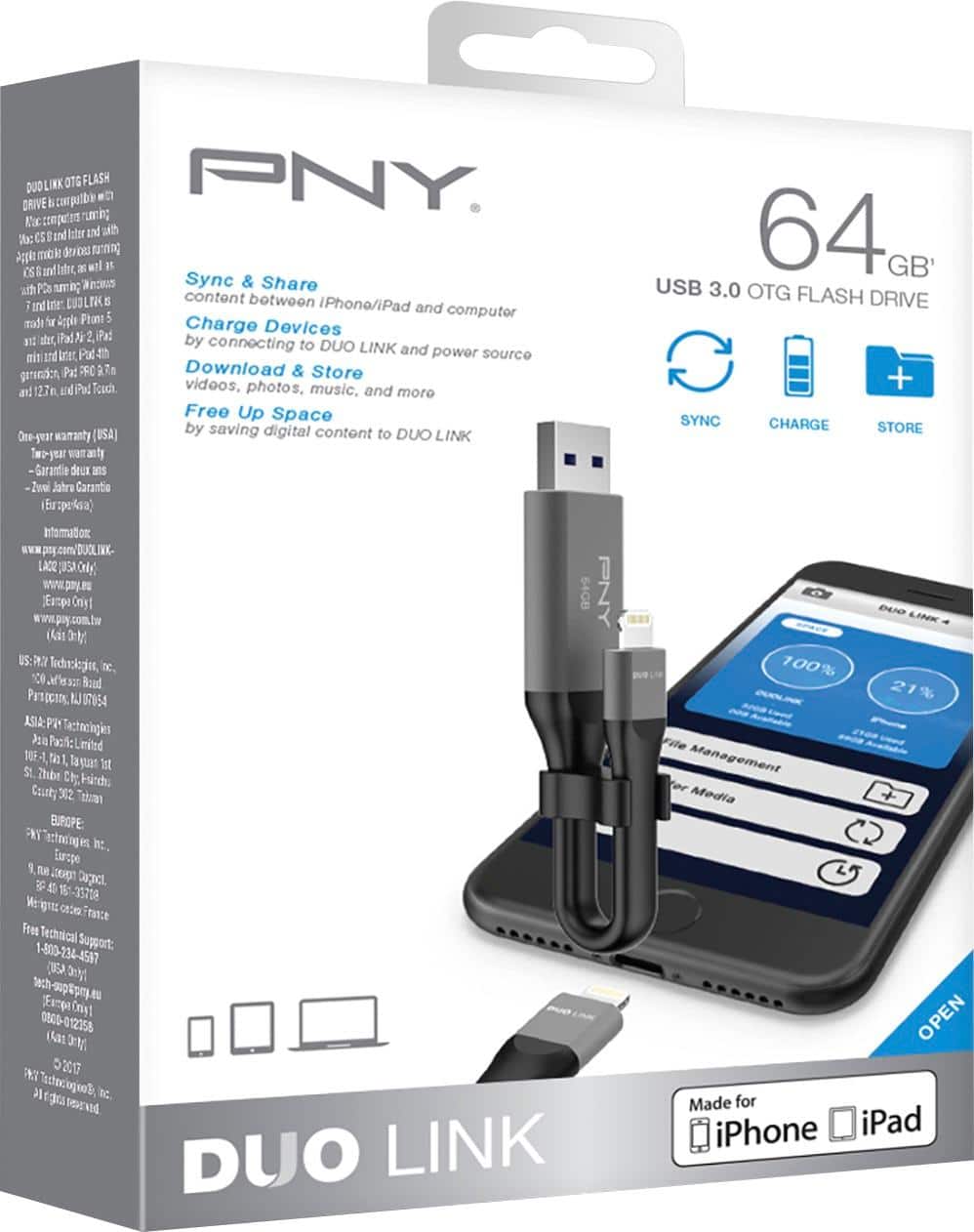
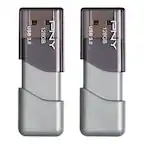
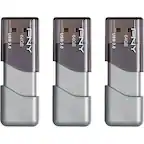
A:AnswerDepends on the amount of data you need to free up. If you have more than 64gb you can probably load the storage card more than once or get the 128gb. Also, once data is downloaded and removed from your phone, how often would you need 128gb?
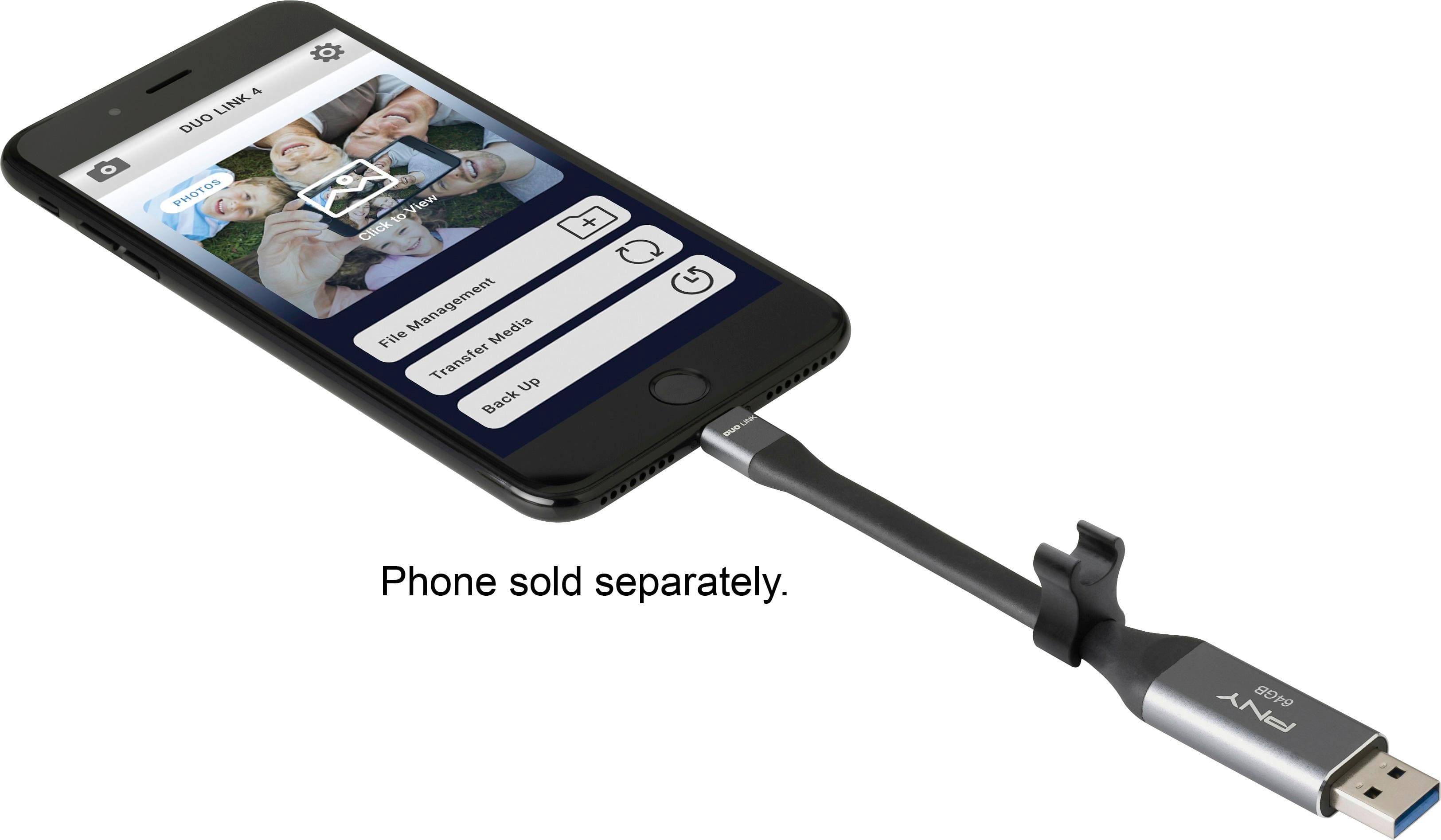
A:AnswerYou need to get a app but it’s free . Very simple to use , I just used it to down load a 1 hour video I did on my I pad once that was done I plugged it into my lap top and transferred the video to a DVD
A:AnswerYou should have the Duo-Link 4 app open. Go to the phone tab. Find the pics you want to transfer. Press multi-select in the top right hand corner. Select the photo(s). Press copy to on the bottom left. If there are folders set up on the drive they should show up. Select which folder you want to put photos in. Then press paste at bottom right. It’s that easy.