Monster deals on the tech you wantDoorBOOsters coming Oct. 31.Shop now

Main Content

Questions & Answers

Page Showing 141-160 of 187 questions
  • Questiondoes this ear piece sync up with the 8X8 buisness application?

    Asked by Jess.

    • Answer The Voyager Legend is compatible with any cell phone that supports Bluetooth headsets. If the 8x8 is installed on your smart phone, compatibility will depend on the app's capacity to detect Bluetooth devices. If you would like to use the earpiece on your Computer along with an 8x8 soft phone, then we recommend you to check out the Voyager Legend UC version, which is designed to ensure PC connectivity and should work with the soft phone. If you have any further questions, please don't hesitate to contact our Customer Care Team at: 1-855-765-7878.

      Answered by PlantronicsRepresentative

  • Questionis this left ear and right ear compatible

    Asked by jim.

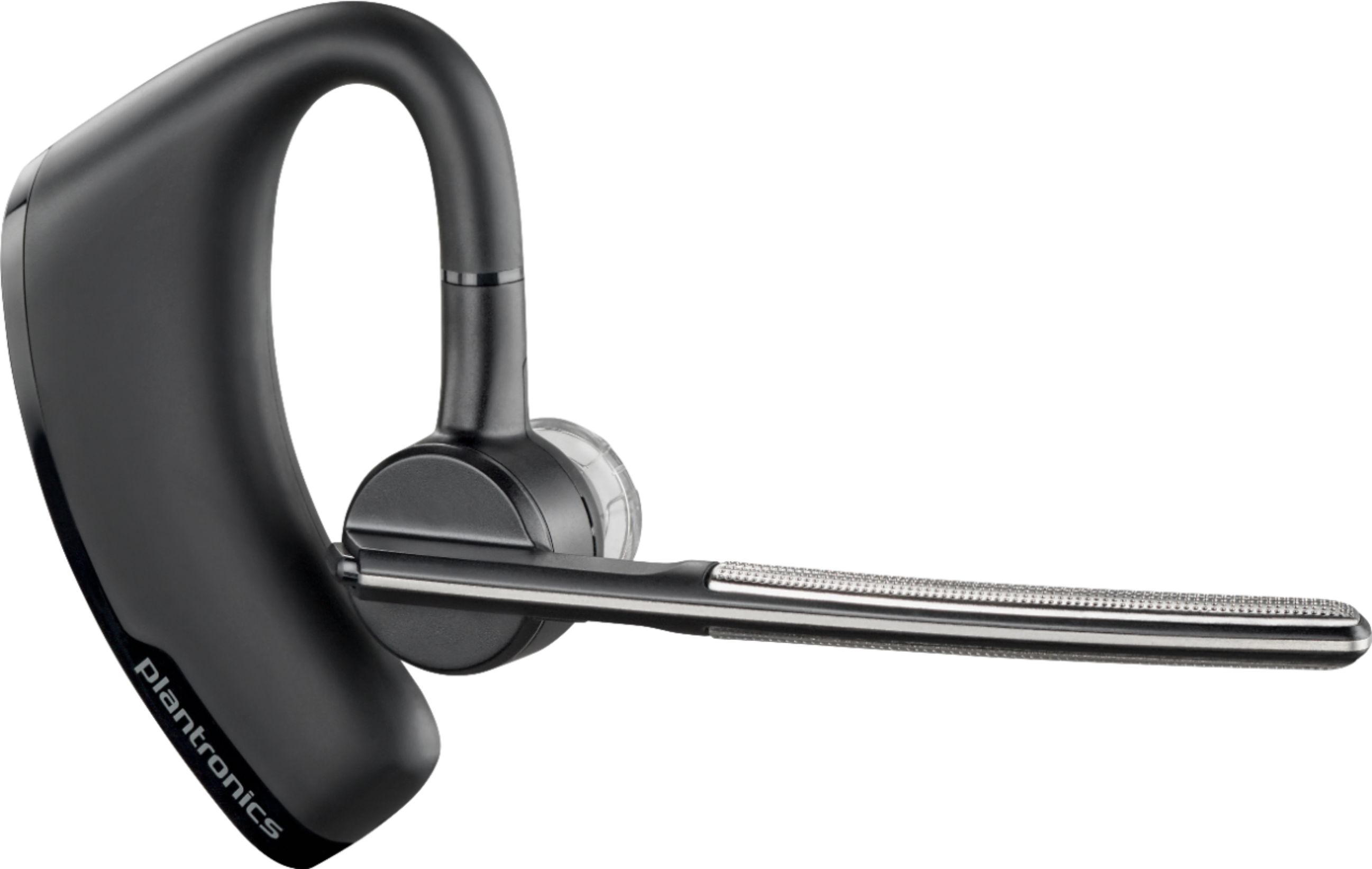
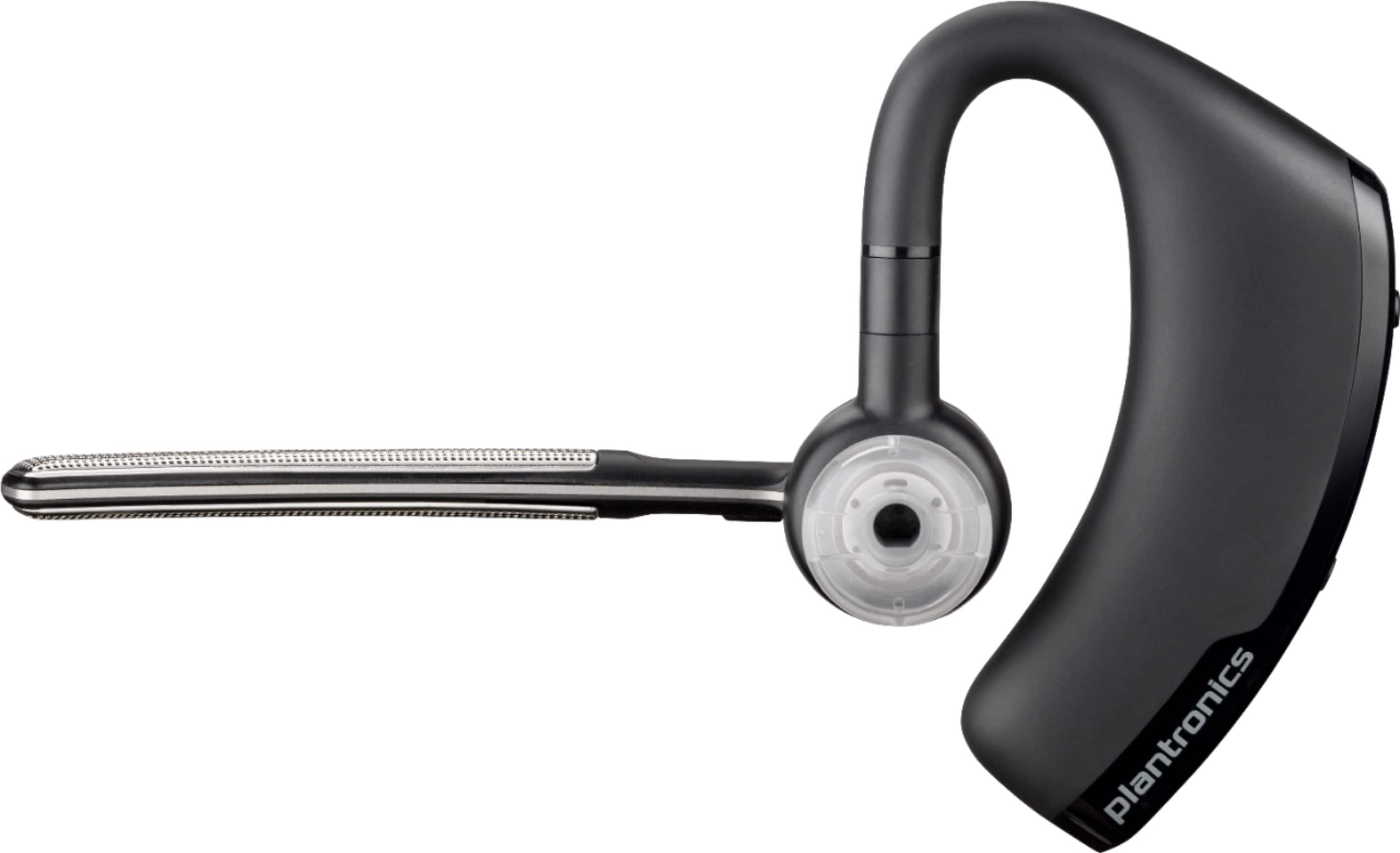
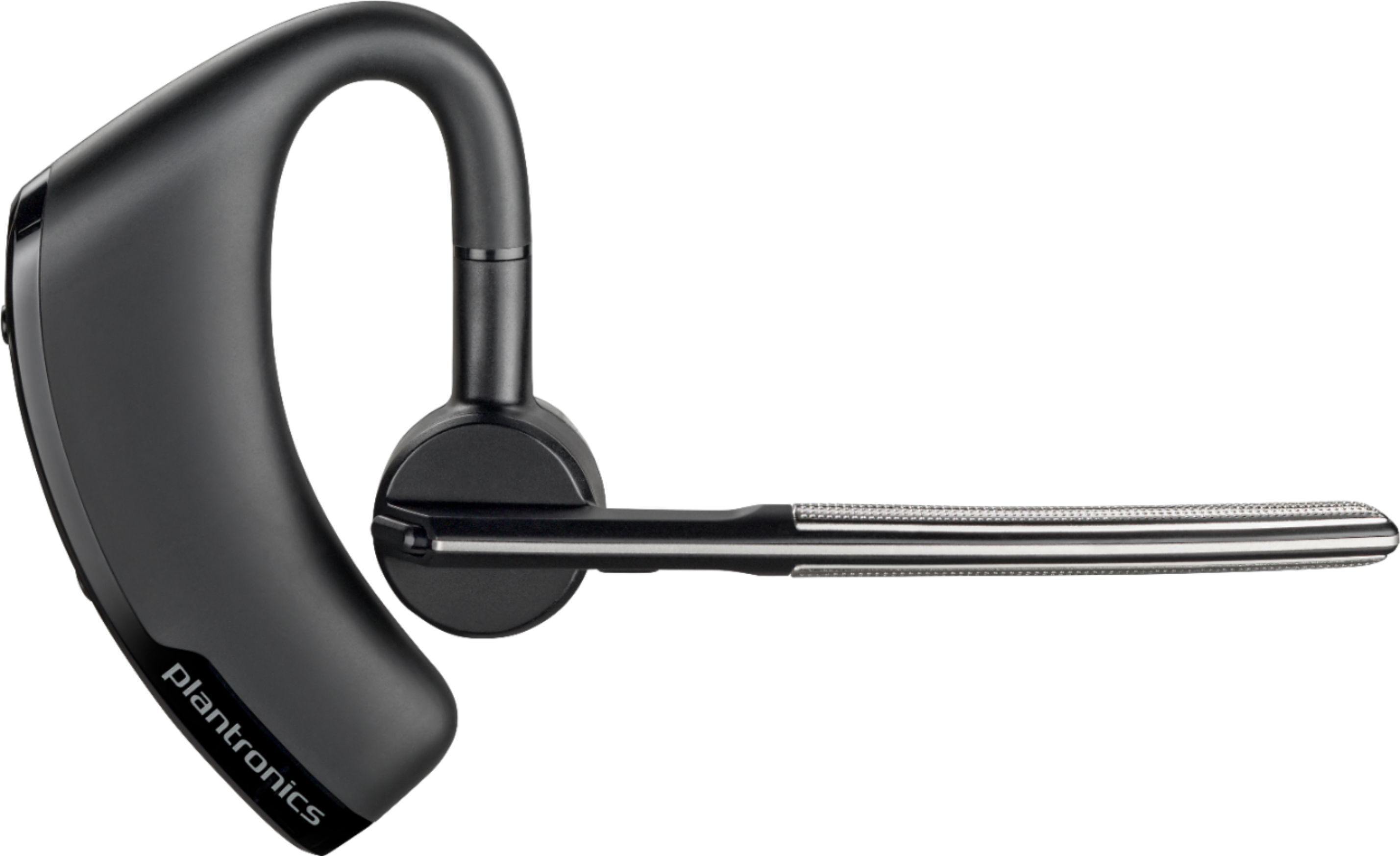
    • Answer Hello! Yes, you can wear the earpiece on either side. To do so: Pivot the boom into an upright position. Then rotate the boom and speaker to the other side of the headset and lower it before fitting the headset on your other ear. If you have any further questions related to our products, feel free to contact our Customer Care Team at: 1-888-363-0726.

      Answered by PlantronicsRepresentative

  • QuestionCan this be used on a desktop computer that has a brand new camera attached to it will it connect automatically

    Asked by Toni.

    • Answer Hello! The Voyager Legend is mainly intended for cell phones and tablets. It may pair with your desktop computer; However, Bluetooth technology works through different profiles. Nowadays many computers have Bluetooth built-in but not all of them support Bluetooth headsets. Many times, these drivers are not installed by default – even on new computer installations. While the earpiece may pair, you might experience the lack of some features of the headset itself like quality sound and wireless range. This is why we recommend you to check out our Voyager Legend UC version which includes a USB adapter that ensures PC connectivity and includes a portable charger. To install it, you only need to wait until it pairs to the USB adapter and select it as default under Playback and recording devices. Please don't hesitate to contact our Customer Care Team at: 800-985-9815 if you have any questions! 1-855-765-7878.

      Answered by PlantronicsRepresentative

  • QuestionAfter charging my headset, i try to turn it on and the lights flash blue-red-blue-red-blue and it won't connect.

    Asked by Anonymous.

    • Answer Hello! The red and blue light means the earpiece is in pairing mode. Go to settings>Bluetooth and select the PLT_Legend on your phone. If you get an error message, delete the PLT device from your phone. Then power off/on the earpiece and press and hold the call button for 6 or 8 seconds until you get the red and blue light flashing again and select it under Bluetooth settings. If the flashing lights won't stop, then please ensure the unit's firmware version is up to date through our Plantronics Hub Software for Desktop: https://goo.gl/5ceQ1v. Once the installation is complete, connect the earpiece-powered off via USB cable and go to the Notifications tab. If you require further assistance, please don't hesitate to contact our Customer Care Team at: 1-855-765-7878.

      Answered by PlantronicsRepresentative

  • QuestionWill this headphone connect to a Microsoft Surface laptop or Mac desktop?

    Asked by Anonymous.

    • Answer Hello! If you're interested in using a Bluetooth headset with a Microsoft Surface Laptop or a Mac Desktop then we recommend you to consider the Voyager Legend UC version as it is designed to ensure PC connectivity. The standard version may pair to your devices; However, we are unable to guarantee the same performance as with a cell phone. You may loose some features as well as wireless range. Bluetooth technology works through different profiles and as you know your devices are equipped with an internal Bluetooth adapter. The Voyager Legend UC comes with a USB BT300 which contains the required Bluetooth profiles to ensure optimal connectivity. If you have any further questions, please don't hesitate to contact our Customer Care Team at: 1-888-363-0726

      Answered by PlantronicsRepresentative

  • QuestionI wear wire frame glasses. This looks bigger than the thin hooks I am use to. Does anyone use this mode with Glasses?

    Asked by Seattle.

    • Answer I've worn my glasses with these and they are the thicker plastic frames and didn't have an issue with having both on. I will say that this earpice does pinch your ear after awhile so you might want to reconsider if using for longer than 3 hours at a time.

      Answered by 1Gu3stAn0nym0us2

  • QuestionI wear wire frame glasses. This ear piece looks bigger than the hook I am use to. Anyone use glasses with this Model?

    Asked by Anonymous.

    • Answer Yes intakes some getting used to and sometimes it gets downright uncomfortable because the wire on your glasses can go on either side of the over the ear round part and pinch or knock the unit off your ear.

      Answered by Honest

  • QuestionIs this compatible to use as a microphone with Dell laptop

    Asked by Anonymous.

    • Answer No

      Answered by Chupi

  • QuestionWill this headset work with the Panasonic - KX-TGD564M?

    Asked by JHarris.

    • Answer Hello! The Voyager Legend is mainly designed for cell phones and tablets. We are unable to guarantee compatibility with the Panasonic KX-TGD5464M as it is not listed as a compatible option within our Compatibility Guide. If you have any further questions, please don't hesitate to contact our Customer Care Team at: https://www.plantronics.com/us/en/support/contact.

      Answered by PlantronicsRepresentative

  • QuestionI use and love my Platronics wireless headset at my office. I am currently working from home and finding out on my client calls a lot of background noise is being picked up. Would the Voyager Legend be the best Platronics option for noise cancelation?

    Asked by ChristopherG.

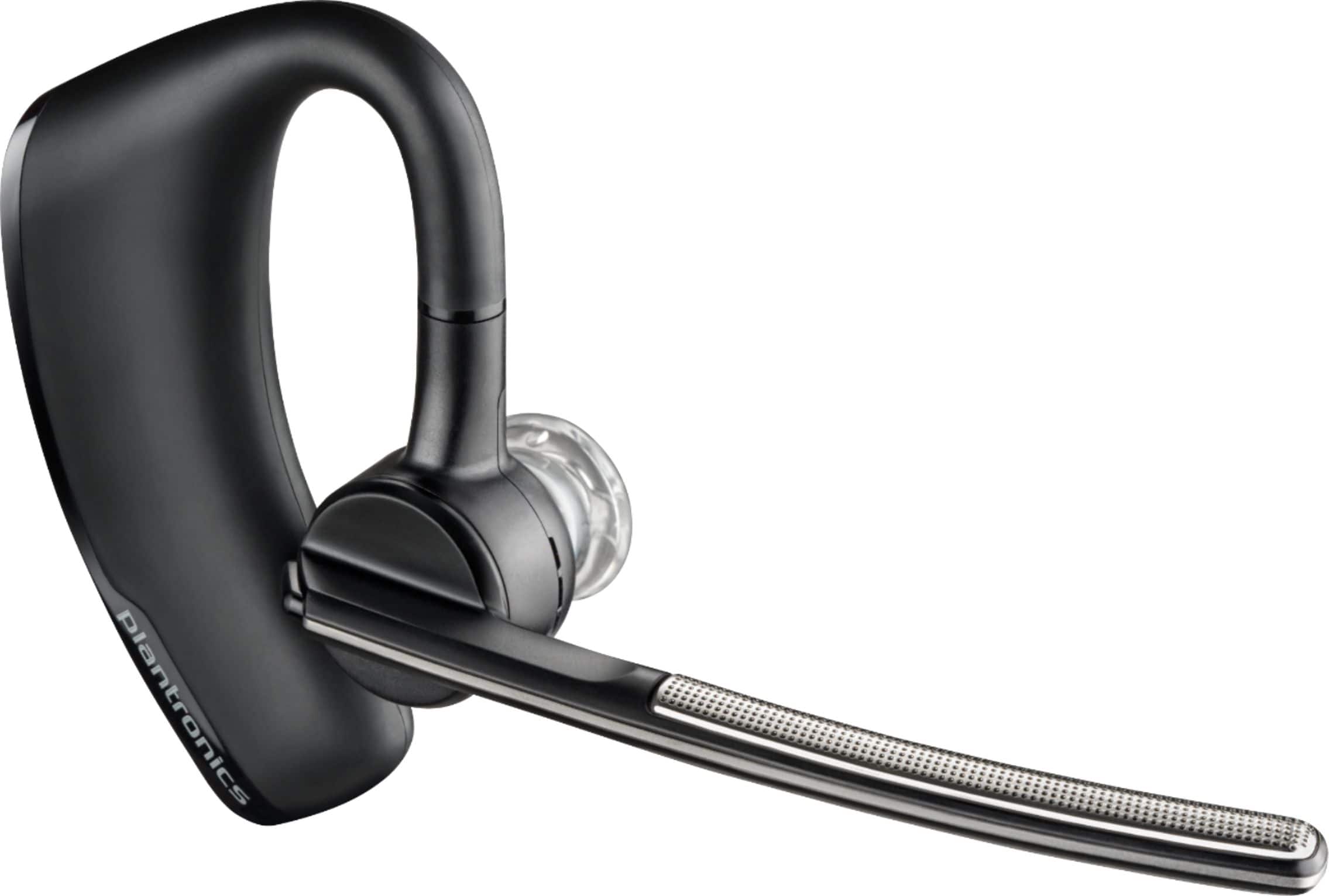
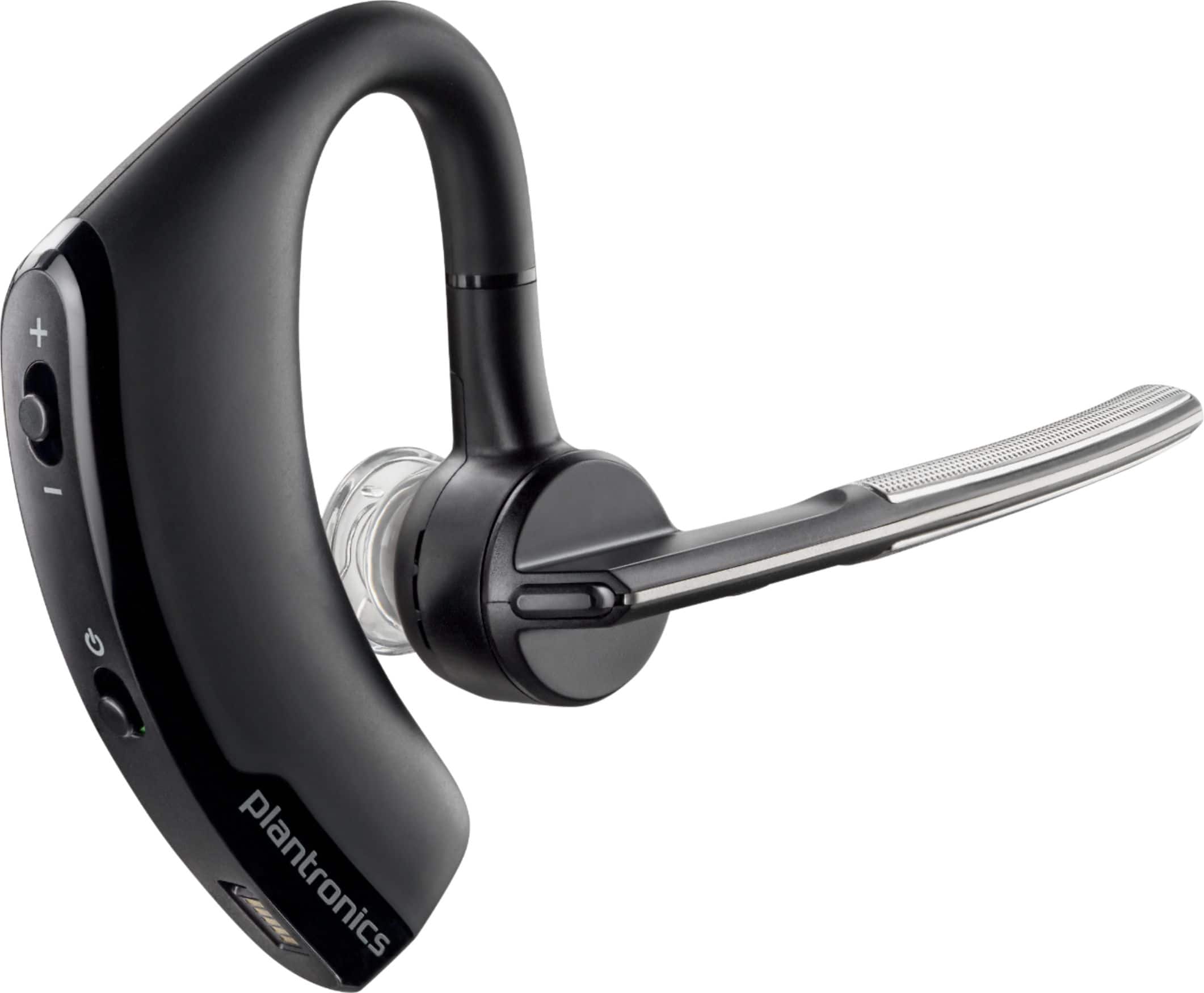
    • Answer Hi Christopher! Yes, the Voyager Legend has three noise cancelling microphones built-in with active Digital Signal Processing (DSP); However, if you are interested in an earpiece for conference calls or using it with a soft phone on your PC/Laptop, then we recommend you to check out the Voyager Legend UC version, as this one ensures PC connectivity. The standard version is mainly designed for mobile phones and tablets. For more information related to the UC version, please click here: https://bit.ly/2Rs40e2. The upgraded version would be our Voyager 5200 UC Headset. If you have any further questions, please don't hesitate to contact our Customer Care Team at: 1-888-363-0726.
      Answered by PlantronicsRepresentative

  • QuestionCan this be used in either ear?

    Asked by Tony.

    • Answer Hello Tony! Yes, first Pivot the boom into an upright position. Then rotate the boom and speaker to the other side of the headset and lower it before fitting the headset on your other ear. Furthermore The headset comes fitted with the medium size gel eartip. If the eartip feels loose or tight in your ear, you might want to try a different size. If you have any further questions, feel free to contact our Customer Care Team at: 1-855-765-7878

      Answered by PlantronicsRepresentative

  • QuestionHow to connect to a Samsung Galaxy

    Asked by Moby.

    • Answer I paired mine to an iPhone. The process should be the same. First it is in the contained directions. Open your Blue tooth settings and make sure your phone will see the device turn it on. When it shows up in a list choose it. It should pair easily. after that when it pairs up, you will hear it say Phone 1 connected.

      Answered by STNICK

  • QuestionI did not get the UC version but if I buy a BT300 separate will it work well with my PC?

    Asked by Alan.

    • Answer Hello! Yes, the Voyager Legend UC is basically a standard Voyager Legend that includes a BT300 to ensure PC connectivity and you can also get it separately. If you have any further questions, feel free to contact our Customer Care Team at: 1-888-363-0726.

      Answered by PlantronicsRepresentative

  • QuestionI just bought this headset, am new to it.. How do I set up the voice command to say answer, and for it to identify whose calling?

    Asked by Anntonette.

    • Answer Hello! To disable or enable the “answer/ignore” voice commands: 1. Switch on the headset. 2. Press and hold the Voice button until you hear a double tone. To access our Complete user guide, please click here: https://bit.ly/2UWN9kR.

      Answered by PlantronicsRepresentative

  • QuestionDoes it work on a iPhone 7 Plus?

    Asked by Tinkabell1969.

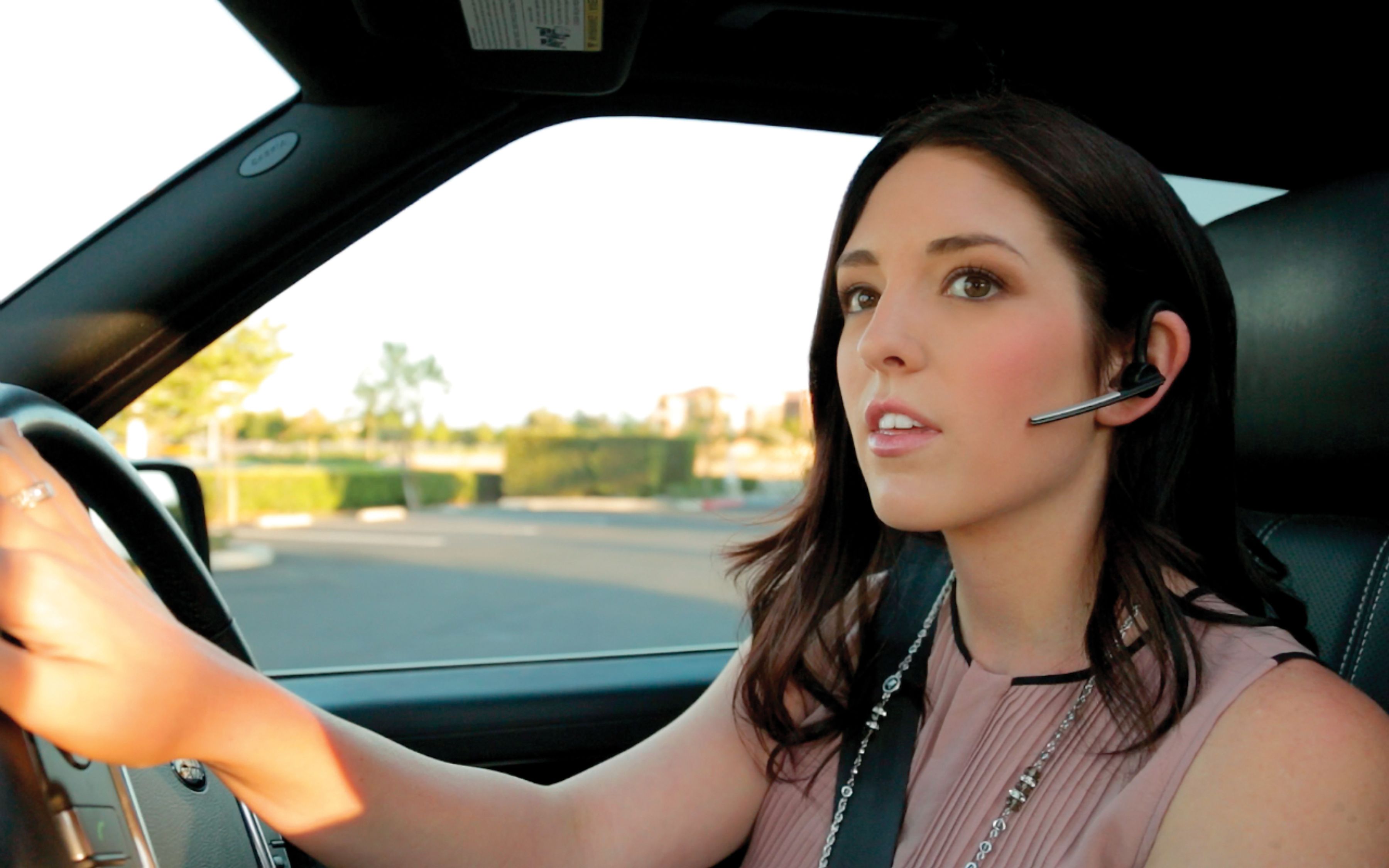
    • Answer Hello! Yes, the Voyager Legend is compatible with any device that supports Bluetooth Headsets. Most Smartphones nowadays are Bluetooth enabled and the iPhone 7 Plus is no exception. If you have any further questions, please don't hesitate to contact our Customer Care Team at: 1-888-363-0726.
      Answered by PlantronicsRepresentative

  • QuestionCan I use this with my MacBook Pro to hold Zoom meetings? Thank you!

    Asked by Mary.

    • Answer Hello! The Voyager Legend is mainly intended for cell phones and tablets. If you are interested in using a headset for Meetings or conference calls on a MacBook Pro, then we recommend you to see the UC version. The Voyager Legend UC ensures PC connectivity through its BT300 Bluetooth adapter and provides all of its functions. As you know, your MacBook Pro is equipped with an internal Bluetooth adapter. Bluetooth technology works through several Bluetooth Profiles. Nowadays many computers have Bluetooth built-in but not all of them support Bluetooth headsets. Many times, these drivers are not installed by default – even on new computer installations. You can also take a look at our latest models like our Voyager 5200 UC. If you have any further questions, please don't hesitate to contact our Customer Care Team at: 1-855-765-7878.

      Answered by PlantronicsRepresentative

  • QuestionDoes this headset connect to a land-line phone? I so, what are the best models to pair it with? Thanks!

    Asked by BEB.

    • Answer Hello! No, the Voyager Legend is mainly intended for mobile phones and tablets. We do not recommend this model with a land-line phone. If you have any further questions related to our products, feel free to contact our Customer Care Team at: 1-888-363-0726.

      Answered by PlantronicsRepresentative

  • QuestionWhat is the difference between the two models 5200 and the 5220

    Asked by compare.

    • Answer Hello! The only difference between our Voyager 5200 and Voyager 5220 is that the latest includes a vehicle charger. If you have any further questions, feel free to contact our Customer Care Team at: 1-888-363-0726.
      Answered by PlantronicsRepresentative

  • QuestionCan it be worn in the left ear? Ambidextrous?

    Asked by burmbuster.

    • Answer Hello Brad! Yes, to adjust the headset to fit your other ear: Pivot the boom into an upright position. Then rotate the boom and speaker to the other side of the headset and lower it before fitting the headset on your other ear. If you have any further questions, please don't hesitate to contact our Customer Care Team at: 1-888-363-0726

      Answered by PlantronicsRepresentative

  • QuestionHow do I slave my Voyager Bluetooth to my iPhone.

    Asked by Ozzy.

    • Answer Put the phone in pairing mode; hold the button down until unit say pairing...it should sync rather quickly.

      Answered by PhillyLady