A:AnswerHey there!
We're so excited that you're considering buying one of our devices and starting your VR journey!
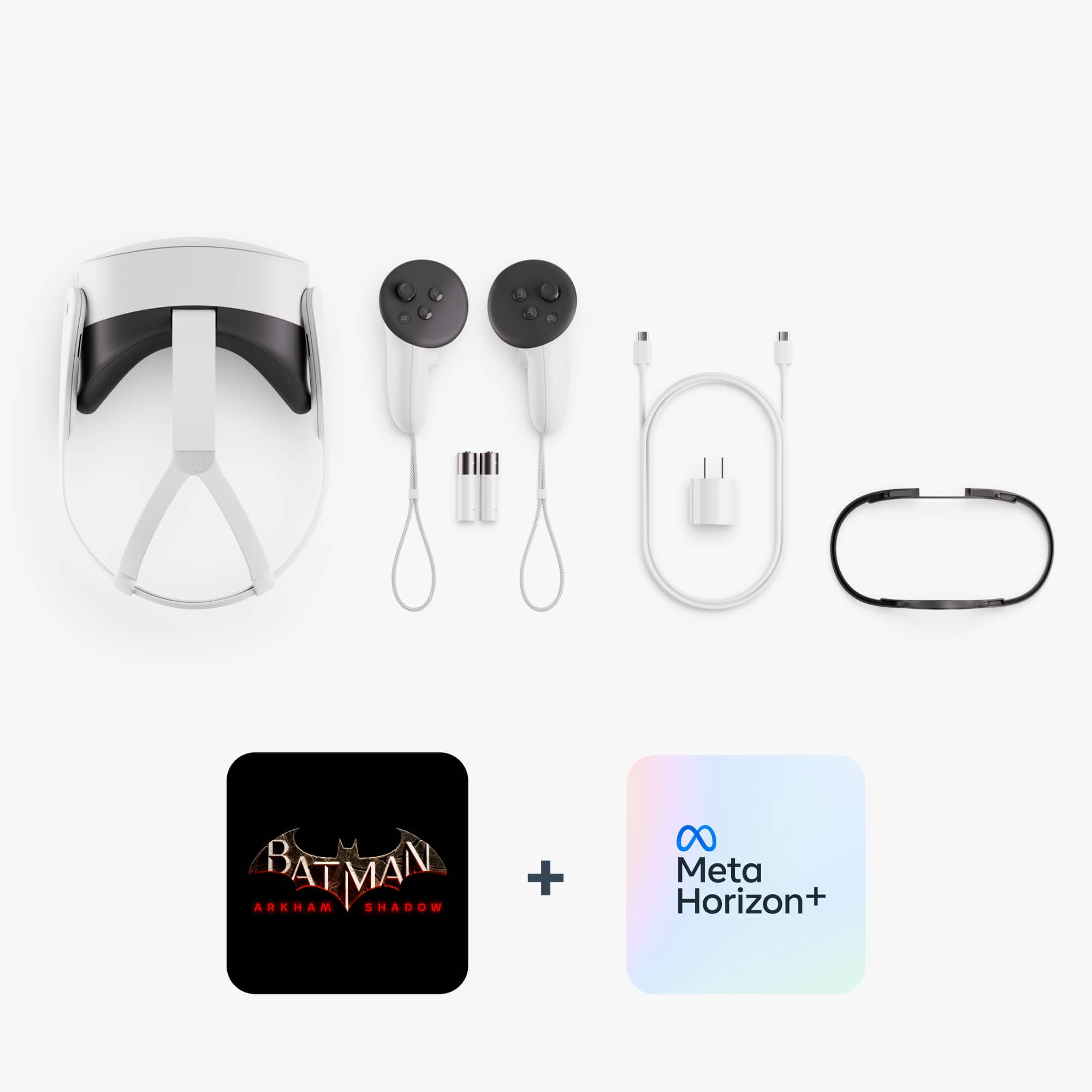
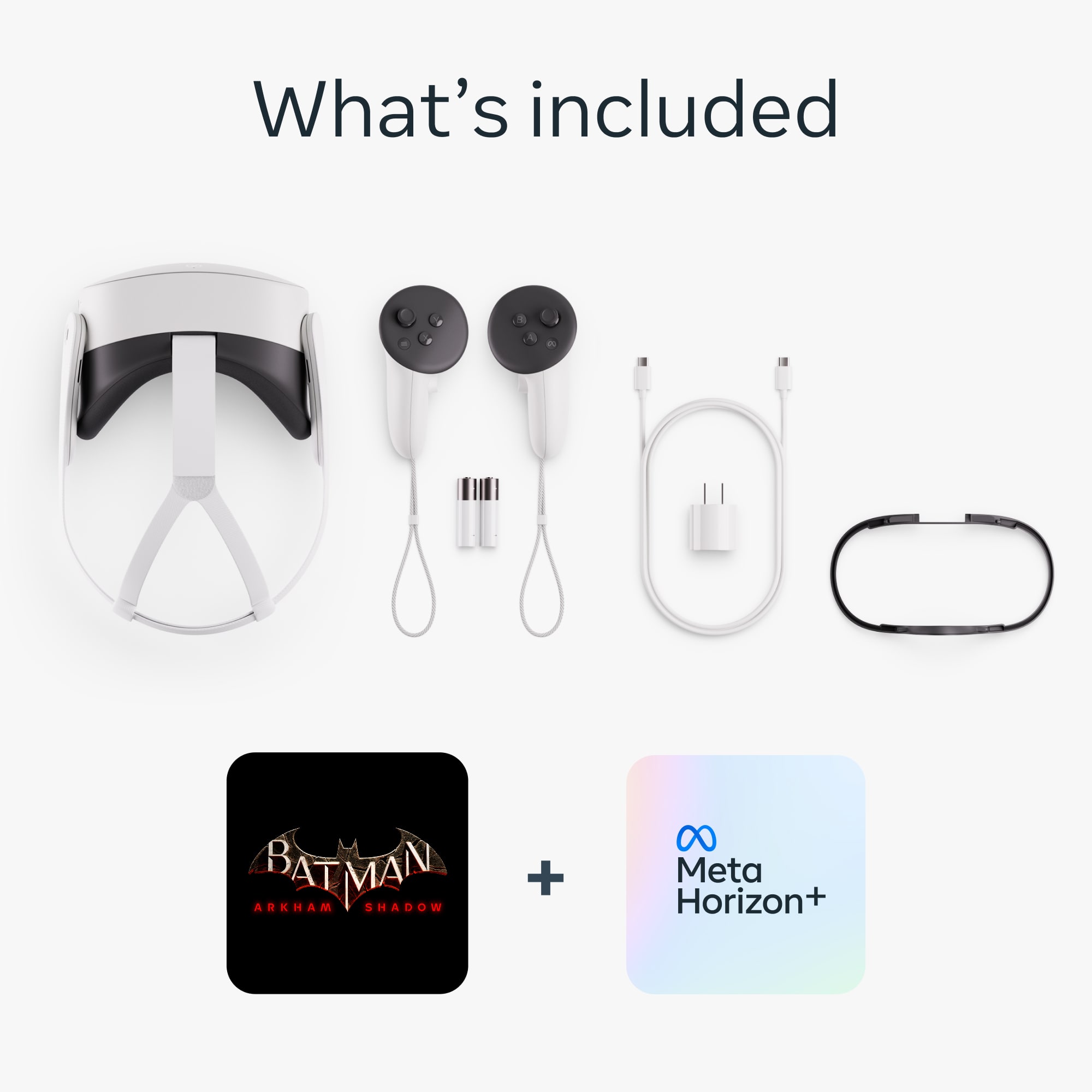
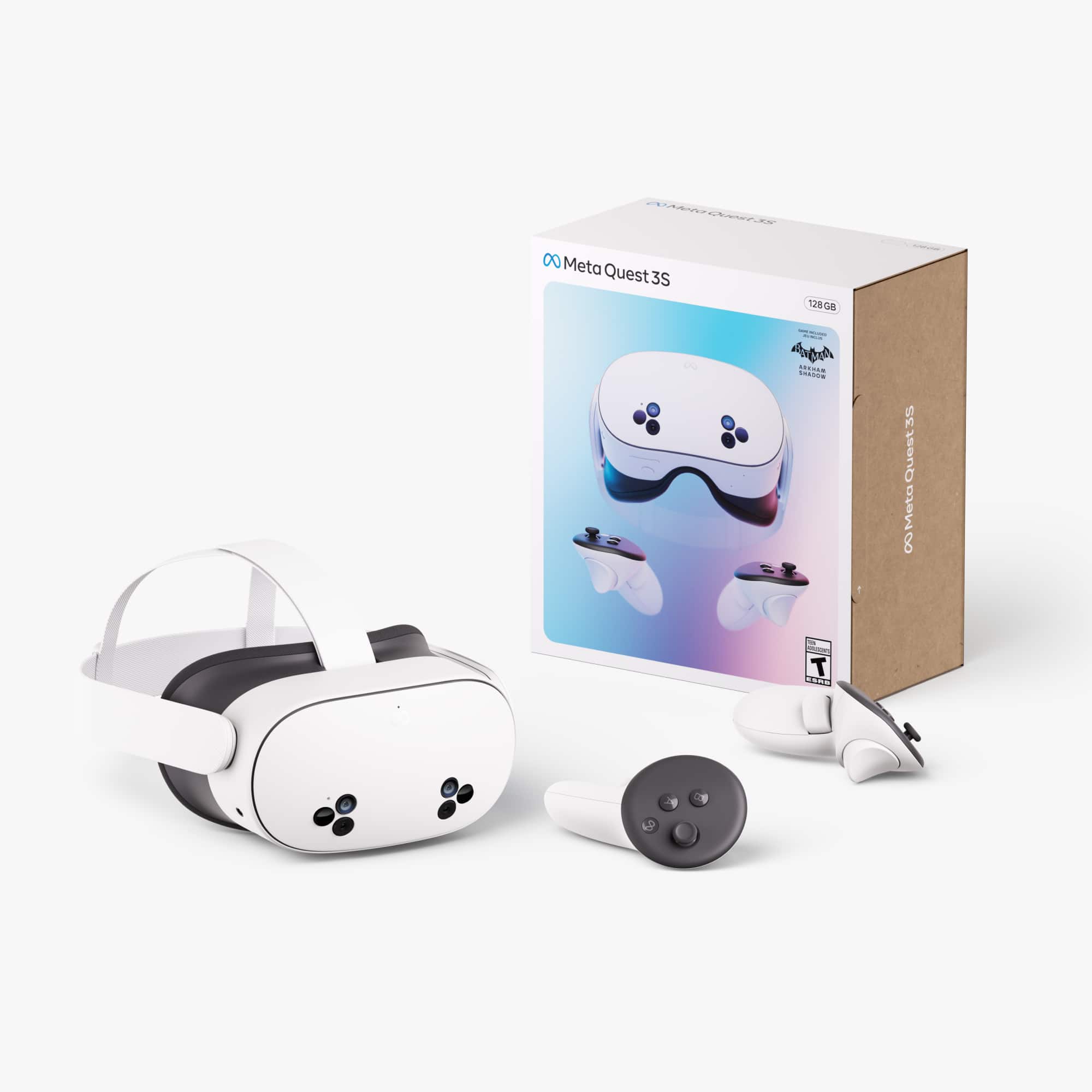
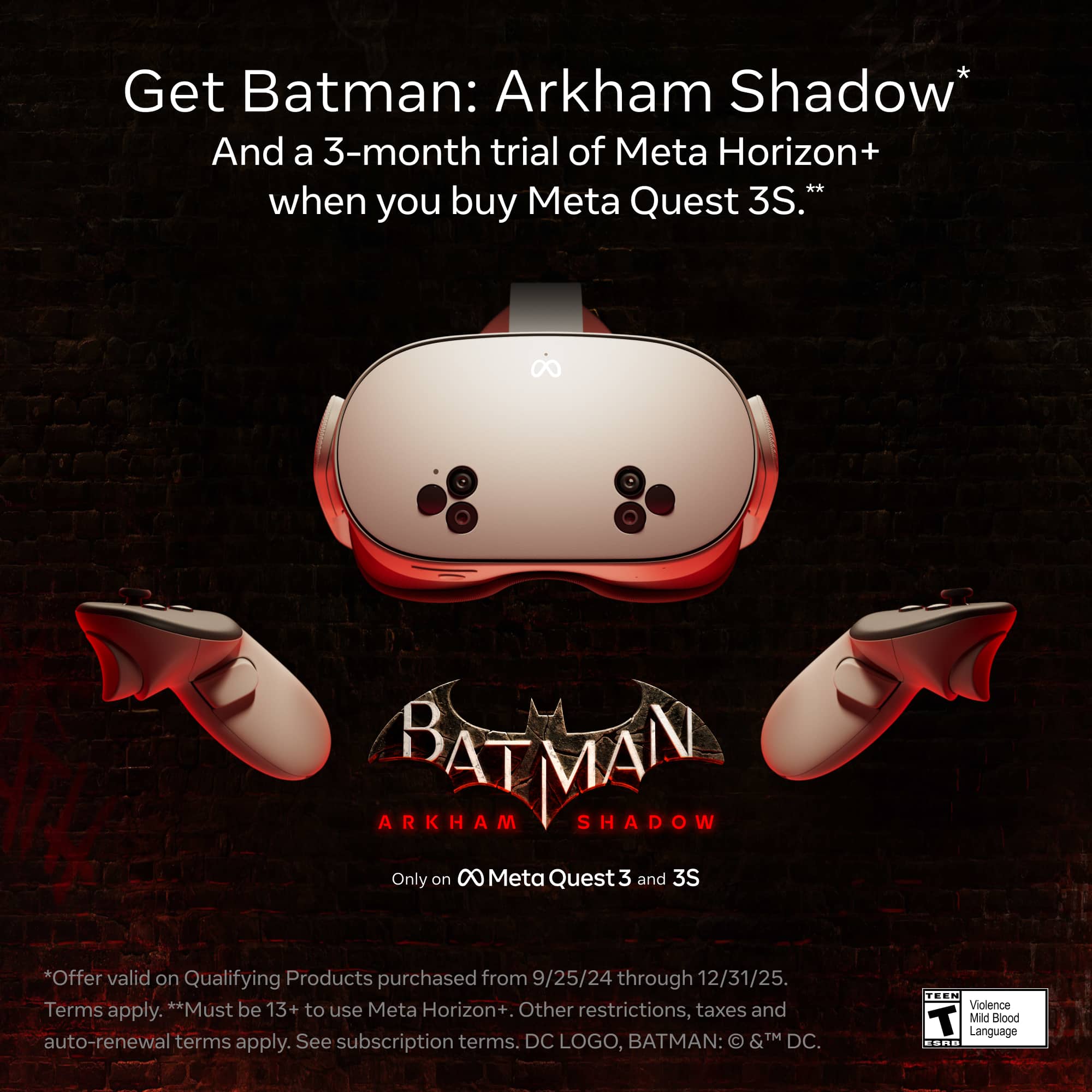
If you purchase this bundle, you will only be able to play Batman: Arkham Shadow once it has been released on the 22nd of October.
We hope this was helpful and we hope to see you in the Metaverse soon!
A:AnswerCamera tracking? The headset tracks only hand and head movements with the controllers and the actual device, you could purchase body tracking online but it's unnecessary unless you want to do some cool stuff on VR chat
A:AnswerHello Oakes,
We understand you are curious about what PC would be best suited for running our Meta Quest 3S. To let you know first of all, the device can be used as standalone without any PC attached, but if you would like to explore the world of PCVR. You can simply search up "Learn about the Windows PC requirements to use Meta Quest Link" to find our public article listing the PC requirements for our devices!
A:AnswerNot necessary for some eye conditions, it is recommended to try it first then check out your options, I have astigmatism and the headset works fine with my vision as it's ... literally right on my eyes
A:AnswerIf you're asking whether the Meta Quest 3 can be used to control a drone, it depends on the drone model. Some drones support VR headsets for FPV (first-person view), but you may need additional software or adapters.
A:AnswerThe Gaia app is not natively available on the Quest Store, but you can access it via the browser or by using apps like Virtual Desktop to stream content from another device.
A:AnswerHi there,
To connect from an older device, you will just have to log in with the same account.
All of your games will be downloadable form your library, however game data will only be saved when cloud storage.
We hope this helps!
A:AnswerHello,
You msot likely accidentally clicked "setup for an organization," in which Meta would assume this is to be used for a company. Try a factory reset and be sure to not select this option with setup.