Questions & Answers
- Model:
- QUI940800F059
- |
- SKU:
- 6290029
Highly rated by customers for: Ease of use, User Interface, Expense Tracking
Page Showing 1-8 of 8 questions
Q: QuestionDoes Quicken retain function after subscription terminates? I have QHB2015 and do not want to loose the manual functionality that I currently have. I don't want to buy Q2019 if it will make my database un-useable without making a purchase every year.
Asked by LongtimeUser.
- A:Answer Yes; it will retain manual functions. About the only thing you'll lose is anything that requires electronic connection capabilities (like if you download transactions from bank or credit card). If you upgrade to the newer versions with the subscriptions, you will have to upgrade every year because Quicken has included a "wonderful" Update reminder to the right of your Quicken screen (within your working area) that never goes away until you upgrade. I spent an hour on the phone with Quicken to try to get this removed and they finally admitted to me that it was part of the software and could only be removed by upgrading the program.
Answered by CharlieHorse8
Q: QuestionWill I be able to use or download my "Quicken Home and Business 2013" files, and use it on my Desktop and Laptop(when I'm on the road) without additional costs? (That's 2 machines)
Asked by MrBDirect.
- A:Answer Yes, you can downloaded your Quicken 2013 files to this 2019 version.
Answered by CommunityAnswer
Q: QuestionCan I write checks with the software, I current have Quicken deluxe 2009 and can write checks to pay my bills
Asked by Nan.
- A:Answer This is Quicken H&B 2019. The highest tier in the product line so yes you can write and print checks from the software.
Answered by AndroidBoy
Q: QuestionCan you set up future auto-paid entries to automatically appear so you don't have to add them when you are trying to reconcile you accounts.
Asked by John.
- A:Answer Yes, you can set up recurring bills that automatically enter a fixed or average charge into your register or, even better, you can link to many billers and the actual monthly invoice will automatically be entered into your register when the bill is normally due. I use the later capability as much as possible to have actual charges be forecasted in my register and monthly calendar.
Answered by Sparty
Q: QuestionWe just started a new S-Corp, will this software work for this type of business?
Asked by Newbies.
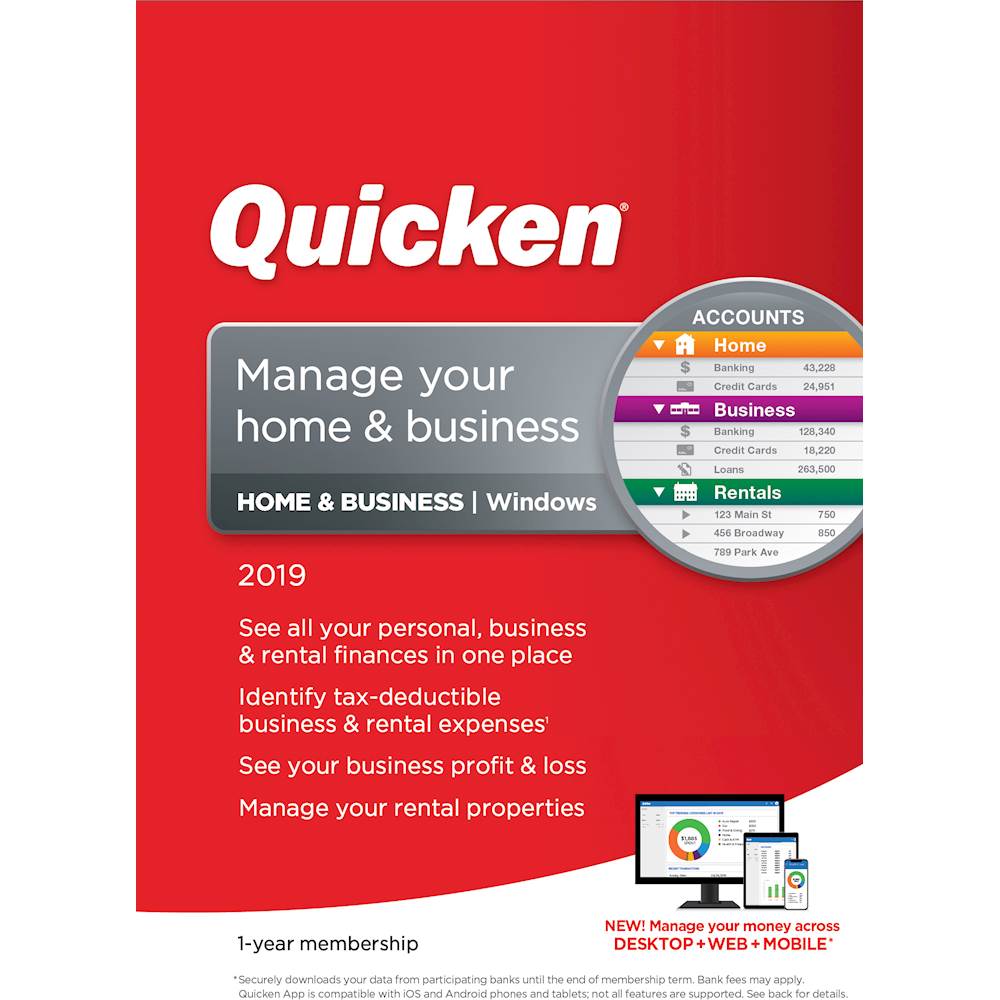
- A:Answer Quicken Home & Business can only really manage sole proprietorship-type businesses. You may want to research QuickBooks for your specific needs.
Answered by Quicken Support

Q: QuestionHow many rental properties can I set up on the software?
Asked by leroy.
- A:Answer Unlimited
Answered by Chancery
Q: Questiondoes this include the checkbook programs?
Asked by RKK.
- A:Answer Yes, Quicken enables you to track your checkbook register by downloading from your bank, or entering transactions manually.
Answered by Quicken Support

Q: QuestionIn addition to the purchase price, will I have to pay a subsciption fee as well?
Asked by Milt.
- A:Answer No. The purchase price is the subscription price.
Answered by CharlieHorse8
Page 1, Showing 1-8 of 8 questions
Most-viewed items
- $949.00$949.00The price was $1,099.00
- $239.99$239.99The price was $269.99
- $329.99$329.99The price was $469.99
- $149.00$149.00The price was $399.00
- $122.00$122.00The price was $129.99
- $1,149.00$1,149.00The price was $1,299.00
- $159.99$159.99The price was $179.99
- $449.99$449.99The price was $649.99