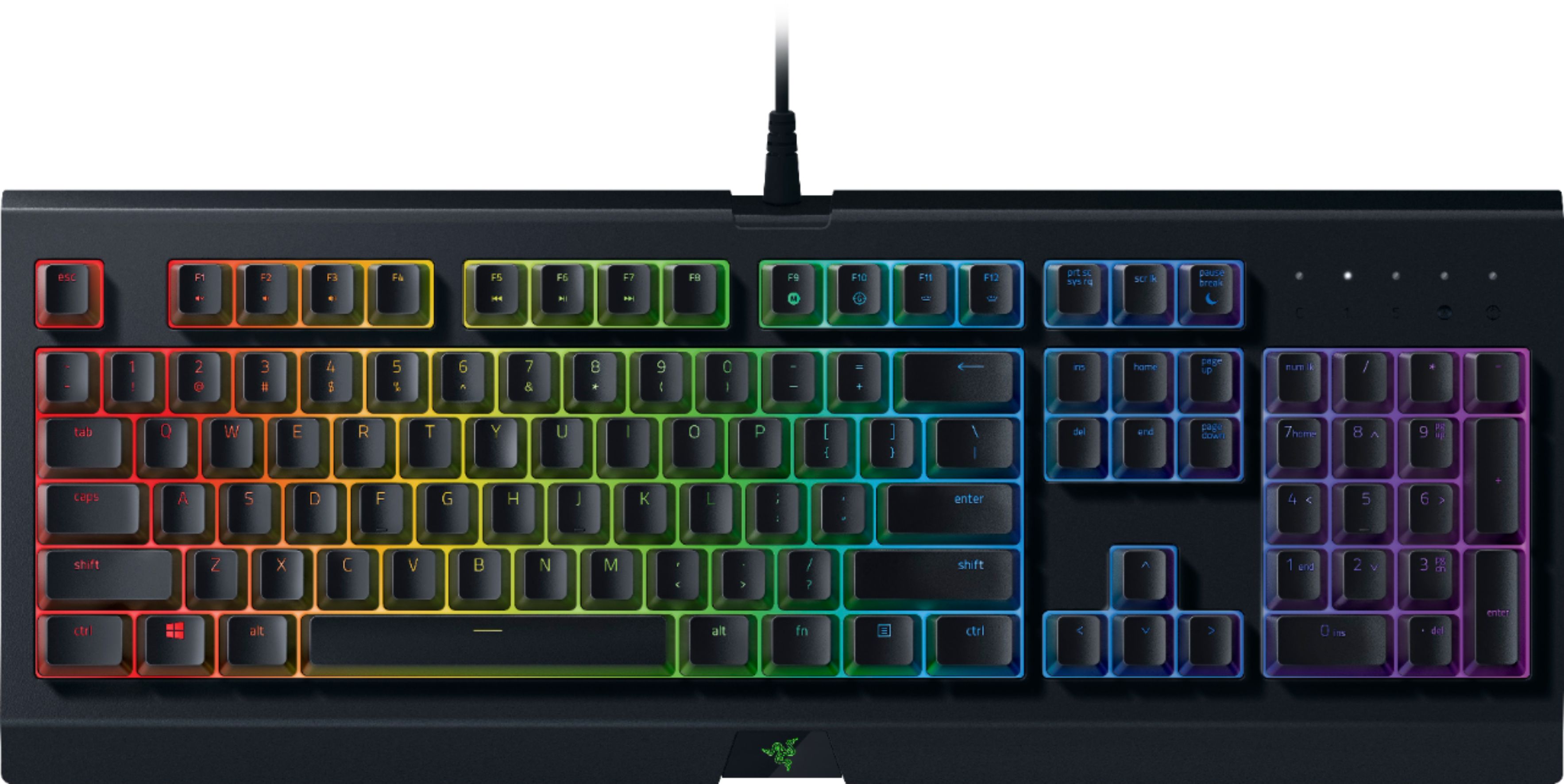
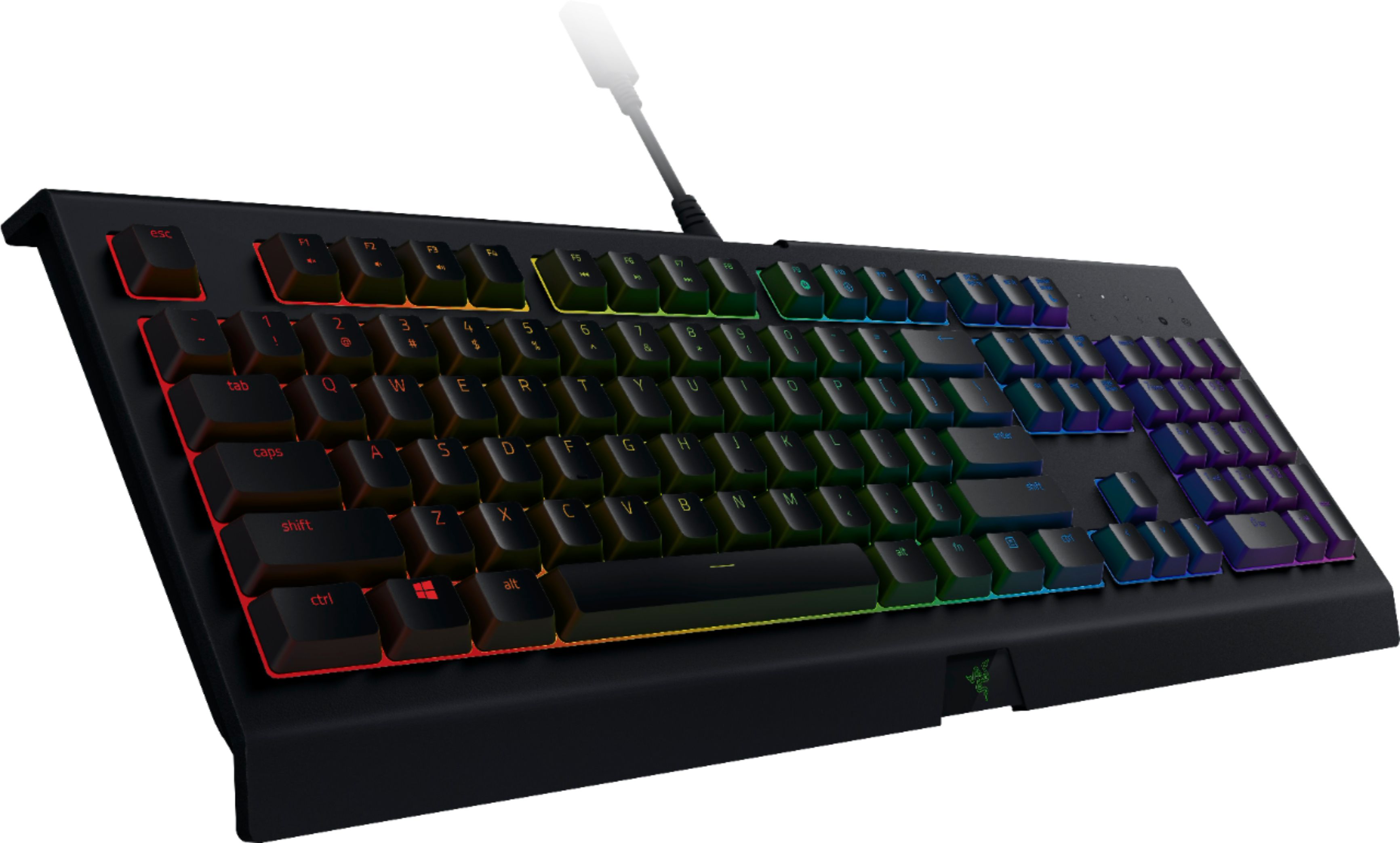
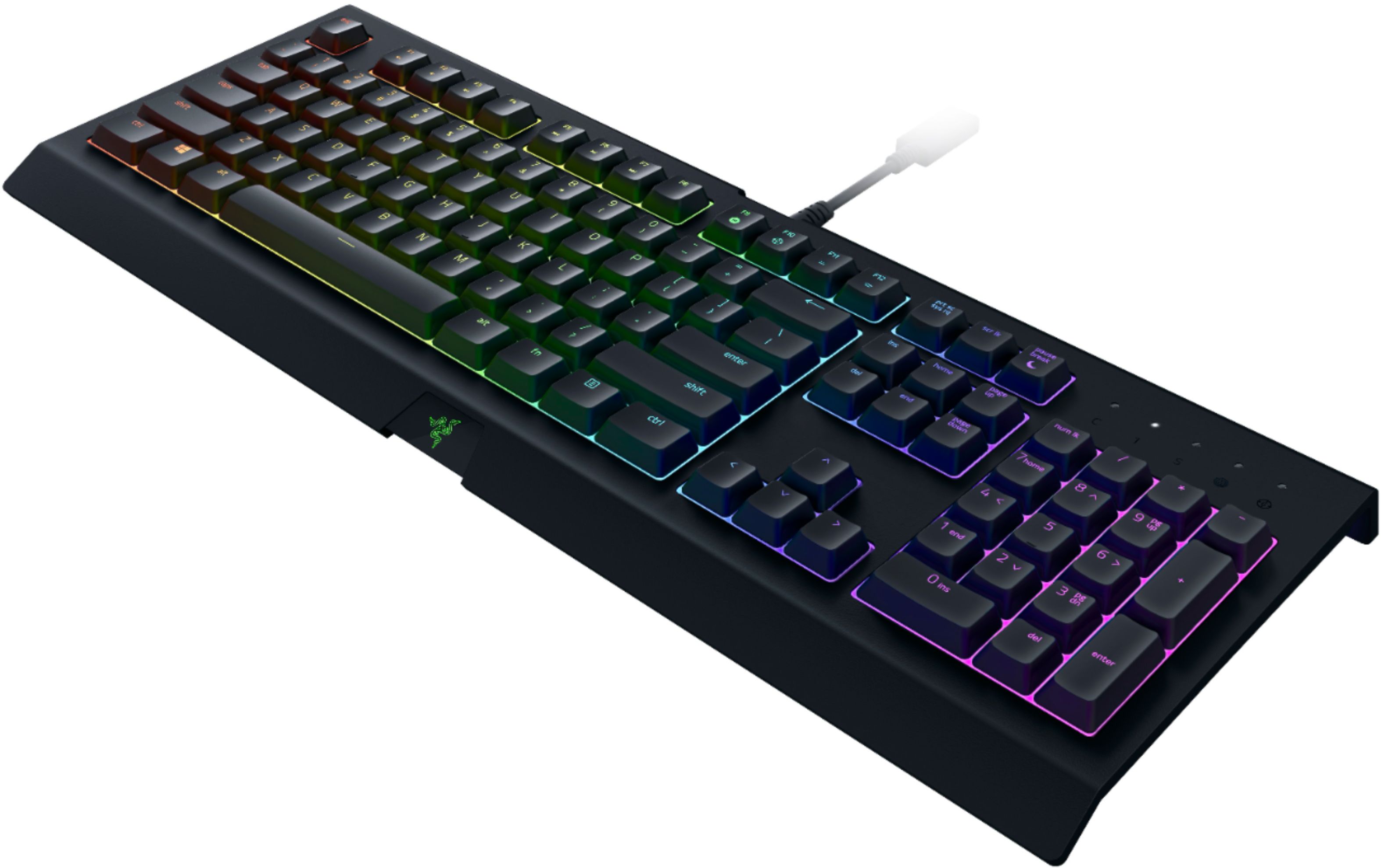
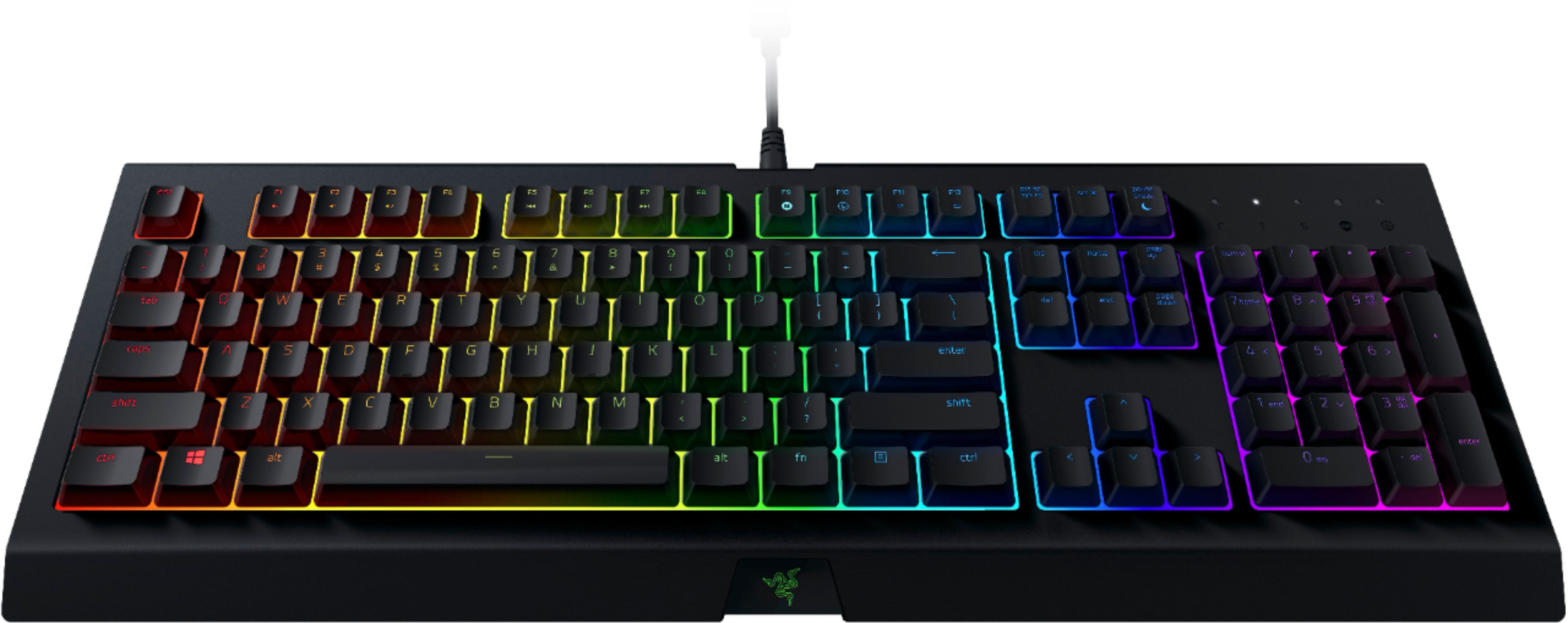
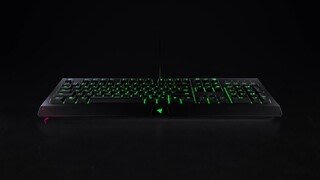
A:AnswerYou have to install Razer synapse 3 to personalize the colors and light style of your keyboard. Also you can turn the brightness of the lights all the way down by holding the “fn” key and pressing “F11” to decrease the light, even to the point of no lights at all. “F12” to make the lights brighter while holding “fn”.
A:AnswerThere is literally no sound from these keys, there are no mechanical switches on this keyboard. Anyone saying there is a sound does not use this model and likely owns an Ornata, which has membranes with "clickers" in them to feel mechanical.
A:AnswerYes, there is only one plug and it's a USB plug that goes in a USB port for example with a phone charger with a detachable block the part that the cord plugs into on the block is the usb port and the part on the not charging end of the cord is the usb plug, all computers and laptops have USB ports
A:AnswerYes, for certain games that allow playback on a keyboard, it works plug n play. Fortnite is a recent example of a game that supports the keyboard now.