Questions & Answers
- Model:
- RZ03-03380200-R3U1
- |
- SKU:
- 6411820
Highly rated by customers for: Keyboard Quality, RGB Backlighting, Wrist Rest
Page Showing 1-13 of 13 questions
Q: Questionwhat does the M, and the G with a scope stand for
Asked by Anonymous.
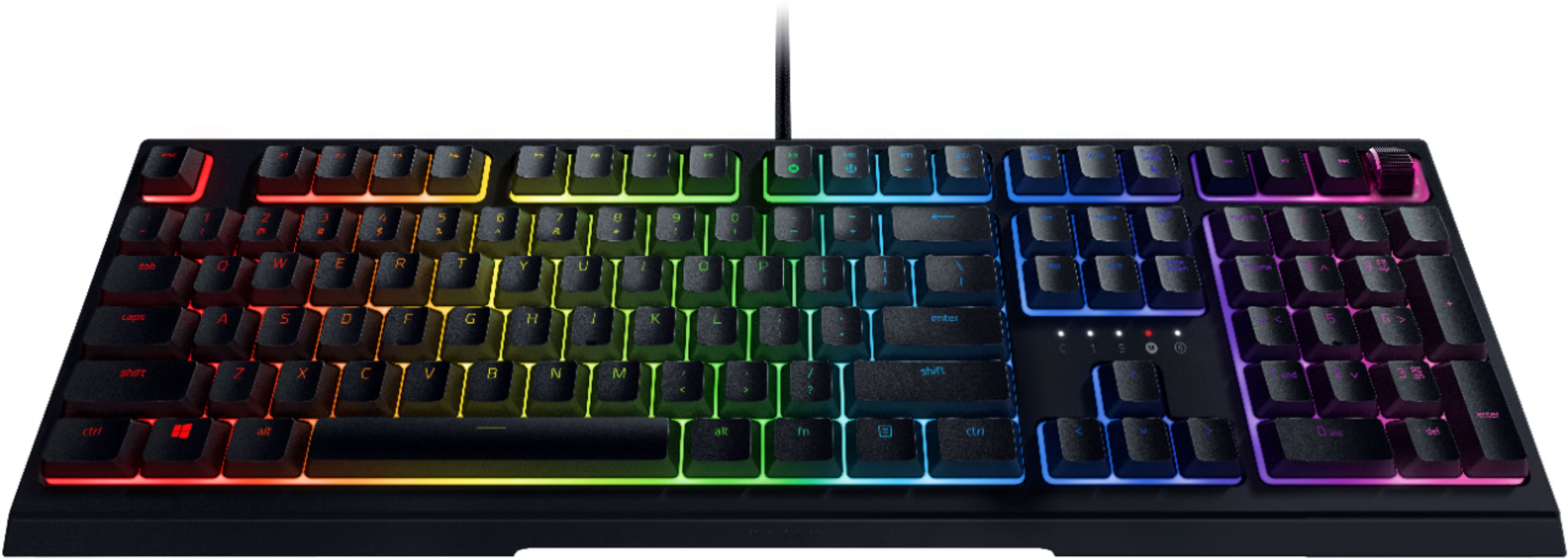
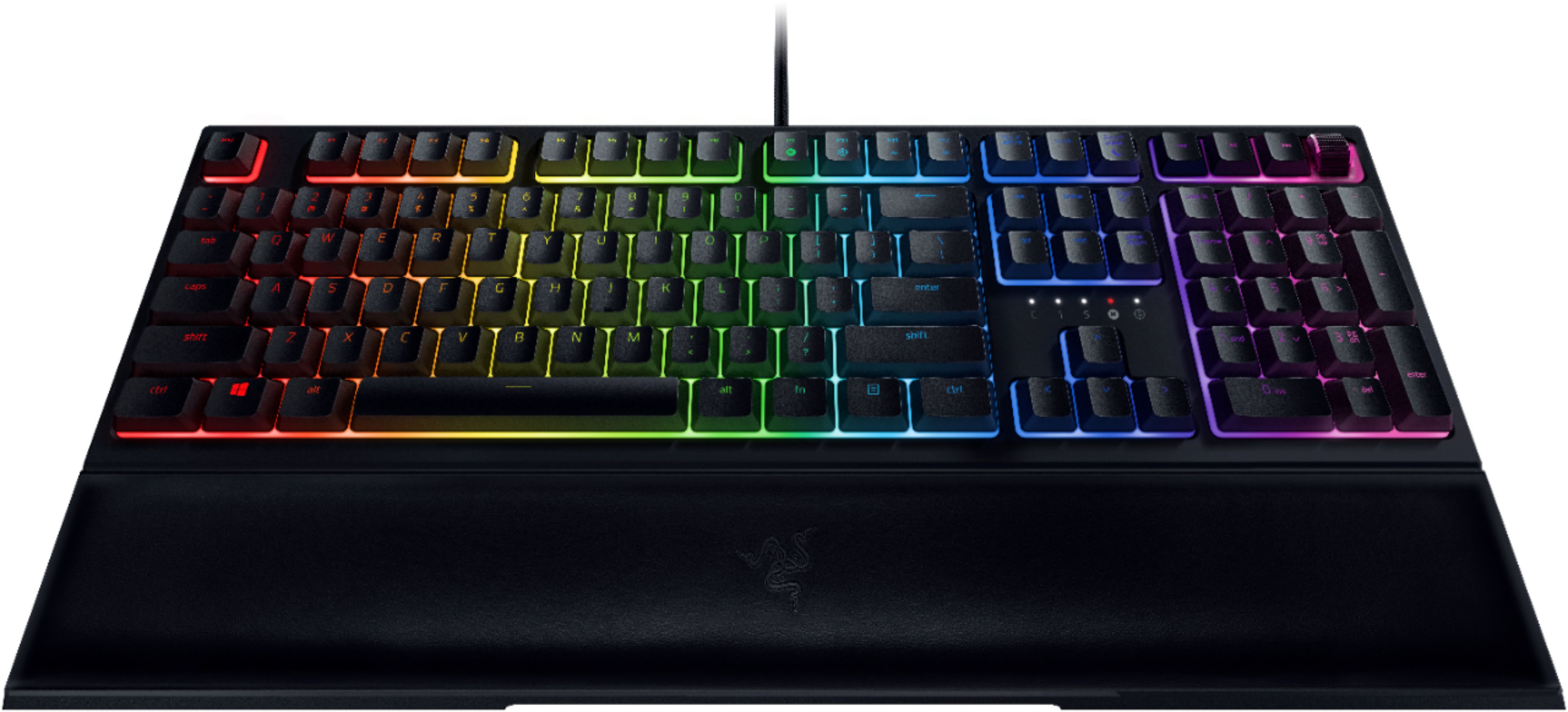
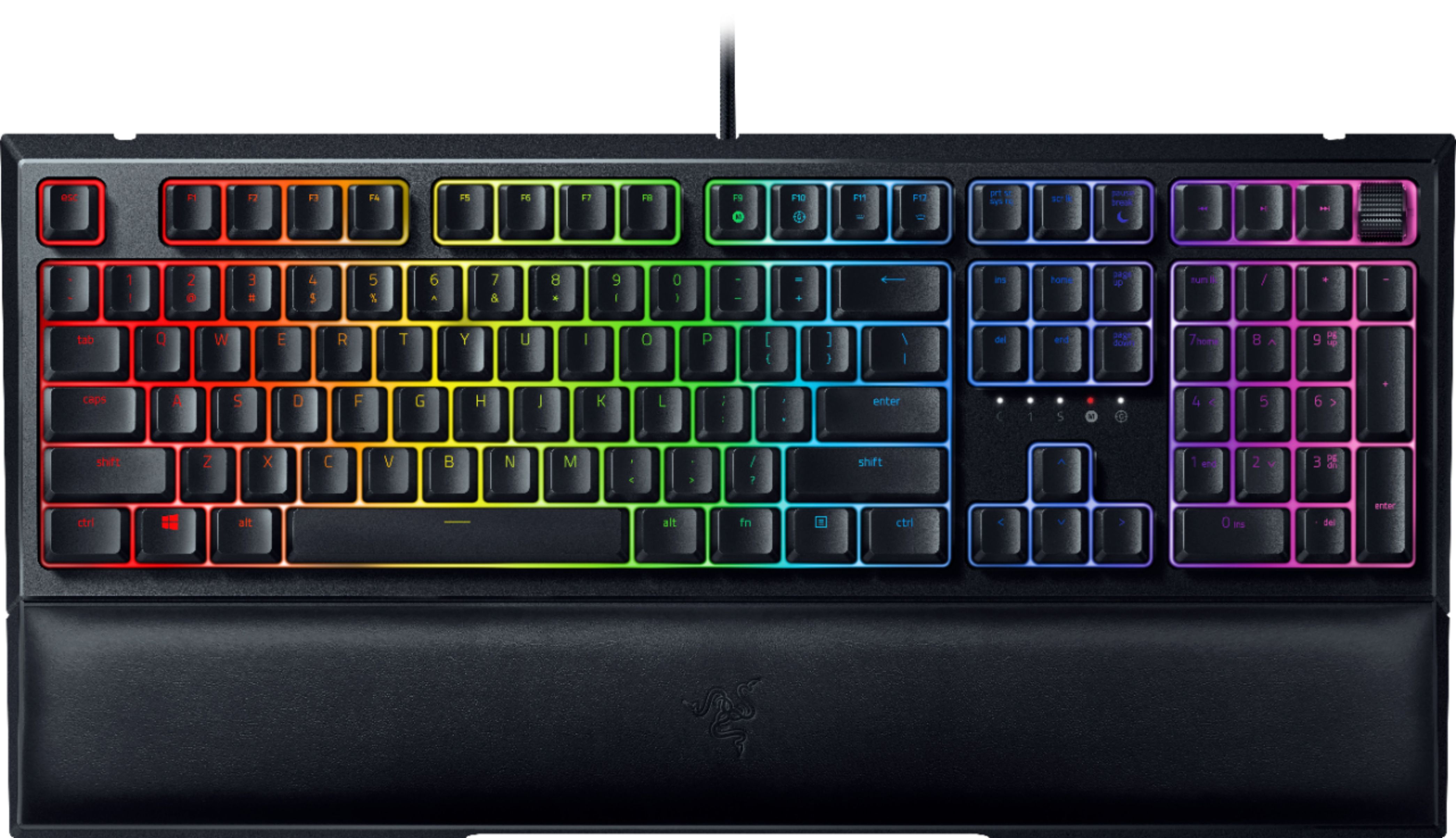
- A:Answer The key with a G inside the crosshair/scope is the gaming mode key, this mode disables the Windows key on the keyboard. The M is for when you are recording an on-the-fly macro on your keyboard.
Answered by Razer Customer Support
Q: QuestionAre the switches hot-swappable?
Asked by Alex.
- A:Answer No, because of the way that Razer made the keys they are only swappable with the other keys on the keyboard but that's about it.
Answered by Conman
Q: QuestionIs one of the customizable colors plain white, so not needing to use Red Green or Blue?
Asked by Don.
- A:Answer Yes, I use it for work and I can customize it to only emit soft white light.
Answered by SDey
Q: QuestionCan I swap this keyboard with any keys? I've looked online and it doesn't seem to be the case. Unless I've been looking wrong
Asked by Nomar.
- A:Answer No, razor keyboard have proprietary switches so you can only use razor keys unfortunately
Answered by Whalen
Q: QuestionIf this keyboard is mechanical then why does it say on the title mecha membrane keyboard??
Asked by Jake.
- A:Answer This one is a hybrid. It is membrane type in terms of how keystrokes get registered; however, its design also incorporates a mechanical component that gives it the clicky feedback sound associated most often with mechanical keyboard switches.
Answered by Kmcn
Q: QuestionDoes this work with Xbox one?
Asked by Gamer15.
- A:Answer Yes. It will work for basic input only.
Answered by Razer Customer Support
Q: QuestionCan I make this keyboard all one color (RGB)? Say, make all the keys red?
Asked by wildernessa.
- A:Answer Yes, you can customize it to the color of your choice.
Answered by SDey
Q: QuestionThis is a mechanical keyboard? i'm not very sure
Asked by Anonymous.
- A:Answer yes! this is a mechanical keyboard
Answered by raiya
Q: QuestionIn the store can you by the arm rest separate or not and does the arm rest work with a hyper x keyboard
Asked by Armrest.
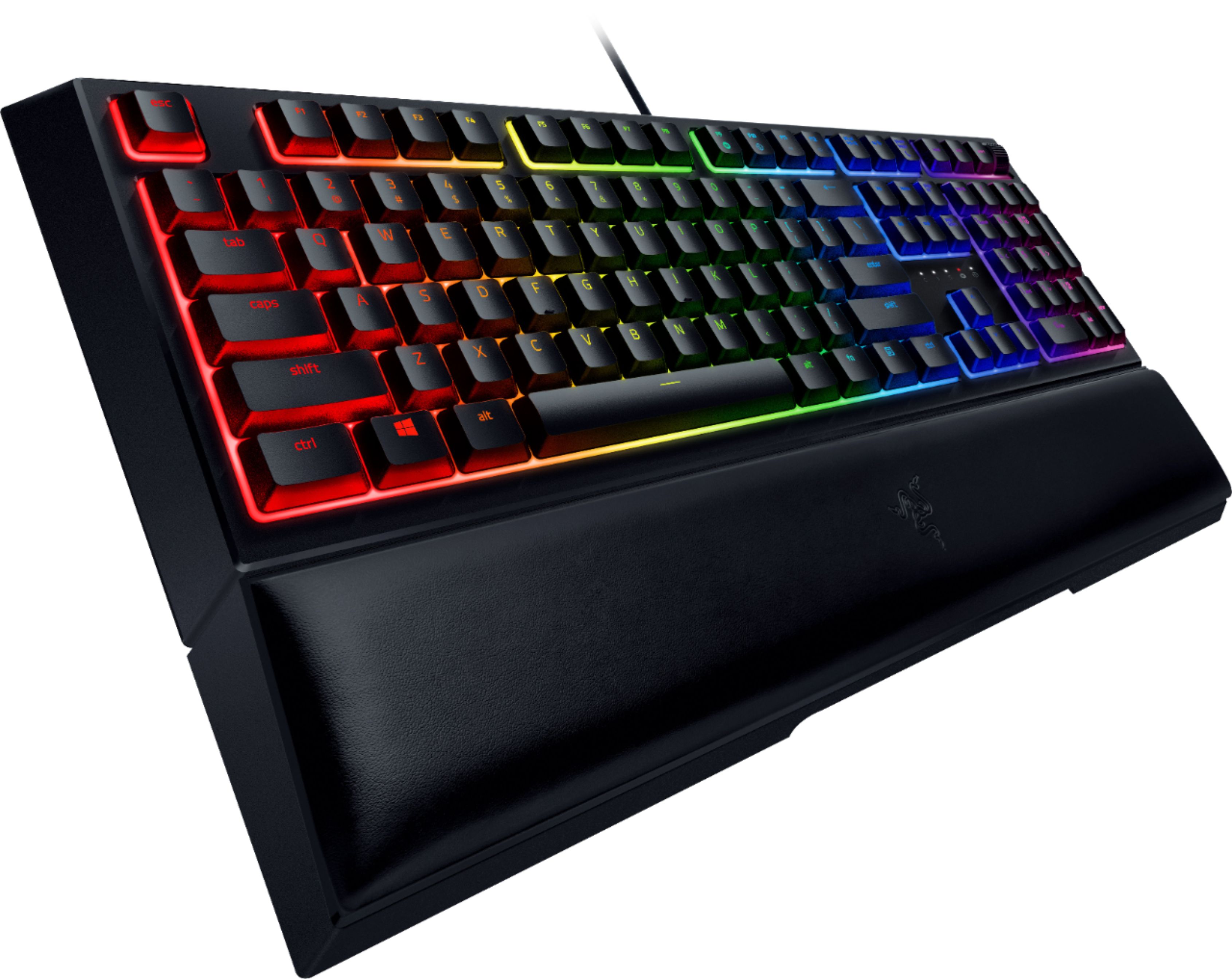
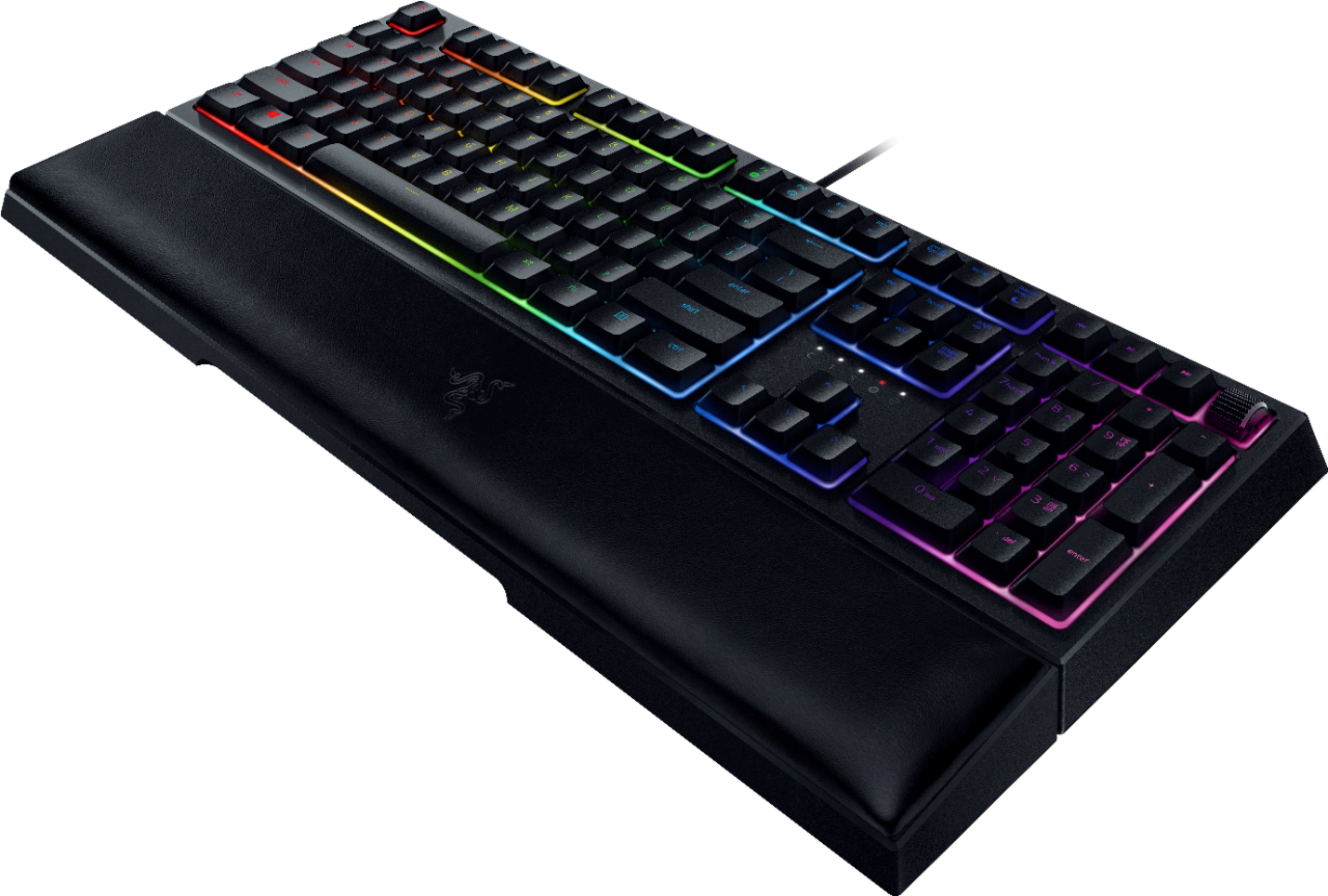
- A:Answer The wrist rest comes in the box with the keyboard and magnetically sticks to the keyboard. It does not "slide into place" or anything of the sort. If it will work with a Hyper X keyboard? Depends on if it has anything magnetic to stick to.
Answered by Dlnash
Q: QuestionWould this keyboard work for ps4?
Asked by Paul.
- A:Answer No. May not specifically work with PS4 console, but the Razer Ornata V2 is compatible with Xbox One for basic input.
Answered by Razer Customer Support
Q: QuestionWhat are the dimensions on the keyboard? I have limited desk space and I don't know if it will fit with my monitor...
Asked by Mattz6.
- A:Answer According to what I'm reading on the side of the box Length: 18.2 inches Width: 6 inches (8.8 inches with wristrest) Height: 1.3 inches Weight: 2lbs (2.7lbs with wristrest)
Answered by Dlnash
Q: QuestionWhat mechanical keys do these keys feel closest to? Black, brown, red or blue? Are they clicky?
Asked by Mattz6.
- A:Answer Probably red. The click is audible but not as loud as some mech keyboard switches. In terms of key force, the force required is soft - but not obnoxiously so. It is a good balance between the two. The rtings website has a good review describing this in more detail.
Answered by Kmcn
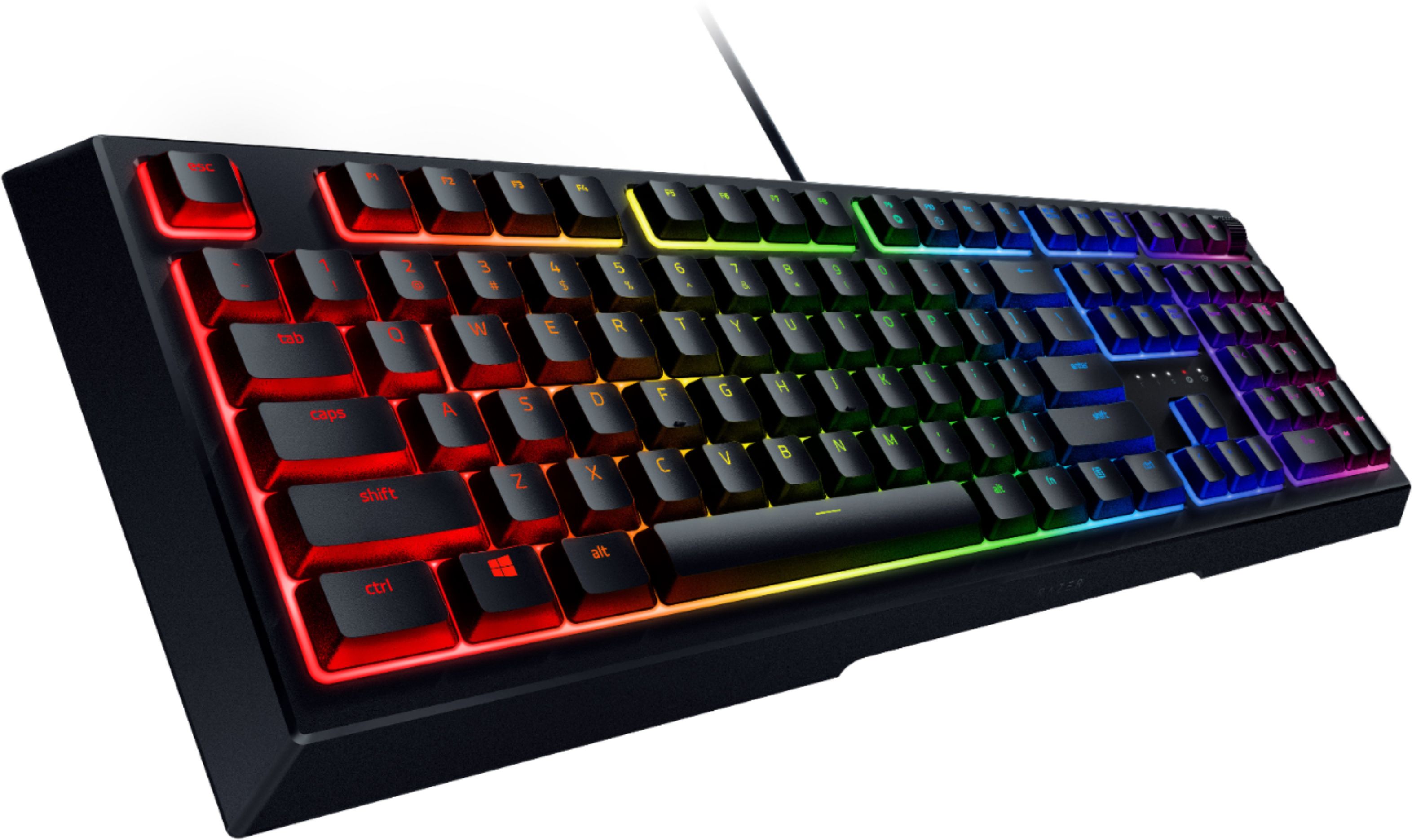
Q: QuestionHi, I am considering buying this and I was wondering if: 1 Does each key have individual backlighting? 2 In your opinion, how noticable is the RGB? 3 Could I make or is there an effect where say I press a key and it kind of ripples out from that key?
Asked by MumboJumbo.
- A:Answer The backlighting is pretty decent, give Razer products are. Each key under Razer's software Synapses is individually changeable. Synapses has a multitude of effects (including ripple effect) to witch you can add all sorts of colors, and effects, even change the patter angle to which they appear and go across the keyboard. As were Corsair's you can only have it go up, down, left, or right. You can also make profiles in Synapses and change your lighting, key functions all on the fly.
Answered by FatalSteel
Page 1, Showing 1-13 of 13 questions
Top-rated Best Buy
- $219.99$219.99The price was $399.99
- $199.99$199.99The price was $349.99
- $279.99$279.99The price was $529.99
- $239.99$239.99The price was $249.99
- $279.99$279.99The price was $299.99