A:AnswerHi sk19,
The motion sensors in your Ring Video Doorbell are designed to detect motion up to 180 degrees horizontally and from five to 30 feet outward from the fixture.
Bilan J, Customer Satisfaction Specialist
[email protected]
A:AnswerHi Steve,
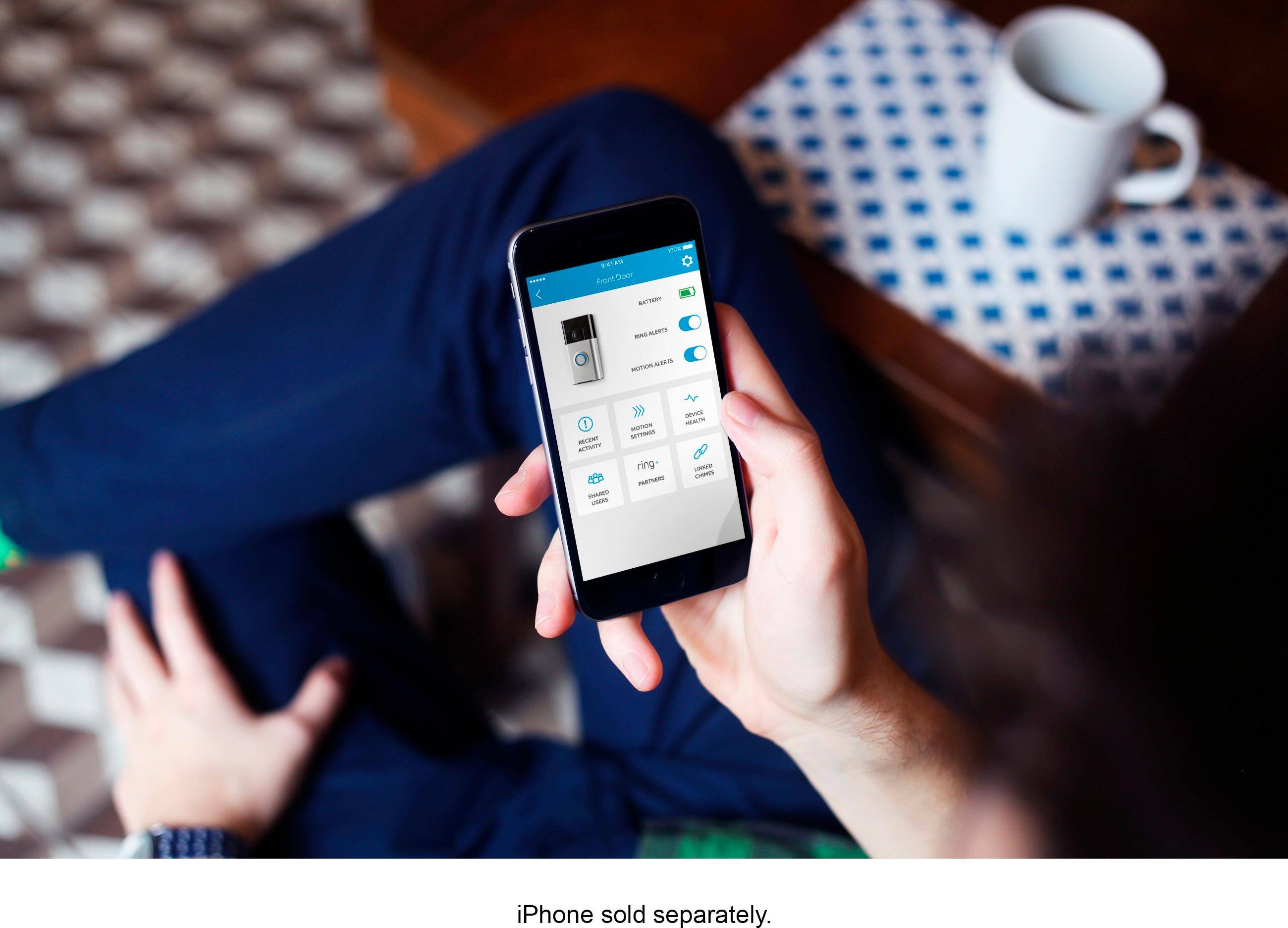
Yes! Once you've completed setting up your Ring device in your app, it will be attached to the Ring account in that app as a sort of "master account." If you wish to use multiple devices to control your Ring device, simply download the Ring app onto the additional devices and use the same account credentials to register the app. Note however that doing so will give full control over your Ring device.
Bilan J, Customer Satisfaction Specialist
[email protected]
A:AnswerHi Ktcc,
Use a connected Amazon Echo device or the smart voice remote with your Fire TV or Fire TV Stick and say the appropriate command. Just replace front door with the name of your Ring Doorbell or other connected camera. Your TV will load the live Ring video stream and display it on your screen.
Bilan J, Customer Satisfaction Specialist
[email protected]
A:AnswerYes! Ring is very customizable. You can also set different sounds for rings versus motion. I use a sonar tone when there’s motion and a doorbell chime for the actual press of the doorbell. Buy it!
A:AnswerHi Denice,
Ring devices are not water proof but are weather resistant. Ring products will work in freezing temperatures and are resistant to rain. In general, Ring doorbells and Cam products with batteries are rated for operating temperatures between -5 to 120 degrees F. (-20 to 50 degrees C.). Cam products without batteries are rated at -22 to 120 degrees F (-30 to 48.5 degrees C).
Bilan J, Customer Satisfaction Specialist
[email protected]
A:AnswerHi Deed,
The Ring Video Doorbell is triggered by a doorbell press or detected motion.
Bilan J, Customer Satisfaction Specialist
[email protected]
A:AnswerHi Inkie101,
The battery is 3.75V / 5000mAh and the trickle charge current is 25mA. I hope this helps. If you have any additional questions, please email me: [email protected]
Bilan J, Customer Satisfaction Specialist
A:Answerno cuz it would drain your battery to quickly cuz the video would be constantly running, it only recordes when there's movement and if you wanted to save it you can save to the cloud with a paid subscription. which I would recommend doing but you are able to look at the camera of your doorbell live feed anytime thew the app
A:AnswerHi Clawason,
Yes! Once you've completed setting up your Ring device in your app, it will be attached to the Ring account in that app as a sort of "master account." If you wish to use multiple devices to control your Ring device, simply download the Ring app onto the additional devices and use the same account credentials to register the app. Note however that doing so will give full control over your Ring device.
Bilan J, Customer Satisfaction Specialist
[email protected]
A:AnswerHello,
Ring Video Doorbell is compatible with 802.11 b/g/n WiFi networks operating on 2.4 gHz frequencies. Ring recommends WPA2 Wi-Fi security. For best streaming performance, we recommend 1 Mbps upload and download speeds but 2 Mbps is recommended for optimal performance.
Bilan J, Customer Satisfaction Specialist
[email protected]