A:AnswerNot if you want to extend your screens. It will only split single so it will look like it duplicated screen but really only shows one display when you look at display settings on your PC. This just split signal. You will need to use another display port for your monitor and an adapter for that port to adapt to HDMI
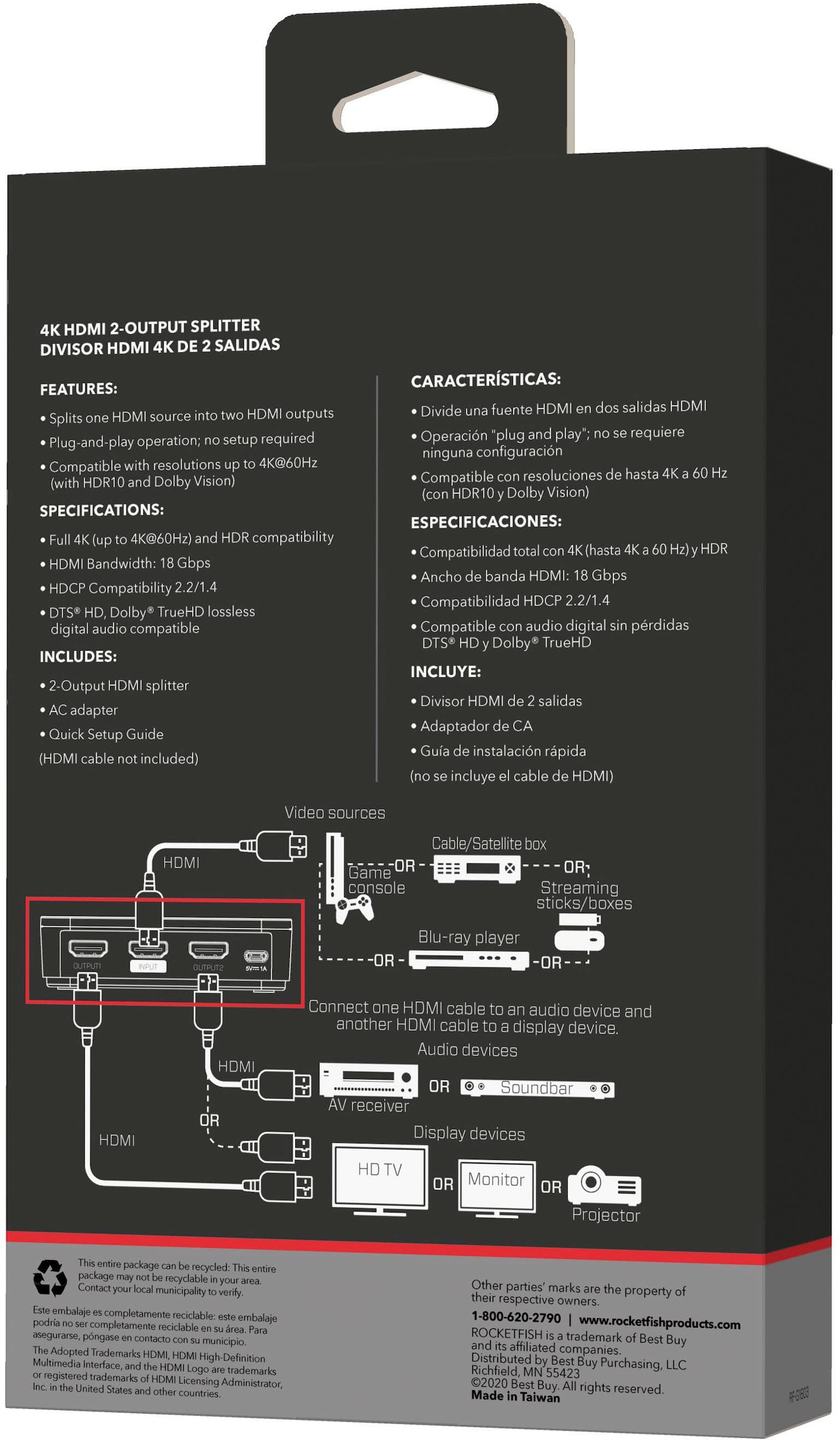
A:AnswerIf your cable connection is to the X box it will work to slit the signal from the X box to two tv's. If your cable is connected to one of the TV's it will not work. The source has to be from a HDMI connection. Hope this helps.
A:AnswerPS3 has HDCP protection so it won't work unless you put the signal through an HDCP bypass first to remove it and then place it into the splitter, but that requires more work and more hardware.
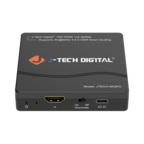
A:AnswerNo, this is only a splinter that takes 1 output from a device (like a computer or Blu-Ray player), and sends the signal to 2 different TVs/Monitors. You'd need an HDMI selector/switch to switch between output devices.
A:AnswerBreak it down for testing.
- test each HDMI cable to ensure it works
- test AC outlet to ensure you have power
- use 2 tested cables to see if it works thru Port 1 of the splitter
- move tested cable from Port 1 of the splitter to Port 2 to see if it works
I nothing works or only 1 Port works, your splitter is BAD.
A:AnswerThis is a video signal splitter, so it takes a single input signal and displays that same video on two different hdmi outputs. If you connected it to your laptop you would essentially get to display that single output on two screens. It does not allow you to split or add two different external screens to your laptop.
A:AnswerYes it can be used to split video from a computer, I got this device to split laptop video to two 46" inch and a projector via a docking station/and this splitter. I was able to use a display port to HDMI and plug the HDMI into this splitter power the two 46" tv's with the presentation i needed.