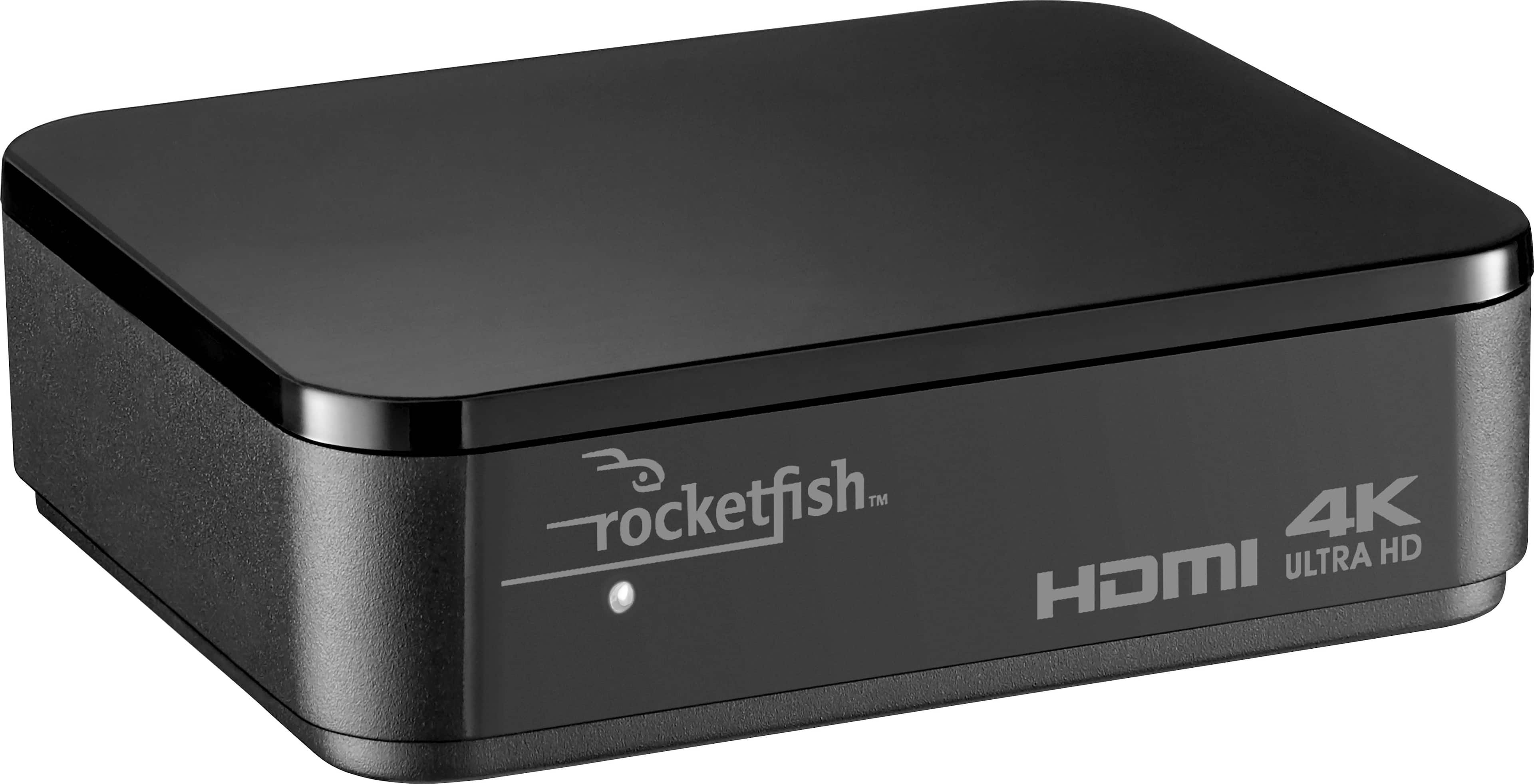
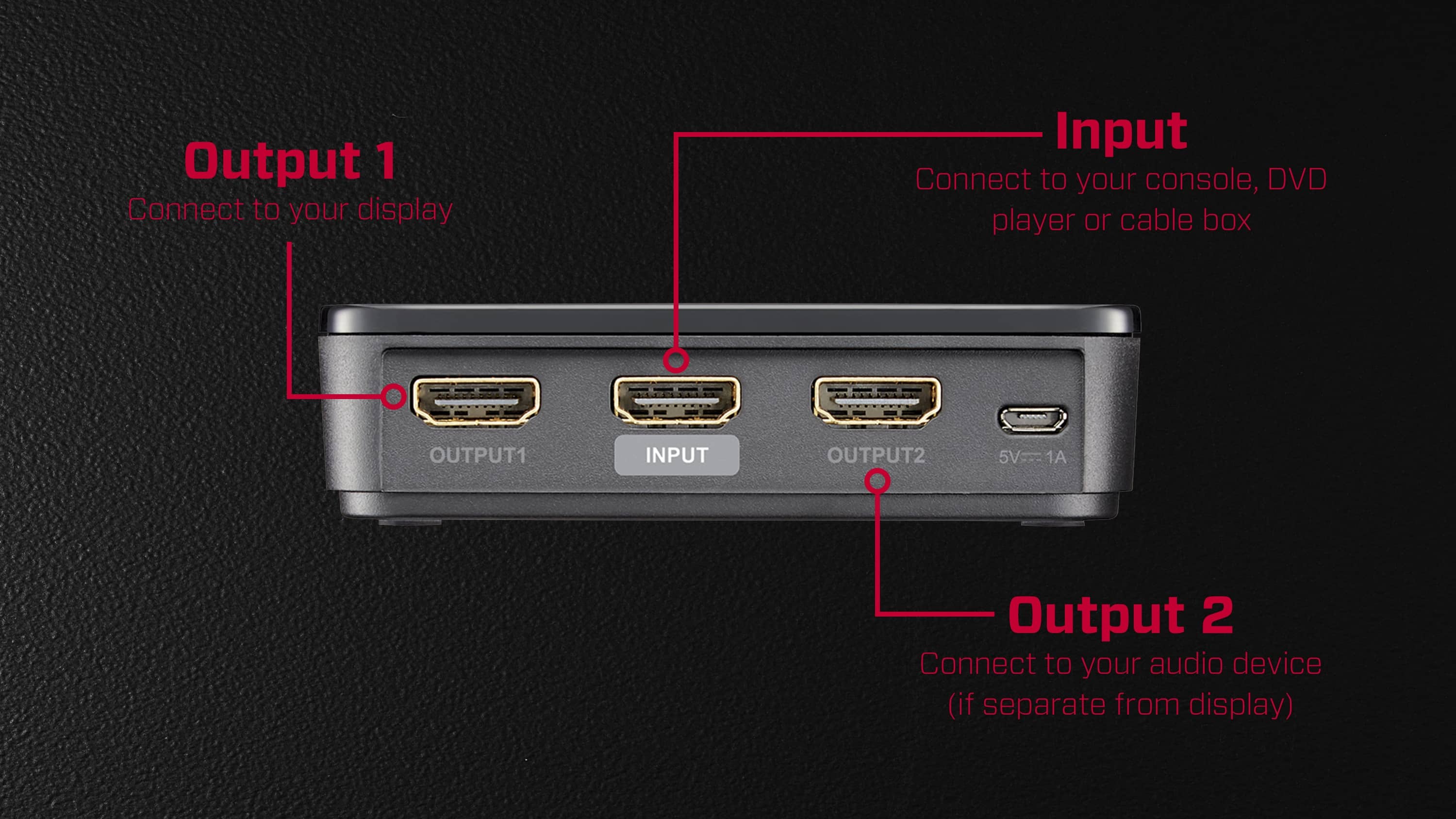
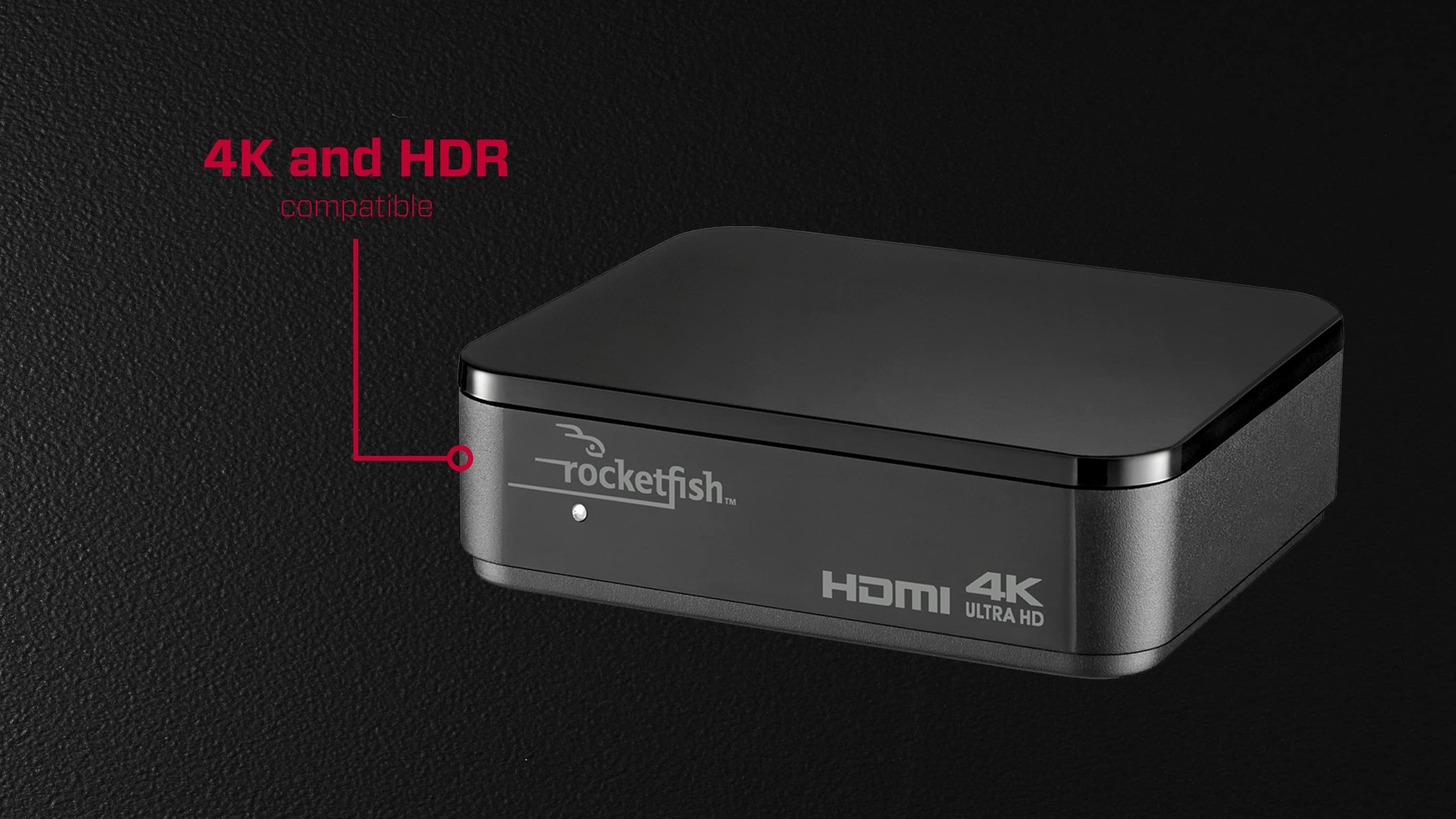
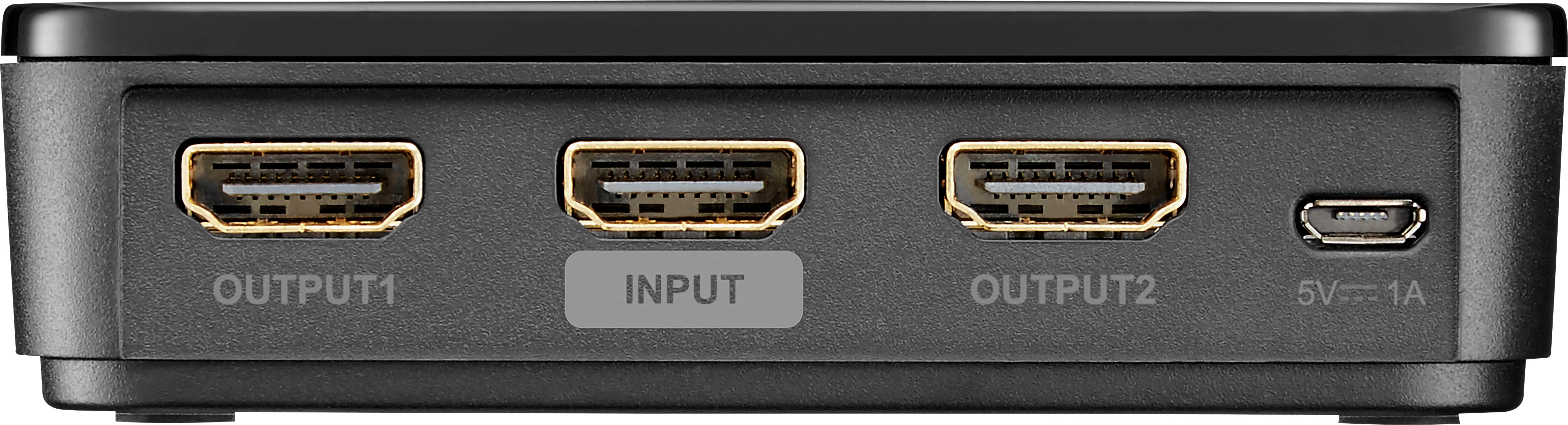
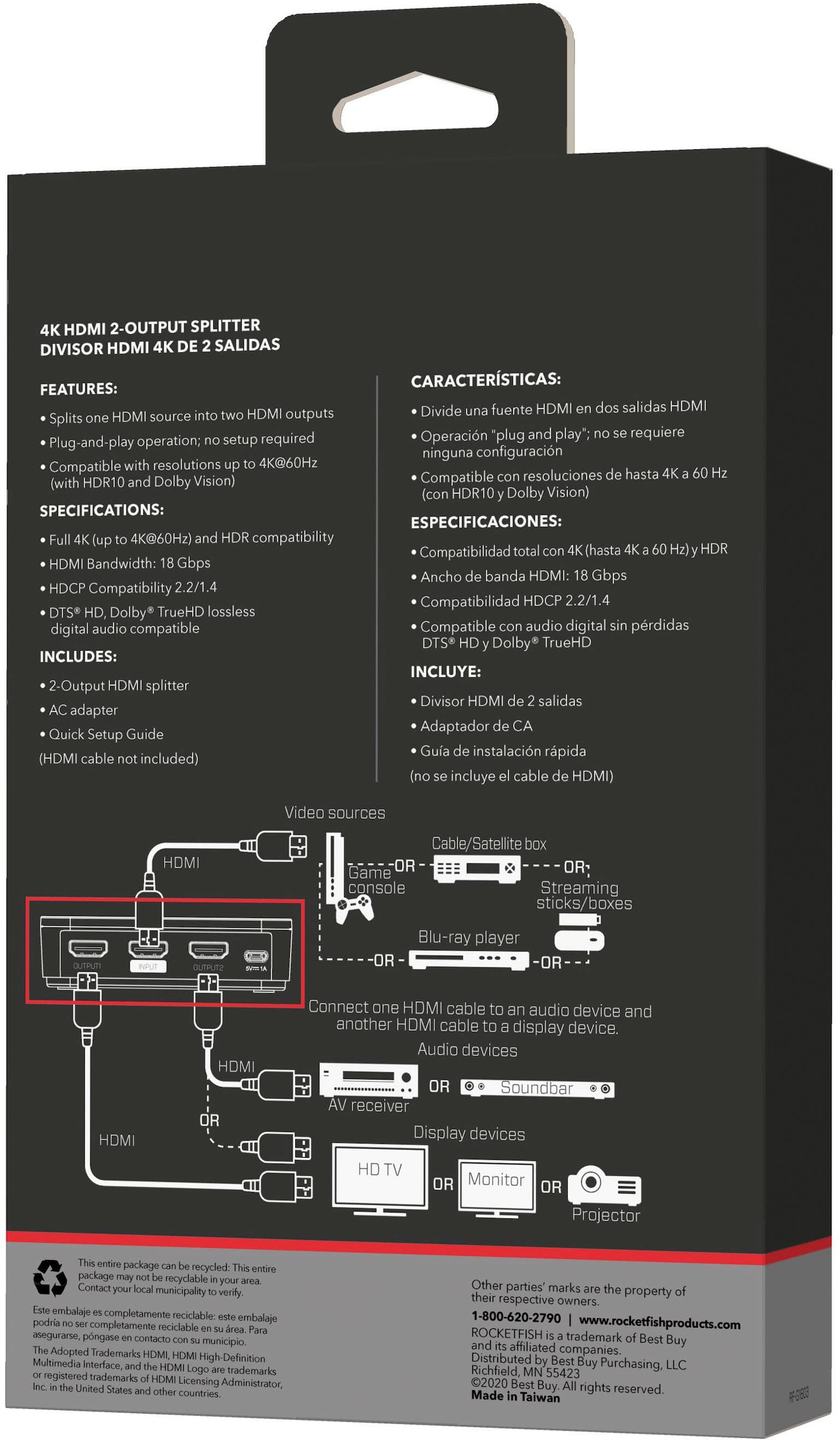
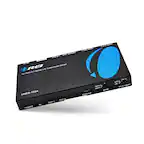
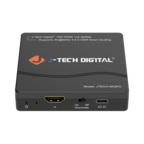
A:AnswerNO. This device takes 1 input and creates 2 outputs. It is a distribution amplifier, or a splitter, to some. To me, you are asking for an HDMI switch - 2-in, 1-out. Your question puzzles me a little and seems to be stated backwards. I will point out that a projector has inputs - it needs the output of another device. DVD players and Roku are output devices. They can take no input (except in the case of a DVD recorder). Does that make sense? It might help to think of these devices as sources and destinations. A source provides a signal. A destination is an end point for the signal, such as a display or a recorder
A:AnswerYes that will work. I am splitting the signal between 2 different monitors myself and both monitors work together and/or independently. Product works great!
A:AnswerI interpret your question to ask if you can clone the output from your PlayStation to two difference monitors. Yes, it will split (clone) the signal to two different monitors. You will need three HDMI cables. Tony
A:AnswerI wasn't familiar with either of those products but they looks like devices with an HDMI input and output. Their intended method of connection is game device(computer, console, whatever) to the input of the ElGato/AVerMedia and then the output to your monitor/TV. This splitter wouldn't be needed in that case. If you want the output from your gaming device to go to the input of the splitter then hook up one of its outputs to the input of the ElGato/AVerMedia and the other output from this splitter to your monitor/TV then it will work fine for that. It just shouldn't be necessary.
A:AnswerI'm assuming your audio equipment doesn't support HDMI 2+ and/or HDCP 2+ which is why you aren't connecting directly to it and then to the TV because you lose the 4K and/or HDR. If that's the case then it doesn't work. That's exactly what I wanted to do with it and it will work with one device or the other but not both. This splitter can only use one version of HDCP for both devices and seems to default to the higher of the two connected devices. So you'll get picture but no sound hooked up the way you describe.
A:AnswerYEAH IT WILL WORK.
I did a review on this perticular splitter and i only gave 2 stars, due to the fact the splitter i got didnt work that well when it came to quality on my tv's. I believe i simply got a bad splitter. If the splitter you purchase works like it is advertised to, you will be happy with this splitter. In your case yes it will work with your 4k and your 1080p TV's. You simply push a button to change tv's. easy hook up and pretty straight forward on how to hook it up. If for some reason it dont work, Best buy will allow you to return it. Just make sure you return it right away. Depending on your buyer status with Bestbuy, if you have made some big purchases they give you longer to return items. If you dont buy much than i believe you have about two weeks. Good luck.
A:AnswerQuestion is to clear to me. It sounds to me like your computer has an HDMI output that you send to a monitor with only 1 HDMI input. If this is the case, then you want to send 2 signals to 1 monitor input. If so, then this is the wrong device for you. The Rocketfish splitter, or distribution amplifier, has 1 input and give 2 outputs. My description above would require an HDMI switch which has 2 inputs and 1 output. Apologies if I have misunderstood your question.
A:AnswerThis device is only capable of displaying the input source exactly to both displays connected to it. So whichever device has the lower resolution will be used for both displays. From the information provided I'm going to assume that means your 34" monitor will run at whatever resolution the Oculus runs at which is probably lower.