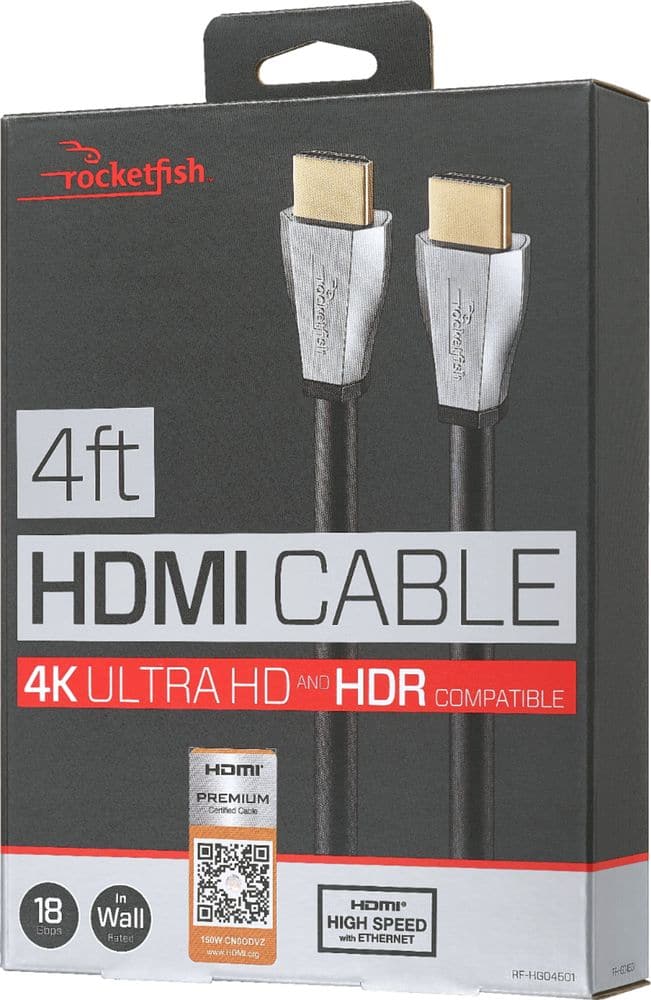
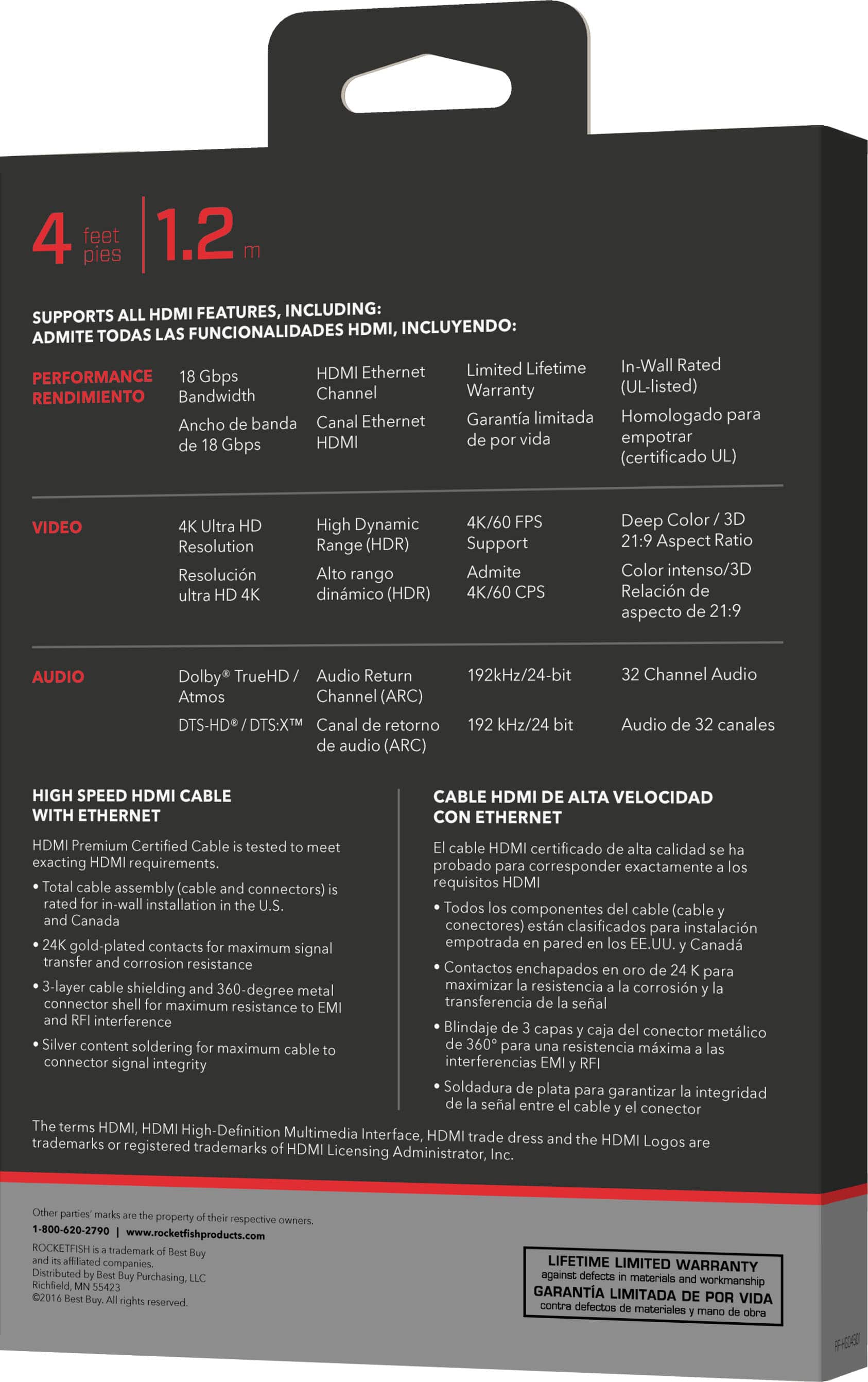
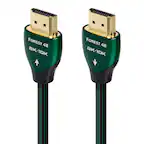
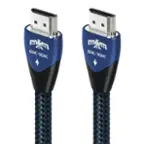
A:AnswerSo i made this same mistake. I THINK it will work, its an 18 gbps cable, which i think is just enough. However i would suggest an HDMI 2.1 (40gbps) if your monitor has a 2.1 port. Or get a displayport 1.4 (29 gbps)
A:AnswerYes, the HDMI cable should come from the arc output from your television to the sound bar not from the cable box. Look on the back of the TV set and it should have an arc or an E arc output HDMI connection. This is where you should hook up that cable for the sound bar.
A:AnswerAssuming your laptop isnt 4k at 144hz it can handle it no problem. this cable is 18 gbps, i believe it caps out around 120hz at 4k. 144hz at 1440p would be no problem.
A:AnswerThis isnt the cord you want for an 8k tv. Check your hdmi ports from your tv to your device and if its compatible with hdmi 2.1 get one of those.
A:AnswerYou can use the HDMI ports on the side of the TV for your particular application. If you’re hooking up the sound bar use the arc HDMI port on the TV to hook to the sound bar.