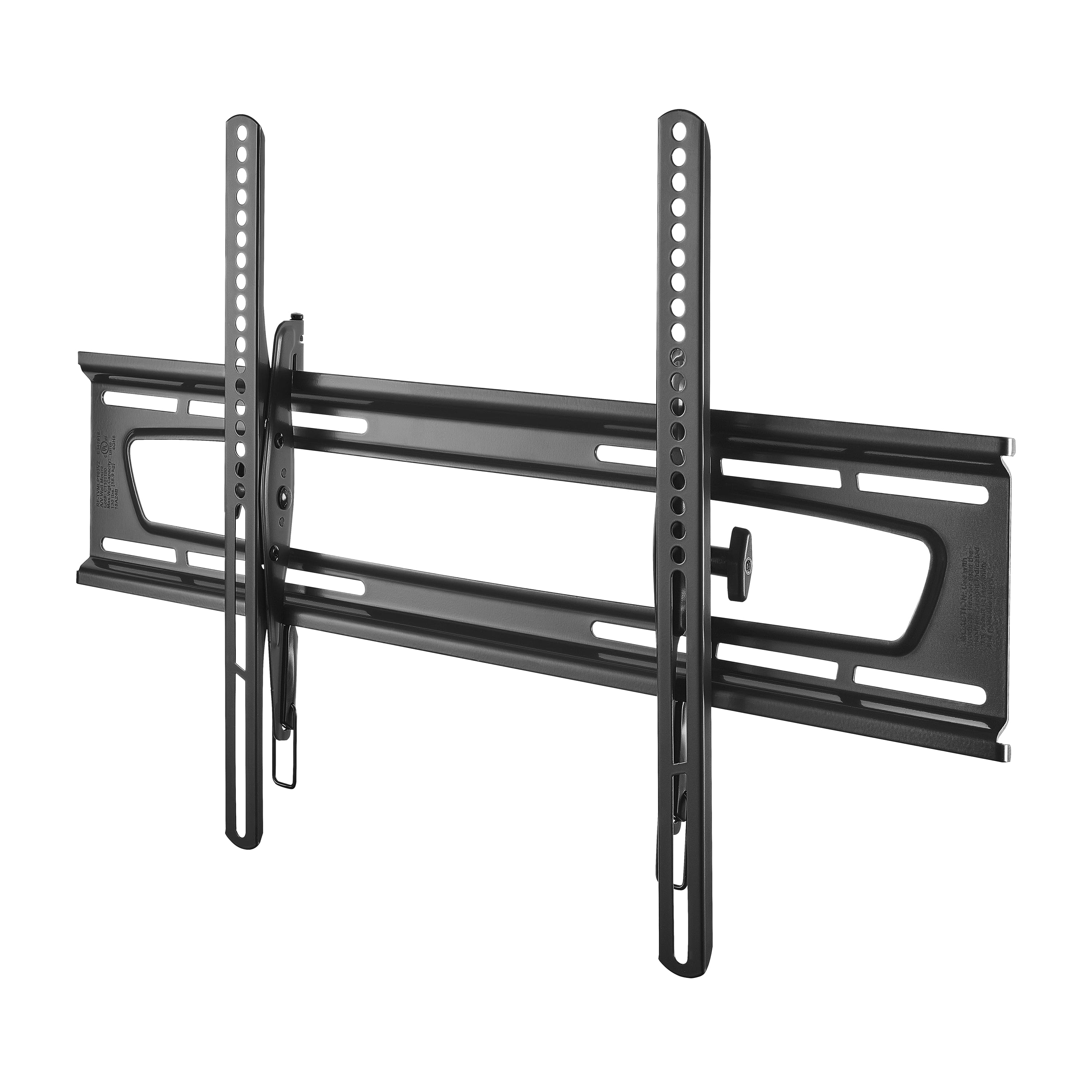
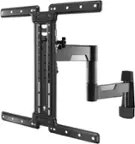
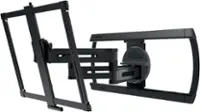
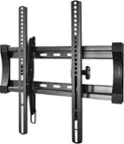
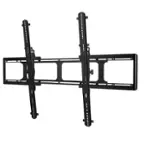
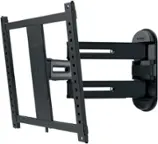
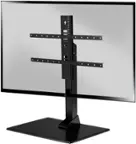
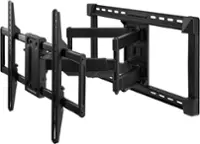
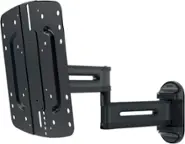
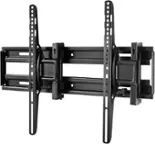
A:AnswerYou will need a stud finder, drill, level, ratchet, and Phillips head screwdriver. Also tape (for temporarily attaching the template to the wall) and a pencil for marking where to drill the holes.
A:AnswerIf your receiver is HDMI and has ARC support you don't need the optical plug. More than likely the tv supports ARC as well - ARC = Audio Return Channel. I had to look it up in the manual of my receiver to figure out how to turn it on. Aside from that - I have no idea what the back of your TV looks like and how the port is covered. Maybe drill a hole through the mount? Maybe grind away some of the obstruction till you can see what you're after? There may be a 90* optical adapter you can use...need more information to be more helpful.
A:AnswerWorked fine on new Samsung 55" 7100 series, other than interfered with optical sound cable out of back of TV and some metal had to be cut to make it work. Otherwise would imagine it would work with 60" Samsung as well
A:AnswerI had the same problem. I had to find the difference between "true level" and when the plate was level by completely mounting the TV, then measuring how far off-level the top of the TV was from the ceiling (or the bottom from the closest horizontal visual reference). Then I took the whole thing down and had to drill new holes. I assumed it was a defect in the mounting hole placement on the TV, because the mount kept coming up level without the TV on it. Once I did that, the TV was correctly leveled. (My wife thought I was crazy for going through all that. I guess I'm a little obsessive...)
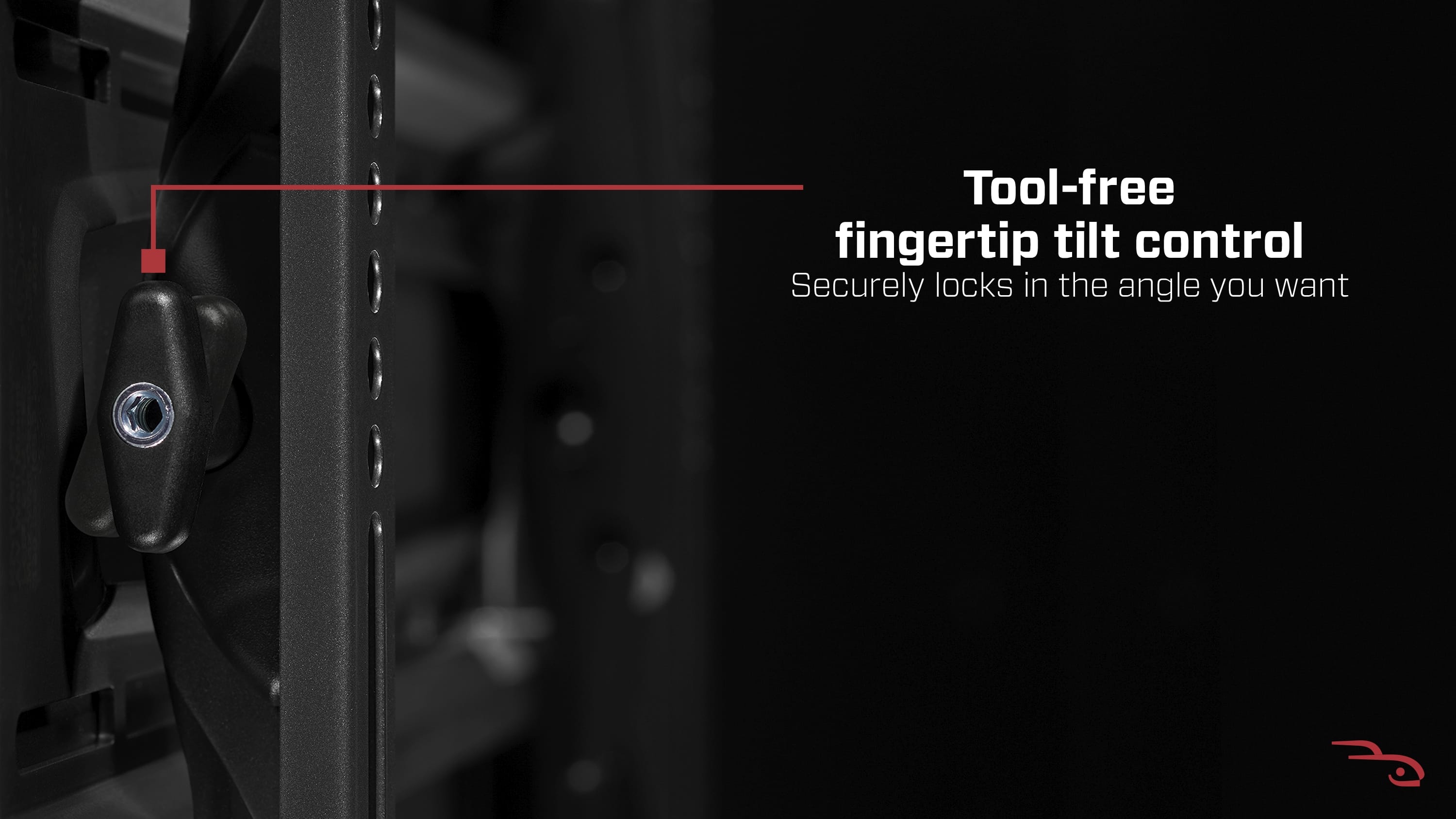
A:Answertighten the tilt screws on the tilt slide. If you cant reach figure out about where you want the tilt(look behind where your tilt is) then take your t v down tighten, then re mount.